How to Create Black Friday Ad Creatives: Turn Existing Photos into English Image and Video Ads
Is adding a discount message to an existing ad enough? Learn how to decide whether to lead with the discount or the reason to buy, based on your existing product assets, and turn them into English image and video ads.
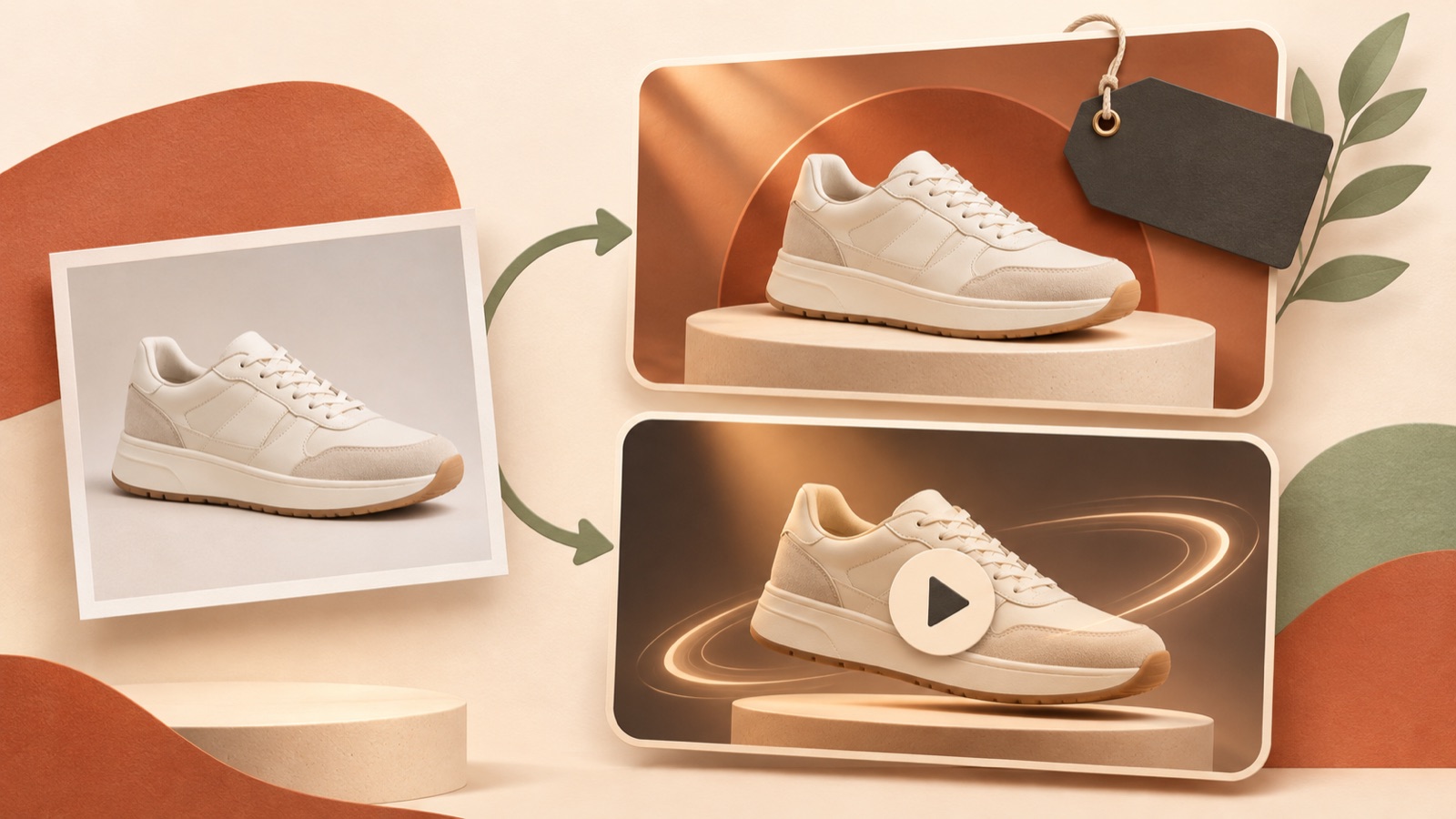
Creating Black Friday ad creatives can start with adding a discount message to an existing ad. Buyers still need to be able to understand both why they should buy the product and the terms of the promotion. If the product’s purpose is immediately clear, lead with the product and discount. If it needs explaining, lead with a use case and the reason to buy. Follow the steps below to organize your existing assets and choose reference ads, then create and review English image and video creatives in AdForge without an additional shoot.
Define the reason to buy and the promotion terms before adding discount copy
First, look at your existing ad without the promotional copy. Check whether it shows what you sell, when someone would use it, and why it is worth choosing. If all three are already clear, start by keeping the product visuals and adding the discount and promotion dates. If the ad only shows the product name, add a use case or product features before adding a discount badge. Sellers preparing for their first Black Friday also ask in real seller communities whether they should update existing creatives or make new ones.1
Finalize the promotion terms in a separate document before production. List the eligible products, discount percentage or promotional price, promotion dates, and whether a coupon code is required. The scope of your English copy must match the actual terms. If only some products are discounted, include ‘Selected items’. If the discount applies only to sets, make that clear. When including an end time, use the same time zone as the sales page. Do not add free shipping or extra perks that have not been decided just to fill a gap.
Order the discount and reason to buy around how easily the product is understood
If buyers can understand the product’s purpose from a photo alone, try the sequence ‘product and discount → reason to choose it → purchase information’. In a hypothetical example for a mug set, place an actual photo of the set alongside ‘Black Friday · 20% off mug sets’ in the opening frame. In the next scene, show the handle shape or included pieces that can be verified in your existing photos. This copy is a production example to use only if a 20% discount on mug sets has actually been confirmed. Choose a photo with enough open space so the discount number does not cover the product.
For products that need their purpose explained, start with ‘use case → reason to buy → discount and purchase information’. In a hypothetical example for a collapsible storage bin, show it folded and then opened for use before adding the confirmed promotion terms at the end. This structure gives buyers a basis for understanding the product before they see the discount. TikTok’s official materials also suggest using product introductions, demonstrations, and everyday scenes in promotional creatives.3 Use this as a way to assess whether you have assets that explain your product, rather than treating it as a formula for performance.
Choose reference ads you can recreate with your existing assets
Sort your assets into standalone product photos, photos of the product in use, and short demonstration videos. If you only have standalone photos, look at image ads that separate the product from the promotional copy. If you have footage of the product in use, video ads that show the action first can be useful references. In AdForge, you can search ads currently running in the Meta and TikTok ad libraries and see how many days they have been running. However, an ad running for a long time does not necessarily mean it is generating strong sales. For this project, prioritize whether you can recreate the opening and progression with your own assets.
After saving reference ads, examine the order of information before the decorative details. For video, you can analyze the hook, pacing, cuts, captions, voice, and music. For images, you can analyze the layout and colors. Community discussions have also raised the issue of promotional ads looking alike because they use black and red backgrounds with large discount messages.2 Instead of copying the background color, look at where the product, offer, and call to action are placed. Write fresh copy using your own product information, without borrowing another ad’s brand copy or unverified customer reviews.
Remake your reference as an English image or video ad in AdForge
Browse and save reference ads in AdForge, review the analysis, and choose an ad to remake. When entering product information, you can automatically fill it in using the product page address. Read the populated description and check the products covered by this promotion and the selling points. Then add your product photos and videos, along with the confirmed English promotional message. For image ads, use the reference layout to create three concepts with actual product photos. Compare not just the size of the discount text, but also whether the product is clearly visible and the eligible products and promotion dates are distinct.
For video ads, select English and review the AI-generated script and storyboard. Edit them yourself if they do not follow the ‘discount first’ or ‘use case first’ sequence you chose earlier. Review the result with English narration, word-synced captions, and background music. If a scene presents the product incorrectly or uses the wrong promotional copy, you can regenerate just that scene. You can produce the ad without writing the script, shooting, or editing it yourself, but you still need to review the result. You can try image ads with the free starter allowance, while video ads are available on paid plans.
- Choose a reference ad → check the product information → add actual product assets and the promotional message
- Compare three image concepts or edit the English video script and storyboard
- Check the finished ad’s product presentation and English terms → download
Check the English terms and finish two versions to compare
Review the finished ad from the perspective of a buyer seeing it for the first time. For images, check whether the product and offer are understandable together. For video, check whether viewers can follow the reason to buy and the promotion terms through captions with the sound off. Do not use expressions with different discount scopes interchangeably, such as ‘Up to 30% off’ and ‘30% off’. For a teaser ad, make the promotion’s start date clear. For an ad running during the promotion, clearly state the offer currently available. TikTok’s official guide also covers promotion teasers, offer messaging, and structures that communicate discount information through short videos.4
For your first batch, try preparing two versions that keep the same product and offer while changing the order of information. In a hypothetical example featuring the same storage bin, the first version could open with a product photo and discount, while the second opens with the bin being unfolded for use. These are creative approaches for comparing which explanation sequence fits; they do not guarantee performance. Check your rights to use the uploaded assets and review the finished ads before downloading. Upload the ads, configure and run campaigns, and check performance yourself in your existing ad management tools. Having two ways to explain the product for your first promotion also gives you a clear starting point for improving the next creative.
Key takeaways
Start your first Black Friday ad by deciding whether the discount or the reason to buy should come first, based on how easily the product is understood. Choose a reference ad you can recreate with your existing assets, remake it as an English image or video ad in AdForge, and finalize it against the actual promotion terms.
FAQ
Can I just add a Black Friday discount message to an existing ad?
Yes, if the existing creative already makes the product’s purpose and reason to buy clear enough. Place the discount copy so it does not cover the product or key explanation, and make sure the eligible products and dates match the actual promotion terms.
Can I get started with product photos alone, without footage of the product in use?
Yes. Start by choosing an image layout that shows the product photos and promotion terms separately. In AdForge, you can create three image concepts using actual product photos and the layout of a reference ad.
What should an English ad include besides the discount percentage?
Communicate why buyers should choose the product and which products the discount applies to. Include purchase requirements such as promotion dates and coupon codes according to how the promotion actually works, and check that they match the sales page.
Are ads created in AdForge automatically uploaded to Meta or TikTok?
Automatic ad deployment is not available yet. You need to download the reviewed creatives and upload them to your ad account yourself. Configure and run campaigns and check performance in your existing ad management tools.
Related reading
- 5 Tools and Workflows for Creating Hospital Reels: Veo, Vrew, and AdForge Compared
- How to Create Video Ads from App Screens: English Ads for TikTok and Reels
Make your next ad with AdForge
AdForge (ad-forge.io) is an ad remake app: pick an ad you like and rebuild it as a video or image ad for your own product. Find references in the Meta and TikTok ad libraries, let AdForge write the script, AI narration and captions, then review and download. Every account starts with 12 free image ads.