5 Tools and Workflows for Creating Hospital Reels: Veo, Vrew, and AdForge Compared
If you have hospital photos and footage, first decide how much editing you want to handle yourself before deciding what new content to generate. Compare three tools and two production workflows, then follow the steps to create a draft Reel introducing your hospital.
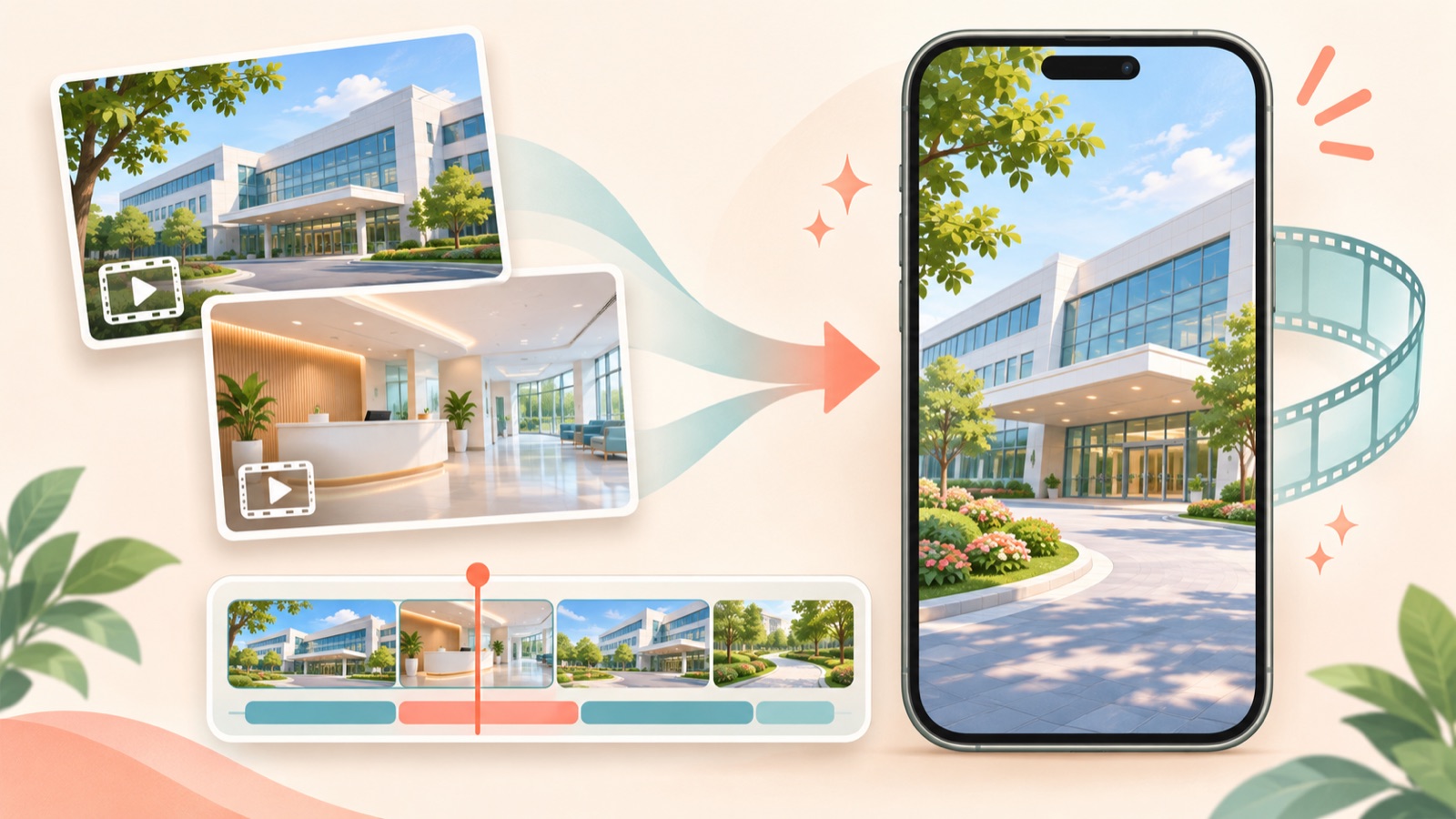
These recommendations for hospital Reels tools are based on how they use existing assets, how much of the narration and caption work they handle, and what you will need to edit yourself. Consider AdForge to create an ad draft from hospital photos and footage, Vrew to refine cuts and captions yourself, and Veo when you need new video scenes. Because Veo is a video generation model that includes audio, it helps to distinguish between producing a complete hospital introduction and generating individual scenes when choosing a tool.2 Below are three tools and two production workflows.
1. AdForge — Create a Reel Draft from Existing Assets and Reference Ads
AdForge is our service, and we run this blog. It is an ad remake app that creates new video and image ads using the opening scene, progression, visual layout, and call to action of an ad you like as a reference. It suits marketers who have hospital photos, footage, and an introductory message and want to prepare a draft without writing a script, filming, or editing themselves. You can edit the AI-written script and storyboard, and the app adds Korean AI narration, captions, and background music.
Start by searching for Meta and TikTok ads in the ad library and saving ads to use as references. Review the analysis of each saved ad’s hook, pacing, cuts, and captions, then choose a structure you can support with your hospital assets. Next, at the product information step, enter an introduction to the hospital and the message you want to convey, then upload hospital photos and footage you have permission to use. Correct any descriptions in the generated script and storyboard that do not match the actual assets, produce the video in Korean, then check the narration, captions, and scenes on the results screen before downloading.
As a hypothetical example, to create a Reel guiding first-time visitors, you could prepare an exterior photo, entrance footage, and a waiting area photo, and use “the route to follow on your first visit” as the message. When reviewing the draft, first check that the descriptions match the locations in the photos. You can also regenerate just one scene. Video ads require a paid plan, however, and you must upload the finished creative to your ad account, run it, and check performance yourself using your existing ad management tools.
2. Vrew — Edit Cuts, Voice, and Captions Yourself
Vrew is a video editing tool with automatic captions, AI voices, text-to-video creation, cut editing, and short-form templates.3 It suits teams that have already filmed the hospital interior or visitor route and want the person in charge to decide the scene order and explanatory text. The deciding factor is how much editing you want to take on, rather than how much footage you have. It is worth considering if your team can handle writing a short script and selecting cuts.
As a hypothetical example, if you are editing footage of the route from the hospital entrance to the reception desk, remove unnecessary stretches of walking and include only the guidance needed at each point. You can use Vrew’s cut editing, automatic captions, and AI voices.3 The advantage is that the person in charge can refine the cuts and explanations directly. The limitation is that the corresponding structural decisions and editing work still remain. Before paying, test whether you can create the sequence and captions you want with one piece of existing footage.
3. Veo — Consider It When You Need New Video Scenes
Veo is a model that generates video with audio and is available through Gemini and Flow.2 It is worth considering for marketers who want to create new scenes for hospital Reels. However, distinguish that scope of work from the request to “upload hospital photos and get a finished video with introductory narration and captions.” The official descriptions reviewed here cover the video generation model and how to access it, so that evidence alone is insufficient to conclude that it can handle editing an entire ad.
There is also a real marketer’s question asking whether Veo3 is suitable for creating hospital Reels before paying for it.1 The practical response is to first write down which scenes are missing. As a hypothetical example, you could consider a generation tool if you need an abstract mood-setting scene before an explanation. If the purpose is to show the actual hospital space and visitor route, however, start by organizing your existing photos and footage. Evaluate the benefits of generating new scenes separately from the requirement to introduce the actual hospital accurately.
4. Veo + Vrew — Edit Generated Scenes Yourself to Finish the Video
This workflow assigns new scene generation and final editing to separate tools. Veo provides video generation with audio, while Vrew offers cut editing, automatic captions, and AI voices.23 It suits teams that want to combine generated footage with actual hospital assets and have someone who can assemble the final scene sequence. This does not mean the two tools connect automatically; it is an option for splitting the work between them.
As a hypothetical example, if you are planning a Reel with the message “Check the location before your visit,” treat a generated scene as a possible opening and use actual exterior and entrance footage for the directions. First decide what you want to say, generate only the scenes you need, then join them with the actual footage during editing. The advantage is that you can assess scene generation and editing separately. The limitation is that you need to check results in two tools. If your existing assets cover the full explanation, consider using Vrew alone first.
5. AdForge + Vrew — Separate the Ad Draft from Detailed Editing
This workflow uses a reference ad to create the full draft, then refines the downloaded result in a separate editing step. After creating a video in AdForge from hospital assets and messaging, including a script, storyboard, narration, and captions, you can consider Vrew’s cut editing and other features if additional editing is needed.3 It suits teams that want to review a creative draft quickly while keeping the person in charge involved in the final cut structure. This recommendation does not assume automatic integration between the two services.
First, edit the script and storyboard within AdForge and try regenerating only the scenes that need it. Adding Vrew when editing needs remain unresolved at that stage is a sensible sequence. The advantage is that reviewing the draft lets you define the remaining editing tasks in concrete terms. The limitation is that you need to check whether the exported video’s captions and voice can be handled the way you want in a separate editing tool. Complete one draft using the same hospital assets and message, then decide how much to adopt based on the work your team actually has left.
Key takeaways
Consider AdForge to turn hospital photos and footage into an ad draft, Vrew to edit cuts and captions yourself, and Veo when you need new video scenes. Complete one Reel using the same assets, then choose based on how much work remains for the person in charge to make your adoption criteria clear.
FAQ
Can I finish a hospital introduction Reel just by paying for Veo3?
The official descriptions reviewed identify Veo as a video generation model that includes audio.2 You need to check separately whether it can deliver the introductory narration, captions, and final editing in the way you want. First decide whether you need new scenes.
Can I start with only hospital photos and no filmed footage?
With AdForge, you can start creating a video ad by providing photos you have permission to use and an introductory message. Review the script, storyboard, and output to ensure they do not describe facilities or situations absent from the photos.
Which should I consider first, Vrew or AdForge?
Consider AdForge first if you want to create a complete ad draft based on a reference ad, or Vrew if you want to refine the scene order, cuts, and captions yourself. Vrew offers cut editing, automatic captions, and AI voices.3
Are hospital Reels completed in AdForge automatically launched as ads?
Automatic ad launching is not available yet. After reviewing and downloading the output, you need to upload it to your ad account yourself. Use your existing ad management tools for campaign setup, ad delivery, and performance tracking.
Make your next ad with AdForge
AdForge (ad-forge.io) is an ad remake app: pick an ad you like and rebuild it as a video or image ad for your own product. Find references in the Meta and TikTok ad libraries, let AdForge write the script, AI narration and captions, then review and download. Every account starts with 12 free image ads.