How to Create a Dog Grooming Video Ad: English Copy for Grooming-Only Bookings
If your grooming salon is inside a daycare facility, explain the booking requirements before promoting a discount. Here is how to use existing bathing and grooming footage and finished-look photos to create an English ad that makes it clear customers can book grooming on its own.
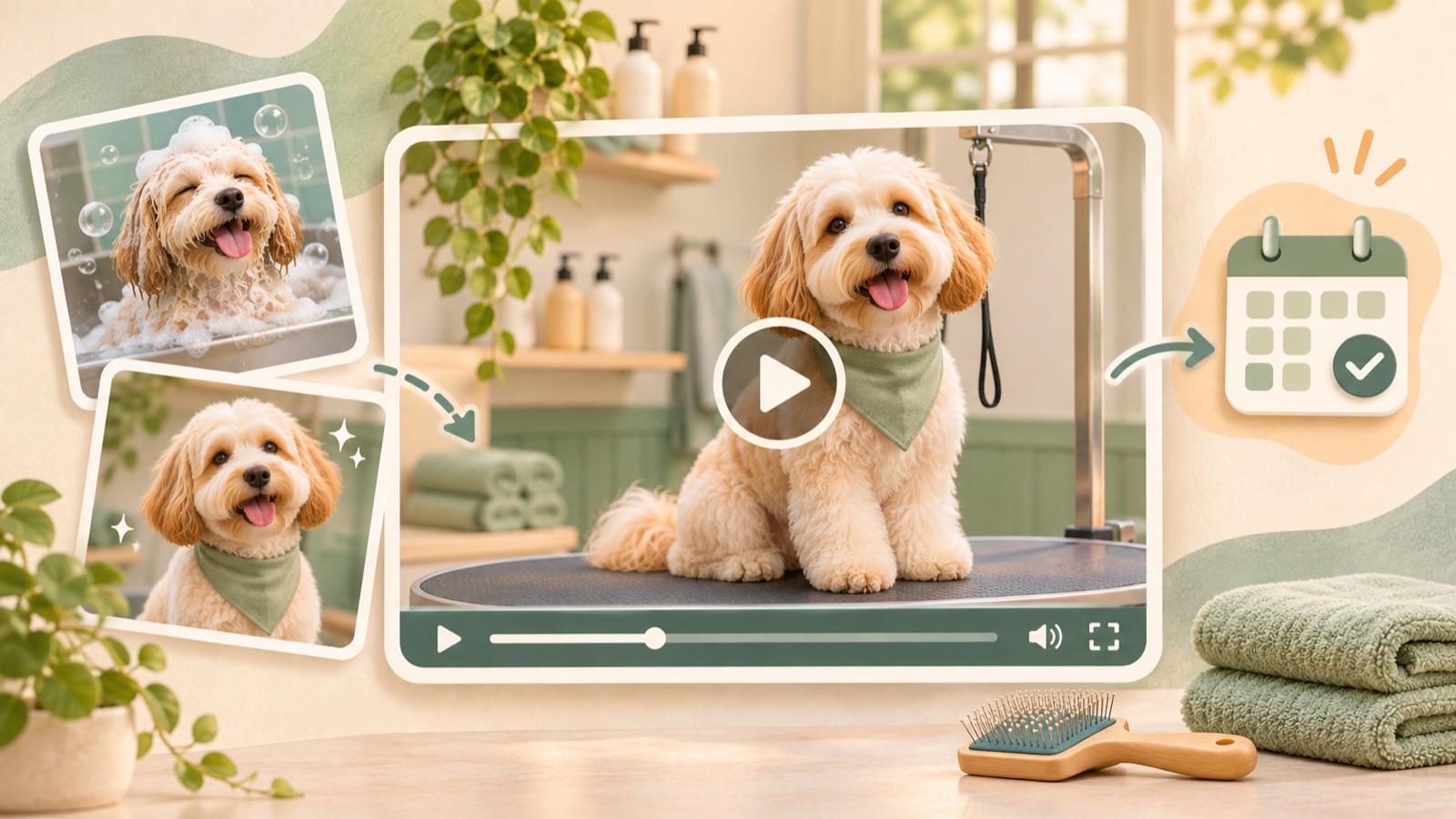
When creating a dog grooming video ad, the first question to answer is, “Can I book without using daycare?” If you accept grooming-only bookings, open with “Dog grooming. No daycare booking required.” Then follow with the grooming process, the finished look, and booking instructions. You can prepare this sequence using existing bathing and grooming footage and finished-look photos. Below, we use a hypothetical business example to explain how to choose the English copy and turn it into a video in AdForge.
Clarify grooming-only booking requirements before promoting a discount
When a grooming salon is inside a daycare facility, even people familiar with the facility may misunderstand who can book grooming. In an actual post about dog grooming, an operator shared concerns that people seemed unaware of the grooming service or assumed only dogs attending daycare could book. The post also mentions trying discount ads, but this example alone cannot establish the effectiveness of discounts or any particular advertising approach.1
Before writing your ad copy, put the following in one document: whether grooming can be booked on its own, the services offered, operating days, and how to book. The hypothetical example in this article assumes a facility where grooming can be booked without a daycare reservation. If that applies, use “No daycare booking required.” If grooming also requires a separate registration process, include that process in the booking instructions. The guiding principle is to avoid making “no daycare booking required” sound as though there are no other requirements.
Choose existing assets in the order you want to explain the service
Choose your assets in this order: service introduction, the actual grooming process, the finished look, and booking instructions. Open with a shot that clearly shows a dog being groomed or the grooming space. Follow with work you actually provide, such as bathing or coat trimming, and finish with a photo of the completed groom. Opening with an exterior view of the facility or dogs playing in daycare may bring daycare services to mind first, so check whether each scene fits the question this ad needs to answer.
Comments on the original post suggest showing the actual grooming process and setting. These are ideas for structuring the creative, not verified evidence of performance.1 From your existing footage, choose clips where the work is easy to recognize, and pair finished-look photos only with services actually provided. For example, do not add copy that makes a bathing scene sound as though it includes a full haircut. Check that you have permission to use the photos and videos you upload, and do not create scenes showing services you do not offer just to fill gaps in your footage.
Match the English script to the booking requirements and scenes
TikTok's official advertising guide explains opening hooks, a narrative that connects a problem with a solution, and the use of captions and on-screen text. These principles can inform this script's structure, but they do not establish that the same structure will perform equally well on Facebook.2 Here, use the answer “you can book grooming on its own” as the hook instead of a strong discount message. Put the same information in the opening scene's on-screen text so viewers can understand the requirement without listening.
A hypothetical script could run as follows. Use “Dog grooming. No daycare booking required.” over a grooming scene, “Bathing and grooming at our facility.” over a bathing scene, “Ready for a fresh look?” over a finished-look photo, and “Contact us to book a grooming appointment.” on the final screen. Use this copy only if you actually offer both bathing and grooming. The last sentence is an example for businesses that take bookings through inquiries, so if your facility accepts online bookings, change it to match the actual booking action.
Build the video in AdForge using reference ads and your own assets
In AdForge, open the reference selection screen and search for active ads in the Meta and TikTok ad libraries. Start with “dog grooming,” and if you need more references, also look at ads from other industries that explain their services clearly. In the analysis of your saved ads, review the opening hook, pacing, shots, and captions. For this video, choose a structure that moves from introducing the service to showing the process and results. Do not judge an ad's performance solely by the number of days it is shown as having run.
On the screen for adding assets to your remake, upload your actual bathing and grooming footage and finished-look photos. In the product and service information, enter the grooming-only booking requirements, services offered, actual operating days, and booking method. Set the production language to English, then review and edit the generated script and storyboard to match the scene order and copy you prepared earlier. Review the result with AI narration, word-level captions, and background music, and regenerate only the scenes that have problems. Video production is a paid-plan feature.
Check that the finished video leads to booking, then plan your next creative
Watch the resulting video with the sound off first. Check whether the opening screen clearly identifies it as a dog grooming ad, whether the text saying no daycare booking is required is readable, and whether viewers are left with booking instructions at the end. Then turn the sound on and compare the English narration with the captions to make sure they state the same requirements. Also compare the dogs' appearance and the work shown in the AdForge output against the original assets. If operating days or booking requirements are missing, revise the script and storyboard, then check the result again.
Download the finished creative and upload it directly to your ad account. Use your existing ad management tools to set up and run the campaign and review performance. For your first follow-up creative, you could keep the grooming process and booking instructions while changing only the opening line to “Need grooming without daycare?” When inquiries come in, record whether people still ask if grooming can be booked on its own. If that question persists, it gives you a reason to revisit the wording and the scenes in which it appears. This ad is complete when viewers can determine whether they can book grooming for their own dog and know what to do next.
Key takeaways
If your facility accepts grooming-only bookings, state that in English in the opening scene. Connect actual grooming footage with finished-look photos to explain the service, review the script, storyboard, and output in AdForge, then include booking instructions and download the video.
FAQ
Where should I put a new-customer discount?
Use it as supporting copy after explaining the grooming-only booking requirements and service details. Promote only discounts you actually offer, and accurately state who qualifies and the conditions that apply.
Should I hide the fact that the salon is inside a daycare facility?
Describe the location accurately. Expressing the location inside a daycare facility separately from the fact that no daycare booking is required makes the distinction easier to understand.
Can I make the video with only bathing footage and finished-look photos?
Build the video around the services those assets can show. Show the bathing process and follow it with finished-look photos, but do not claim that work was performed if it was not filmed or is not a service you offer.
Can AdForge also run my Facebook ads?
There is currently no feature for automatically running ads through your ad account. Download the finished video and upload it yourself, then use your existing ad management tools to run the ads and review performance.
Related reading
Make your next ad with AdForge
AdForge (ad-forge.io) is an ad remake app: pick an ad you like and rebuild it as a video or image ad for your own product. Find references in the Meta and TikTok ad libraries, let AdForge write the script, AI narration and captions, then review and download. Every account starts with 12 free image ads.