Best MiriCanvas Alternatives for Ad Creation: 3 Tools Compared and How to Choose for Your Deadline
When MiriCanvas downloads are delayed, compare tools for creating new ads with the product photos and copy you already have. Choose based on whether you need a new layout or need to build an approved one.
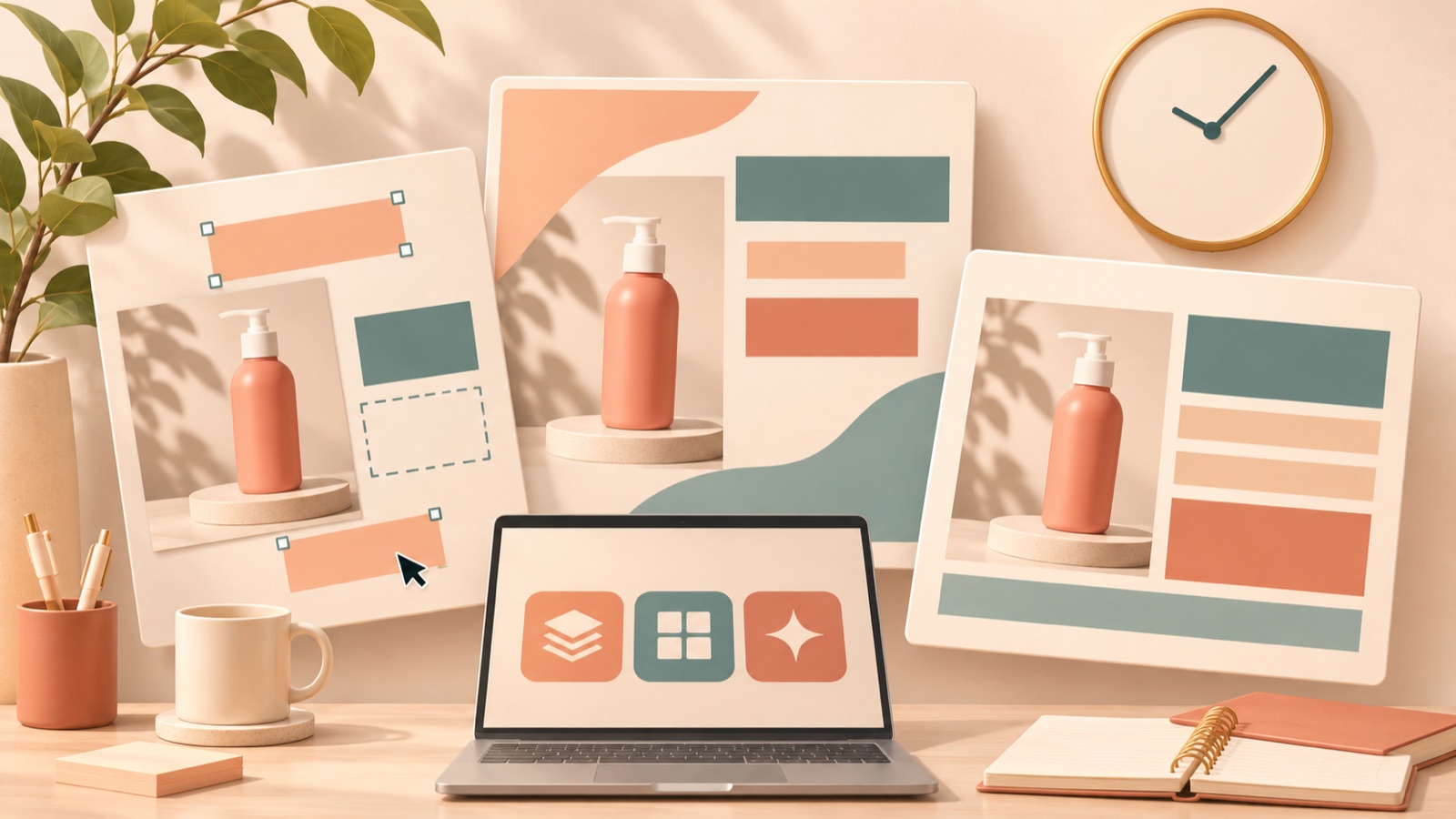
If MiriCanvas downloads are delayed and you need to create a new banner in another tool, choose AdForge to develop a layout from a reference ad, or Canva or Adobe Express to position photos and text yourself. The selection criteria are whether you can start with your existing photos and copy, how you decide on the layout, and how you obtain the finished file. Below, we compare three tools, then explain how to choose when you urgently need one banner or have multiple versions to deliver.
1. AdForge — Create a New Layout with a Reference Ad and Product Photos
AdForge is our service, and we run this blog. It is an ad remake app that creates new ads by combining an ad you like with your own product photos and message. For image ads, it follows the reference ad’s layout and uses actual product photos to generate three concepts at once. It suits marketers who have photos and copy but have not settled on a layout. Its advantage is that you can start production by choosing a layout to work from. However, we are not presenting it as a way to import existing MiriCanvas projects or resolve download issues.
When choosing a reference, select a layout that works with your product photos. At the product information step, upload your product photos and enter the reasons to buy and the copy you want to use. You can also automatically fill in product information using a product page address. Generate three concepts in the image ad creation step, then review the product’s shape, copy, and price when checking the results. Download the results you want to use and open the actual files to decide which to deliver. You also need to confirm that you have the rights to use the photos you upload.
2. Canva — Build the Photo and Text Layout You Have Already Planned
Canva is a tool for editing a banner’s images, text, and layout and downloading the finished image.2 It suits marketers who want to decide exactly where product photos go and how large the promotional copy should be. Its advantage is that you can bring specific layout decisions into the design as you work. Its limitation is that if the overall composition has not been decided, the person creating the banner must first determine the information hierarchy. The process for deciding the layout differs from AdForge, which provides concepts based on a reference ad.
As a hypothetical example, suppose a kitchenware retailer has approved a delivery brief specifying “product on the left, promotional copy on the right.” In this case, adding the product photo and approved copy and editing them into the specified positions is more suitable than receiving several new layouts. In Canva, you can edit images, text, and layouts, then download the image.2 Open the first file and check even the small text before continuing with the remaining work. The key is to decide upfront whether to spend your time choosing a composition or implementing a layout.
3. Adobe Express — Create from Templates and Revise Saved Projects
Adobe Express is a tool for creating banners by adding your own images and copy to templates and downloading them as JPG or PNG files. You can also edit saved projects again.3 It suits marketers who want to start from a template and need a project they can return to for copy changes after delivery. Its advantage is that it offers verified download formats and a way to revise projects. However, even after selecting a template, you still need to make editing decisions about the relative emphasis of photos and copy.
As a hypothetical example, suppose the product photo for a household goods promotion banner is finalized, but the promotion’s end date may change later. First, choose a template and add the photo and currently approved copy to create an initial version. Once the change is confirmed, you can edit the saved project again and obtain a JPG or PNG file.3 This feature alone does not establish that Adobe Express is better than Canva for repeated revisions. When choosing, consider both the editing workflow you are familiar with and the file format required by the recipient.
4. Urgent Delivery of One Banner — Choose the Tool That Leaves the Fewest Decisions
When you urgently need one banner, choose based on what has already been finalized, rather than the number of features. If you only have photos and copy ready, you can consider AdForge to establish a layout from a reference ad. If you already have an approved layout, the direct editing workflows in Canva or Adobe Express provide a starting point.23 This approach suits marketers who urgently need their first delivery file. Its advantage is that it reduces unnecessary tool comparisons; its limitation is that it cannot eliminate the time needed to learn a new tool.
A summary of a past conversation among marketers mentions looking for an alternative tool because MiriCanvas image downloads were delayed. This is not evidence that the same issue is still ongoing.1 Instead of assuming that a particular service will always be faster, complete one banner in your chosen tool and obtain the file. As a hypothetical example, if you need one promotional banner today, first create a finished version using one photo and approved promotional copy. Checking that file before allocating time to additional concepts will help you assess the deadline.
5. Producing Multiple Deliverables — First Define What Changes and What Needs Approval
If you need to deliver multiple banners, distinguish between the number of new layouts and the number of copy variations. If the goal is to review different layouts, AdForge’s three image concepts provide a starting point. If the goal is to keep the layout and change only prices or informational copy, choose a tool based on the work you need to edit directly. This approach suits marketers managing multiple products or promotional versions. Its advantage is that it defines the scope of the required deliverables first. Its limitation is that even after choosing a production tool, you still need to manage copy and approved versions separately.
As a hypothetical example, suppose you are delivering an ongoing sales version and a weekend promotion version for the same product. First, finalize the differences in price, dates, and calls to action. If the layouts also need to differ, review new concepts; if only the copy differs, edit the approved composition. Adobe Express supports editing saved projects again.3 Consider using two tools together when the purposes genuinely differ, such as implementing an approved layout and developing a new composition. There is no need to start by creating the same ad twice simply to have an alternative available.
Key takeaways
Choose a MiriCanvas alternative based on the work that remains. Consider AdForge if you need a new layout, or Canva or Adobe Express if you want to edit a predefined composition directly. For one urgent banner, prioritize obtaining the first file. For multiple deliverables, define the production scope by distinguishing layout changes from copy changes.
FAQ
Where should I start when choosing a MiriCanvas alternative for banners?
If the layout is undecided, consider AdForge, which creates three image concepts using a reference ad and product photos. If you want to build a predefined layout yourself, Canva and Adobe Express are options. Both tools support creating banners by editing your own images and copy.23
Does this let me transfer an existing MiriCanvas project as it is?
This article explains how to create a new ad in another tool using original product photos and approved copy. We do not provide guidance on transferring existing projects because we have no verified evidence of that capability. If the same layout is essential, include the time needed to recreate it in your delivery schedule.
Can I start creating AdForge image ads for free?
Every account starts with 12 free image ads made with your own product photos. No card is required, and the free allowance does not replenish. Review the results, then download the images you want to use.
Will using another tool let me deliver without download delays?
There is no evidence to guarantee download speeds or uninterrupted availability for any of these tools. Download and open the first image before assessing the time needed for the remaining work. Adobe Express’s support for JPG and PNG downloads has been verified, but file format support does not indicate download speed.3
Related reading
Make your next ad with AdForge
AdForge (ad-forge.io) is an ad remake app: pick an ad you like and rebuild it as a video or image ad for your own product. Find references in the Meta and TikTok ad libraries, let AdForge write the script, AI narration and captions, then review and download. Every account starts with 12 free image ads.