How to Make Law Firm Video Ads in English Using Office Photos, Without Appearing on Camera
You can create English video ads using office photos and reviewed service descriptions, without putting a lawyer on camera. Here is how to turn one question people ask before a consultation into a script, voiceover, captions, and consultation instructions.
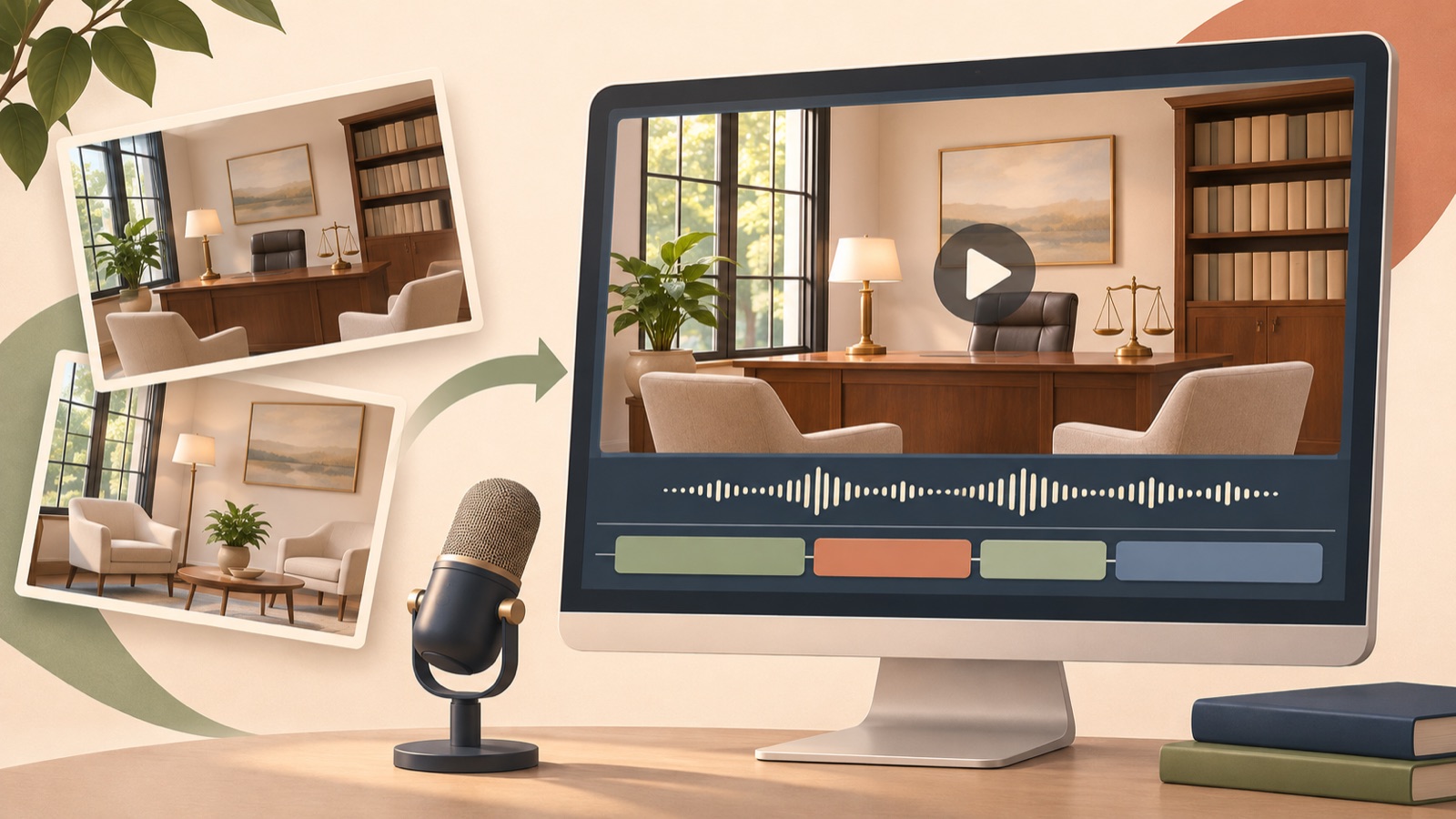
You can make law firm video ads without having a lawyer appear on camera. Prepare office photos you have permission to use and reviewed service descriptions, then structure one question people ask before a consultation as an opening question→service explanation→consultation instructions. In AdForge, you can choose a reference ad, turn it into a video with an English script, voiceover, and captions, then review and download it. There are also real examples of law firm advertisers asking how to expand from image ads into videos without on-camera appearances and with AI voiceovers.1 In this article, we will complete one hypothetical ad that explains how an initial consultation works, rather than explaining the law.
Choose one question people ask before a consultation and confirm the actual answer
For your first video, narrow the topic to one question that makes people hesitate to book a consultation, rather than introducing the entire firm. The hypothetical example in this article is a family law firm's answer to “What do we discuss during the first consultation?” The advertiser checks the actual sequence with the person who handles consultations and obtains only explanations that can be shared in an ad. Separating the services offered, the consultation format, and the information provided after booking makes it easier to decide which answers belong in the video and which details belong on the consultation page.
Choose photos that illustrate that answer. For example, use the office entrance for the opening scene, an empty consultation room for the explanation, and an overall view of the office for the final scene. Team photos can be an alternative to filming people on camera, but prepare only images for which you have confirmed the people pictured have consented to advertising use. Exclude consultation room photos that show client names or case documents. Write down which explanation each photo will accompany so you can more easily match the script to the scenes later.
Choose how the reference ad connects its question to its explanation
Choose a reference ad with a structure you can recreate using your own materials. Find active ads in AdForge's Meta and TikTok ad search interface, and save a video that starts with a question and moves into an explanation and a call to action. Review the saved video's analysis of its hook, pacing, cuts, captions, voice, and music, and identify where your office photos could fit. An ad that relies heavily on facial expressions or live demonstrations will be difficult to adapt to the materials for this video.
TikTok's official materials explain the hook→body→call-to-action structure and the roles of voiceover and on-screen text.2 Applied to this concept, the opening can present a question people have before a consultation, the body can explain the actual consultation process, and the ending can explain how to book. Borrow only this way of connecting the elements, without copying the reference ad's wording or case examples. Even if you can see how long an ad has been running, do not take that alone as evidence that it converts well into consultations.
Match the English script to the role of each photo first
The following is a hypothetical script to revise against the firm's actual services. Place the question “What happens during a first family law consultation?” over the office entrance photo. For the consultation room photo, explain, “We start by listening to your situation and what you want to discuss.” On the final overall office photo, place “Contact our office to ask about scheduling a consultation.” Give each scene one role so listeners understand what the first consultation is like and what to do next.
Use this script only if it matches the process the firm actually provides. Change the wording if there is a screening process before booking or if the consultation format differs. You can keep the on-screen text short and focused, with phrases such as “Your first consultation,” “Discuss your situation,” and “Ask about scheduling,” while using the voiceover to explain their meaning in more detail. Do not add promises about consultation fees or outcomes that are not in your materials, and have an English-language reviewer check the practice terminology and the pronunciation of the firm's name.
Add your photos in AdForge and create an English video
Select your saved reference in AdForge and proceed to create a new video ad. At the product and service information step, enter the firm's reviewed service description and the question for this ad. If you used the feature that automatically fills in information from a product page address, first check that the populated information fits this law firm ad. At the upload step, add your prepared office photos and describe each photo's purpose in the message. For example, specify: “Use the entrance photo for the opening question, the consultation room photo to explain the process, and the overall office photo for consultation instructions.”
Choose English as the production language and review the AI-generated script and storyboard. Check that the wording you prepared matches the actual consultation process, and edit it yourself. AdForge adds an AI voiceover, word-level synchronized captions, and background music. When reviewing the result, check that the photos match the explanations, that the English pronunciation sounds natural, and that the captions do not cover important parts of the photos. You can regenerate individual scenes that feel awkward. Video creation is available on paid plans; review the finished video before downloading it.
Choose your first video to run alongside your image ads
Upload the downloaded video directly to your existing ad management tool. AdForge does not yet automatically run ads through ad accounts, so use your existing tool for campaign setup and performance tracking as well. It helps to write down the first video's purpose as “Explain the process to people who want to know how a consultation works before booking.” Make sure the linked consultation page provides the same process and booking instructions, which can reduce confusion caused by encountering a different explanation after watching the ad.
For the first comparison, decide what you want to learn from a question-led opening versus an informational opening. For example, compare “What happens during a first consultation?” with “Here is how your first consultation begins.” while keeping the rest of the explanation and consultation instructions the same. In AdForge, you can regenerate the scenes you need to prepare follow-up creative. Decide in advance which metrics to check in your existing ad management tool and how long to run the comparison. When inquiries come in, also look at which explanation in the ad prompted people to get in touch. Use those responses to choose the topic for your next video.
Key takeaways
Start a law firm video without on-camera appearances with one question people ask before a consultation and the actual consultation process. Arrange office photos you have permission to use scene by scene, then create an English script, voiceover, and captions in AdForge, review the video, and download it. Use responses to the first video to decide which question to explain next.
FAQ
Can I make a video without photos of lawyers' faces or the team?
Yes. Add English voiceover and captions to photos of the office entrance, consultation room, and overall office that you have permission to use. First decide whether each photo will serve as the question, explanation, or consultation instructions.
Do I need to finish the English script myself?
AdForge creates the script and storyboard, and you can edit them yourself. The person responsible should check that they match the actual services and review the pronunciation of the firm's name and the practice terminology.
Can I simply read out the copy from an existing image ad?
You can reuse the core message. However, it is easier to understand if you divide the information that appeared together on one screen into an opening question, a service explanation, and consultation instructions, and pair each sentence with a suitable photo.
Does AdForge also run the finished video ad and track its performance?
No. You need to download the finished creative and upload it directly to your ad account. Use your existing ad management tool for campaign setup, delivery, and performance tracking.
Related reading
Make your next ad with AdForge
AdForge (ad-forge.io) is an ad remake app: pick an ad you like and rebuild it as a video or image ad for your own product. Find references in the Meta and TikTok ad libraries, let AdForge write the script, AI narration and captions, then review and download. Every account starts with 12 free image ads.