5 English Conversation Ad Banner Examples for Working Adults: Japanese Copy and Photo Layouts
Use everyday photos to encourage a return to learning, support details to show how learners can keep going, and lesson materials to guide beginners. Explore Japanese copy and photo layouts in five hypothetical banners, then follow the steps to create concepts with AdForge.
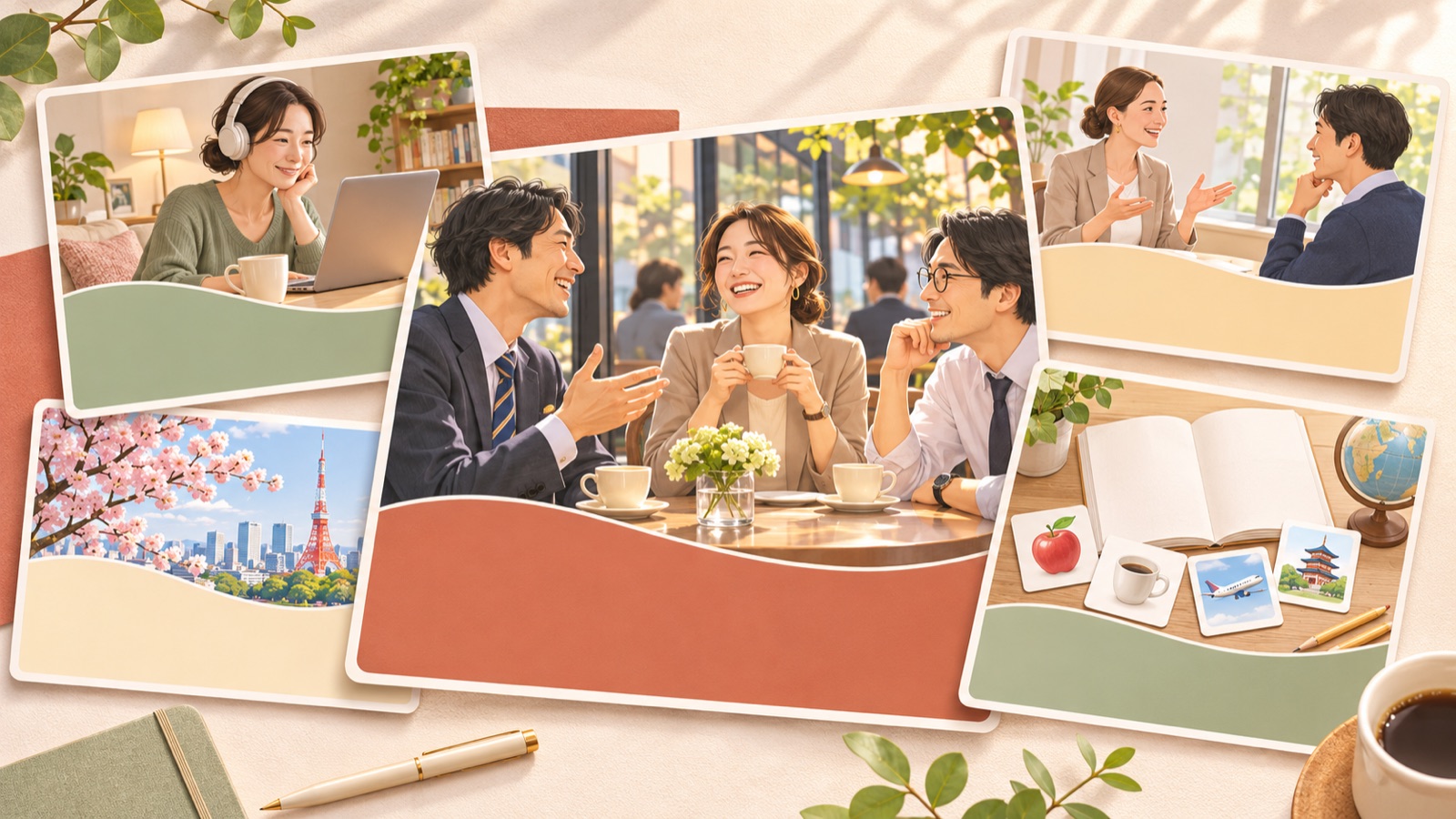
If you are looking for English conversation ad banner examples for working adults, start by choosing the hesitation you want to address. Consider everyday study scenes for returning learners, actual support methods for consistent learning, and first-lesson materials for beginners. Real design briefs also show demand for Instagram and Facebook banners promoting trial lessons and a return to learning for working adults.1 All five examples below are hypothetical. Choose a layout that works with your available photos, then add Japanese copy and verified trial lesson terms to turn it into a concept for your own service.
1. Show a Return to Learning with an After-Work Desk Scene

This is a hypothetical example. Place a photo of a home desk with a laptop and English study notes on the right. At the upper left, set 「英会話、もう一度はじめませんか」 across two lines, with 「まずは体験レッスンへ」 below. Use a warm ivory background and add a dark navy sign-up area. Showing just one notebook and a pen, instead of filling the space with study supplies, can draw attention to the moment of starting again.
This layout is designed to evoke a return to learning rather than promise improved proficiency. To adapt it for your service, use photos of the devices and materials used in your actual lessons. If you do not offer evening lessons, use a photo taken during an available lesson time instead of an evening scene. In AdForge, choose a reference with separate photo and copy areas, then enter materials you have permission to use and a message about returning to learning. Check whether the headline catches the eye before the photo in the three image concepts, then download.
2. Explain Consistent English Learning Through a Study Plan
This is a hypothetical example. Place a photo of study notes on the right against a pale blue background, with 「続けられる学び方を、体験から」 on the left. Assuming you actually offer study plan consultations, add 「学習プランの相談も」 in smaller text below the headline. A published 90 English design case describes an accepted concept that emphasizes habit-building copy and a coach photo. You can use it as a layout reference, but you should not present it as a case with proven campaign results.2
The key is to replace a demand to “study every day” with details of the help you actually provide. If you do not offer consultations, remove that copy and replace it with the materials or review methods you offer. Do not fill a decorative calendar with attendance marks that make it look like a learner’s study record. In AdForge, choose a reference with clear spacing and distinct information areas, then add photos of learning materials and verified support details. From the results, choose a concept that separates the headline from the support description and conveys the main message without relying on small print.
3. Introduce Beginner English Lessons with First-Lesson Materials
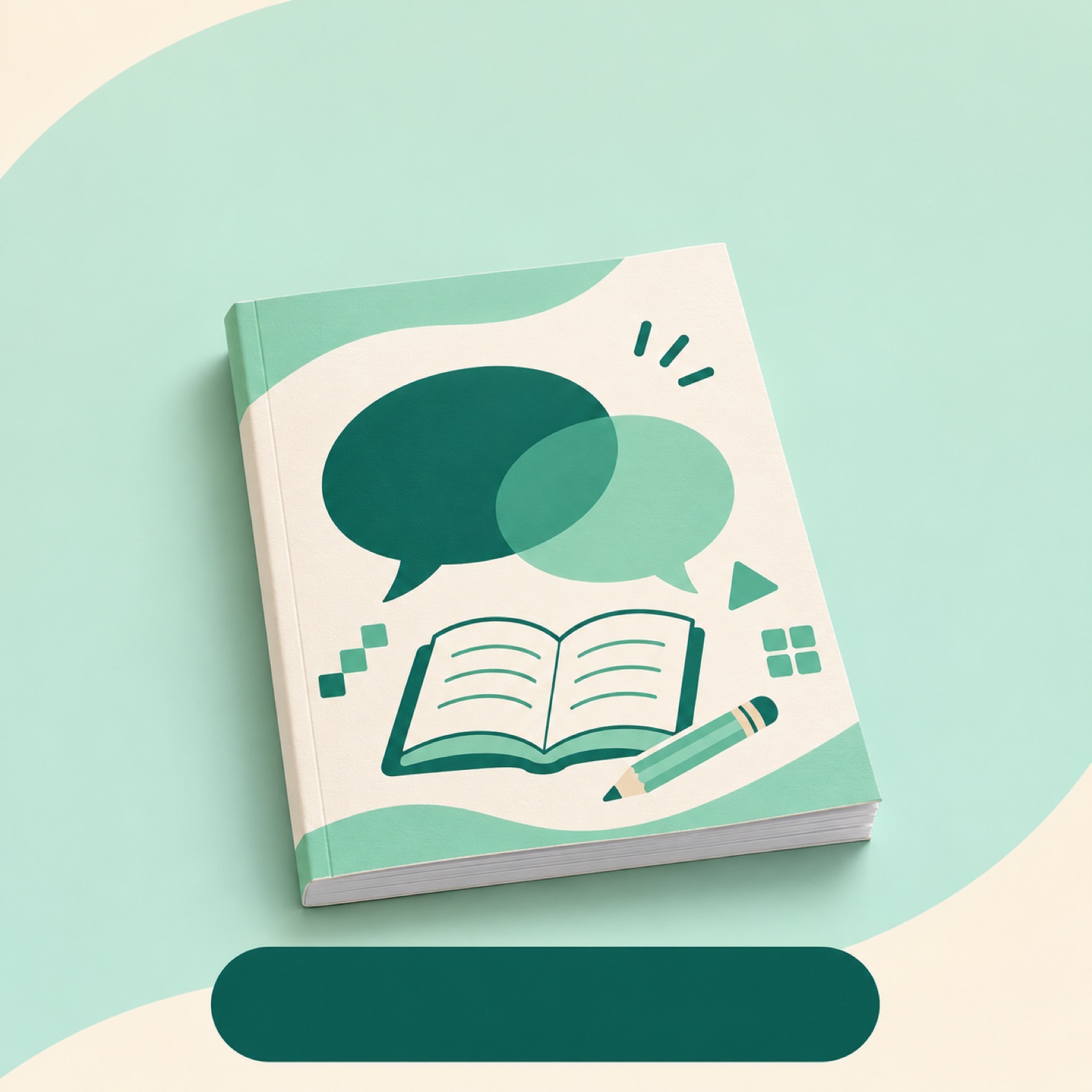
This is a hypothetical example. Place a large photo of beginner lesson materials in the center of a pale mint background, surrounded by rounded curves. Put 「最初のひとことから、英会話を」 above it and 「体験レッスンの内容を見る」 below. A published self-initiated design project also describes a layout intended to convey approachability and a support system to beginners who previously gave up learning English. Refer to this work as distinct from an ad that actually ran.3
This approach pairs the reassurance that beginners are welcome with actual lesson content. For your service, use a section of the materials that shows a greeting or a single question covered in the first lesson. Confirm that Japanese-language support or level-based lessons are available before mentioning them. In AdForge, choose a reference with centrally placed materials and soft colors, then enter the lesson material image and a message for beginners. Compare the sentences and letterforms in the generated materials against the original, and check that hard-to-read materials do not dominate the banner.
4. Show Who Learners Will Talk to with an Instructor Photo
This is a hypothetical example. Use a photo of an actual instructor, with permission, in the left half, and place 「どんな先生と話す?まずは体験」 on the right. Use a white background, with muted orange limited to part of the headline and the sign-up area. Add one line of verified instructor information below the photo. A published design case also shows a layout that emphasizes a coach photo. However, the photo itself is not evidence of lesson satisfaction or learning outcomes.2
This banner is designed to help people assess who they would be talking to. If the instructor assigned to the trial lesson may vary, add an explanation that reflects how your service operates, such as 「講師の一例」. Prepare your own instructor photo and a verified introduction, then choose a reference in AdForge with separate person and copy areas and enter them. Check the three concepts to make sure the headline does not cover the face. Before downloading, also compare the results against the originals to ensure the person’s appearance has not changed and no qualifications or experience absent from the introduction have been added.
5. Make Trial Lesson Sign-Ups More Tangible with a Lesson Preview

This is a hypothetical example. Place actual trial lesson materials or a lesson screen prominently in the center. Put 「体験レッスンで、学び方を確かめよう」 above it, with verified details of the trial format and 「体験レッスンを予約する」 below. Use a light gray background and distinguish the sign-up area with teal. Only state whether the trial is free or how long the lesson lasts once the actual terms have been confirmed. This layout shows what people will experience after signing up, helping them judge whether the trial suits their level and goals.
In AdForge, search the ad library for online English conversation ads and save them, then review the image layout and color analysis. At the product information stage, enter your service description and actual trial lesson terms. At the image ad creation stage, choose a reference and add lesson materials you have permission to use, along with your Japanese message. Compare the three concepts generated in one batch on the results screen. Check the text in the materials, the Japanese wording, and the booking terms before downloading, then upload the finished creative directly to your ad account. Run the campaign and review performance in your existing ad management tools.
Key takeaways
Pair a return to learning with everyday photos, consistent learning with actual support methods, and beginner guidance with first-lesson materials. Choose a layout you can substantiate with your available assets, create three concepts in AdForge, and prepare your first ad using the concept that communicates the Japanese copy and trial terms most clearly.
FAQ
Which of the five banners should I create first?
Choose based on the hesitation that comes up most often in customer inquiries. If many people have stopped learning before, start with the return-to-learning concept. If they are worried about keeping it up, start with the support concept. If they ask about lesson difficulty, start with the beginner concept. If you have no inquiry data, you can begin with a preview that shows the actual trial lesson content.
How should I choose a Japanese call to action?
Match it to the action available on the destination screen. For a screen that introduces lesson content, consider 「体験レッスンの内容を見る」. For a screen where people can book, consider 「体験レッスンを予約する」. Also make sure the trial terms in the ad match the information on the sign-up screen.
Can I use Canva if I want to change the Japanese text layout in the finished image?
You can rebuild the banner by placing the original photos and Japanese copy into a Canva template. Canva provides guidance on replacing template photos and copy and adjusting brand colors and fonts.4 This alone does not establish that you can individually select and edit the text or photos inside a finished image downloaded from AdForge. Keep the original materials and copy separately for rebuilding the banner.
What should I change when comparing follow-up creatives?
Initially, keep the trial terms and sign-up path the same, and vary the main message among returning to learning, consistent learning, and beginner support. Once you have chosen a message direction, keeping the copy the same while changing the photo or layout makes the next production decision easier. Check results using your existing ad management tools and actual sign-up records.
Related reading
Make your next ad with AdForge
AdForge (ad-forge.io) is an ad remake app: pick an ad you like and rebuild it as a video or image ad for your own product. Find references in the Meta and TikTok ad libraries, let AdForge write the script, AI narration and captions, then review and download. Every account starts with 12 free image ads.