How to Turn Wedding Photos into Video Ads: English Ads That Showcase Your Style and Invite Booking Inquiries
Turn your actual wedding portfolio into an English video ad that connects your photography style, service area, and booking inquiries. This guide covers photo selection, production in AdForge, and checking that the result reflects your actual work.
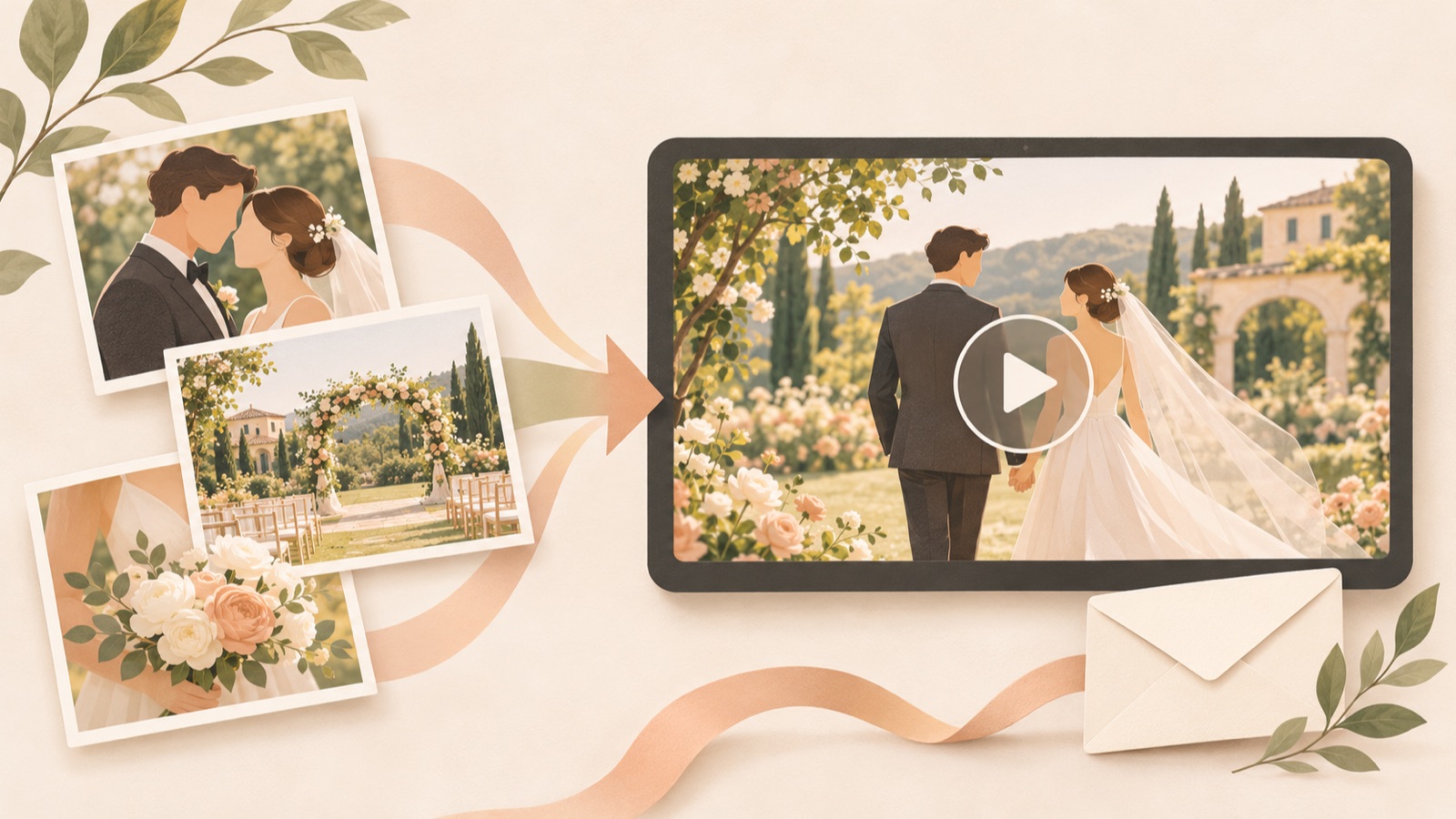
To turn wedding photos into a video ad, use representative images to show your photography style, then connect them to your service area and how to inquire about bookings. You can get started without shooting new ad content. But a sequence of beautiful photos alone may leave viewers unsure what kind of photography they can book or where. Follow the process from selecting images from your actual portfolio to writing English copy, producing your video in AdForge, and downloading it to put together an ad that invites inquiries.
Decide What Photography Bookings You Want Before Choosing Photos
First, define the inquiries you want this ad to generate in one sentence. Include your service area, the type of wedding photography you offer, your photography style, actual booking availability, and how to get in touch. For a hypothetical studio, for example, this could be “Availability inquiries for wedding photography that captures candid moments in the Portland area.” This is a hypothetical example to illustrate the production direction; use only your own service area and services in the actual ad.
Choose photos based on the role they play in a booking decision, rather than simply arranging the prettiest ones first. Open with a photo that represents your style, use the middle to show expressions and the atmosphere of the day, and end with a photo that makes the inquiry copy easy to read. In a public post, a potential client also described how difficult it can be to quickly assess a photographer’s actual work and style. This provides a reason to give viewers enough time to look at the photos in your video, too.3 Check at the selection stage that you have permission to use the material in an ad.
- Representative photo: Does it show the color treatment and approach you normally deliver?
- Supporting photos: Do they add different information, such as people’s expressions and the wedding setting?
- Inquiry details: Are your service area, booking window, and contact method up to date?
Use References to Learn How to Present Your Photos
In a public discussion where a U.S. wedding photographer asked about creating ads, one suggestion was to assemble actual photos into a short video ad with information on how to inquire. This serves as a reference for the approach of turning a photography portfolio into a video ad.1 When planning your own ad, write down what the opening photo and copy communicate, what information the middle photos add, and what action the ending asks viewers to take.
In AdForge, you can search for and save active ads from the Meta and TikTok ad libraries. Analyze the saved video’s hook, pacing, cuts, captions, voice, and music to choose a structure that suits your photos. Take inspiration from the structure of catching attention in the opening, showing your work, and leading into an inquiry, rather than taking another photographer’s work or distinctive copy. You can also see how long each ad has been running, but do not use that duration alone to judge booking performance.
Write an English Script That Moves from Photos to Location to Inquiries
Here is an English ad outline for a hypothetical studio based in Portland. Open with an actual portfolio photo of a smiling couple and “Wedding photos that feel like you.” Follow with photos of the ceremony and guests alongside “Candid moments. Honest emotion.” Then move to “Wedding photography in Portland, Oregon.” and close with “Ask about your wedding date.” The entire outline is hypothetical, so change the copy if candid moments are not the focus of your photography or you do not work in that area.
Pay particular attention to the relationship between your opening copy and photo. If you emphasize candid moments but show only posed photos facing the camera, your words and work will not align. Videos with photo transitions and text overlays also appear among the creative formats wedding photographers compare in practice.2 Here, focus on whether you have photos that support the copy, rather than on the transitions themselves. Instead of packing location, style, packages, and offers into one scene, give each photo one message to communicate so the ad is easier to review.
Add Your Actual Portfolio Photos and Studio Information to AdForge
Open the reference ad search screen in AdForge, choose an ad with a photo-led sequence, and save it. Review the opening scene, cuts, and caption structure in the saved ad’s analysis, then move on to video ad creation. Describe your photography service in the product information step. Enter your studio name, service area, actual photography style, booking information, and inquiry copy, and upload wedding photos you have permission to use. If you use a product page URL to fill in the information automatically, check that it accurately reflects your photography service.
Choose English as the language for the script, narration, and captions, then review the AI-generated script and storyboard. Revise the content while checking that the representative photo matches the opening promise, the service area appears in the middle, and the closing copy connects to your actual inquiry channel. AdForge creates the video with AI narration, word-synced captions, and background music. If a scene in the result has a problem, you can regenerate that scene alone. Video ads are a paid-plan feature; review the finished video before downloading it.
Check That It Matches Your Actual Portfolio, Then Export Your First Ad
Watch the finished video with sound on and with sound off. Viewers should be able to understand your photography style, service area, and the action to take to inquire even without narration. Check that captions do not cover faces or important details, and that the photos do not change too quickly for viewers to assess your work. In particular, do not export generated scenes as they are if the people, clothing, locations, or colors look different from the originals. Since viewers will use the ad to judge the quality of your photography, your review should focus on whether it matches the results you will actually deliver.
Once you finish the first version, prepare a follow-up version that changes only the representative photo. For a hypothetical comparison, you could create one opening with a close view of the couple’s expressions and another with a wide view of the ceremony venue. Keeping the location and inquiry copy the same makes it easier to compare the choice of opening photo. Download the finished creative and upload it directly to your Facebook and Instagram ad accounts. AdForge does not automatically run ads; campaign setup and performance monitoring take place in your existing ad management tools. When inquiries come in, also check whether the wedding location and date are a match, and use that information to decide the message for your next creative.
Key takeaways
Structure your wedding photo ad around showing your photography style through actual work, then connecting your service area with date inquiries. Add a reference, photos you have permission to use, and accurate service information to AdForge. Revise the English script and storyboard, then review and download the finished video to prepare your first ad for inquiries.
FAQ
Can I get started with wedding photos alone, without video footage?
Yes. You can create a video ad using actual portfolio photos you have permission to use, along with your studio information. Organizing photos by role—a representative image, images that add a sense of your work, and an image for inquiry information—makes the ad easier to structure.
Do I have to include available dates in the ad?
If you include dates, they must reflect actual availability. If your schedule changes frequently, you can use copy such as “Ask about your wedding date.” to invite date inquiries, then confirm actual availability after someone gets in touch.
Is it better to move through the photos quickly?
There is no fixed answer. First, check whether viewers can assess your color treatment and how you photograph people. Even if the transitions are fast, revise the scene if the representative photo, location, or inquiry copy is difficult to make out.
Can I create both English narration and captions?
AdForge can create English scripts, narration, and captions. After generation, check the pronunciation of your studio name and location names, and confirm that the copy matches your actual services. Video ad creation is a paid-plan feature.
Related reading
Make your next ad with AdForge
AdForge (ad-forge.io) is an ad remake app: pick an ad you like and rebuild it as a video or image ad for your own product. Find references in the Meta and TikTok ad libraries, let AdForge write the script, AI narration and captions, then review and download. Every account starts with 12 free image ads.