How to Add Background Music to Ad Videos with Korean Voiceover and Captions
A step-by-step guide to creating ads with background music, Korean voiceover, and captions using product photos and short clips. Covers the role of music, choosing reference ads, creating videos in AdForge, reviewing the voiceover, and downloading the finished file.
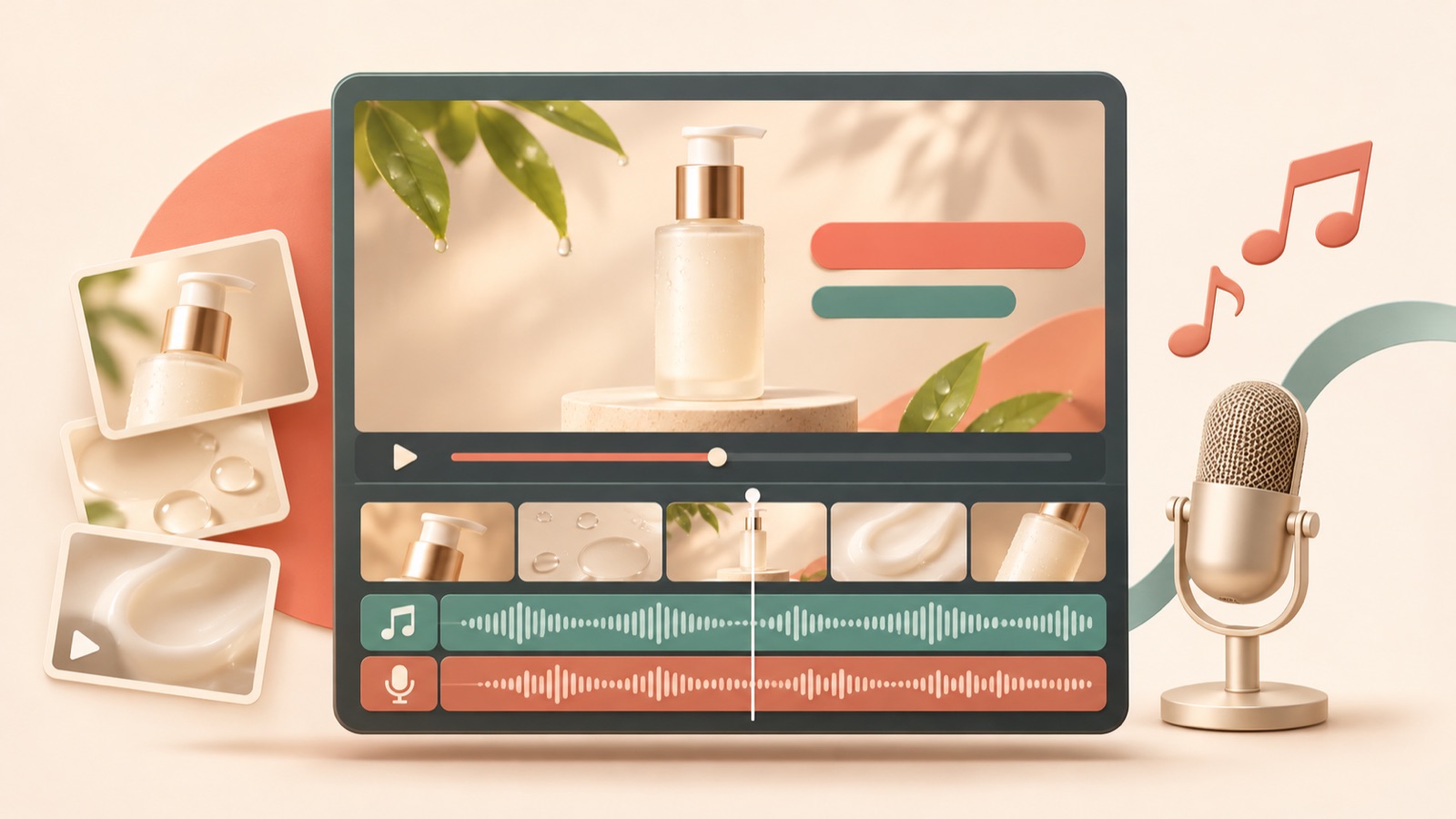
When adding background music to an ad video, start by deciding what to say, then choose music that supports those words. With just product photos and short clips, you can use reference ads and product assets in AdForge to create a new ad with Korean voiceover, captions, and background music. Listen to the finished video, check that the explanation is clear, and download it. Below, we distinguish between creating a new ad and adding audio to an existing video.
Give background music and voiceover different jobs
Use the voiceover to explain what customers need to know to make a purchase decision, and let the background music set the mood and pace of the scenes. First, write one sentence stating what customers should remember from the video. Rather than reading out every product feature, connecting a use case to a reason to choose the product makes the draft easier to review. If you choose the music first, you may end up stretching the product explanation to fit the track’s mood or overlooking scenes you need to show.
As a hypothetical example, if you were advertising an organizer pouch, your draft voiceover could be, “Keep the charger and cables in your bag together in one place.” Show scattered accessories first, followed by a scene of them being organized in the pouch. Plan the music to support the flow of that action. Instead of reading out the material, dimensions, and included items all at once, keep only the explanations you can illustrate with the assets you actually have.
Look at how words and scenes work together in reference ads
Search AdForge’s Meta and TikTok ad libraries for ads featuring similar products or use cases, and save the ones you want to use as references. Analyze the hook, pacing, cuts, captions, voice, and music in the videos you save. Alongside your musical preferences, look at the scene where the first explanation appears, the sections without speech, and the order in which the product is shown. You can also see how many days an ad has been running, but do not judge its performance on that information alone.
Write reference notes as structures you can apply to your own product, such as “Introduce the problem in the opening scene, explain during the usage scene, and prompt a purchase at the end.” TikTok’s official guide covers using sound and refreshing creative by changing the voiceover style and music.2 Use this as a reference to decide which audio elements to change in this draft. This should not be interpreted as a plan to reuse the reference ad’s audio track or voice as is.
Create a Korean-language ad in AdForge using your product assets
On the product information screen, paste the product page address to populate the details, then add product photos, short clips, and the message you want to convey. Check that any automatically populated descriptions match the actual product, too. Select a reference ad you saved earlier, start creating a new video ad, and choose Korean as the production language. Use the reference ad’s structure, such as its opening scene and progression, while creating new content based on the product information, selling points, and assets you provide.
When reviewing the AI-generated script and storyboard, first check that the lines match the scenes. If a scene shows cables being placed in a pouch, revise the script so that it explains the organizing function at that moment. The video generated afterward includes AI voiceover, word-level synchronized captions, and background music. If a scene looks awkward on the results review screen, you can regenerate just that scene. Video ad creation requires a paid plan, and you must check that you have permission to use the assets you upload.
- Check that the product information and selling points accurately reflect what you sell.
- Add product photos that clearly show its shape and videos that show it in use.
- Choose a reference ad and select Korean as the production language.
- Review the script and storyboard, then check the voiceover, captions, and music in the generated video.
Check whether the explanation is audible before focusing on volume numbers
Judge the balance between background music and voiceover by playing the finished video on a phone. Check whether you can understand the product name and key explanation on the first listen, whether the music masks the voice when it starts, and whether the final call to action is audible all the way through. Then mute the video and watch only the captions and scenes. If the voiceover and captions use different wording, or the explanation ends before the product appears, revisit the script and scene structure first.
If the speech is too dense to follow, try shortening the sentences before adjusting the music. In AdForge, you can edit the generated script directly. If you need to manually add audio to an existing finished video or adjust track lengths, you can separately consider an editing tool such as Adobe Express. Its official help explains how to add music, sound effects, and voiceover tracks and adjust their lengths.1 Replacing music in existing videos and making detailed volume adjustments in AdForge are outside the scope of verified features.
Upload the finished file and record changes for your next creative
Even if you are considering adding music through Meta ads’ automatic audio settings, first establish exactly what audio this file contains. To combine voiceover, captions, and music in a new ad, you can prepare the finished video using the creation process above. The provided sources do not establish which ads display Meta’s automatic music option or how it is applied, so this article does not cover relying on that option for the creation process.
Once you have finished reviewing the video, download it from AdForge and upload it directly to your ad account. Use your existing ad management tools for campaign setup, delivery, and performance review. When preparing your next creative, record the differences you want to compare, such as “Shorten the opening sentence,” “Change the voiceover style,” or “Change the music.” TikTok’s official guide also suggests changing voiceover style and music.2 Turn the communication issues you identify in the first finished video into specific revisions for the next production.
Key takeaways
Decide what to say first, then use a reference ad and product assets to create a new ad with Korean voiceover, captions, and background music. Check that the speech matches the scenes in the finished video, then download the file and upload it directly to your ad account.
FAQ
What volume levels should I use for background music and voiceover?
The provided sources do not specify volume levels that apply universally. Play the finished video on a phone and check whether the product name and key explanation are clear on the first listen. Detailed volume controls in AdForge are also outside the scope of verified features.
Can I create an ad with music and Korean voiceover using only product photos?
In AdForge, you can choose a reference ad and add product photos, product information, and a message to create a new video ad. It includes AI voiceover, word-level captions, and background music, and you can edit the script and storyboard directly. Video creation requires a paid plan.
Can I replace just the music in an ad video I have already finished?
A feature for replacing music in existing finished videos has not been verified in AdForge. If you need to work with audio manually, you can refer to Adobe Express help, which explains how to add music, sound effects, and voiceover tracks and adjust their lengths.1
Can I run a video created in AdForge directly as a Meta ad?
There is no feature yet for automatically launching ads through your ad account. Download the finished creative and upload it yourself, then use your existing ad management tools for campaign setup, delivery, and performance review.
Related reading
Make your next ad with AdForge
AdForge (ad-forge.io) is an ad remake app: pick an ad you like and rebuild it as a video or image ad for your own product. Find references in the Meta and TikTok ad libraries, let AdForge write the script, AI narration and captions, then review and download. Every account starts with 12 free image ads.