Turn High-Performing Image Ads into Video: From English Script to Finished Ad
Keep the product photos, core copy, and offers from image ads that have delivered results. This guide walks you through preparing your source materials and turning them into video ads with an English script, voiceover, and captions.
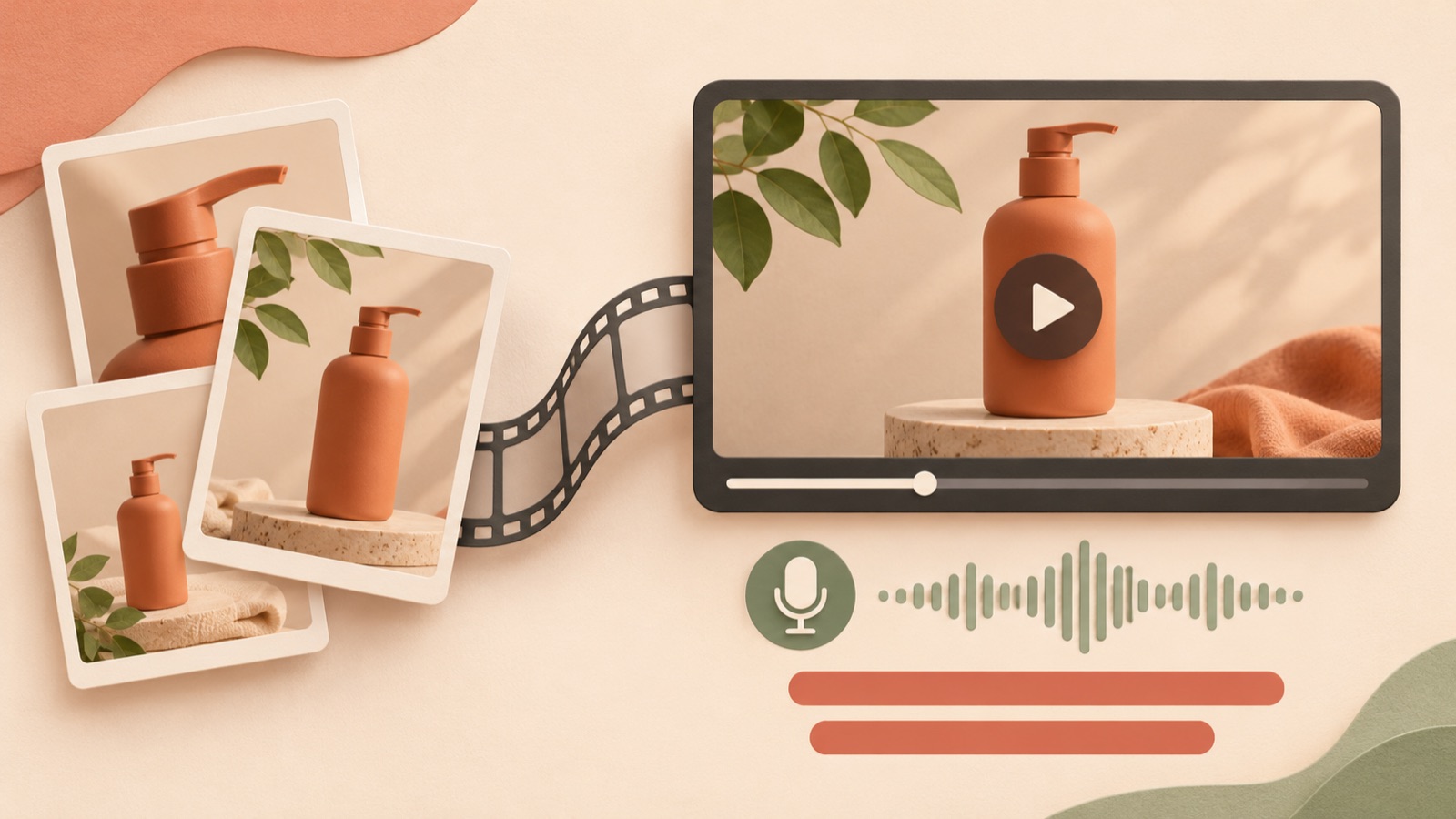
To turn a high-performing image ad into video, keep the product photos, core copy, and offer, then rethink the order of delivery. Present a reason to buy in the opening scene, followed by the product introduction, supporting evidence, and a call to action. Add your original product materials and a video reference to AdForge to create a new video ad with English voiceover and captions without writing the script, filming, or editing yourself. Follow the steps below to prepare a first finished version you can review while preserving your existing message.
Identify the messages and product materials to keep
Start by separately listing the core copy in your existing image ad, the product features that support it, and the offer currently available. The idea of expanding messages established in image ads into video also comes up in discussions among advertising practitioners. These are suggestions based on personal experience, however, so do not take them as evidence that switching to video will improve performance.1
Prepare the original product photos alongside the finished image ad. If all you have is a flattened banner, it is difficult to separate the product and copy into individual scenes. As a hypothetical example, if you sell a foldable laptop stand, make “a stand that folds away for storage” the central message and gather photos of it both open and folded. Keep discounts or shipping offers only if they match the current sales page. You also need to check separately which elements contributed to the existing ad’s performance.
Split one image’s information into four scenes
In video, the information contained in a single image needs to unfold over time. Show the main reason to buy first, explain what the product is, then connect features visible in the photos to a purchase action. TikTok’s official guidance also presents a hook, body, and close as a creative principle. You can use this structure when putting together a follow-up version for TikTok.3
Here is how the hypothetical stand example could work. In the first scene, show the folded product with “A stand that folds away.” In the next, show it open with “Meet your foldable laptop stand.” Then use a photo of it folded to show how it looks when stored, and finish with “Shop the stand.” Do not add height adjustment or load-bearing claims that the actual photos do not establish. If there is an existing offer, present it alongside the purchase copy in the final scene.
Choose a video reference your existing photos can support
Choose references based on how they communicate, rather than the type of product they feature. A video built around product photos and short copy is easy to adapt to your existing materials. By contrast, if a video depends on a hands-on demonstration, still photos alone will struggle to convey the same information. There is also evidence of demand among small sellers for ways to combine their existing images and simple clips with scripts, voiceover, and captions.2
In AdForge, you can search active ads from the Meta and TikTok ad libraries and see how many days they have been running. Review the analysis of each saved video’s hook, pacing, cuts, captions, voice, and music. Choose a structure you can fill with your own product photos. Do not judge profitability from days running alone. Instead, base your choice on the reason to buy presented in the opening scene and the materials each scene requires.
Add your materials in AdForge and create an English video
After choosing a video reference in AdForge, add your product photos and message on the product information screen. Paste in the product page address to populate the product information automatically. Read through the populated details and check the core selling points from your existing image ad and the current offer. For the hypothetical stand example, upload photos of it open and folded, and enter “Keep the message that it folds away for storage.” You also need to confirm that you have permission to use the uploaded materials.
When creating the video, select English as the language and review the AI-generated script and storyboard. Check how the sequence progresses from the opening scene through the product introduction, reason to buy, and call to action, and make edits yourself. AdForge adds AI voiceover, word-aligned captions, and background music. If a scene in the result has a problem, you can regenerate just that scene. Review the entire video before downloading it. This process creates a new video from your original product materials and message, and video ad creation is available on paid plans.
Review the finished English video and compare it with the image ad
Watch the finished video with the sound off first. Check whether the captions and visuals alone communicate what the product is, why someone should buy it, and what to do next. Then turn the sound on and cross-check the pronunciation of the product name, the meaning of the voiceover and captions, and the offer terms. For a follow-up version for TikTok, also review the principles for vertical framing, text, sound, and safe zones in its official guidance. Do not apply these directly as Meta specifications.3
Upload the downloaded video to your ad account yourself. AdForge does not automatically run ads through your ad account, so use your existing ad management tools to set up campaigns, run ads, and check performance. For the first comparison, starting with a video that keeps the same product, core selling point, and offer makes the results easier to assess. Changing the format and message at the same time makes differences harder to interpret. After reviewing the results, decide whether to improve scenes that needed more explanation or create a follow-up video with different opening copy.
Key takeaways
Identify the product photos, core copy, and offer from your existing image ad, then organize them into an opening scene, product introduction, reason to buy, and call to action. Choose a video reference in AdForge that fits your available materials, review the English script and finished video, and download it. Compare the first video while keeping the message consistent, then use the results to develop the scenes and copy for the next version.
FAQ
Is the existing image ad file all I need?
Prepare the original product photos along with the core copy and offer. In AdForge, you add product materials and a message to a video reference to create a new video. It is more accurate to think of this as creating a new video than as automatically converting a flattened image file as it is.
Can I create an English ad without any filmed footage?
You can start with product photos and a message. AdForge creates the script and storyboard, then adds English AI voiceover, captions, and background music. Review the result to make sure it has not added usage actions or performance claims that the photos cannot establish.
Should I choose an image ad or a video ad?
If an image alone communicates the reason to buy clearly enough, you can keep using the existing creative. If you want to break the explanation into a sequence or add context through voiceover, create a video version with the same message and compare them. Format alone does not determine which will perform better.
Should I change the hook and offer for the first video too?
Start by keeping the existing core copy and offer, and change their order to suit video. Then use the results to revise the hook or explanatory scenes one at a time, making it easier to decide what to create next.
Related reading
Make your next ad with AdForge
AdForge (ad-forge.io) is an ad remake app: pick an ad you like and rebuild it as a video or image ad for your own product. Find references in the Meta and TikTok ad libraries, let AdForge write the script, AI narration and captions, then review and download. Every account starts with 12 free image ads.