Ebook Video Ad Makers: 2 Tools and 3 Production Approaches Compared
When creating English-language ads from your cover and page images, compare what each tool generates automatically and how you can revise the results. We look at AdForge and Adobe Express, the materials to prepare, and the work you need to do yourself.
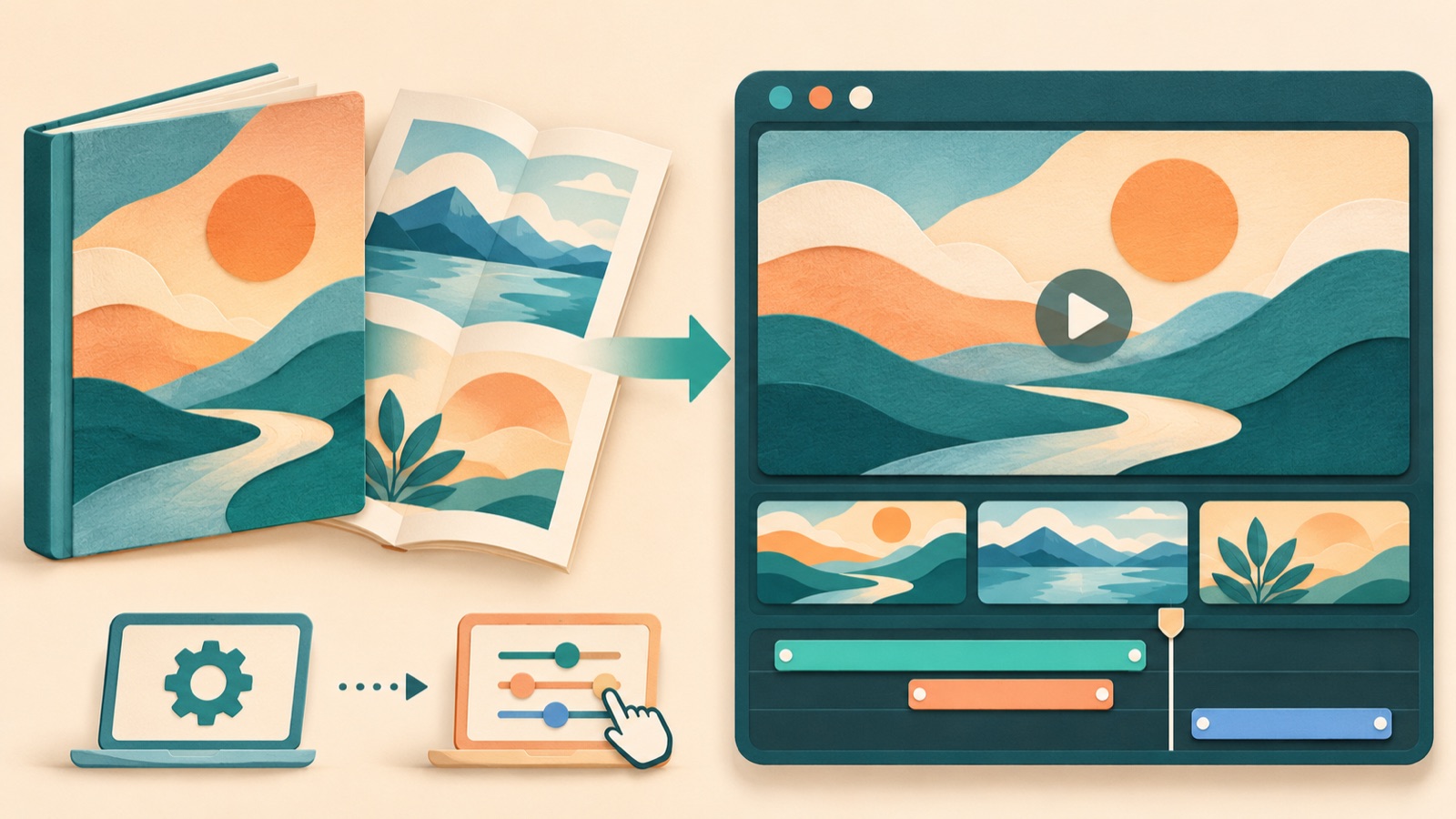
If you are looking for an ebook video ad maker, choose based on whether you want to start by creating an English script and scenes from a reference ad or arrange prepared pages yourself. The selection criteria are whether you can start without filming, show the book’s actual content, and fix awkward scenes. The two tools supported by the comparison are AdForge and Adobe Express. Below, we distinguish between these two tools and three ways to use them to produce ads. There is also a real question from an ebook seller asking for tool recommendations because of awkward AI-generated video results.1
1. AdForge — Build the Structure of an English-Language Video from a Reference Ad
AdForge is our service, and we run this blog. It is an ad remake app that creates a new ad for your product using the framework of an ad you like, such as its opening scene, progression, visual layout, and call to action. It suits authors who have a cover and page images they have permission to use but do not know where to start with scripting and editing. Reasons to choose it include English script, AI narration, and caption generation, along with the ability to revise the script or regenerate a single scene. Do not choose it on the assumption that it automatically analyzes PDFs or consistently recreates characters from the book.
First, during the ad search and selection stage, find Meta or TikTok ads and choose a structure you can adapt using your cover and page images. At the product information stage, enter the book’s target readers, the problem it addresses, and its actual contents, then upload the cover and page images. Select English as the production language. Check the generated script and storyboard to make sure there is a corresponding page for each claim, and correct anything that is not in the book. Review the cover lettering, wording from the book, and English voiceover and captions in the result. Regenerate any awkward scene, review it, and download the video. You also need to verify that you have permission to use the uploaded materials.
2. Adobe Express — Choose Page Placement and Copy Yourself
Adobe Express is a tool for selecting an ad template, uploading materials, and editing clips. Its official page confirms that you can add text, music, and captions, record your own voice, and download the result. It suits sellers who have already decided on the scene order and English copy and want to edit where the cover and pages appear themselves. You can build an ad around your prepared materials, but you need to decide on the script and how the scenes connect.2
The selection criterion is less about how many automatic generation features a tool has and more about what you need to decide yourself. If you want to show the cover first, explain the contents with a page excerpt, and finish with purchase information, start by preparing the copy for each part. You can then upload your materials to a template and edit the clips and text.2 If your priority is having the English script and AI narration generated together, the AdForge approach above is a better fit.
3. Manual Editing Around Page Excerpts — Show What Is in the Book as Evidence
From the third entry onward, these are production approaches rather than separate tools. Editing around page excerpts means showing the book’s actual contents before scenes that convey its mood. We recommend it for ebooks such as workbooks and practical guides, where the pages themselves help people decide whether to buy. The advantage is that you can make the connection between the ad copy and the book’s contents clear. The limitation is that shrinking an entire page into the frame can make it hard to tell what to look at.
As a hypothetical example, for a weekly meal prep ebook sold to English-speaking readers, you could follow the cover with part of a grocery list and a page showing the preparation steps. Keep the copy specific to what the book actually contains, such as “Plan your grocery list.” In Adobe Express, you can add materials and text to a template and edit the clips.2 First, prepare easy-to-read images of the parts you want to show. If you use AdForge to build the structure first, you can use the same images and selling points as inputs.
4. Editing Around Your Own Voiceover — Put the Author’s Explanation at the Center of the Ad
Editing around your own voiceover means building the ad with the author’s voice, the cover, and page images, without filming your face. It suits authors who can record a short explanation in English and want to convey why they wrote the book. Adobe Express supports recording your own voice and adding text, music, and captions.2 You can choose the speaking pace and which phrases to emphasize, but you need to spend time preparing the English script and reviewing the recording.
As a hypothetical example, for an ebook on preparing freelance estimates, pair the explanation “This guide includes a sample estimate and a scope checklist” with images of that sample and checklist. First, confirm that they are actually included in the book, and choose a page to show for each sentence. If the explanation runs long, the voiceover may continue while the image stays the same. In that case, shorten the sentences or add page images. If recording feels like too much work, you can choose a production route using AdForge’s English AI narration.
5. Combining Ad Remakes with Manual Editing — Separate Structure from Follow-Up Editing
Using both tools suits sellers who need to establish the video’s overall flow first and then make separate edits. Create an English script, storyboard, and video in AdForge, review the result, and download it. You can then consider uploading the clips to Adobe Express to edit them and add text, music, and captions.2 This separates the initial structure from follow-up editing, but adds the work of transferring files and comparing the two results.
Choose this approach when a reason to make further edits comes up, rather than starting with both tools. For example, in a hypothetical ebook ad, the reason to buy and scene order might work well, but you may want to edit the closing message separately. If, on the other hand, the ad makes claims that differ from the book or a scene itself looks awkward, addressing the issue first through AdForge’s script editing or scene regeneration steps reduces the work. Review the final file yourself before uploading it to your ad account. Use your existing ad management tools to set up and run the campaign and review performance.
Key takeaways
Choose AdForge if you need to start with an English script and scene structure, or Adobe Express if you want to edit prepared pages and copy yourself. For your first ad, start with a structure that uses the cover and actual page images to explain one reason to buy that is supported by the book’s contents.
FAQ
Can I create a video ad right away with just an ebook PDF?
This article does not assume automatic PDF analysis. Prepare images of the cover and the page excerpts you want to show, and outline the target readers, contents, and reason to buy. In AdForge, you create the ad by entering product information and selling points and supplying your prepared materials.
Should I switch tools as soon as an AI-generated scene looks awkward?
First, identify the cause. If you asked for a scene that is not in the book, revise the script and materials. If only one scene is a problem, you can regenerate that scene in AdForge. If you want to arrange prepared pages yourself, consider Adobe Express’s template and clip editing approach.2
Can I avoid recording the English voiceover myself?
AdForge can generate an English script, AI narration, and captions. After generation, check the book title, technical terms, and any wording that differs from the book. If you prefer to record it yourself, you can record your voice in Adobe Express.2
What should I vary and compare in my first ads?
Keep the same cover and page images, and change only the reason to buy in the opening sentence. As a hypothetical example, for a meal planning ebook, you could compare introducing the grocery list first with introducing the preparation steps first. Both must actually be in the book. Use your ad management tools to run the ads and review performance.
Related reading
Make your next ad with AdForge
AdForge (ad-forge.io) is an ad remake app: pick an ad you like and rebuild it as a video or image ad for your own product. Find references in the Meta and TikTok ad libraries, let AdForge write the script, AI narration and captions, then review and download. Every account starts with 12 free image ads.