How to Create Print on Demand Video Ads with Mockups
You can create English video ads from product mockups even without filmed footage. Learn how to choose assets that show design details, the full product, and usage contexts, then review the script and print design.
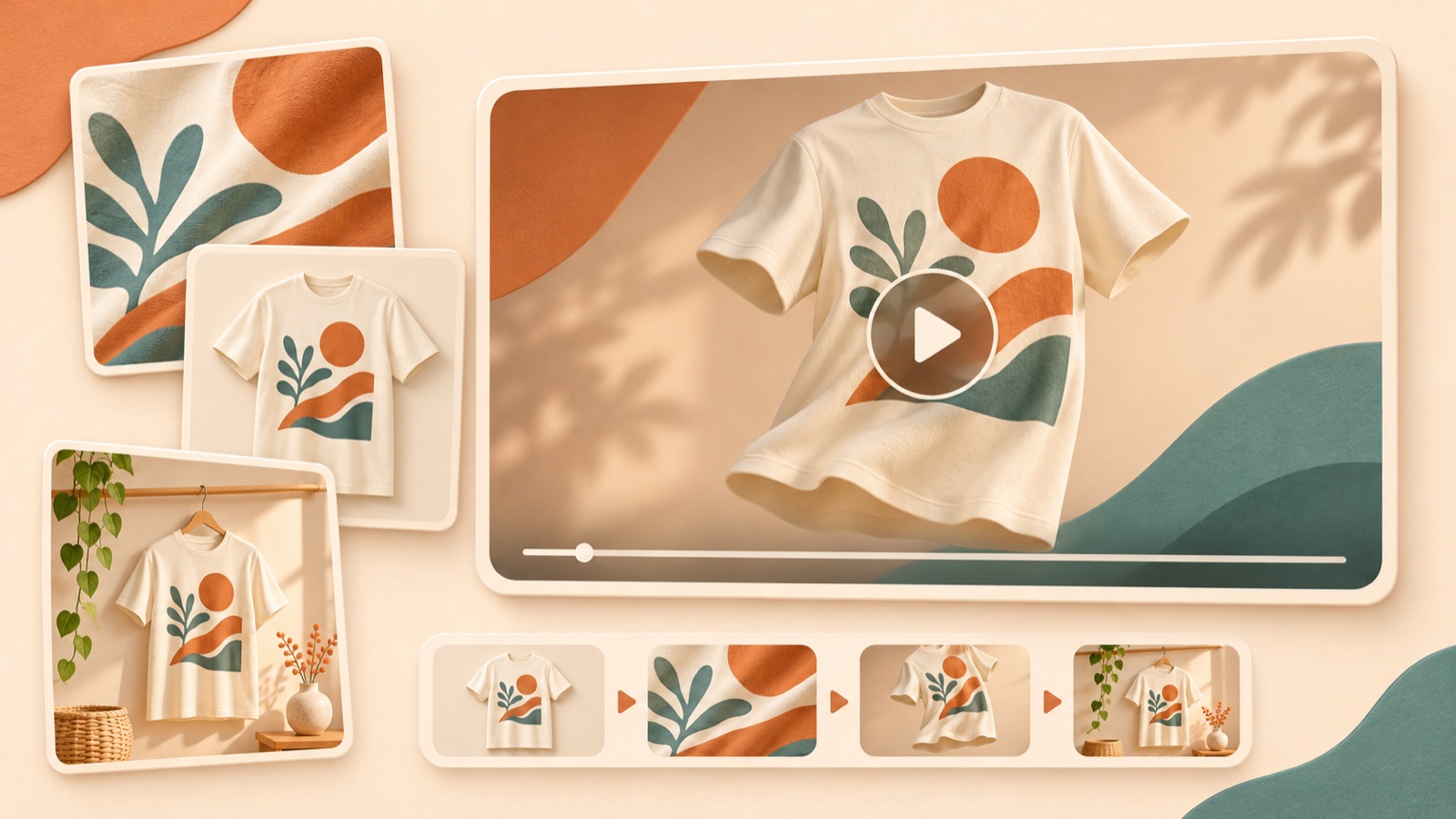
To create print on demand video ads, start by assigning roles to your mockups before thinking about filming. Show the design up close, establish what the product is, then connect a reason to buy with a call to action. If you have been searching for print on demand video ads or a print on demand mockup video ad, follow the steps below to select your existing mockups and create an ad in AdForge. Finally, compare the printed text, design, and colors against the originals to check that the video matches the product you will sell.
Sort mockups into design close-ups, full-product views, and usage contexts
First, choose one product and one design for the ad. Mixing T-shirts, mugs, and posters featuring the same artwork from the outset can make it unclear what the video is selling. For a T-shirt, choose a close-up with clear printed artwork, a full mockup showing the garment's shape and print placement, and a mockup showing how the design sits when worn. If you have no assets showing usage contexts, build the ad around close-ups and full-product images, and do not add unverified claims about comfort or the experience of using the product to the script.
Choose mockups based on how accurately they show the product, rather than how attractive the background looks. Set aside assets where props obscure the print area or perspective makes the artwork look distorted. Printful provides guidance on downloading its mockups and using them in ads and social media. Do not assume mockups from other providers come with the same permissions; check the permitted uses for each asset.1 Recording the product color and design version for every file you upload also makes it easier to check the finished video.
Show the design, then give viewers a reason to buy
Decide which question each scene should answer. Structure the opening scene around “What is the design?”, the next around “What product is it printed on?”, and the next around “Who would choose it, and why?” Printful's production guide also covers ways to connect design close-ups, mockups, and feature copy using product photos.2 Following that approach, let viewers take in the artwork in the close-up and check its print placement in the full-product view. Use feature copy to add a reason to choose the product instead of repeating what is already visible on screen.
As a hypothetical example, suppose you sell a mug featuring an illustration of a cat reading. You could try “For readers who love cats.” over the artwork close-up, “Your next reading companion.” over the full mug view, and “Shop the design.” at the end. The reason to buy is the connection between an interest in reading and the design. Include heat-retention performance or dishwasher suitability only when you have verified product information. For a poster, change the second scene to show its placement on a wall; for a T-shirt, show the print placement when worn.
Choose reference ads you can recreate with your existing mockups
Search AdForge's Meta and TikTok ad library for ads featuring similar products or buying situations. For a mug, try searching not only the product name but also terms related to your selling angle, such as reading or gifts. You can see how many days each ad has been running, but do not judge performance from that duration alone. Focus on what appears in the opening scene, when the product appears, and the order in which the ad explains reasons to buy. In particular, prioritize structures that can communicate their meaning through the static mockups you already have.
Once you save candidates, you can view analyses of their hooks, pacing, cuts, captions, voices, and music. Write down the structure you want to borrow in one sentence, such as “Show the artwork up close, then reveal the full product.” If an actor's reaction or a live product demonstration is central to the ad, consider whether your current assets can serve that role. Use the underlying sequence as your reference. Replace another seller's designs, reviews, and discount copy with your own uploaded assets and product information instead of presenting them as details of your product.
Connect your product information to an English storyboard in AdForge
Start an ad remake in AdForge using your selected reference, then enter your product details and selling points on the product information screen. You can also paste in a product page address to populate the information automatically. Check any automatically populated details against the options you currently sell. Next, upload your prepared mockups and specify each asset's role in the product description. For example, you could set the direction as “Start with a close-up of the cat illustration, move to a full view of the white mug, and convey that this design is for people who love reading.”
Select English as the production language and review the AI-generated script and storyboard. Check whether the design appears in the opening scene, whether there is a scene showing the full product, and whether the final line calls for an action viewers can actually take on your sales page. You can edit the script and storyboard directly. AdForge creates the video with AI narration, word-synced captions, and background music. After reviewing the result, you can also regenerate just one problematic scene, so identify the scene that needs changing and explain why.
- Enter product information: Include the product type, design, available options, and verified features.
- Upload assets: Choose mockups showing design close-ups, the full product, and usage contexts.
- Review the English script: Keep one reason to buy and a call to action.
- Review the storyboard: Check which mockup and message each scene will show.
Check against the original design, then test the opening scene
Review the finished video with the original print design and product mockups beside it. Pay particular attention to English spelling, line breaks in the text, the lines of the artwork, print placement, and product colors. Check whether any part of the design becomes obscured or appears to change shape as the scene moves. Make sure the English narration and captions convey the same meaning, and see whether viewers can understand what is being sold with the sound off. Google's production resources also recommend showing the product or brand early, using a clear call to action, and reviewing a draft on mobile. These are reference points for review, rather than mandatory Meta or TikTok specifications.3
Once the review is complete, download the result and upload it to your ad account yourself. AdForge does not automatically run ads through ad accounts; campaign setup, delivery, and performance monitoring take place in your existing ad management tools. For follow-up creative, try changing the role of the opening scene while keeping the same product. With the cat mug in the hypothetical example, you could compare a version that opens with an artwork close-up against one that opens with the full mug. Keeping the remaining messages the same gives you a clearer question to evaluate: whether it is better to start by drawing attention to the design or by making the product immediately recognizable.
Key takeaways
Build English POD video ads by connecting design close-ups, full-product views, and a reason to buy in that order. Create the video in AdForge using mockups you have permission to use, check the English script and the original print design, then download the result and upload it to your ad account.
FAQ
Can I start with mockup images alone, without filmed footage?
Yes. You can create a video ad in AdForge using mockups you have permission to use, along with product information and messaging. Start with assets that clearly show the design up close and the full product. If you have no assets substantiating actual use, do not describe the ad as showing a usage experience or product performance.
What should I include in the English script?
Briefly connect who the design is for, what the product is, and what viewers should do next. Also check that the printed text and ad captions do not make each other harder to read. Use only verified product information for materials, care instructions, and shipping terms.
Do I need to review the video again if the mockups clearly show the colors and print placement?
Yes. Review the input assets and finished video separately. Compare the video against the original design to check that spelling, artwork, colors, and print placement have been preserved, and make sure the product is shown accurately in moving scenes as well.
Can I create video ads with a free account?
Video ads are a paid-plan feature. Every account starts with 12 free image ads made from your own product photos, with no card required. The free allowance does not replenish.
Related reading
Make your next ad with AdForge
AdForge (ad-forge.io) is an ad remake app: pick an ad you like and rebuild it as a video or image ad for your own product. Find references in the Meta and TikTok ad libraries, let AdForge write the script, AI narration and captions, then review and download. Every account starts with 12 free image ads.