5 Product Bundle Image Ad Examples: How to Arrange Items, Bundle Pricing, and Reasons to Buy
Showing more products is not enough to explain a set or multipack. Compare five hypothetical concepts to see whether to lead with the included items, bundle price, or reason to use them together.
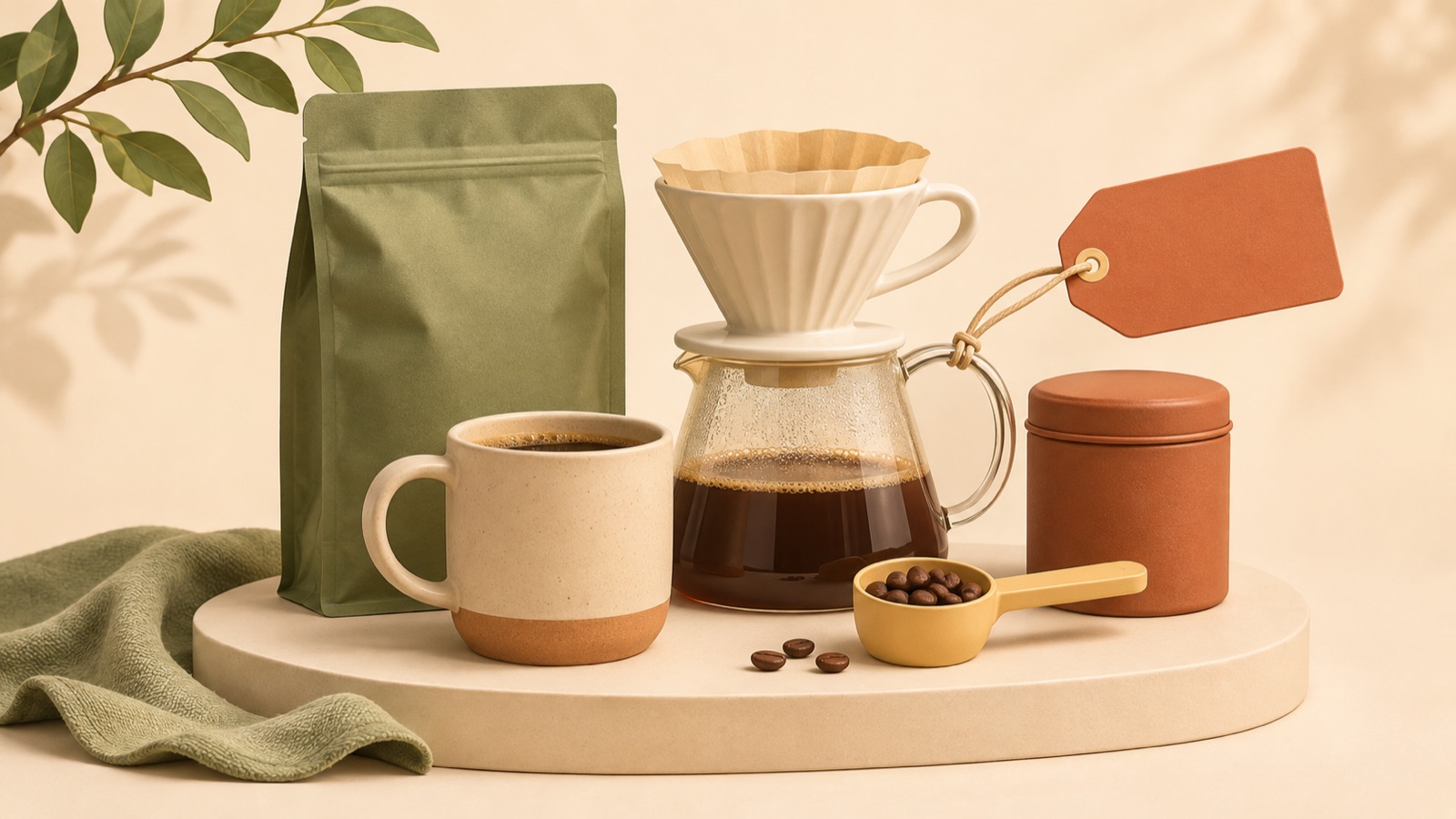
In a product bundle image ad, give the most prominence to one element—the included items, the price, or the reason to buy the products together—and use the others as supporting information. For an unfamiliar set, make the contents readable first; for a multipack of a familiar product, lead with the quantity and bundle price. All five examples below are hypothetical. Choose a composition that fits your available photos, then add confirmed sales terms and English copy to create three image concepts for review in AdForge.
1. A Welcome Set with the Contents Laid Out
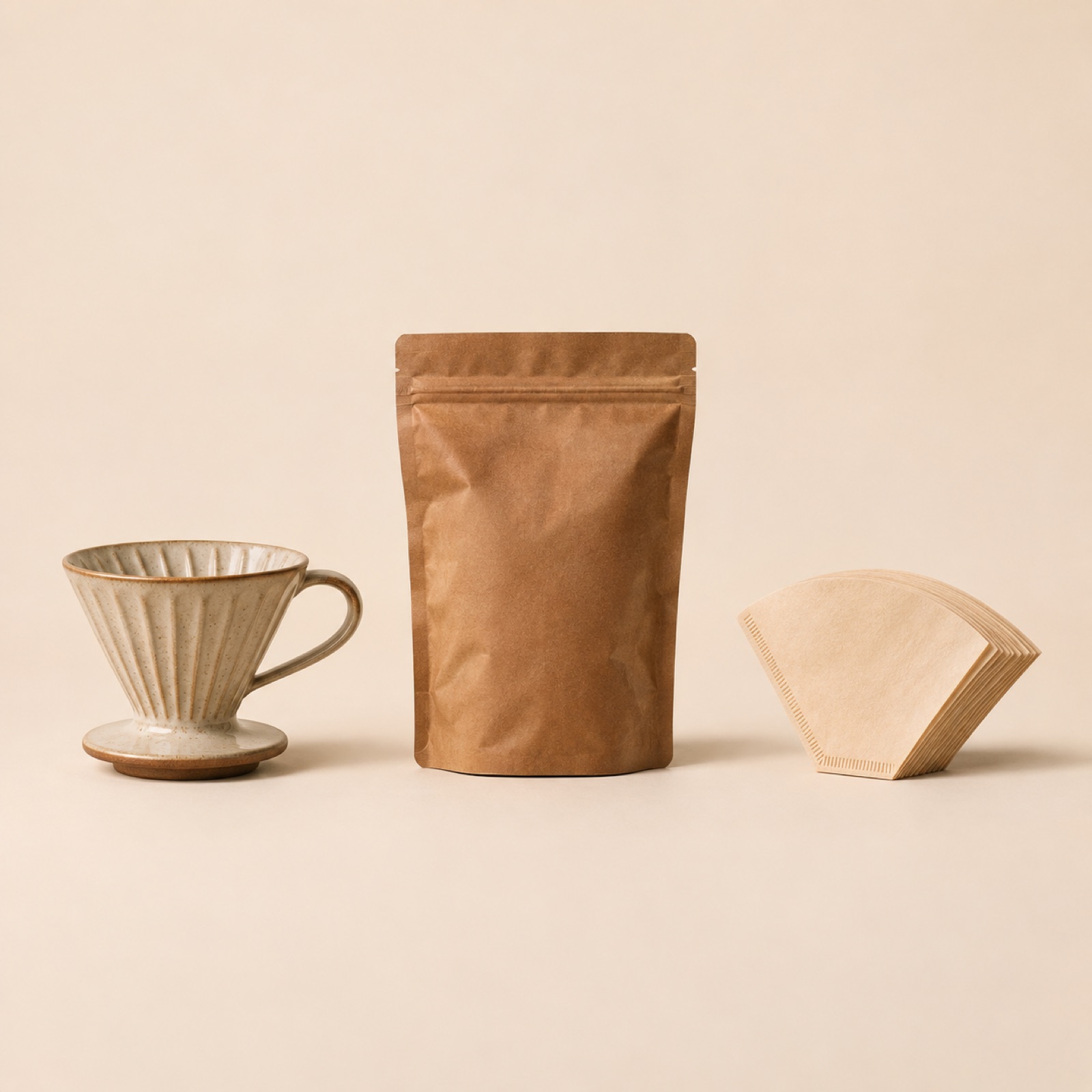
This hypothetical example suits a set that first needs to explain what is inside. Lay out a fictional coffee starter set on a cream background. Make the bag of coffee beans large and central, with the dripper and filters on either side without overlapping. Place “Your Coffee Starter Set” at the top and “Coffee + Dripper + Filters” at the bottom. The reference materials also show how Huel arranges its welcome kit contents and how Our Place photographs product bundles.1
The purpose of this composition is to avoid leaving people to guess the contents from the set name alone. When adapting it to your own products, first confirm the actual included items and quantities, and leave out accessories sold separately. In AdForge, choose a reference that shows the items separately, then add your actual product photos and a description of the contents to create an image ad. Compare the three generated concepts to check whether small items have disappeared or the same product appears more than once.
2. A Single-Product Multipack Led by Quantity and Price
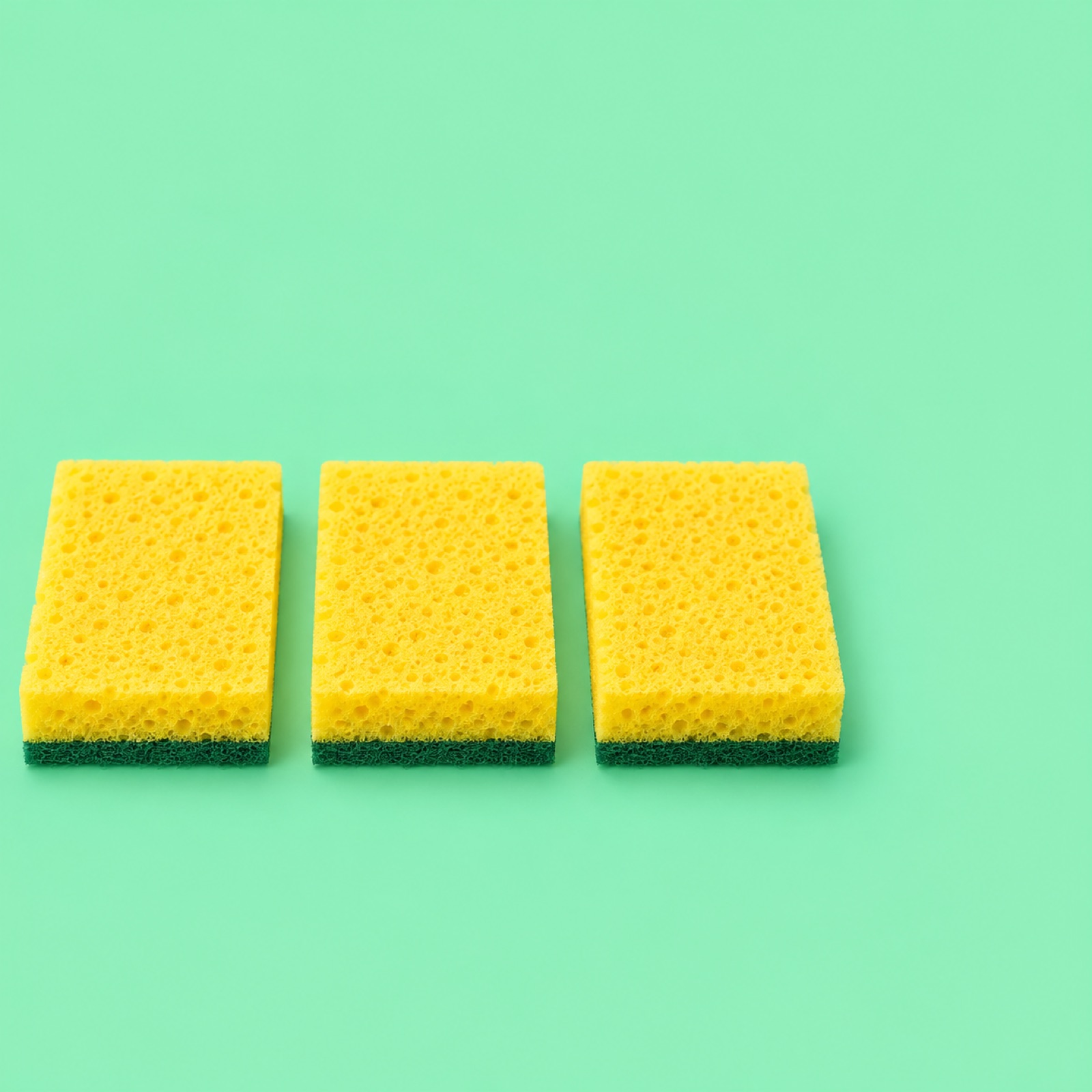
This hypothetical example presents the bundle terms to people who already understand the product. Place three identical kitchen sponges side by side in the center of a mint background, with a large “3-Pack · $18” in the upper right. Add a smaller “Three Sponges, One Pack” at the bottom. The price is an illustrative assumption, not an actual selling price. The original discussion also raises questions about the placement and readability of price and bundle copy overlaid on images.3
Placing the quantity and total price together can help people connect the amount with what it covers. However, adding a price does not necessarily improve performance. Use your confirmed pack quantity and total bundle price, and leave out unsupported discount percentages or savings claims. In AdForge, choose a reference with a clearly defined price area, enter your photos and English message, then check that the price does not obscure the products in any of the three concepts.
3. A Routine Set That Shows the Order of Use
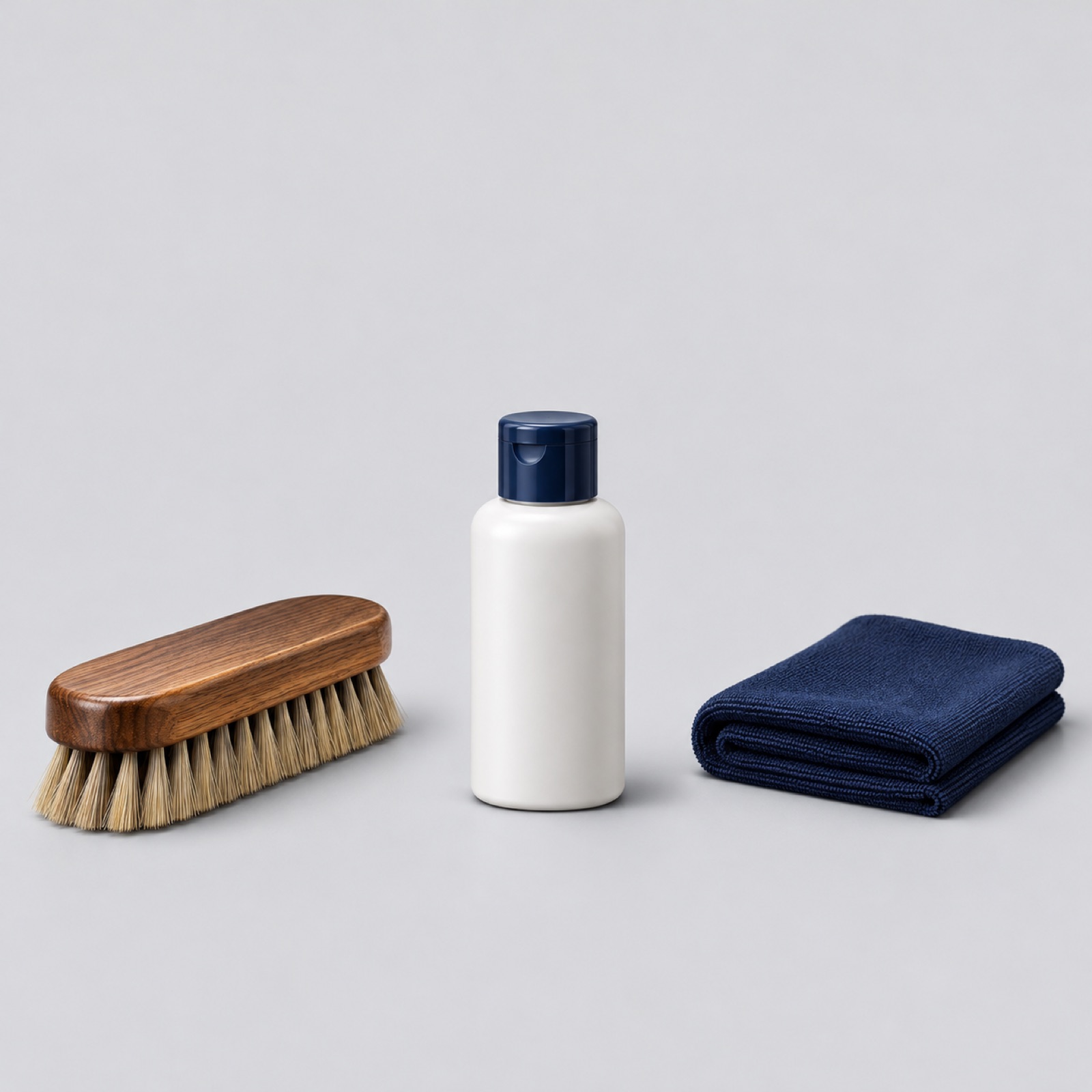
This hypothetical example works when each item has a different role and you need to explain why people should buy them together. Arrange a fictional shoe-care set on a light gray background, with a brush, cleaner, and dry cloth from left to right. Label them “Brush”, “Clean”, and “Wipe” underneath, and place “One Shoe-Care Routine” at the top. The Supergoop example in the reference materials also presents multiple products as a numbered usage routine.2
This arrangement moves the explanation from simply selling three items to offering a combination for one task. When adapting it to your own products, follow the actual order of use and avoid unnecessary items that could imply they must be used together. In AdForge, select an ad with a layout that makes the sequence easy to follow, then add product photos, the usage order, and short English verbs. Review the results to make sure each description matches the correct product and the reading direction feels natural.
4. A Desk Set Built Around One Use Case
This hypothetical example shows why different products belong in the same purchase. Arrange the notebook, pen, and cable organizer from a fictional desk set on a warm beige desk. Place the notebook and pen in the center and the organizer beside a cable to demonstrate its use. Put “Ready for Your Workday” in the empty space above and “Notebook + Pen + Cable Organizer” below. If a laptop is used as a prop, keep it separate from the items being sold.
This composition adds a use case to the list of included items. Too many styling props, however, can make it unclear what the set includes. When adapting it to your own products, choose one situation in which the items are used together and clearly state what is included. In AdForge, select a reference centered on a use case, then enter your actual product photos and usage context. When reviewing the three concepts, prioritize clear product shapes and a clear distinction between the included items over an attractive background.
5. A Mini Set That Makes the First Purchase Clear
This hypothetical example suggests starting with a smaller selection before buying a larger bundle. Fan out three pouches from a fictional tea sampler set on a pale sky-blue background. Place “Find Your Tea” at the top and “Three Blends · One Starter Set” at the bottom. Make the package size and actual contents readable as well. The production standard for this example is to make clear what people receive and how much, rather than enlarging small products so they look full-sized.
In AdForge, find and save a reference in the ad library with suitable spacing and product placement, then review the image's layout and color analysis. At the product information step, enter the actual contents and quantities, and upload your product photos. If you autofilled the information from a product page address, check that it matches the current sales terms. Add the set name and a description of the contents to your English message and generate an image ad to receive three concepts based on your actual product photos.
When reviewing the results, check that the pouch count, packaging shape, quantity labels, and English copy match your inputs. Confirm that you have permission to use the uploaded materials, then download the results you want to use. Upload the finished creative directly to your ad account, and use your existing ad management tools to run the ads and review performance. To compare an item-led concept with a price-led one, it is easier to assess the difference if you keep the sales terms the same and start by changing which element gets the most prominence.
Key takeaways
Lead each bundle image with the single most important purchase question. Choose a composition that fits your available photos and products—whether it focuses on included items, quantity and price, usage order, or use case—then enter actual product materials and finalized English messaging in AdForge to compare three concepts.
FAQ
Does a bundle ad have to include a price?
No. If the combination is unfamiliar, show the included items first. If it is a multipack of a familiar product and the bundle terms are the main point, you can compare a version that displays the quantity and total price together. Avoid assuming in advance that displaying a price will help; check the results in your existing ad management tools.
Is a $36 bundle worth trying Meta ads for?
The selling price alone is not enough to judge. Consider both how much you can spend on advertising after subtracting product costs, shipping, payment fees, and other expenses, and the actual purchase results. In the creative, clearly show which items people receive for $36, how many they get, and why they should buy them together.
Can I use photos taken separately for each product?
AdForge uses actual product photos to create three image ad concepts that follow a reference layout. Prepare photos of each included item, then review relative sizes, quantities, and packaging shapes in the results. Check that props excluded from the sale do not look like included items.
Which of the three concepts should I choose first?
Start by shortlisting concepts that clearly communicate the correct contents and price. Then choose based on your customers' current questions. For customers asking what is included, consider an item-led concept first; for those asking about the bundle terms, consider one led by quantity and price. The appearance of a concept alone cannot guarantee ad performance.
Related reading
- How to Create Facebook Comparison Image Ads: From Comparison Points to English Ad Mockups
- How to Create Facebook Image Ads for Clothing: Detail, Product, and Collage Layouts
Make your next ad with AdForge
AdForge (ad-forge.io) is an ad remake app: pick an ad you like and rebuild it as a video or image ad for your own product. Find references in the Meta and TikTok ad libraries, let AdForge write the script, AI narration and captions, then review and download. Every account starts with 12 free image ads.