Video Ad Creation Tools for Baby Products: 2 Tools and 3 Production Methods Compared
How far can you get with video ads if all you have is product photos? Compare AdForge, Canva Grow, manual editing, and approaches that incorporate real product footage by the assets you need and the work left to do.
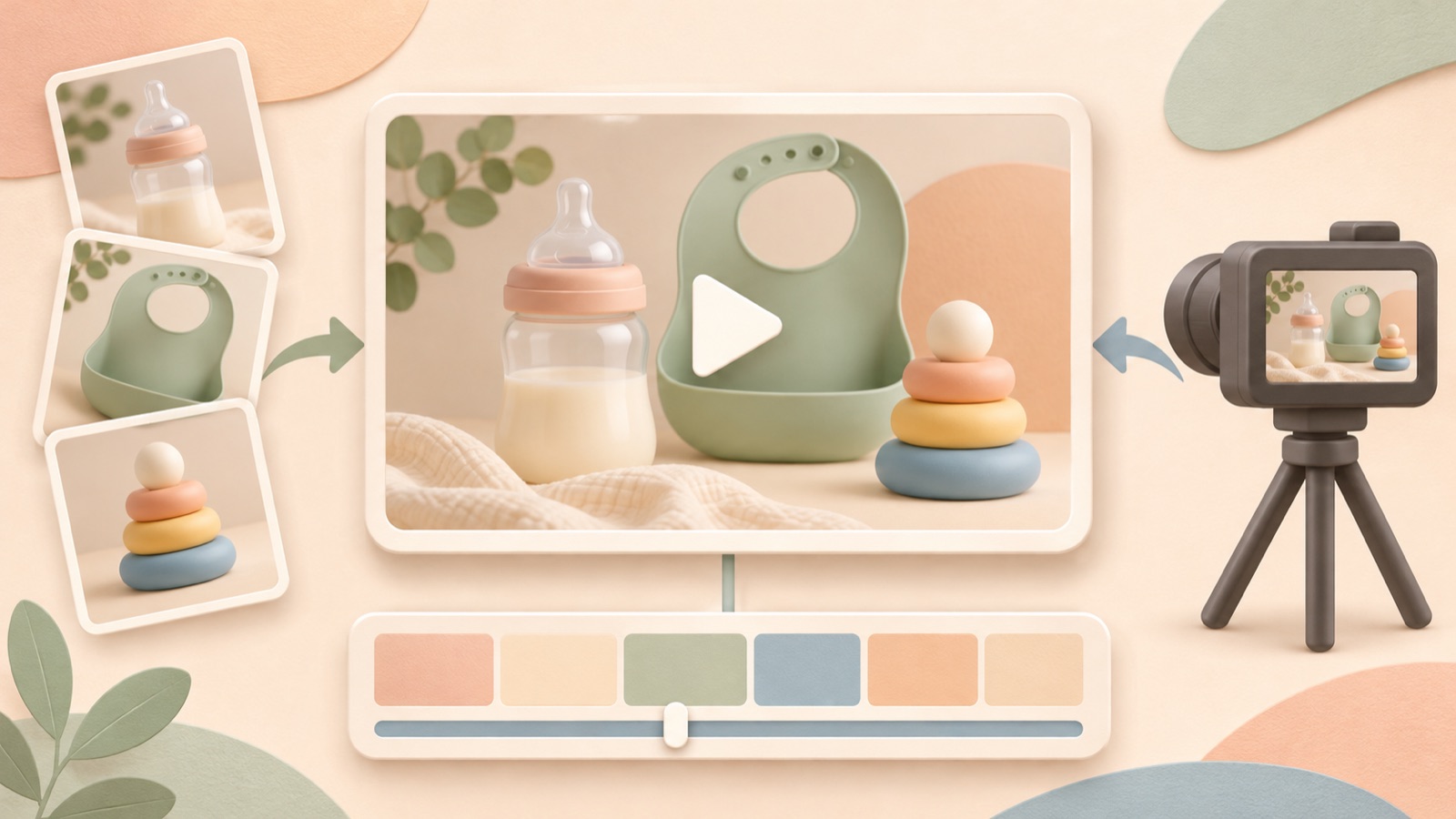
To create English TikTok and Instagram video ads from baby product photos, choose a tool based on the work you will need to do yourself before the ad is finished. This article covers two tools and three production methods, selected by the assets required, the amount of manual editing involved, and whether scripts, voiceovers, and captions are included. Consider AdForge if you want to start by developing a script from a reference ad, or Canva Grow if you want to explore ad concept generation alongside editing. If you need to demonstrate how the product is actually used, an approach that adds demonstration footage to your existing photos is a good fit.
1. AdForge — From choosing a reference ad to producing an English video
AdForge is our service, and we run this blog. It is an ad remake app that lets you draw on the opening scene, narrative flow, visual layout, and call to action of an ad you like, then create a new ad using your own product information, photos, and videos. AI creates an editable script and storyboard, then adds English narration, word-by-word captions, and background music. It suits online stores that have photos but lack the staff to handle scriptwriting and editing.
Start by searching the ad library and saving a reference ad. Review its hook, narrative flow, and shot structure, then enter your product information. Use your product page URL to populate the information, and add actual photos and videos of your product. Set the production language to English, then review the opening message, reason to buy, and final call to action in the script and storyboard. Regenerate individual scenes that look awkward, then download the video after a final review.
The advantage is that you can start from a reference ad and prepare the script, voiceover, and captions together. However, you should not choose it on the assumption that it guarantees preservation of the product's shape or generation of a baby model. The free starter offer includes 12 image ads with no credit card required; video production is paid. Check your rights to use the uploaded assets and review the output. You will need to upload the finished video to your ad account yourself.
2. Canva Grow — Generate and edit ad concepts from product assets
Canva Grow is an option for entering a product page URL, business description, product photos, and existing assets, then reviewing ad concepts. Its official help documentation covers generation and editing features for image ads and video avatar ads. There is therefore no need to view Canva solely as a manual template tool for placing photos one by one. It is worth considering for store operators who want to generate concepts from product assets and then edit them themselves.2
The advantage is that you can move from reviewing concepts to editing the generated output. However, the materials reviewed do not establish that uploading product photos will accurately produce your desired lifestyle scenes or footage of a baby actually using the product. Before choosing it, use one representative product to check the type of video you need. If you also need an English script, voiceover, and captions, check separately at which stages you will prepare and revise each element.
3. Manual photo editing — Control product appearance and text placement
Manual photo editing is a production method in which the store operator decides the order of product photos, how long each appears, and where the text goes. Treat it separately from rankings of the tools themselves. The original question also sought a tool to replace manual work in Canva when turning baby product photos into Instagram and TikTok videos. In this situation, the deciding factor is the time available for repetitive editing, rather than whether product photos are available.1
As a hypothetical example, if you sell a diaper organizer, you could show a full view, a close-up of the compartments, and a photo of the included items in sequence. Use copy that reflects what the actual photos show, such as “Keep changing essentials together” at the start and “See the compartments” at the end. The advantage is direct control over the product's appearance and layout using existing photos. The limitation is that you still need to prepare and synchronize the script, narration, captions, and music separately.
4. Real demonstration footage with AdForge — When you have assets that show how to use the product
This approach combines product photos with demonstration footage you have obtained yourself, then uses AdForge to build the ad's narrative flow. It suits products for which shoppers need to see movements such as opening, closing, folding, or assembly before deciding to buy. As a hypothetical example, for a portable diaper changing mat, prepare footage of the actual product being unfolded, its storage section being checked, and the mat being folded away. Start by choosing scenes that explain how to use the product without needing a baby to appear.
Enter those assets and your product information in AdForge, then choose a reference ad that fits the demonstration sequence. In the script and storyboard, review which demonstration assets are needed for each explanation. The advantage is that you can produce an English ad with actual footage to support the actions shown. The limitations are the additional filming preparation and the need to check that the actions, parts, and explanations in the generated output match the actual product.
5. Review image concepts before making an AdForge video — When you need to choose the reason to buy first
If you have enough photos but have not decided which reason to buy should lead the ad, reviewing the message through image concepts first is a suitable approach. AdForge follows the layout of a reference image ad to create three concepts at once using actual product photos. As a hypothetical example, for an on-the-go storage pouch, you could choose between “compartmentalized organization” and “seeing what's inside” based on which message the photos support more clearly, then use it as the starting point for your video plan.
The advantage is that you can first narrow down the key copy and product photos for the video. The limitations are the extra work of choosing an image concept and the fact that liking an image does not prove that a video ad will perform well. Incorporate your chosen message into the product information and selling points for AdForge video production, then check that the English script connects the hook, product benefits, and call to action. TikTok's official guide also identifies the opening hook, benefits, narration, and call to action as production criteria.3
Key takeaways
Consider AdForge if you have photos but lack staff for scriptwriting and editing, or Canva Grow if you want to generate concepts and then edit them yourself. For baby products whose usage actions matter, add actual demonstration assets. For your first English ad, clearly communicate one reason to buy that your photos and video can support.
FAQ
Can I start with product photos alone?
You can start with an ad that introduces what the product looks like and why someone should buy it. In AdForge, add product photos and information, then select a reference ad. However, if you need to show actual usage actions that are not visible in the photos, it is a good idea to add demonstration assets.
What should I choose if I want to generate a baby model or scenes of a baby wearing the product?
The features reviewed in this article are not enough to identify a suitable tool definitively. AdForge cannot be presented as a service that guarantees baby model generation or preservation of the product's shape. If actual usage scenes are essential, first prepare photos and videos that you have the rights to use.
What should I review for English TikTok and Instagram ads?
Check whether viewers can understand what the product is for in the opening scene and whether the English explanation matches the photos and video. TikTok's guide also covers vertical video and caption safe zones. Use this guidance when checking the finished file in each placement's preview to ensure that the product and captions are not obscured.3
Can I make video ads with AdForge's free trial?
The free starter offer includes 12 image ads made with your own product photos. No credit card is required, and the allowance does not replenish. Video ads are created on paid plans.
Will the finished ad run automatically?
AdForge does not yet support automatically launching ads through your ad account. Review and download the output, then upload it yourself. Use your existing ad management tools to configure campaigns, run ads, and review performance.
Related reading
Make your next ad with AdForge
AdForge (ad-forge.io) is an ad remake app: pick an ad you like and rebuild it as a video or image ad for your own product. Find references in the Meta and TikTok ad libraries, let AdForge write the script, AI narration and captions, then review and download. Every account starts with 12 free image ads.