AI Video Tools for Perfume Ads: 3 Tools and 2 Workflows Compared
AdForge is an option for remaking reference ads, Runway for creating product scenes, and Adobe Express for editing existing assets yourself. We compare production approaches using perfume photos and Korean messaging.
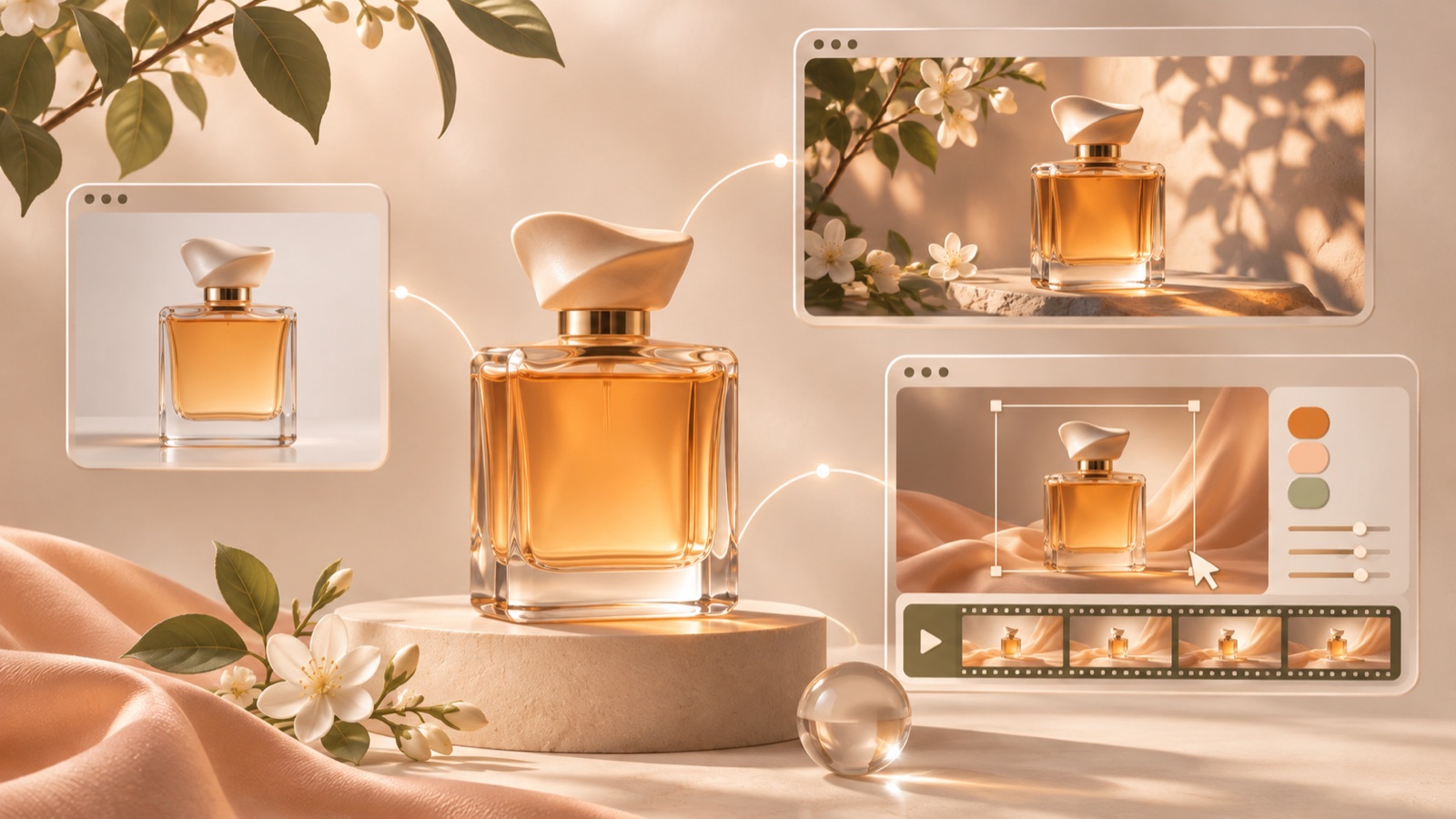
We selected these AI video tools for perfume ads based on the assets you have, how you want to use reference ads, and the work you need to do yourself to produce a finished Korean video. AdForge suits those who want to build a product ad around the structure of a reference ad, Runway suits those who want to generate new scenes from product photos, and Adobe Express suits those who want to arrange and edit assets themselves. We compare three tools and two combined workflows. Although someone asked, “Does anyone know which AI was used to make this?”, the production tool behind that perfume ad has not been verified, so we do not attribute it to any particular service.1
1. AdForge — Remake a reference ad’s structure as a Korean perfume ad
AdForge is our service, and we run this blog. It is an app that lets you choose an ad you like, then add product photos, videos, and messaging to create a new ad. It suits business owners and marketers who have perfume photos but find it difficult to write scripts, shoot footage, and edit videos themselves. It draws on the reference ad’s opening scene, progression, visual composition, and call to action, while creating new content from your inputs. It is not a service for identifying the tool originally used to make a reference ad.
Start by searching the ad library for perfume ads currently running on Meta and TikTok. Save ads whose product introduction and messaging progression fit your assets, then review the analysis. You can also see how many days an ad has been running, but do not judge its performance from that duration alone. At the product information stage, paste the product page address to populate the details, then add actual perfume photos and verified selling points. Also check that you have permission to use the uploaded assets.
At the video production stage, select Korean and review the AI-generated script and storyboard. As a hypothetical example, for a woody fragrance, it might suggest a scenario such as “a moment to unwind after work.” Use it only if it matches the actual product description. In the output, which includes AI narration, captions, and music, check the bottle shape, label, and fragrance description, then regenerate only the scenes that need changes. Video creation requires a paid plan, and you must download the finished video and upload it to your ad account yourself.
2. Runway — Generate new product scenes from perfume photos
Runway’s Product Shot Video Builder generates product videos by letting you upload a product photo and choose a color palette, environment, and concept. It suits marketers who have already decided on their ad messaging but lack product scenes that fit it. Since the starting point is a product photo, deciding on the mood of the scene beforehand gives you clearer selection criteria. This option focuses on turning product photos into video scenes.2
As a hypothetical example, for a citrus perfume in a clear bottle, you could choose bright colors and a fresh setting as your creative direction. However, check whether fruit in the background could give the impression that it is an actual ingredient. The strength is the workflow for generating product scenes by choosing a color palette, environment, and concept. The material we reviewed covers product video generation, so teams that also need Korean ad scripts, narration, and captions must separately define the scope of the follow-up work.2
3. Adobe Express — Edit existing photos and videos into ads yourself
Adobe Express suits a hands-on editing workflow: upload media, choose a template, then add text, images, and animation. You can edit music and download the video as an MP4. It is suitable for marketers who already have perfume bottle photos, packaging photos, and short video clips and want to decide the order of those assets themselves. Teams that have specifically decided which copy to pair with each photo in the ad may want to consider it.3
As a hypothetical example, place a front-facing bottle photo on the opening screen with the line “What kind of impression do you want to leave today?” Next, show fragrance characteristics verified in the actual product description, and finish with a prompt to view the product. You can use the editing features to build this sequence yourself.3 The strength is that you assemble your existing assets and copy directly. The limitation is that you also need to choose the message and scene order yourself. If you also need reference analysis and a first script draft, compare it with AdForge’s production workflow.
4. Runway + Adobe Express — Create product scenes, then finalize the copy and sequence yourself
This combination is a production approach that separates scene generation from ad editing, rather than a separate tool. The workflow is to generate video in Runway using a product photo and your chosen color palette, environment, and concept, then upload the media and edit text and music in Adobe Express.23 It suits teams that need new scenes to convey a perfume’s mood but want to decide the ad copy and final structure themselves. It also makes it easy to divide responsibilities when different people handle generation and editing.
As a hypothetical example, if you are introducing a perfume for evening wear, first plan a product scene with a dark color palette. After reviewing the generated result, arrange actual bottle photos and the product description during editing, then add a call to action at the end. The strength is that you can assess the scene’s mood and message placement at separate stages. The limitation is the extra work involved in transferring assets and making the two outputs fit together. If you have not yet decided on the structure of a complete video, settle the opening scene and closing line before combining tools.
5. AdForge + Adobe Express — Add your own edits to a finished ad remake
This workflow involves creating a Korean video in AdForge based on a reference ad, then using the downloaded finished video as an editing asset in Adobe Express. Adobe Express lets you upload media, add text, images, and animation, and edit music.3 It suits marketers who find it difficult to create a script and storyboard from scratch but want to add extra information to the finished video themselves. First check whether the AdForge output communicates everything you need, then decide whether further editing is necessary.
As a hypothetical example, create a video introducing a full-size perfume in AdForge, then add an image explaining the sampling set actually available for sale during follow-up editing. Use only verified information about the contents and terms of sale. The strength is that you can separate the roles of ad remaking and additional editing. The limitation is that you are editing a downloaded video, so it is more straightforward to make changes to the script or original scenes in AdForge. Complete your first video in one tool, then choose a combined workflow when a specific additional task arises.
Key takeaways
Choose perfume ad production tools based on the work you need to do, rather than guessing which AI made the original. AdForge is an option for remaking a reference ad into a finished Korean video, Runway for generating product scenes, and Adobe Express for editing existing assets yourself. Add a combined workflow when your first finished video reveals a specific task that is still needed.
FAQ
Can I tell which AI was used to make a perfume video I saw in an ad library?
The original question provided does not establish which production tool was used. Avoid assuming the video was made with Runway or another tool; instead, separate the scenes you want to recreate from the ad structure and choose the tools you need.1
If I only have perfume product photos, what should I choose first?
Consider AdForge if you want to combine a reference ad with Korean messaging to create a finished video, or Runway if you want to start by generating product scenes with your chosen color palette, environment, and concept. Runway’s verified production workflow starts with uploading a product photo.2 If you want to decide the sequence of photos and copy yourself, Adobe Express’s editing approach is suitable.3
Can I create Korean perfume video ads for free in AdForge?
Video ads require a paid plan. The free starter allowance available to every account is 12 image ads made with your own product photos. No card is required, and the allowance does not replenish. Distinguish the free image allowance from video creation when making your decision.
What should I test first after creating my first ad?
Start by keeping the perfume and product description the same and changing only the opening line. As a hypothetical example, you could compare “Looking for a fragrance for the evening?” with “For days when you want a calmer mood.” Use only copy that matches the product description, and run the ads and check performance in your existing ad management tools.
Related reading
Make your next ad with AdForge
AdForge (ad-forge.io) is an ad remake app: pick an ad you like and rebuild it as a video or image ad for your own product. Find references in the Meta and TikTok ad libraries, let AdForge write the script, AI narration and captions, then review and download. Every account starts with 12 free image ads.