5 AI Video Ad Examples: From Opening Scenes to Creating Ads in Korean
The ad structure you can use depends on whether you have only product photos or footage of the product in use. These five hypothetical examples connect opening scenes, product presentation sequences, and closing lines with the steps for creating ads in AdForge.
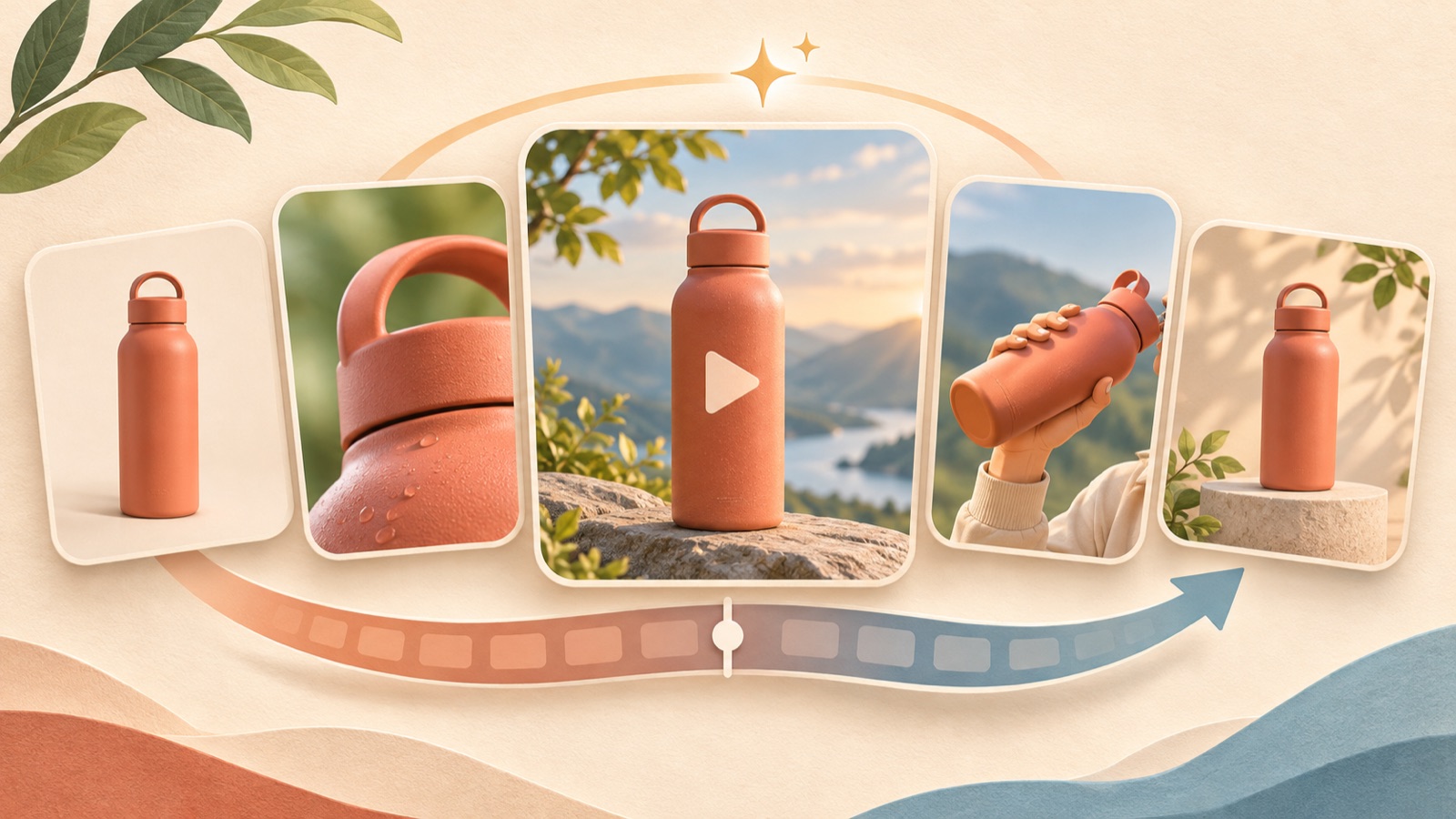
If you are looking for AI video ad examples, start by choosing a structure you can create with the assets you have. Product photos lend themselves to introductions, footage of actual use to walkthroughs, and assets that show differences to comparisons. A creator community has also seen a question asking for brand examples to reference when making AI ads.1 However, the supplied sources do not establish how any specific brand produced its ads with AI, so all the examples below are hypothetical. Use each example to choose an opening scene, a product presentation sequence, and a closing line as you prepare your first ad in Korean.
1. Product introduction: Show a desk organizer in three scenes
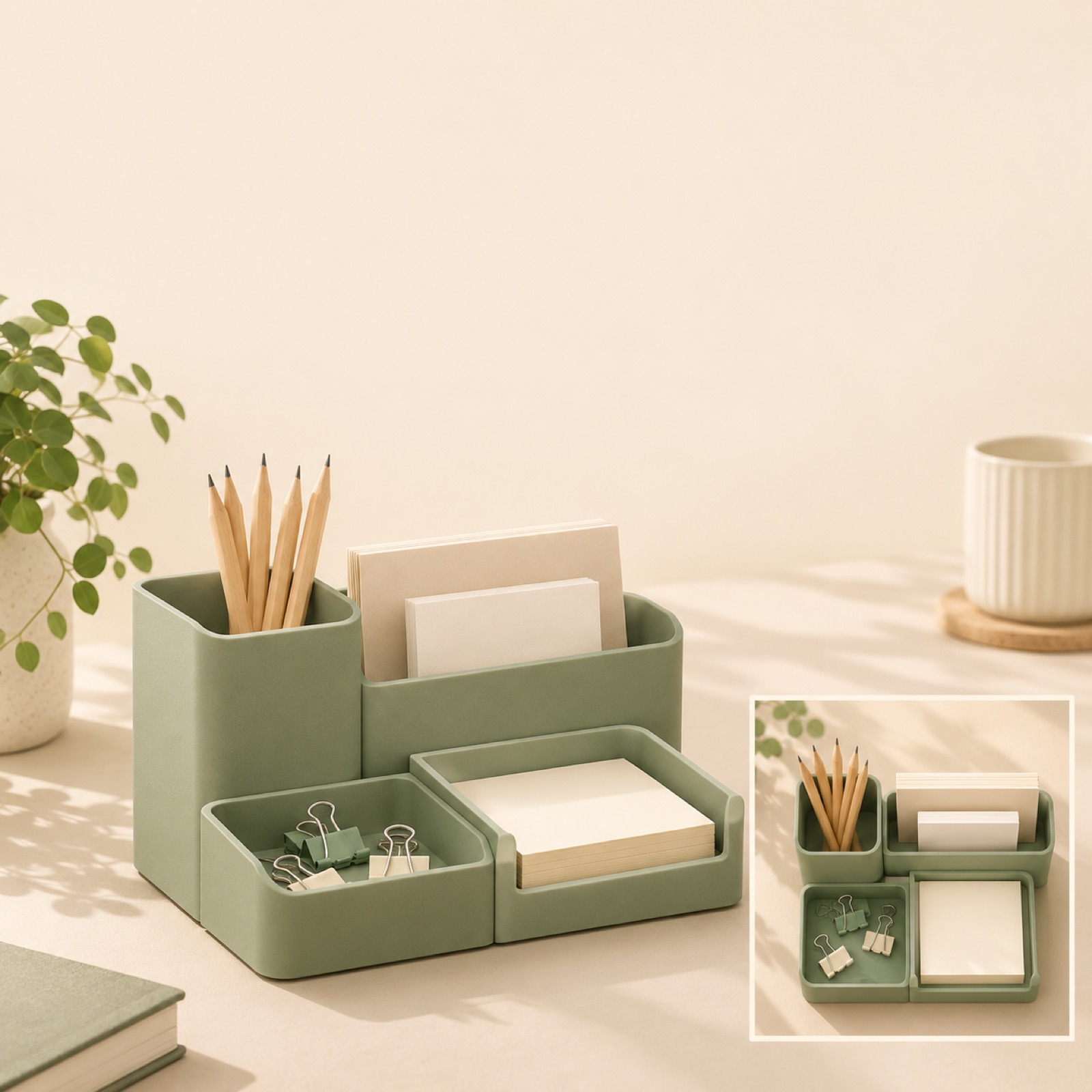
This is a hypothetical example. Place a modular desk organizer prominently in the center of a cream-colored background, with the opening line, “Give the small things on your desk a place of their own.” Follow with a photo showing what each compartment holds, then a full view of the organizer on an actual desk. Close with “Find the configuration that fits your desk.” Moving from the whole product to its internal layout and then to where it is used helps first-time viewers connect its purpose with where they would put it.
Choose this structure if you have photos of the product from the front, with items stored inside, and arranged on a desk. In AdForge, choose and save a reference ad that gives the product prominent screen space, then review the analyzed hook, shots, and captions. When remaking it, add your three photos, product information, and the storage features you want to highlight. Review the generated script and storyboard to check that the photos appear in the intended order. When adapting this to your product, decide on a message about the size or the items it holds—the things customers are most likely to want to know—before focusing on color.
2. Question-led opening: Ask when someone needs a cable organizer pouch
This is a hypothetical example. Open with a photo of chargers and cables scattered inside an open bag. Add a short line at the top of the screen: “Rummaging through your bag for your charger?” In the next scene, show the compartments inside a cable organizer pouch, then finish with the closed pouch and “Explore the storage layout.” The question leads directly into a scene that answers it. TikTok’s official product advertising guide also identifies an early hook as a creative element.2
In AdForge’s Meta and TikTok ad library, find and save a reference video that opens with a question. Review the saved ad’s hook and pacing, then add photos of the pouch and its storage layout, along with an explanation of “what the product stores and where,” for the remake. Select Korean for video creation and edit the generated script and storyboard. Review and download the result with Korean AI narration and captions. Adapt the question to your product, and make sure you also have permission to use the assets depicting the problem.
3. Usage walkthrough: Show a label printer from text entry to application
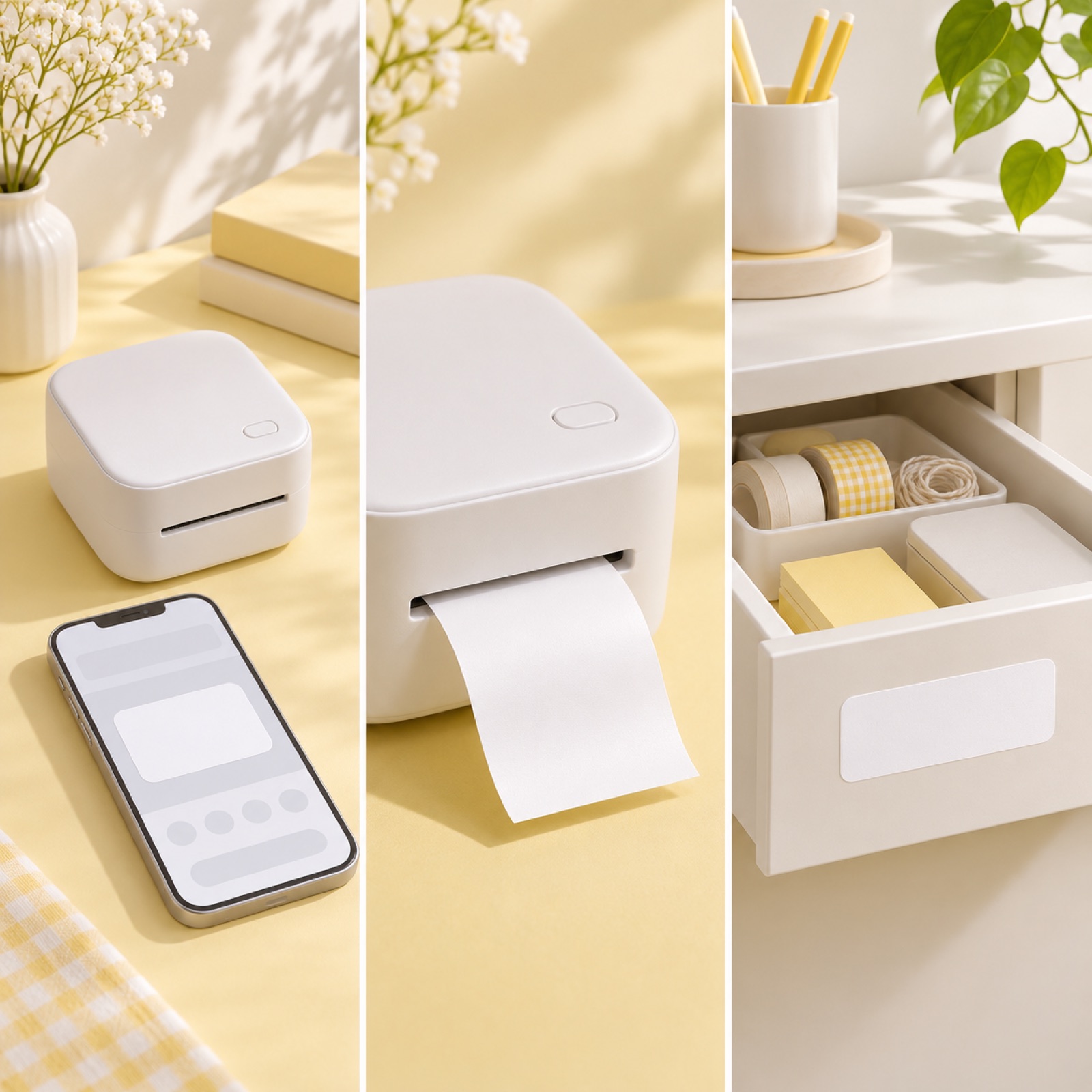
This is a hypothetical example. Start with a photo of labeled drawers and the line, “Label it to make it easier to find.” Then show actual usage footage in sequence: entering the text, printing the label, and applying it to a drawer. Keep the captions to “Enter,” “Print,” and “Apply” in their respective scenes, and close with “See how it works.” TikTok’s official guide recommends showing products in actual use and making the content understandable without sound.2
Use this structure when seeing the actual operating process matters to the purchase decision. In AdForge, select an ad that shows the steps in order, then add your text-entry screen, printing footage, and application footage along with the product information. Check that the generated storyboard matches the actual operating sequence and screens. For app scenes, use screenshots or screen recordings you upload yourself. When adapting this to your product, focus on one operation and review the resulting video to ensure it does not depict actions or features the actual product does not have.
4. Comparison: Connect a laptop stand’s open and folded states
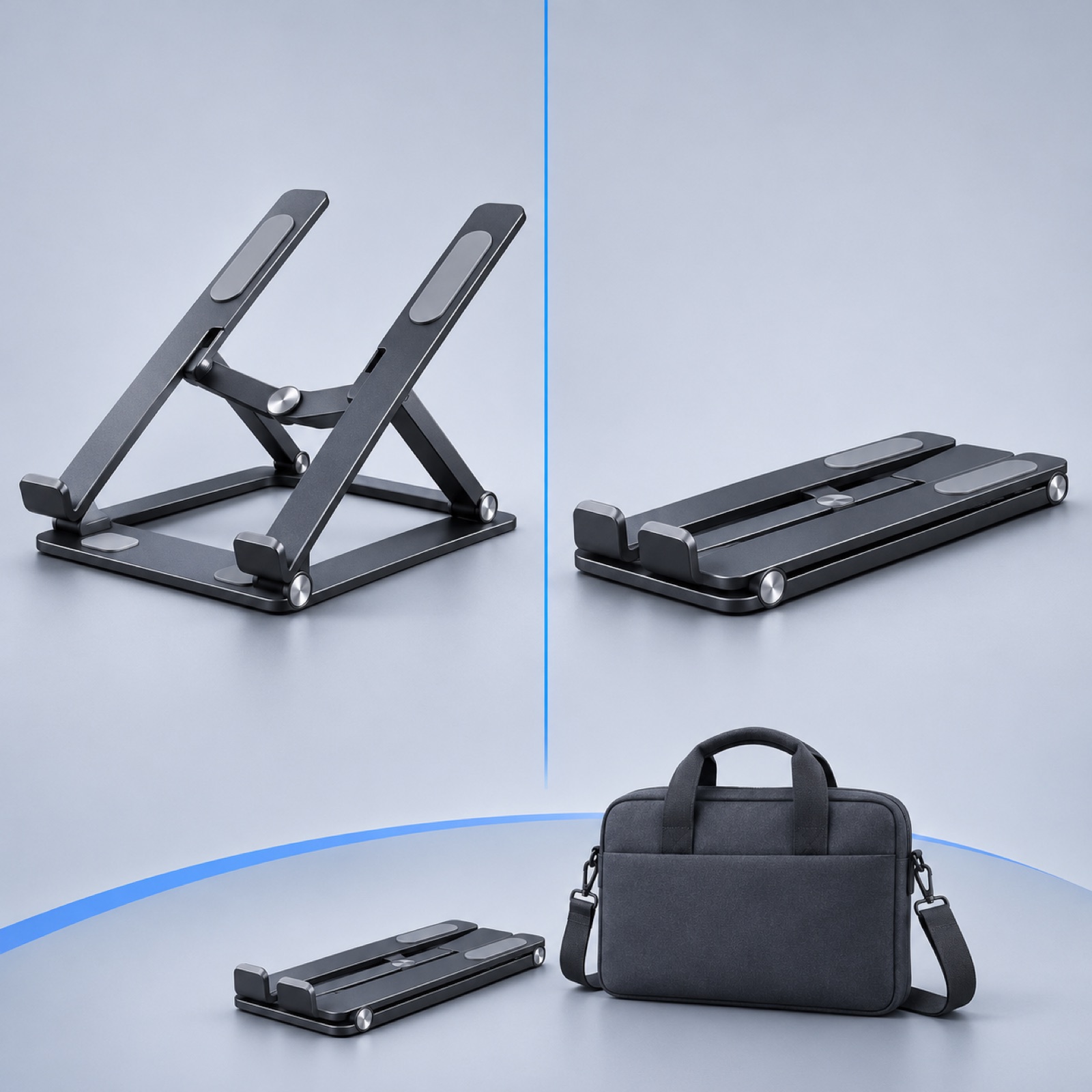
This is a hypothetical example. Place photos of a folding laptop stand in its open and folded states side by side, and open with “Unfold it when you work. Fold it when you go.” Follow with a side view of its structure, then a view of it inside a bag. The closing line is “Check its folded dimensions.” This explains two states of the same product rather than claiming it is superior to competing products. TikTok’s official guide also covers using comparisons to explain a product.2
This works for products where a change in state matters, such as before and after setup or folding. Using similar camera angles and backgrounds for the two comparison photos makes the difference easier to see. In AdForge, choose the structure of a reference ad that includes a comparison scene, then add the open and folded product photos and verified product information. Do not add unverified weight or portability figures to the script. When adapting this to your product, keep the comparison to one criterion and check that the proportions and shape in the finished video match the actual photos.
5. Benefit-led presentation: Show what is included in a stationery set first
This is a hypothetical example. Show a notebook, pen, and index tabs on a pale blue background with the line, “Start your next project with this set.” In the following scenes, show a photo and the name of each item one at a time, then bring the set back together and close with “See the full set.” The benefit in this example is being able to choose the items you need together, rather than a discount. Showing the complete set, the individual items, and then guidance on choosing it helps customers understand what they will receive.
Choose this approach when the contents of the set are finalized and you have photos of each item. In AdForge, choose a reference ad that introduces multiple components in sequence, then remake it with a photo of the set, photos of each item, and the actual list of included items. Check that the Korean script does not imply that separately sold items are included. When adapting this to your product, tailor the opening line to the customer’s intended use. If an offer is currently running, enter only its verified terms. After downloading the finished video, use your existing ad management tools to upload the ad and review its performance.
Key takeaways
Start with a product introduction if your assets are mainly product photos, a question-led opening if you have a photo of the problem, or a walkthrough if you have footage of the product being operated. Keep comparisons and benefit-led presentations focused on verified differences and set contents. Choose one reference ad, create a Korean draft using your own assets, and review the product presentation and messaging to complete your first production draft.
FAQ
Can I create an AI video ad with product photos alone?
In AdForge, you can create video ads by adding product photos and a message. If you only have photos, start with a product introduction or a presentation of what is included. For products whose operation needs explaining, preparing usage footage as well makes it easier to check the presentation against the facts.
Are there real examples of brands using AI effectively in advertising?
The sources used here do not establish whether or how specific brand ads were created with AI, so no named examples are included. When referencing real ads, examine the opening scene, presentation sequence, and closing line, and verify any use of AI through separate evidence.
How should I choose a reference ad?
Look at the assets needed for the opening scene, the order in which the product is explained, and the action requested at the end. If an ad features a hands-on demonstration but you only have product photos, you lack the assets needed to recreate it. Along with whether it is from the same industry, consider whether you can reproduce its structure with the assets you have.
Where should I start if the Korean output sounds awkward?
Reduce the number of messages in each sentence of the script, and check the product name and call to action first. In AdForge, you can directly edit the generated script and storyboard, or regenerate a single scene. After editing, review the narration and captions together.
Related reading
Make your next ad with AdForge
AdForge (ad-forge.io) is an ad remake app: pick an ad you like and rebuild it as a video or image ad for your own product. Find references in the Meta and TikTok ad libraries, let AdForge write the script, AI narration and captions, then review and download. Every account starts with 12 free image ads.