How to Create Skincare Video Ads from Product Photos Without a Shoot
A step-by-step guide to creating your first English video ad using product photos and product page information. Choose a message your photos can communicate, apply the structure of a reference ad, then review the English script, narration, and captions to finish your video.
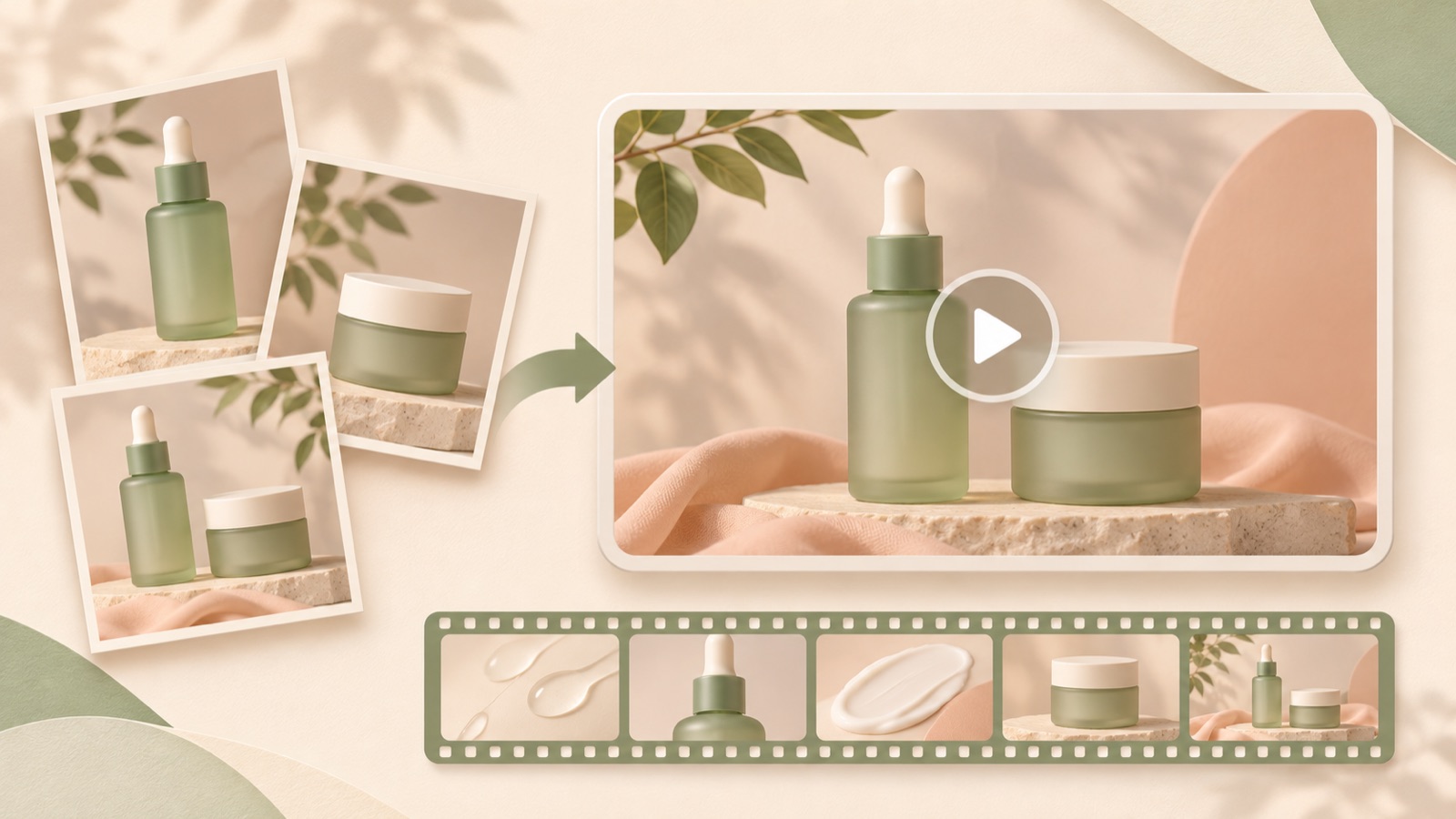
Creating skincare video ads from product photos starts with choosing one reason to buy that your existing photos can communicate. You can organize the information from your product page, select a reference ad you can recreate with photos, and use AdForge to produce a video with an English script, narration, and captions. If you have no budget for a shoot, start by showing the packaging and order of use. There is no need to invent footage of the product being applied to skin or absorbed. Follow the steps below to finish your first creative and prepare to compare it with your existing image ads.
Choose one reason to buy that your photos can communicate
First, open your product page and choose a topic you can explain alongside your existing photos, such as the packaging, listed ingredients, or order of use. Including every benefit in your first video means each scene will need a new explanation. If you only have a front-facing product photo, focusing on a product introduction makes it easier to define the scope. If you have photos featuring several products together, focus on the routine. Only use ingredient information you have verified on the actual label, and do not claim that an ingredient will change the skin based on its name alone.
For a hypothetical example, suppose you sell two products: a cleanser and a moisturizer. If you have individual photos of both products and a photo of the set, your topic could be “a two-step routine, starting with cleansing.” You need scenes showing the full set, the cleanser, and the moisturizer. By contrast, if your topic is “a fast-absorbing feel,” photos of the product bottles alone will struggle to demonstrate it. Finish a topic you can explain with your current assets first, and keep topics that require actual usage footage in a separate production plan.
- Check the product page for facts and the order of use you will include in the ad.
- Assign one photo file to each message.
- Remove any sentences from the draft that are difficult to support with photos or product information.
Find a reference ad that works without usage footage
Choose reference ads based on the role of each scene, rather than the overall mood. Note whether the ad opens with a close-up of the product, draws attention with a question, and what it asks viewers to do at the end. TikTok’s official beauty guidance introduces Creative Center keyword insights and browsing ads and organic videos as ways to research creative references. Use these to find new selling angles and ways to express them, and do not treat them as evidence that you will achieve the same results with US customers.2
In AdForge, you can search for and save ads currently running in the Meta and TikTok ad libraries. Review the analysis of saved ads’ hooks, pacing, cuts, captions, voices, and music to choose a structure you can fill with your own photos. An ad centered on product introductions and brief explanations fits these assets better than one built around footage of someone spreading the formula by hand. You can also see how many days an ad has been running, but do not judge its performance by that duration alone. Choose based on how well its structure fits your assets.
Add product information and photos in AdForge to create an English draft
Paste your product page address into AdForge’s product information screen to populate the details automatically. Read through the product name, set contents, and description to check that they match what you actually sell, then define the selling angle for this video. Next, upload the product photos you will use and create a video ad based on your selected reference. In your input message, specify the order of explanation, for example: “Introduce the cleanser, then the moisturizer, and show the set contents at the end.” You also need to confirm that you have the rights to use the uploaded assets.
Once the script and storyboard are generated, review the English script and edit it directly where needed. In the hypothetical example, assuming the wording matches the actual usage instructions, you could use phrases with a clear role in each scene, such as “Start with cleansing,” “Follow with moisturizer,” and “Explore the duo.” Create the script, narration, and captions in English, then check that the AI narration, word-level synchronized captions, and background music fit the message in the output. Video ad creation requires a paid plan, so define the production scope separately from the free image ad allowance.
- Enter the product page address on the product information screen and check the automatically populated details.
- Add actual product photos and the selling angle for this video, then apply the reference.
- Read the generated English script and storyboard, and edit the wording for each scene.
- Check the narration, captions, music, and product depiction in the video output.
Check the boundary between photos and actual usage footage in the storyboard
Read through the storyboard and classify each scene as a “product introduction,” “sequence explanation,” or “usage demonstration.” For a product introduction, you can use an actual packaging photo. For a sequence explanation, you can pair a photo of the relevant product with a short phrase. Usage demonstrations need a different assessment. To show the formula flowing, being spread on skin, or the skin’s condition immediately after application, you need actual assets that show those details. If you do not have them, replace the scene with one that explains the product or its usage instructions.
The first scene in the hypothetical example places photos of the cleanser and moisturizer together against a bright background with the text “A two-step skincare routine.” The following scenes introduce the cleanser and moisturizer in order, and the final scene shows the set photo with “Explore the duo.” The purpose of this structure is to explain the order of use and what is included in the set for sale. If the storyboard includes unsupported skin changes or usage footage you do not have, revise the script. If an issue remains in a particular scene in the finished video, you can regenerate just that scene.
Review the finished English video and prepare to compare it with image ads
Watch the finished video with the sound on and off. With the sound on, check the pronunciation of the product name and the meaning of the narration. With the sound off, check whether the captions alone make the products and order of use clear. Compare the labels, container shapes, and set contents in the product photos with the originals as well. A community discussion about creating videos from product pages without a filming budget also mentioned the burden of manual edits. It is realistic to include time for reviewing the generated draft in your production schedule.1
Once the review is complete, download the video and upload it directly to your Meta ad account using your existing ad management tools. AdForge does not automatically run ads through your ad account; campaign setup and performance review also take place in your existing tools. For your first comparison, prepare image and video creatives featuring the same product and message, and write down the difference you want to evaluate before you start. When you later change the video’s opening scene or English copy, recording those changes will make it easier to decide what to produce next. Use your first finished video as a starting point for communicating a reason to buy that your existing photos can explain.
Key takeaways
Choose one reason to buy that your existing photos can communicate, then select a reference ad whose structure you can fill with those assets. Enter your product information in AdForge, review the English script, storyboard, and finished video, then download it to prepare your first video creative. Only include scenes demonstrating actual use when your existing assets can substantiate them.
FAQ
Can I start with just one front-facing product photo?
You can start by planning a product introduction that a single photo can communicate. Avoid concepts that show how the product feels in use or changes to the skin, and check that the product shape and label in the generated output match the original.
Can I create an English video ad from a Korean product page?
You can automatically populate product information from the product page address and create an English script, narration, and captions. Review them yourself to ensure that the product name, ingredient labeling, and order of use are accurately conveyed in English.
Can I use the free image ad allowance to make videos too?
The 12 image ads included when you start for free are separate from video production. Video ads are created on a paid plan.
Will video perform better than my existing image ads?
The production method alone cannot guarantee performance. Prepare image and video creatives with the same product and message, then compare campaign results in your existing ad management tools to decide on your next creative.
Related reading
Make your next ad with AdForge
AdForge (ad-forge.io) is an ad remake app: pick an ad you like and rebuild it as a video or image ad for your own product. Find references in the Meta and TikTok ad libraries, let AdForge write the script, AI narration and captions, then review and download. Every account starts with 12 free image ads.