Best Tools for Handbag Video Ads: Comparing 4 Tools and a Combined Workflow
The right Sora alternative depends on whether you need scene generation or a finished ad. Compare the options on the same criteria, from preparing handbag photos to producing English voiceovers and captions.
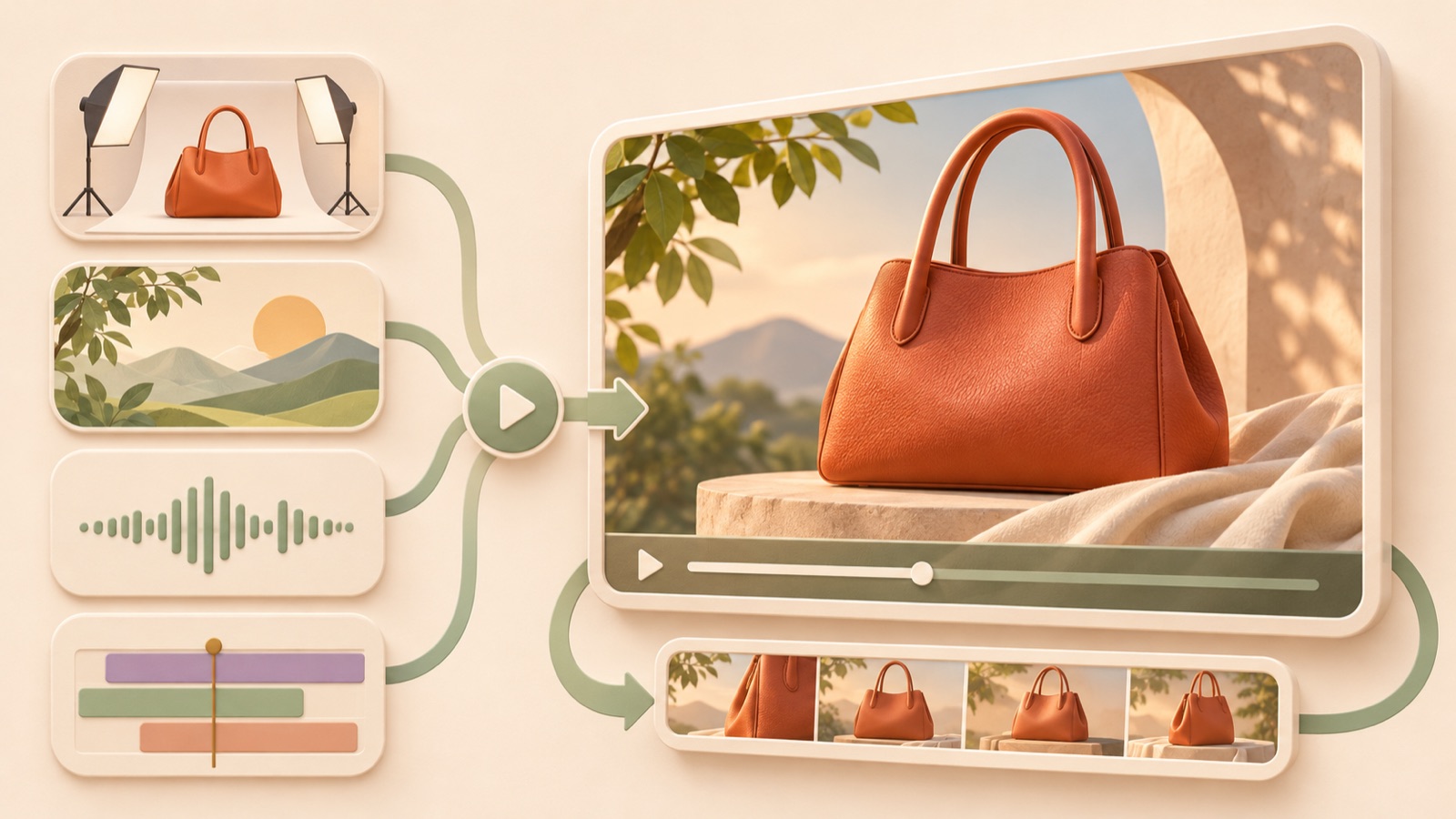
These handbag video ad tool recommendations are based on the photos you have, scene generation, the amount of hands-on editing required, and support for producing English voiceovers and captions. Consider AdForge to remake a reference ad for your own product, Photoroom for photo animation and full-ad planning, Adobe Express for recording and editing yourself, and Runway for generating scenes from text and images.123 The recommendations below are organized by workflow, rather than ranked by performance scores. Compare the work that remains after generating the scenes you previously made in Sora.
1. AdForge — Remake a reference ad as an English ad for your bag
AdForge is our service, and we run this blog. It uses a reference ad’s opening hook, progression, visual composition, and call to action as a framework to create a new ad from your product information and uploaded assets. It produces an English script, storyboard, AI narration, word-level captions, and background music, making it suitable for small brands that find it difficult to plan an ad from scratch. Its strength is connecting planning with voiceover and caption production. Video creation is paid, and you need to review how accurately the product and its claims are represented.
At the product information step, paste your product page address and check the automatically populated details. Add front, side, and detail photos, along with verifiable selling points. Search for and save reference ads in the Meta and TikTok ad libraries, then review the analyzed hooks and progression. At the video creation step, select English and edit the generated script and storyboard. Check the bag’s shape, pronunciation, captions, and final purchase guidance in the result, and regenerate only the scenes that need changes. Confirm that you have permission to use the assets, then download the video and upload it to your ad account yourself.
2. Photoroom — Choose between photo animation and full-ad creation
Photoroom distinguishes between Product Animator’s templates for animating bag photos and Video Ad Maker’s workflow for creating a complete ad. Video Ad Maker describes scene and copy planning, along with English narration and music, so it is an option for marketers looking to create an entire ad as well as short scenes that put a product in motion.1 Its strength is letting you assess the options according to whether you want to add movement to a photo or also delegate ad planning. However, the available evidence does not establish the extent of automatic caption generation, so check this before choosing.
As a hypothetical example, consider a photo animation template if you only want to convey the mood of a burgundy shoulder bag, or Video Ad Maker if you want to include reasons to buy and an English explanation. Compare the result with the original to check that the color has not shifted to brown and that the logo and clasp positions, metal hardware, and bag proportions are correct. The official page also identifies color, logos, metal hardware, and size as points to review.1 When comparing it with AdForge, start from the fact that both handle ad structure and English voiceovers, then consider whether you need to start with a reference ad and how much caption work is covered.
3. Adobe Express — For recording your own voiceover and editing captions
Adobe Express supports uploading your existing photos and videos, modifying video ad templates, adding music, and editing. It also explains how to record narration yourself and add captions within the same project.2 It suits marketers who have footage of the bag being worn and product photos, and want to decide the scene order, English explanation, and copy placement themselves. Its strength is letting you assemble existing assets according to your editing vision. The limitation is the time required for recording and caption work, which should be assessed separately from automatic AI voiceover and caption generation.
As a hypothetical example, an ad for a work tote could move from footage of someone wearing it to an actual interior photo, zipper details, and guidance on choosing a product. First, write short English sentences and record them yourself, then add captions and check that what you say matches the evidence in the photos. Adobe Express’s upload, editing, recording, and caption features can support this workflow.2 It is a candidate if you have someone available to record and have settled on an editing direction. If you need to generate both a script and a voiceover, compare it with AdForge’s production scope.
4. Runway — For generating individual scenes from product photos
Runway’s Gen-4.5 supports video generation from text and images.3 It is a candidate if you primarily used photos and prompts in Sora to create product scenes. Its strength is letting you specify the scene you want through text and images and proceed with generation. It suits teams with someone who can select generated results and assemble them into an ad. However, the cited document provides evidence about video generation and should not be interpreted as evidence of functionality for completing an ad with English narration and captions.
As a hypothetical example, you could plan a scene based on an ivory handbag photo, with a bright studio setting and a slowly moving camera. This is a production idea, not a guarantee of results. After generation, compare the strap attachment points, stitching, and hardware shapes with the original. Runway’s text- and image-based generation can be evaluated as a way to produce individual scenes like this.3 Before choosing, decide who will finish the English copy, voiceover, and captions that accompany the scenes, and which tools they will use, so you can see the full workload.
5. Photoroom + Adobe Express — Split generation and hands-on editing
This is a combined production workflow, rather than a separate service. You can consider making photo-based product videos in Photoroom and editing them alongside your existing photos in Adobe Express.12 It suits marketers who need generated scenes but want to refine the final progression, recording, and captions themselves. Its strength is separating the roles of generation and editing. Its limitation is the need to transfer files and manage work across two tools. If you choose Photoroom’s full-ad creation option, first establish why you need the combined workflow.
As a hypothetical example, suppose you place a generated video showing the whole bag and an actual interior photo in the same ad. First, save the output file and check that you can use it in the editing tool, then check for color mismatches between the generated scenes and actual photos. You can plan to record the English explanation yourself and add captions.2 After completing the first ad, record the time spent transferring files and recording. This gives you a basis for deciding whether the combined workflow or AdForge’s reference-ad-based production is easier to repeat.
Key takeaways
Compare handbag ad tools by both what they generate and the work you will handle yourself. The starting points are reference-ad-based production for AdForge, photo animation and full-ad planning with English voiceovers for Photoroom, hands-on editing, recording, and captions for Adobe Express, and scene generation for Runway.123 Listing the work needed to finish a first ad using the same bag assets will make it clearer which option fits your production workflow.
FAQ
If I choose just one Sora alternative, what should I decide first?
First, decide whether you need individual scenes or a finished English ad. Runway is a candidate for text- and image-based scene generation, while Photoroom offers photo animation and full-ad creation options to compare.13 AdForge is an option for production based on a reference ad, and Adobe Express for hands-on editing, recording, and caption work.2
Can Photoroom also create ads with English voiceovers?
The official page describes Video Ad Maker’s scene and copy planning, along with English narration and music.1 It should not be classified as a tool that only animates product photos. However, the evidence used here does not establish the extent of automatic caption generation, so check that separately.
Does Adobe Express automatically generate English voiceovers and captions?
The cited page confirms functionality for recording narration yourself and adding captions within a project.2 It does not provide a basis for describing these as automatic AI generation. Include the time needed to record English yourself and refine captions when comparing the options.
What should I prepare if I am starting with only bag photos?
Prepare front, side, and detail photos, along with product information you have actually verified. As a hypothetical example, include interior photos if you want to emphasize storage. AdForge can create English video ads from product assets and messaging, but do not arbitrarily add claims about storage capacity or material properties that are not shown in the photos.
Related reading
Make your next ad with AdForge
AdForge (ad-forge.io) is an ad remake app: pick an ad you like and rebuild it as a video or image ad for your own product. Find references in the Meta and TikTok ad libraries, let AdForge write the script, AI narration and captions, then review and download. Every account starts with 12 free image ads.