Video Ad Tools for Drip Bag Coffee: 3 Tools and 2 Production Workflows Compared
Creating Japanese-language ads for drip bag coffee involves different hands-on tasks in AdForge, Adobe Express, and Higgsfield. Compare the tools and production workflows based on whether you have product photos and brewing footage, and how much time you can spend editing.
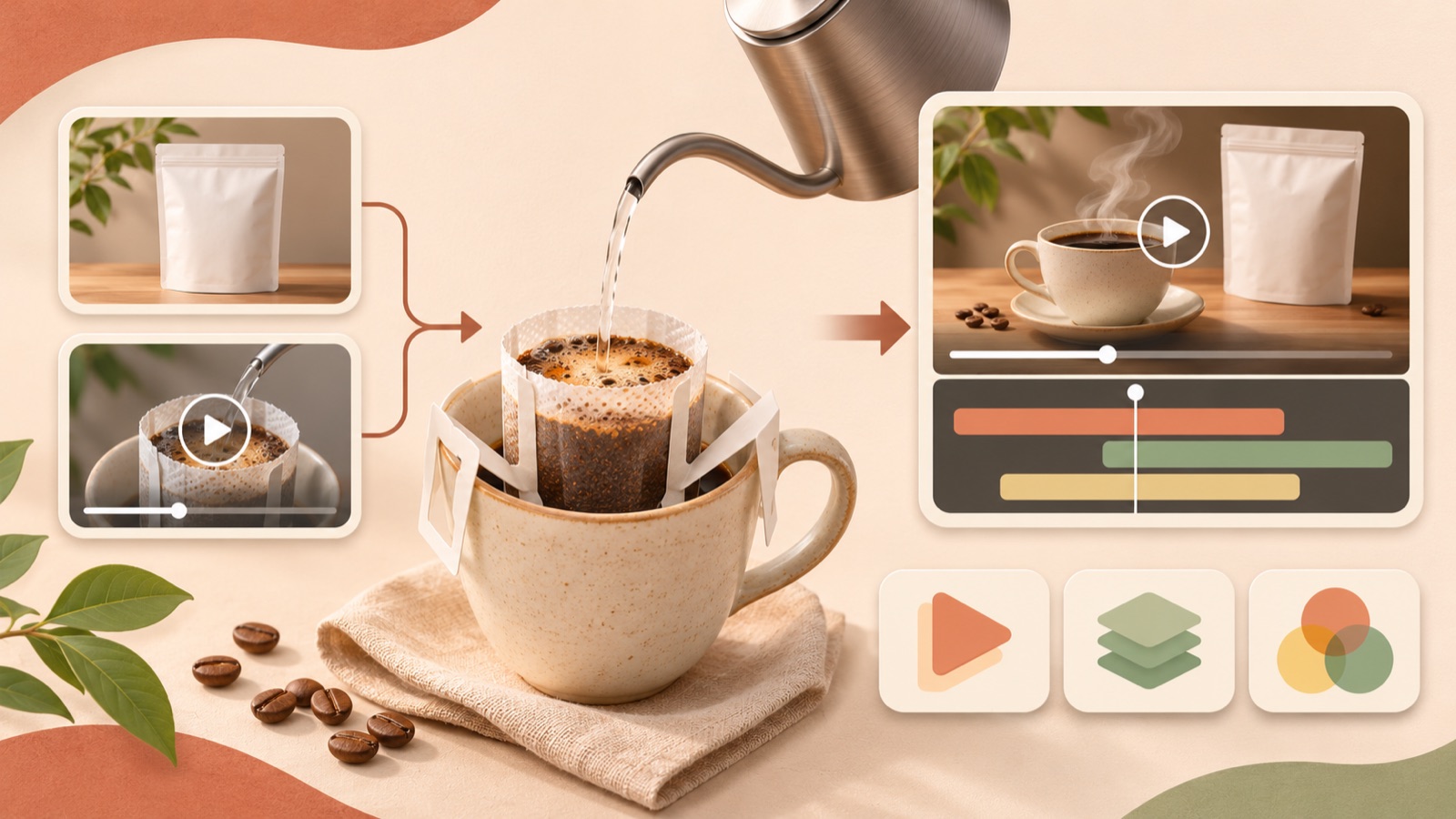
To create a Japanese-language video ad from drip bag coffee photos, choose your tools based on the work you want to handle yourself. This article selects three tools and two production workflows based on three approaches: using reference ads, editing actual brewing footage, and generating new scenes. AdForge is a fit if you want to work from a reference ad through to a script, voiceover, and subtitles; Adobe Express if you want to arrange your existing footage yourself; and Higgsfield if you want to create new scenes from photos and prompts. The order below reflects recommendations for these production goals, rather than a ranking of output quality.
1. AdForge — Remake a reference ad as a Japanese-language video
AdForge is our service, and we run this blog. It is an app for creating new ads using your own product assets and messaging, drawing on the opening scene, narrative flow, visual layout, and call to action of an ad you like. It suits marketers who have drip bag coffee photos and brewing footage but find it difficult to handle scripting, shooting, and editing themselves. Its strength is the ability to create a Japanese script, narration, subtitles, and background music together. However, you need to review the finished video yourself to check that the brewing method and packaging appearance are accurate.
Start by searching for Meta and TikTok ads in the ad library and saving an ad to use as a reference. Treat the number of days it has run as supporting information, and choose a structure you can communicate with your own assets. Review the analysis of the saved ad’s hook, pacing, cuts, and subtitles, then enter your product page address or write the product information and selling points on the product information screen. Upload a front-facing photo of the packaging and any brewing footage you have, and select Japanese as the production language. For example, you could enter “a cup at your desk before a meeting” as a hypothetical creative direction.
Next, review the AI-written script and storyboard. Remove flavor descriptions that do not apply to the actual product and any unverified brewing times, and distinguish the scenes showing the packaging from those showing the brewing process. In the output, check the drip bag’s hanging structure, the pouring action, Japanese pronunciation, and subtitles. You can regenerate individual scenes that are off. Download the video after reviewing it; video ads require a paid plan. Registering the ad account, running the ads, and checking performance are tasks you handle yourself in your existing ad management tools.
2. Adobe Express — Trim and arrange your existing brewing footage
Adobe Express suits marketers who want to decide the sequence of their prepared photos and footage themselves. Its official production guide covers ad templates, asset uploads, splitting, trimming, and rearranging clips, adding text and music, and downloading. This editing approach is suitable if you need to show brewing actions you actually filmed and can decide which segments to keep. Its strength is building the ad around your existing assets; its limitation is that the marketer must handle shot selection and text placement.2
As a hypothetical example, prepare a front-facing packaging photo, footage of hanging a drip bag on a cup, footage of pouring water, and a photo of the finished coffee. Choose a template, upload the assets, and trim any sections where the preparation runs too long. Then arrange the packaging and brewing scenes, add Japanese copy and music, and download. This sequence is a suggested application of the editing features in the official guide to a drip bag coffee ad.2 Prepare the Japanese draft separately, and check that the product name and terms of sale are readable on screen.
3. Higgsfield — Generate new scenes from product photos and prompts
Higgsfield is an option worth considering for marketers who want to try new scenes that are difficult to convey with their existing photos alone. Its official help materials describe photo-based presets, video generation using prompts and reference materials, video editing, and voice features. However, available models and features vary by plan and access permissions. Its strength is the range of options for creating scenes; its limitation is that you need to check whether your desired features are available and review the generated results yourself.3
For a hypothetical production concept, you could first describe the composition and mood: “a cup of coffee on a light wood desk, a drip bag coffee package standing beside it, soft morning light.” Prepare product photos and reference materials, then review the generated scenes, keeping in mind that this description is an example prompt and does not guarantee an accurate reproduction. Do not conclude from the official materials alone that you can complete an entire Japanese-language ad in one go. In particular, compare the packaging text and drip bag structure against the original photos, and prioritize considering your existing footage for sections that need to show actual brewing actions.
4. AdForge and Adobe Express — Create the Japanese-language ad, then edit in existing footage
For teams that want to create the ad’s narrative and Japanese voiceover together but decide the length and sequence of brewing scenes themselves, we suggest using the two tools in sequence. Create a Japanese-language video in AdForge using a reference ad and product assets, then download the result. Next, upload the finished video and original brewing footage to Adobe Express to split and rearrange the required segments. Uploading and clip editing are features covered in Adobe Express’s official guide.2
This combination reduces the burden of building the initial structure yourself while allowing the marketer to choose the actual demonstration segments. It also adds downloading, reuploading, and checking the alignment between voiceover and visuals. In a hypothetical example where actual pouring footage follows a generated opening, check again that the Japanese explanation matches the action. Do not assume that the downloaded video’s script or subtitles will remain individually editable elements in Adobe Express; it is better to finish copy revisions during AdForge’s script and storyboard review stage.
5. Higgsfield and Adobe Express — Produce atmosphere scenes and actual demonstrations separately
If you need new atmosphere scenes but want to use the brewing process exactly as filmed, consider generating scenes in Higgsfield and editing them together with your existing footage in Adobe Express. This is a suggested workflow that connects the tools’ respective features: photo- and prompt-based generation, and editing uploaded assets.32 As a hypothetical example, you could generate a scene of the desk where the coffee will be enjoyed, while using actual footage for opening the drip bag and pouring water. The strength is being able to choose a production method for each scene; the limitation is having to handle asset preparation and final editing yourself.
The deciding question is, “Do we really need a generated scene?” If packaging photos and brewing footage can communicate a reason to buy, try completing the ad with those assets first. One drip bag coffee ad creator’s account also discusses selecting reference ads, working across multiple tools, and differences between the actual product and generated scenes. This is one person’s experience and cannot be generalized into an assessment of the tools’ overall quality.1 For your first Japanese-language ad, focus on showing the product, explaining the brewing process, and communicating the next action to take to purchase. Add new scenes when they are needed to support that explanation.
Key takeaways
Consider AdForge if you want to go from a reference ad to a Japanese script, voiceover, and subtitles; Adobe Express if you want to arrange existing brewing footage yourself; and Higgsfield if you want to generate new scenes. For your first project, start by preparing one reference ad, product photos and brewing footage, and one verified selling point.
FAQ
Can I start a Japanese-language video ad with product photos alone?
In AdForge, you can create a Japanese-language video ad using product photos, product information, and messaging. However, you need to review whether brewing actions that are not shown in the photos match the actual product. If you have brewing footage, prepare it as well.
Which of the three tools is the clearest choice for hands-on editing?
Adobe Express is a fit if you want to select shots and set their sequence yourself. Its official guide includes splitting, trimming, and rearranging clips, as well as adding text and music.2 If you want to start with a script and storyboard based on a reference ad, consider AdForge.
Can Higgsfield handle everything, including Japanese voiceover?
The supplied official materials confirm voice features, but do not establish the extent of Japanese-language support or a workflow for producing an entire ad. Models and features also vary by plan and access permissions, so check the features you need first.3
What direction should I take with the Japanese copy?
Start by choosing one drinking occasion, as in the hypothetical example “仕事の合間に、一杯のコーヒーを。” Add actual product features, and use only verified information about flavor, origin, and the number of items included. Also check whether the narration sounds natural and whether the subtitles are an appropriate length.
Related reading
Make your next ad with AdForge
AdForge (ad-forge.io) is an ad remake app: pick an ad you like and rebuild it as a video or image ad for your own product. Find references in the Meta and TikTok ad libraries, let AdForge write the script, AI narration and captions, then review and download. Every account starts with 12 free image ads.