How to Make Unboxing Video Ads: Turn Existing Footage into a Short English Ad
Select the product reveal, included items, and key details from a long unboxing video and turn them into an English ad. This guide walks through choosing a reference ad, reviewing your AdForge script, checking narration and captions, and downloading the finished video.
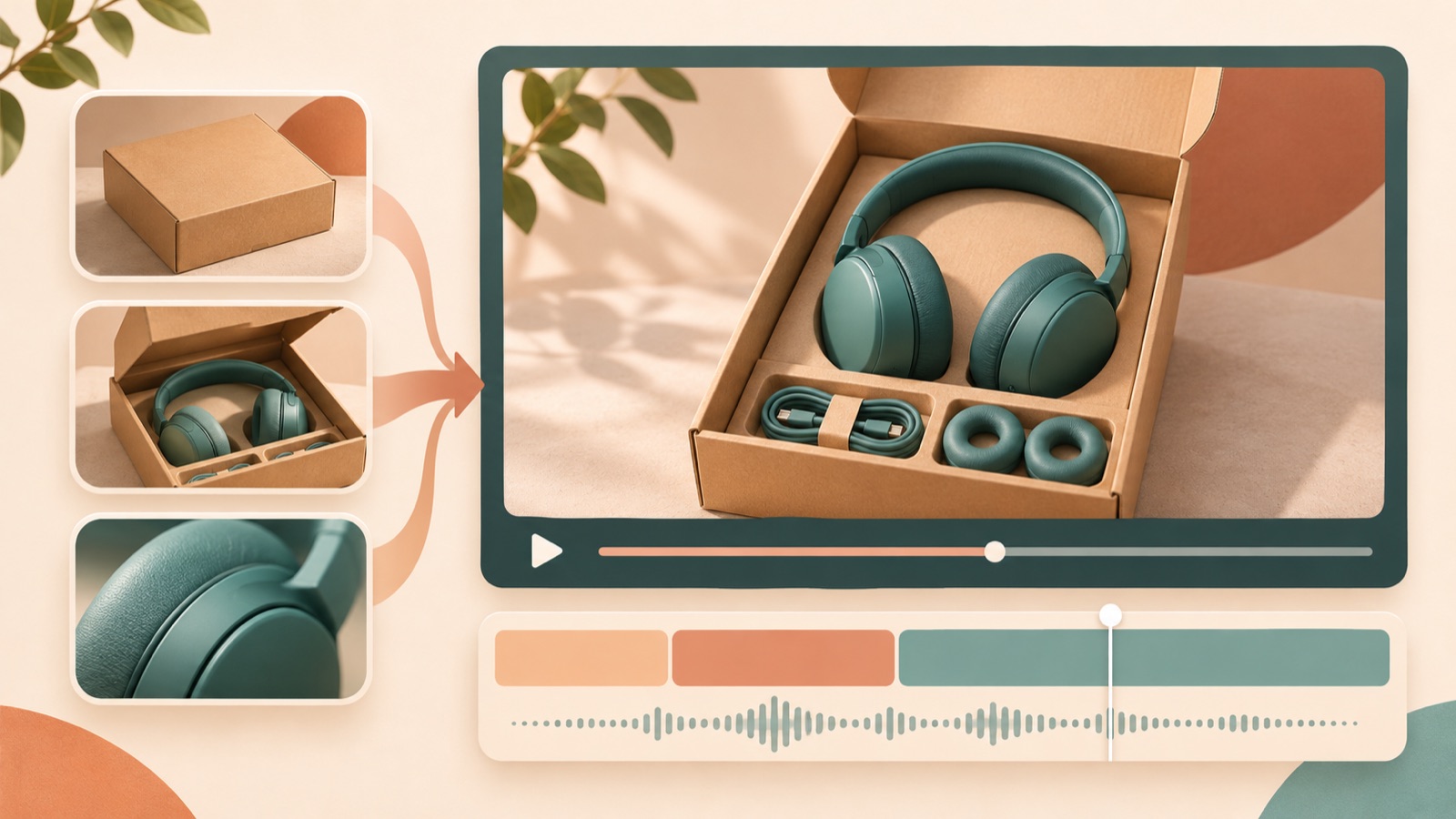
Making an unboxing video ad does not have to start with trimming down the entire unboxing process. First, choose scenes that show the product reveal, the actual items included, and reasons to buy. Connect them in the order of “What’s included → Why it’s useful → Where to buy,” and you have the structure for a short English ad. Let’s walk through preparing your existing footage and product photos, then using the structure of a reference ad in AdForge to create a finished video with a script, storyboard, English narration, and captions.
Choose scenes that answer buyers’ questions before following the unboxing sequence
Review the original footage and identify the packaging removal, product reveal, full set of included items, and product details. Good candidates for the ad are scenes that clearly show what the product looks like and help viewers understand what they will receive. Keep footage of peeling off tape or clearing away packaging only when the unboxing experience itself is a reason to buy. There are also production requests seeking product videos that show included items without showing a face, along with suitable references.2
Prepare product photos showing the packaged product, all included items laid out, and close-ups of its features. For a hypothetical travel organizer pouch set, for example, you would select footage of opening the box, a photo of all the pouches, and a photo of the internal dividers. Also distinguish filming props from the items actually included in the sale. Use these assets for the product reveal, an explanation of what buyers receive, and evidence supporting a reason to buy, respectively. Before uploading, check that you have the rights to use the footage, photos, and audio.
Choose a reference unboxing ad you can recreate with your existing assets
When choosing a reference ad, focus on whether its progression fits your assets more than whether it features the same type of product. If you have footage of hands taking out the product, consider opening with the product reveal. If you have a clear photo of the included items, consider showing the full set first. TikTok’s official materials also introduce unboxing as an ad creative format and explain a structure built around a hook, product benefits, and a call to action. The starting point is to adapt that structure to the order in which you present your own product information.1
In AdForge, you can search active ads in the Meta and TikTok ad libraries and see how many days each ad has been running. When you save a candidate, AdForge analyzes its hook, pacing, cuts, captions, voice, and music. Here, check what appears in the opening frame, when the included items are explained, and what action viewers are asked to take at the end. Do not infer performance from days running alone. Choose an ad whose content you can build with your existing unboxing footage and photos.
Plan an English script that shows what’s included, then explains its uses
Before writing the English script, decide on one question each scene will answer. The first is “What’s in the box?”, the next is “What is each item used for?”, and the last is “Where can I learn more before buying?” Start with one product benefit you can demonstrate using your actual assets. For example, explain how items can be organized separately when a photo shows dividers, and avoid adding vague claims that the product is compact or spacious if you have no assets that demonstrate its size.
For the hypothetical pouch set ad, you could pair an open box with “See what’s inside.” in the first scene, then use “Three pouches for your travel essentials.” with the photo of all included items. Next, pair the divider photo with “Keep small items separated.” and finish the purchase guidance with “Explore the set.” The three-piece set and dividers are features of this hypothetical product. In an actual production, replace them with the items included in your sale, verifiable features, and information from the product page you will link to.
Add your assets in AdForge and remake the ad in English
After choosing a reference ad in AdForge, enter your product page address at the product information step to fill in the details automatically. Check that the included items and selling points are accurate, then upload the actual product photos you prepared and unboxing footage you have permission to use. In your message, specify the included items, features to show, and purchase guidance separately. The ad remake uses the reference ad’s opening scene, progression, visual layout, and call-to-action structure as a guide, while creating new content from the product information and assets you provide.
Select English as the video language, then review the AI-generated script and storyboard. Compare each scene with your assets to check whether the product reveal needs unboxing footage and the explanation of included items needs a photo of the full set, and edit the script yourself. In the result, which includes English narration, word-aligned captions, and background music, also check that the actual product and unboxing are depicted as intended. You can regenerate just one scene if it needs changes. Video ad creation is available on paid plans.
Check the included items against the English message, then download
For the first review, turn off the sound and check whether the product, included items, and reason to buy are clear from the visuals and captions alone. Then turn on the sound and check whether the English narration explains what is shown in each scene. Pay particular attention to the number of items in the set, the product name, and props that are not included. Creators also report difficulties making footage flow smoothly after filming because of cuts, pacing, and transitions.3 In your review, focus on whether viewers can follow the same product and explanation across scene changes, rather than on the types of effects used.
Download the reviewed video, then upload it directly to your ad account. AdForge does not automatically run ads through your ad account, so use your existing ad management tools to set up campaigns, run ads, and check performance. Practitioners also ask about the difficulty of turning ad ideas into creative assets when production queues hold things up, even with footage already available.4 Once you have your first finished video, try changing only the opening scene in the next version using the same assets. This makes it clear which opening you will compare: “the moment the product comes out of the box” or “the included items laid out.”
Key takeaways
An unboxing ad needs a sequence connecting the product reveal, included items, and practical uses more than it needs the entire unboxing process. Choose a reference ad that fits your actual assets, review the English script and scenes in AdForge, then download the finished video and upload it directly to your ad account.
FAQ
What should I cut from a long unboxing video first?
Start by identifying pauses and repetitive actions that do not help viewers understand the product. If the atmosphere of opening the packaging matters for the product, keep that moment, but first make room to explain the product reveal, included items, and reasons to buy.
Can I make one without showing my face or recording my own English voiceover?
Yes. You can build the sequence with actual product photos and existing unboxing footage, then use AdForge’s English AI narration and captions. For a video in which you do not appear, prioritize assets that clearly show the product and included items over hands or packaging.
Can I stitch together every cut from the original video exactly as it is?
This article covers the remake process for creating a new ad from a reference ad and uploaded assets. Do not assume that every original cut will be joined together unchanged. Check the storyboard and generated result to confirm that the necessary actual unboxing visuals and product information are reflected.
Should English captions be a direct translation of the Korean product description?
Keep them brief and aligned with the facts shown in each scene. In scenes showing included items, state the items and quantities. In feature scenes, explain their uses. Also check that the translation has not added benefits or shipping offers that were absent from the original.
Related reading
Make your next ad with AdForge
AdForge (ad-forge.io) is an ad remake app: pick an ad you like and rebuild it as a video or image ad for your own product. Find references in the Meta and TikTok ad libraries, let AdForge write the script, AI narration and captions, then review and download. Every account starts with 12 free image ads.