How to Create Car Accessory Video Ads: Turn Real Installation Footage into English Ads
A step-by-step guide to turning mount installation footage and trunk organization photos into English ads. Learn how to choose one reason to buy each product and work through AdForge, from selecting a reference ad to reviewing the script and downloading the video.
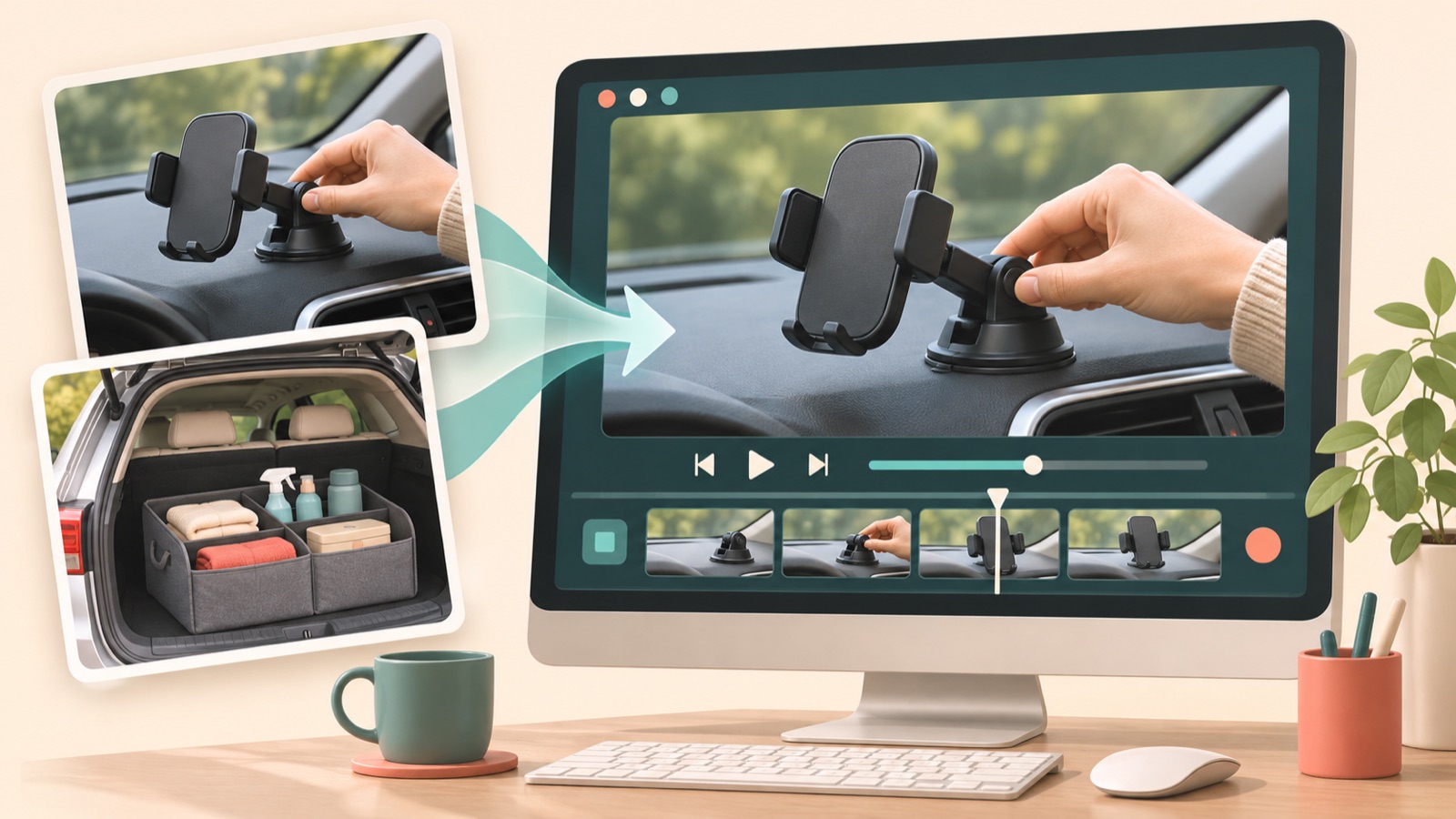
To create car accessory video ads, start by choosing footage from your existing materials that demonstrates one reason to buy. Focus on what the product actually looks like in use, such as installing a mount or showing storage before and after using an organizer, and add English explanations. In AdForge, you can create a video by combining the structure of a reference ad with your product materials and message. However, adding real materials does not guarantee that every scene will be accurate. Follow the steps below to arrange your materials and review installation and compatibility details so you can prepare your first English creative for TikTok and Facebook.
Choose one reason to buy for each product
Do not try to explain every product benefit in your first ad. Choose one feature from the sales page that viewers can verify in your existing footage. For a phone mount, start with inserting and removing the phone; for a seat cover, show it fitted to an actual seat; for a trunk organizer, show items being sorted into compartments. Focusing on an action customers want to see before buying, rather than a feature name, makes it clear which scenes you need.
As a hypothetical example, let’s make “Give groceries separate spaces” the message for a trunk organizer ad. Show scattered shopping bags in the first scene, hands placing items into the organizer in the next, and the organized result at the end. Do not add sudden-braking scenarios you have not filmed or claims about preventing movement to the script. Keep the selling points you enter in AdForge within what your real materials can demonstrate.
Group photos and usage footage by their role
When selecting materials, group them into product-only photos, installation footage, and usage results. Use product-only photos to explain appearance and included components, installation footage to show attachment points and hand movements, and usage results to show how the product looks after installation. It is important not to mix materials showing different models or configurations as though they were one product. In particular, check that the mount’s attachment mechanism and the organizer’s number of compartments stay consistent across scenes, and prepare only photos and videos you have permission to use.
If you only have product photos, plan around showing the appearance, included components, and installation location. It is best to avoid sequences that present installation actions or product movements absent from the photos as actual demonstrations. If you already have installation footage, select segments where the attachment mechanism and installed result are visible, rather than parts where your hands obscure the product. When adding materials to AdForge, describe what each one shows alongside the product information and message, and use those descriptions as criteria when reviewing the script.
Choose a reference ad structure your real materials can support
Search for car accessory ads in AdForge’s Meta and TikTok ad library, and find a structure you can convey with your own materials. TikTok’s official guide covers quick hooks, a problem-to-solution structure, vertical mobile framing, and the use of narration and captions.1 Applying these principles, you could consider opening a mount ad with the installed result and following it with the installation steps, or taking an organizer ad from a messy trunk to the organized result.
After saving an ad, review the analysis of its hook, pacing, cuts, captions, voice, and music, then check where your installation footage would fit. Treat the number of days the ad has been running as reference information, not proof of performance. Google’s automotive advertising materials also present a quick opening, clear feature messaging, and mobile readability as creative principles.2 However, do not generalize findings about vehicle ads to accessory sales performance. Use them to choose an opening shot that clearly shows the product and a brief explanation.
Create your video in AdForge while reviewing the English script and scenes
Start a video remake in AdForge using your chosen reference, then add product information, selling points, and the photos and usage footage you have prepared. Pasting the product page address automatically fills in product information, so read it to check that it matches the model and configuration you currently sell. Select English as the language and limit the message to the single reason to buy you chose earlier. For a mount, include the installation method and verified compatibility range, and exclude unverified statements such as “fits every car.”
In the AI-generated script and storyboard, check which facts each scene demonstrates and make edits yourself. For the hypothetical organizer ad, you could open with “Give your groceries their own space.”, show items being placed into separate compartments in the middle, and end with “See the size and compartments.” These lines are appropriate when the actual product has compartments and its dimensions are available on the sales page. Next, review the result with AI narration, word-by-word captions, and background music. If a scene changes the product’s shape or how it is installed, regenerate that scene individually and review it.
- Choose a reference and add your product photos, usage footage, and message.
- Check the automatically populated product information and select English as the production language.
- Review and edit the script and storyboard to make sure the scenes match the explanations.
- Check the product’s shape, installation appearance, English voiceover, and captions in the finished video.
Use your first downloaded creative to prepare the next comparison
Watch the finished video on a phone screen and compare the product’s attachment mechanism, seat shape, and organizer size with the original materials. If a seat cover obscures the seat belt buckle or the mount’s attachment location differs from reality, do not use the video as it is. Also check that the English captions do not cover the product and that compatibility conditions have not been omitted. After listening to the music and narration, turn the sound off and check whether viewers can still understand what the product is and where it is used.
Download the reviewed creative and upload it directly to your TikTok or Meta ad account. AdForge does not automatically launch ads through ad accounts; campaign setup, ad delivery, and performance checks take place in your existing ad management tools. For the next creative, keep the same product and body copy while changing the question in the opening scene. As a hypothetical example, you could compare an organizer opening that shows storage before and after with one that shows it unfolding from its folded state. Forming a hypothesis about which reason to buy to show first gives your next production a more specific direction.
Key takeaways
To create car accessory ads, choose one reason to buy that your real materials can demonstrate, then select a reference ad with a matching structure. Review the English script and scenes in AdForge before downloading, and compare follow-up creatives by changing the reason to buy shown in the opening scene.
FAQ
Can I get started with product photos alone?
Yes. However, build the ad around the appearance, included components, and installed state that the photos show. Do not imply that you have actually demonstrated installation speed or how securely the product stays in place while driving.
Will adding real footage prevent fake-looking AI-generated scenes?
Adding real materials does not guarantee accurate results. Compare the output with the originals to check the product’s shape, attachment location, and hand movements. AdForge lets you regenerate an individual scene, and you should review the revised result too.
Which wording should I check first in the English script?
Start with compatibility conditions such as vehicle models, phone sizes, and installation methods. Use terms that broaden the compatibility range, such as “universal” or “fits every car,” only when you have evidence to support them. Also check that the narration and captions communicate the same conditions.
Can I create video ads with a free account?
Video ad creation requires a paid plan. The 12 free image ads initially provided to every account are for creating image ads with your own product photos. No card is required, and the allowance does not replenish.
Related reading
Make your next ad with AdForge
AdForge (ad-forge.io) is an ad remake app: pick an ad you like and rebuild it as a video or image ad for your own product. Find references in the Meta and TikTok ad libraries, let AdForge write the script, AI narration and captions, then review and download. Every account starts with 12 free image ads.