5 Home Sauna Facebook Ad Examples: From Installation Photos to English Video Ads
For people discovering your product, go beyond showing the sauna’s exterior. Answer questions they may have before buying, such as where it fits, how the seating is arranged, and how the controls work. Here are five hypothetical ad examples you can choose from based on the photos and videos you have.
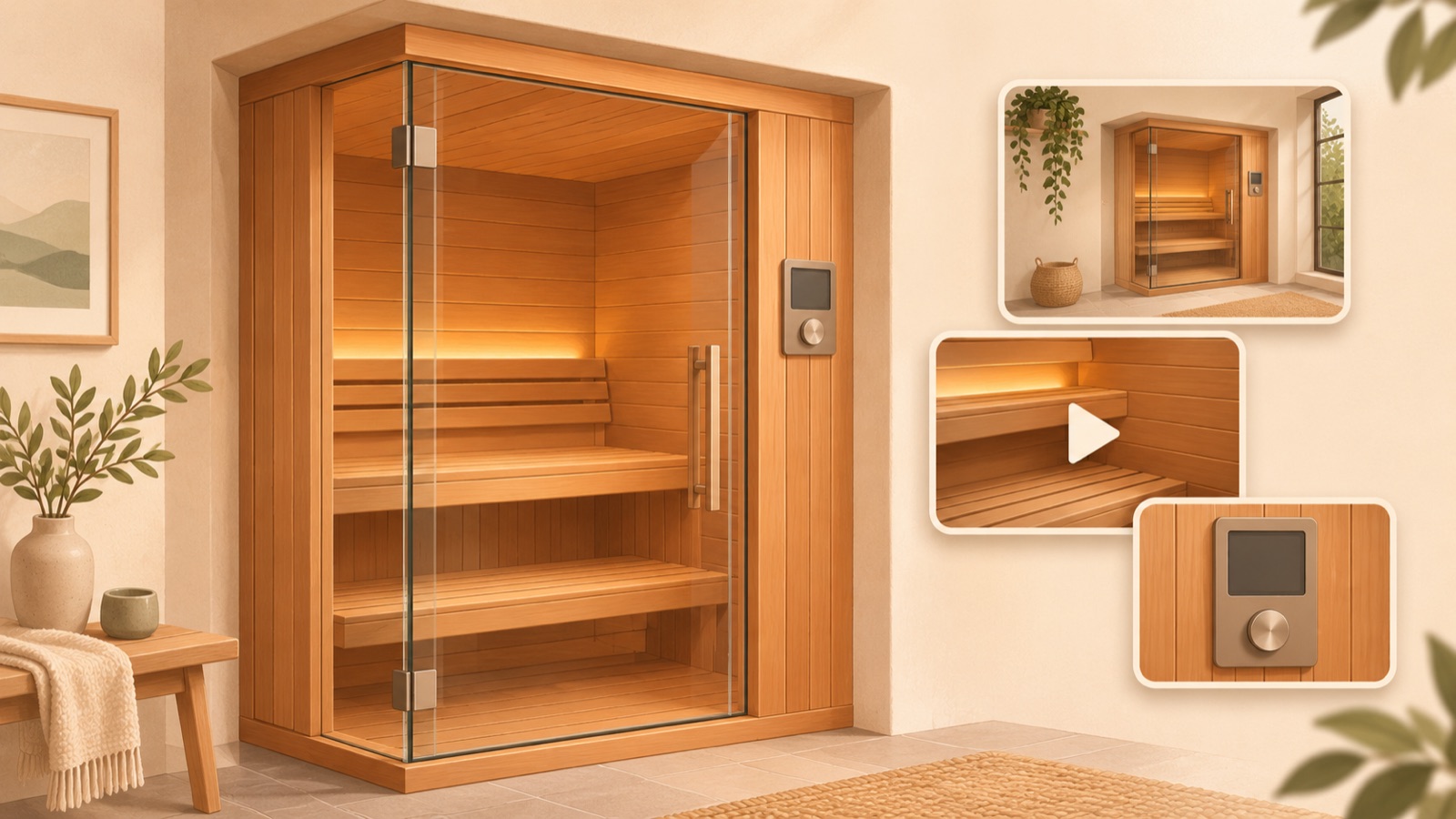
If you’re looking for home sauna Facebook ad examples, start by showing people discovering your product where it would go in their home and how they would use it. With an installation photo, you can start with an image focused on space; with interior photos, a seating overview; and with a short usage clip, a lifestyle video. In a discussion about creative options for a sauna seller, suggestions included explainer videos and images featuring product details and pricing, but individual experiences shared in comments cannot be treated as evidence of results that apply broadly.1 All five examples below are hypothetical. Choose a format that suits your existing assets and follow the steps to turn it into English-language ad creative.
1. Show the Sauna Installed at Home: Help People Picture Where It Fits
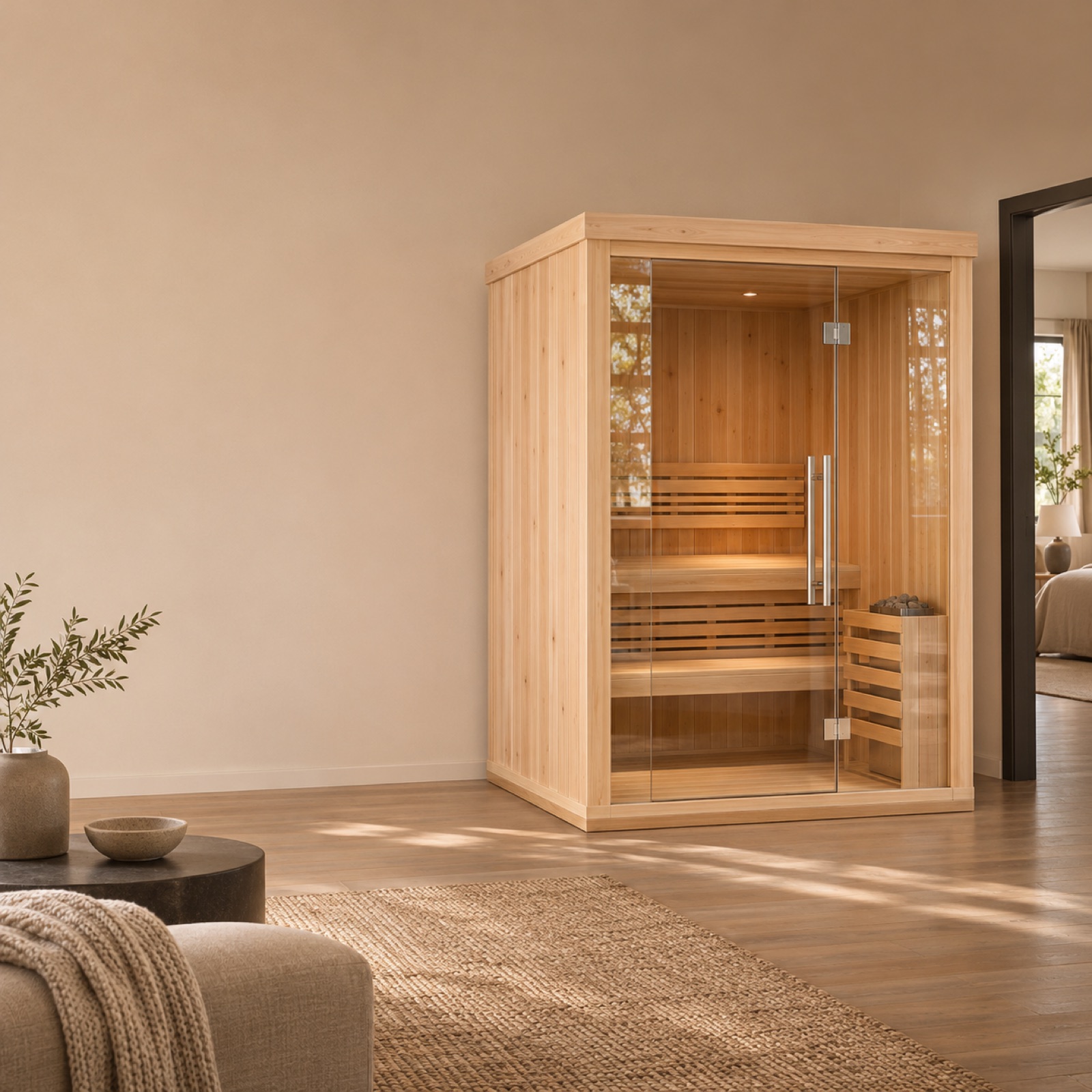
This is a hypothetical example. Use a large photo of the entire room with the indoor sauna installed, and place “A sauna space at home” over an empty wall area. Add “Explore the dimensions” as the call to action below. Choose an actual installation photo that includes the door and surrounding furniture to show how much space the product occupies. The official seller’s website also lists indoor and outdoor products and installation guidance separately.3 The purpose of this layout is to give people a reference point for comparing the setup with their own home.
In AdForge, search for “home sauna” in the Meta Ad Library and save a reference ad centered on an installation inside a home. Review the saved ad’s image layout and colors, then select the reference in the image ad creation screen and add your own installation photo, product information, and English copy. If you populated the information using a product page address, check that the dimensions belong to that model. Review the product proportions and copy in the three generated drafts, then download. Reject any draft that makes the product appear a different size to fit a small room.
2. Interior Space and Seating: Answer Questions About What’s Inside
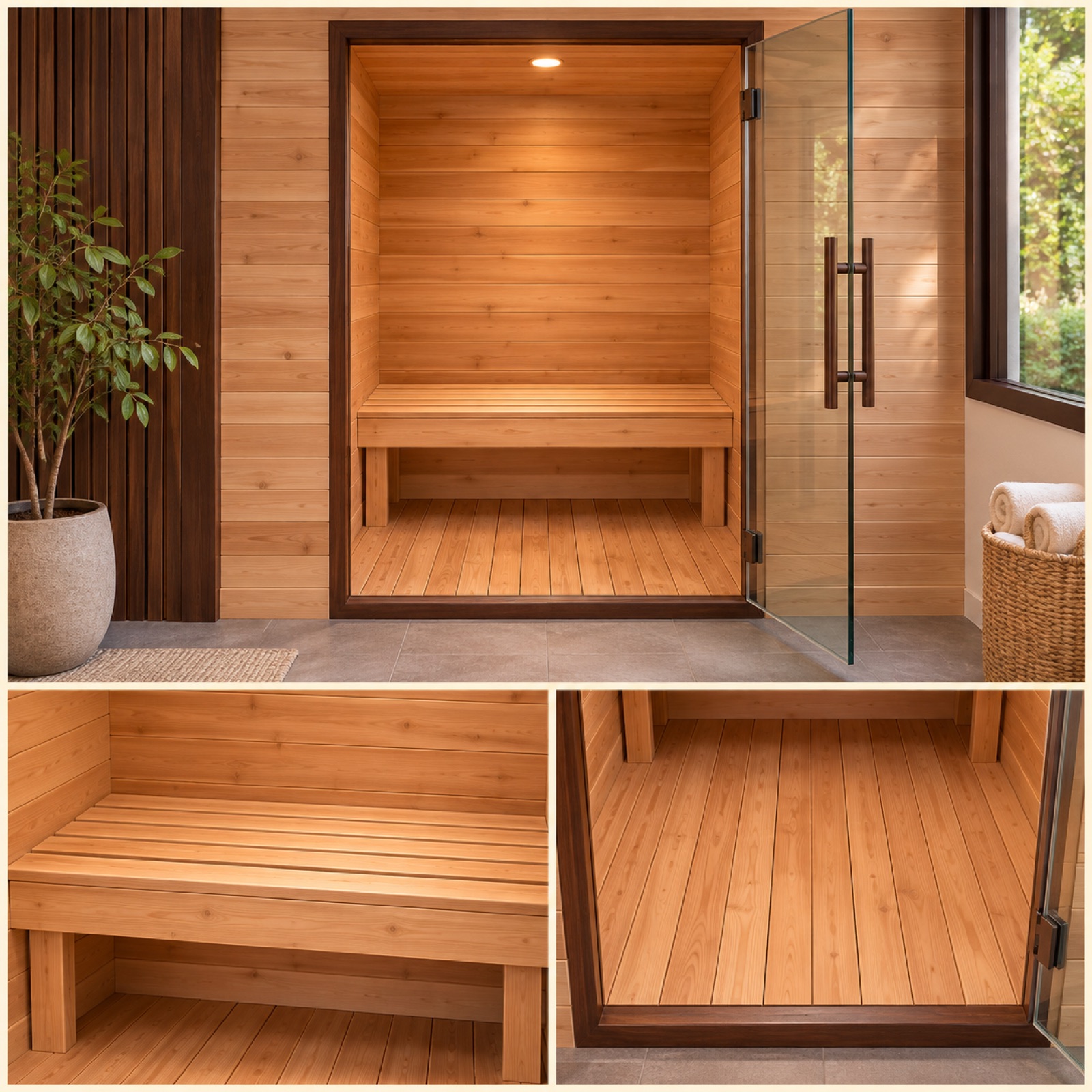
This is a hypothetical example. Place a large front-facing photo with the door open at the top, with photos of the seating and floor side by side below. Use “Take a look inside” as the headline and “See the interior” as the call to action. You can refer to an actual seller’s website offering products for different numbers of users, but the capacity stated in your ad must follow your own model’s verified specifications.3 This format suits sellers with enough interior photos. Focus on showing the seating arrangement and entry space, which are difficult to judge from the exterior alone.
When adapting this for your product, first make sure every photo in the ad shows the same model. Including a front-facing photo alongside wide-angle shots helps people compare the space, rather than relying only on photos that make the seating look roomy. In AdForge, choose an image reference with multiple photos, then add actual interior photos and verified capacity information to create drafts. Check that the number of seats, backrest shapes, and door position match the originals. Instead of making claims about comfort based on photos alone, direct people to details they can check with wording such as “View seating and dimensions.”
3. Controls and Product Features: Show the Steps for Using It
This is a hypothetical example. Open the video with a close-up of the controls and the on-screen text “How does it work?” Then connect shots of the controls being used, the interior, and the full product in a sequence that follows how your product is actually used. End with “Explore the controls.” This format suits sellers with footage of the controls in use and detailed photos. The approach turns vague quality claims into specific visuals. Actual ad examples can also provide references for addressing product quality and questions people have before buying.2
In AdForge, choose an explainer video reference, upload control-panel photos and usage footage, and enter the actual operating steps in the product information. Select English as the language and adjust the scene order in the AI-written script and storyboard. The button mentioned in the narration must match the button shown on screen. Review the generated video’s English narration and subtitles, and regenerate only the affected scenes if the controls have changed or a scene does not match the explanation. Remove any unverified features from the script, such as automatic control or preheating time.
4. Everyday Use: Show How It Fits into Life at Home
This is a hypothetical example. Build a short video with an evening view of the room, a towel placed beside the sauna, and the product with its door open, in that order. Open with “Make room for your routine” and close with “Find your home setup.” You can use existing photos and footage of the space without showing faces or featuring anyone on camera. Refer to ad examples about the convenience of home use, but create new scenes and copy.2 The persuasive element here is the everyday context in which the product is placed and used, rather than changes in health.
To create this for your product, use your own footage and an environment where the product can actually be installed. Compositing an indoor model onto an outdoor terrace could misrepresent its intended setting. In AdForge, choose a reference showing the flow of a daily routine, then add your space and product assets and the message you want to communicate. Edit the English script so it moves from introducing the space to preparing for use and taking a look at the product. Remove unsupported wording from the narration and subtitles, such as claims about fatigue recovery or improved sleep. Check that the product’s appearance and installation setting match your assets before downloading the finished video.
5. Pricing and Delivery: Show the Purchase Terms Together
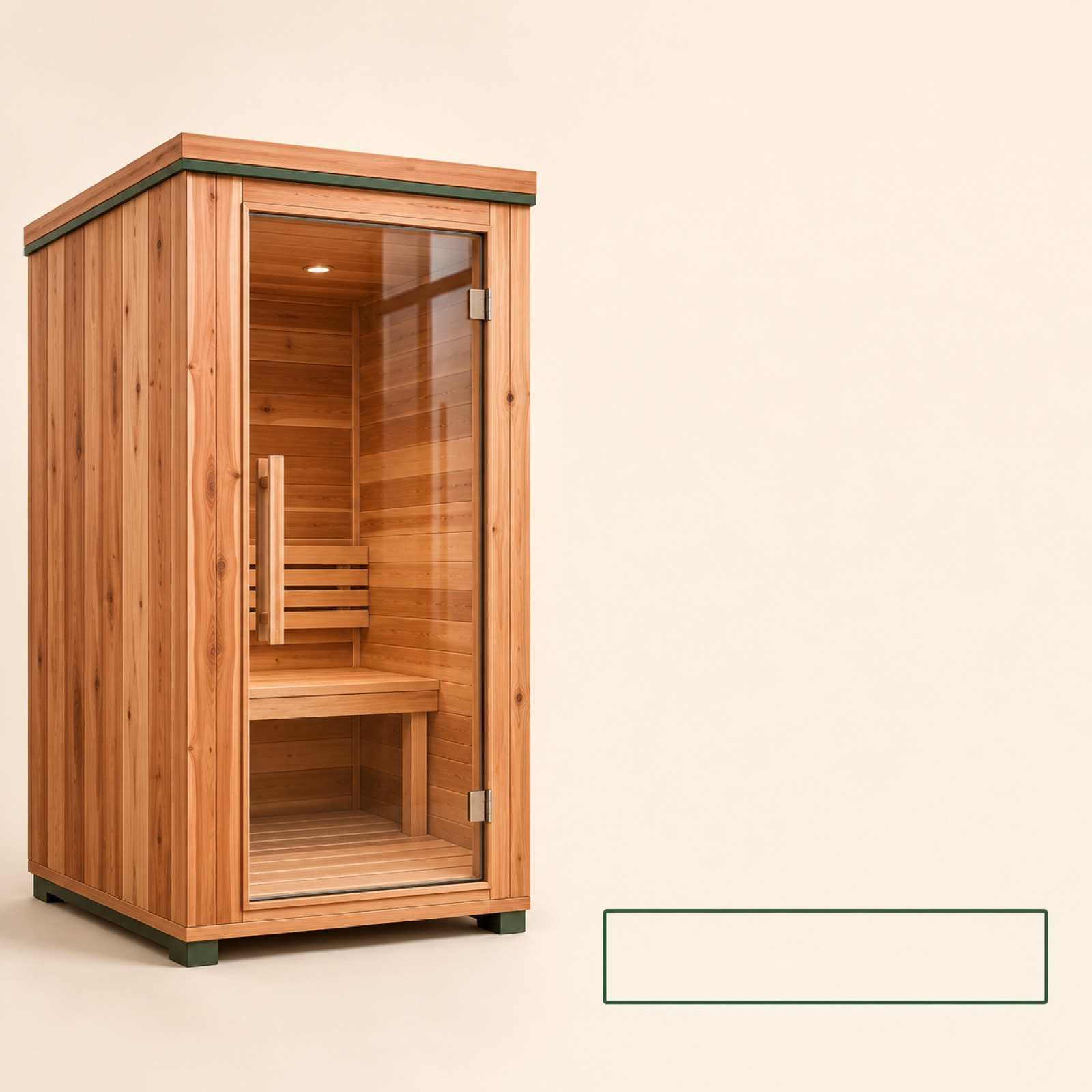
This is a hypothetical example. Place a large photo of the full product on the left, with the model name and verified selling price on the right. Below, briefly state whether shipping is included and what installation support covers, then lead with “Check delivery details.” This layout is intended to let people discovering the product understand the price range as they explore it. You can find shipping and installation information on an actual brand’s official sales website, but you must not use another brand’s terms in your own ad.3 Use actual selling terms in this example’s pricing area instead of made-up numbers.
In AdForge, choose an image reference with separate product and information areas, then enter the actual product photo, price, and delivery information. When comparing the three generated drafts, check whether people can tell which model and configuration the most prominent price applies to. If delivery terms vary by region, revise any wording that suggests the same terms apply everywhere. Upload the downloaded creative directly to your ad account. To compare it with creative focused on installation space, frame the question as “Which message helps people consider a purchase: an introduction to the space or the purchase terms?” and check performance in your existing ad management tool.
Key takeaways
Build your home sauna ad around one focus: installation space, interior seating, controls, everyday scenes, or purchase terms. Choose an example you can depict accurately with your existing assets, create an English-language image or video in AdForge, then review the product depiction and copy before downloading.
FAQ
Should I show an image or a video first to people discovering the product?
Start with an image if a single installation photo explains both the space and the product. Video is suitable when opening the door or showing the operating sequence matters. Choose based on the question you need to answer and the assets you have before deciding on the format.
Can I create an ad if I only have exterior product photos?
Yes. Build it around exterior photos and verified dimensions or purchase terms. If you don’t have interior photos, don’t generate a seating layout and present it as a factual depiction of the product. In AdForge, you can create three image drafts using actual product photos.
Can I copy a sauna ad that has been running for a long time?
You cannot judge profitability from run time alone. Use the opening scene, information order, and layout as references, then create something new with your own assets and messaging. You also need to check that you have the rights to use the assets you upload.
Do I need to produce all five examples?
No. Finish one example that you can explain most accurately with your existing photos. For your next creative, focus on an unanswered purchase question, such as seating or delivery, to give the production a clear purpose.
Related reading
Make your next ad with AdForge
AdForge (ad-forge.io) is an ad remake app: pick an ad you like and rebuild it as a video or image ad for your own product. Find references in the Meta and TikTok ad libraries, let AdForge write the script, AI narration and captions, then review and download. Every account starts with 12 free image ads.