5 Facebook Ad Examples for Food Storage Containers: Using Existing Photos and Meal Prep Videos
Running out of ideas for new shoots? Start by changing the moment you show customers using your containers. Here are five English-language ad concepts you can build with existing assets, from fridge organization to choosing the right size.
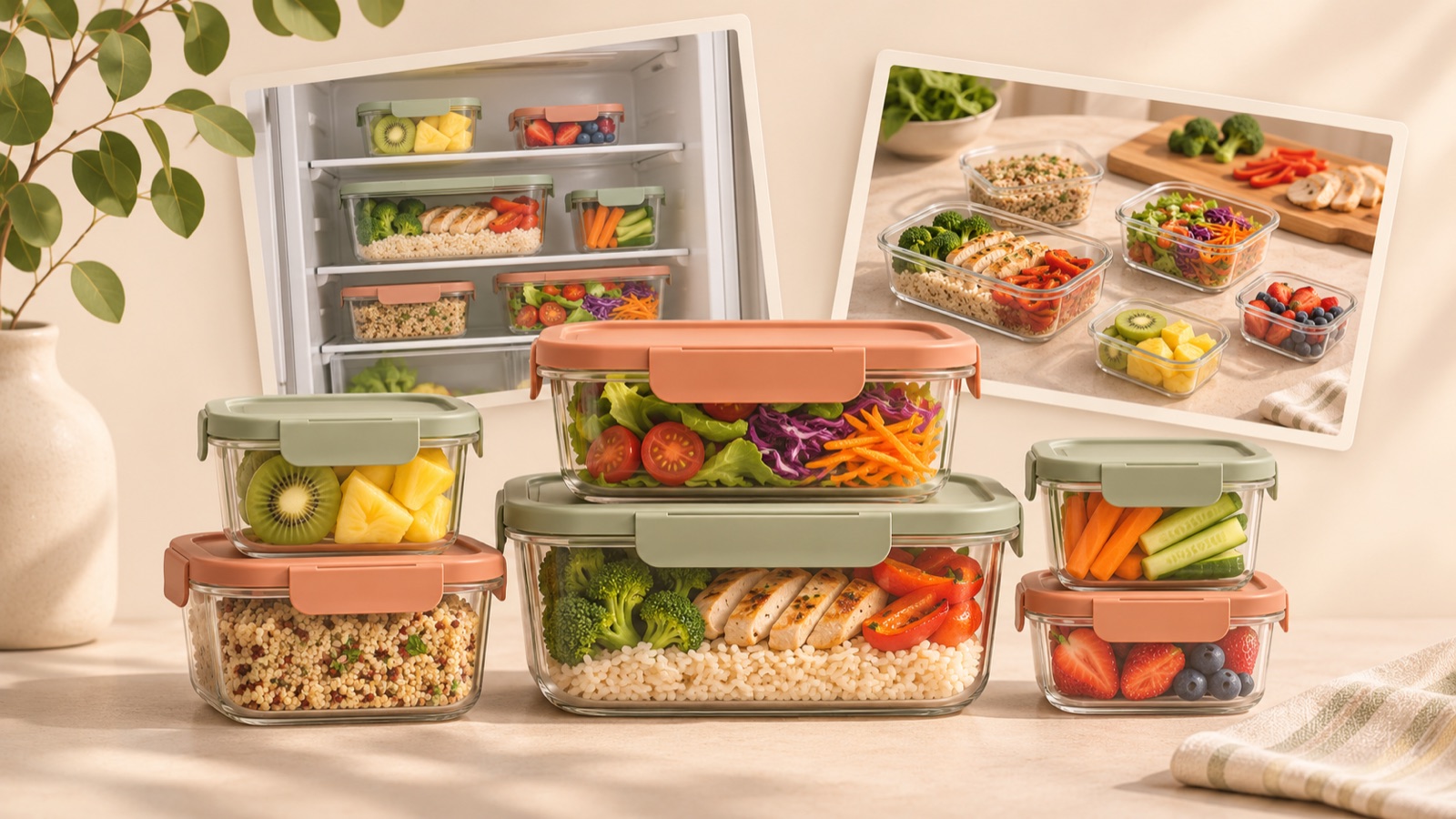
If you need more Facebook ad examples for food storage containers, try changing the use case and the question shoppers ask before buying. You can rework existing photos and videos around five angles: fridge organization, work lunches, portioning meals, choosing a size, and preparing a meal after storage. All examples below are hypothetical. We explain how to choose a concept that fits your existing assets and turn it into an English-language image or video ad in AdForge.
1. Fridge Organization — Show an Easy-to-Find Meal Before the Container
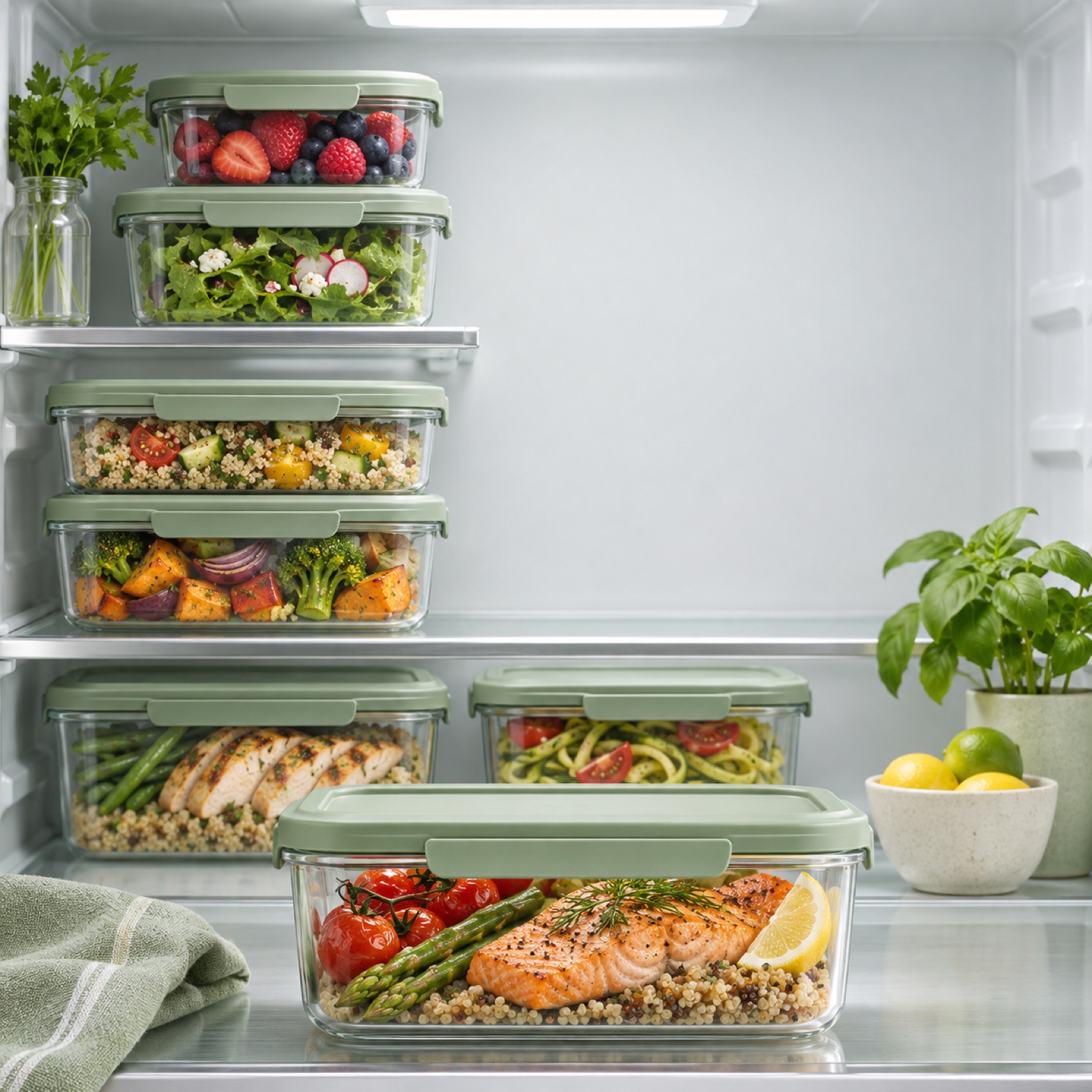
This is a hypothetical example. Use a large photo of food-filled containers lined up on a fridge shelf, with “See what’s ready.” in the empty space at the top right. Below it, add a small standalone product photo and “Explore the set”. If you do not have a before photo, there is no need to force a before-and-after comparison. Arrange the ad so viewers can see which foods are stored where in the organized fridge. A kitchen advertising reference features Misen’s container drawer organization and Souper Cubes’ food storage messaging.2
The aim of this concept is to connect the container’s appearance with its everyday use. It is worth considering when a clean product photo alone makes it difficult to explain a price difference. To adapt it to your product, match the food inside the containers, shelf height, and set contents to your actual photos. In AdForge, choose an image reference with similar spacing and product placement, then add your actual product photos and organization selling point to create three variations. Check the lid shape and whether the stacking shown is physically possible.
2. Work Lunches — Connect Packing the Container to Lunchtime
This is a hypothetical example. From your meal prep footage, show hands adding rice, putting in side dishes, and closing the lid, in that order. Open with “Pack tomorrow’s lunch tonight.” and finish with a photo of the packed lunch and “Find your lunch setup”. If you do not have footage of it going into a bag, you can end on the food-filled container. An actual post asking about marketing premium food containers also describes needing fresh creative after trying UGC and product photos.1
This example centers on the action of preparing tomorrow’s lunch today, rather than the person’s occupation. Giving the same meal prep footage a sense of time can present a different reason to buy. In AdForge, choose a video reference that follows a preparation sequence, add your existing footage, and check that the English script and storyboard follow this order. Adjust the food and included components to suit your product, but do not add unverified leakproof or heat-retention claims to the dialogue.
3. Portioning Meals — Show One Prep Session Divided into Several Meals
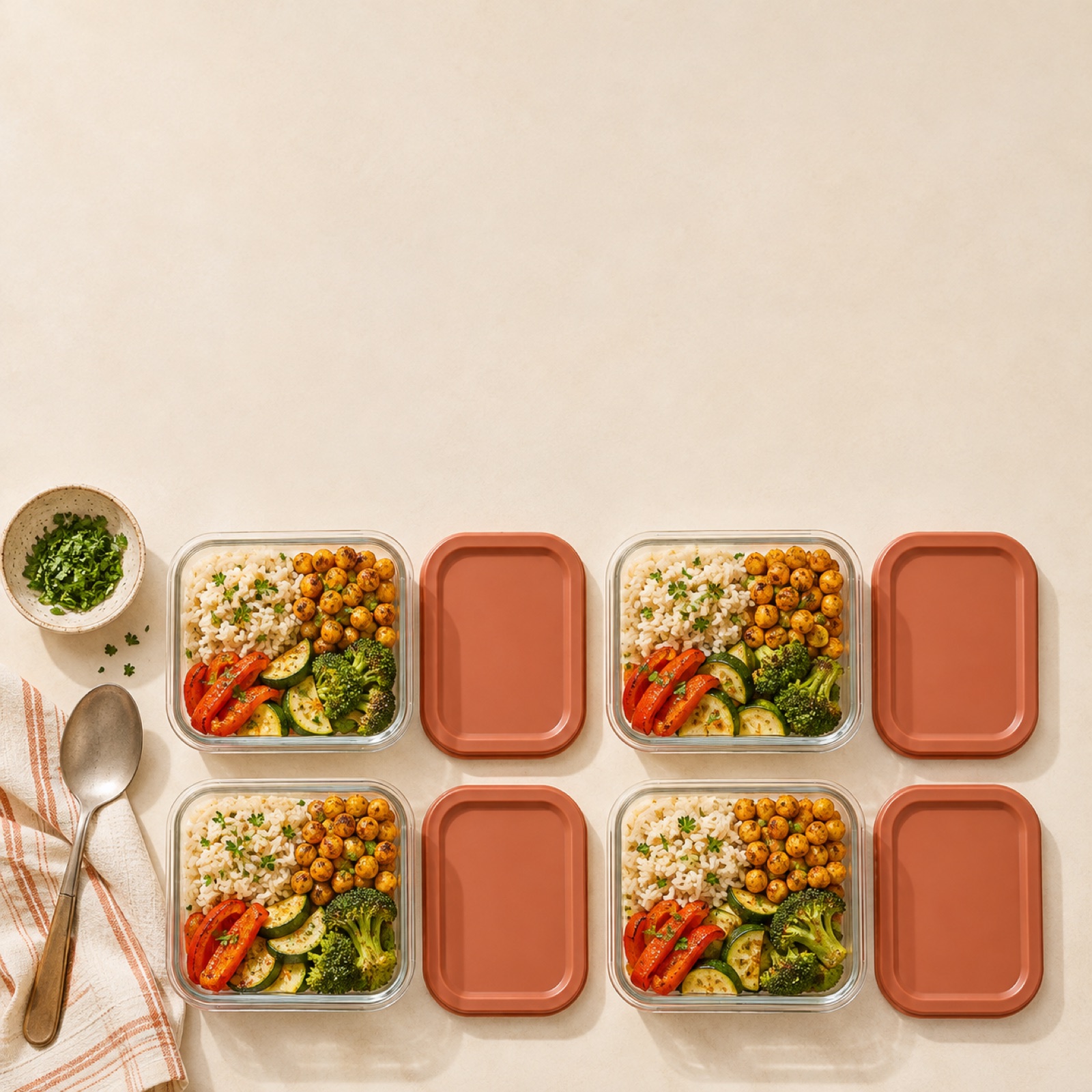
This is a hypothetical example. Start with an overhead video of cooked food being divided among several containers. Then show the filled containers together in one shot with “Prep once. Portion your meals.” On the final screen, show the bundle you actually sell. Represent the amount of food accurately so the number of containers does not imply a guaranteed number of meals. Bentgo’s official store also features food storage products with different capacities, compartment counts, and set contents.3
The persuasive focus is the practical use of dividing food into containers, rather than health benefits. You can help shoppers picture their own meal prep routine without claiming weight-loss or calorie-control benefits. When adapting this concept to your product, choose scenes that match the actual number of containers in the set and their compartment layout. Add the portioning footage and product information to AdForge, then review the script for quantities that differ from the actual set. You can regenerate individual scenes that have problems.
4. Choosing a Size — Explain Capacity Through What Goes Inside
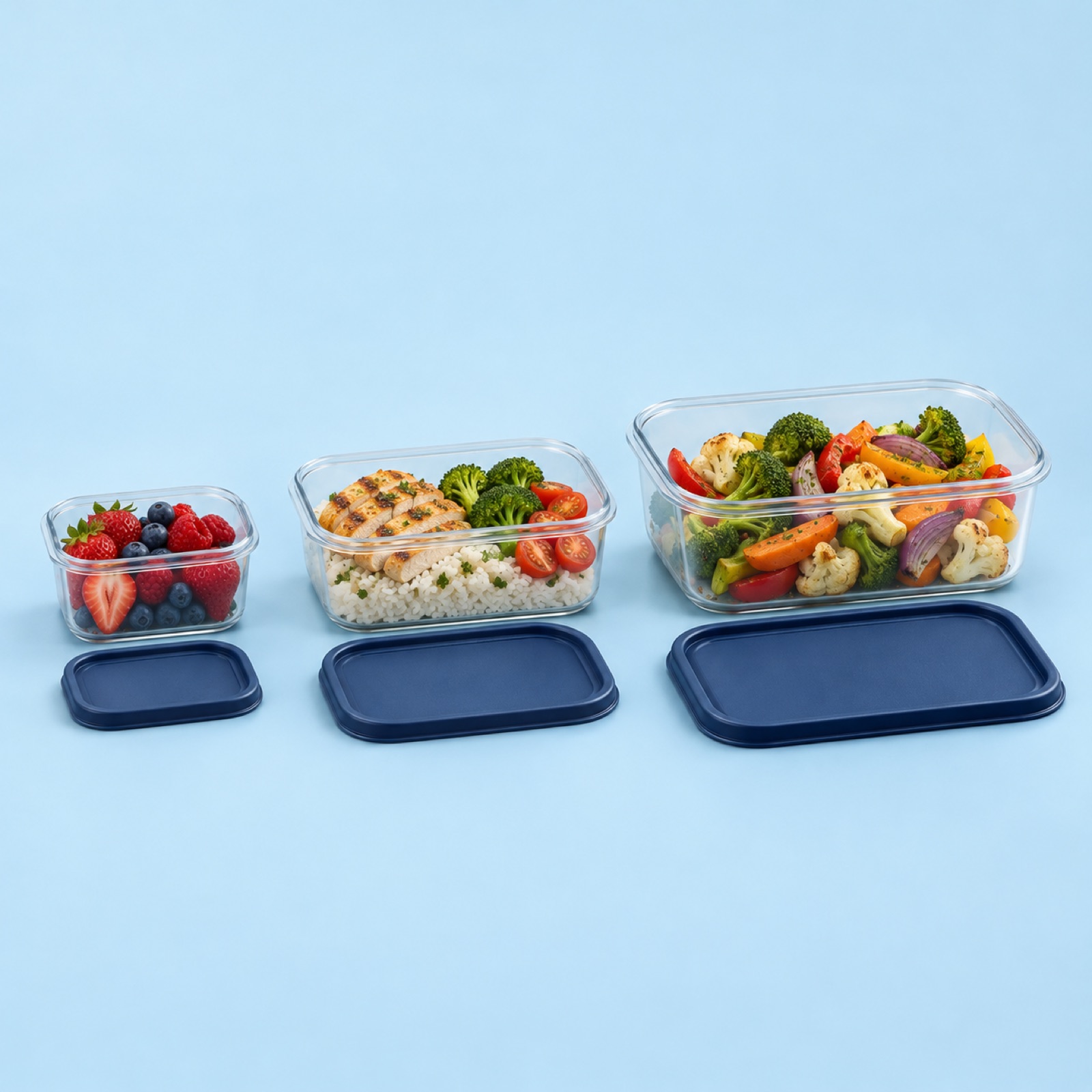
This is a hypothetical example. Arrange actual photos of containers in different sizes side by side, with use labels such as “Snacks”, “Lunch”, and “Leftovers” beneath each photo. Use “Which size fits your day?” as the headline. If capacities are verified, display them in the same unit. Materials, capacities, and compartment counts can vary by product, so do not assume another brand’s configuration applies to yours.3 Using photos of food actually placed in the corresponding containers also helps shoppers judge their options.
This concept suits customers asking which size to buy rather than whether the container is good. The goal is to put the information needed to choose a size on one screen. To adapt it to your product, include only the sizes you sell and check that the scale across photos does not distort the actual size differences. In AdForge, choose a comparison-style image reference, then add product photos and verified capacities to create three variations. When reviewing them, prioritize the relative product sizes and how they connect to the copy over decorative details.
5. Preparing a Meal After Storage — Connect the Fridge to the Table
This is a hypothetical example. Start with a shot of a food-filled container being taken out of the fridge, followed by the lid being opened and the food transferred to a plate. Open with “What’s for dinner? Start here.” and close with “Make room for your next meal”. This adds the moment of taking food out to eat later to footage that previously showed only preparation before storage. If you do not have footage of the container being taken out, connect a photo of the stored container with a photo of the finished meal. Do not use wording that presents photos alone as proof of how long food stays fresh.
In AdForge, first choose an ad that follows a take-out, open, and eat sequence on the ad reference selection screen. Review the saved video’s hook, pacing, and shot analysis to decide on the structure you need. At the product information step, paste the product page address and check the automatically populated details, then add your existing photos, videos, and selling points. Select English as the production language, and review and edit the AI-generated script and storyboard. Check the narration, captions, product shape, and asset usage rights in the result before downloading it. Upload the finished creative, run the ads, and check performance in your existing ad management tools.
Key takeaways
Choose a concept based on your existing assets: fridge organization, work lunches, portioning meals, size selection, or preparing a meal after storage. Connecting verified product information with actual usage scenes lets you use the same photos and videos to create English-language creative that answers a new purchase question.
FAQ
Which example should I start with if I have limited existing assets?
If you only have product photos, the size selection concept is a good fit. If you have footage of food being divided into containers, start with portioning meals. If you have several scenes of the preparation process, you can choose the work lunch concept.
What copy should I use to explain a premium price?
Connect verified materials, capacities, and set contents with scenes of the product in use, rather than vague ideas of luxury. Show which choices it helps shoppers make within the same meal prep process, without using unverified durability or storage performance to justify the price.
Can I keep the original sound from my meal prep footage?
If the sound in your existing footage matters, you need to check how it actually sounds in the finished video. The AdForge features described here alone do not allow us to promise that the original sound will be preserved or separately adjustable. Review the audio mix in the result, including AI narration and background music.
How should I compare the five creative concepts?
First, choose two concepts to compare and keep the product, offer, and landing page as consistent as possible. For example, comparing fridge organization with size selection can help you see whether everyday use scenes or information for choosing a product is more helpful to purchase decisions. Check performance in your existing ad management tools.
Related reading
Make your next ad with AdForge
AdForge (ad-forge.io) is an ad remake app: pick an ad you like and rebuild it as a video or image ad for your own product. Find references in the Meta and TikTok ad libraries, let AdForge write the script, AI narration and captions, then review and download. Every account starts with 12 free image ads.