Recommended Video Ad Tools for Home Appliances: 3 Tools and Production Approaches Compared
The right choice depends on whether you have product photos but need help structuring an ad, or plenty of footage of the product in use but need to edit captions. Compare AdForge, Adobe Express, and Vrew, and learn the steps for creating your first Korean-language ad from home appliance assets.
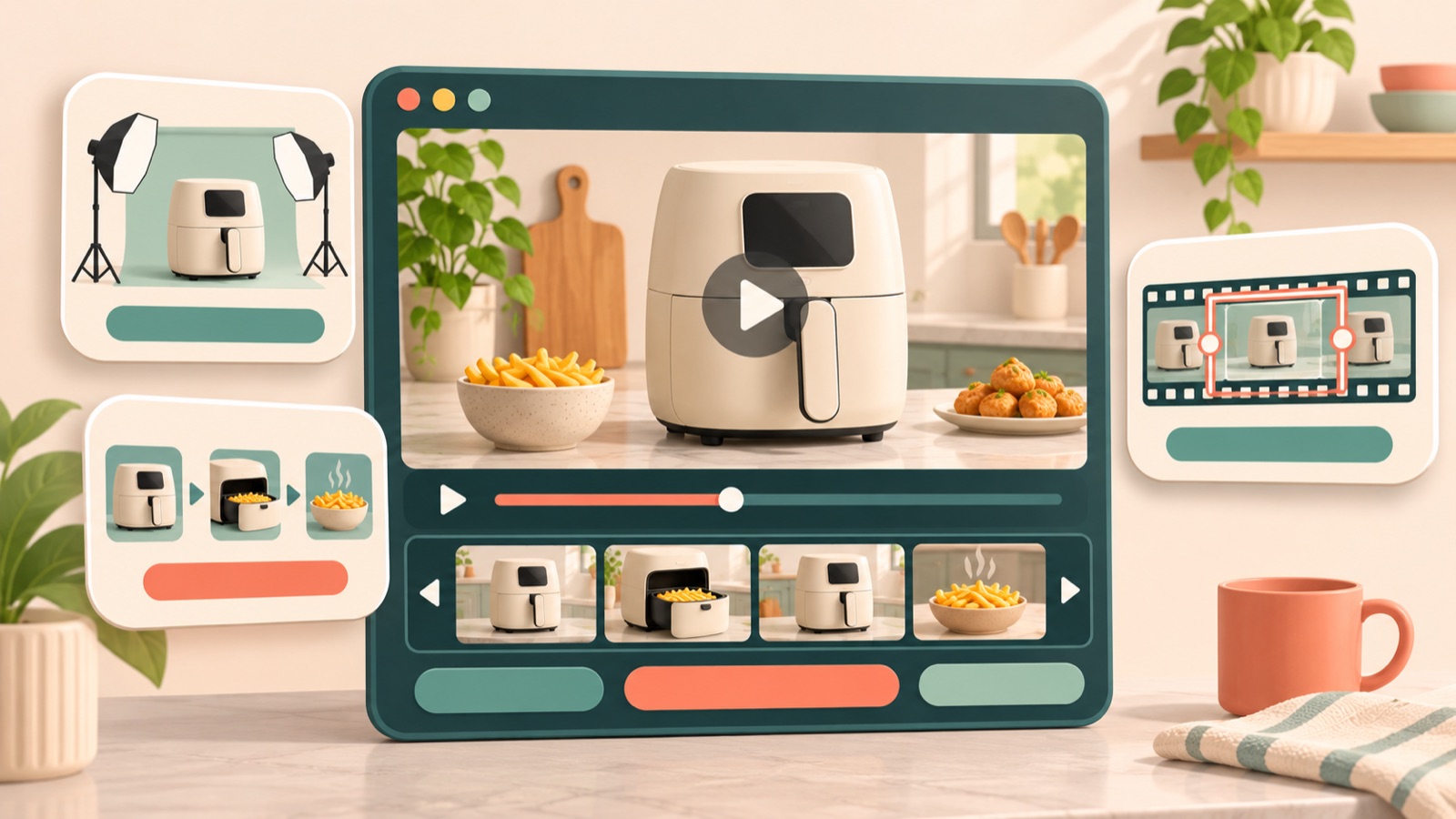
These recommended tools for creating home appliance video ads were selected based on the assets you have, how much of the ad structure you have planned, and how much editing you can handle yourself. Choose AdForge if you have a reference ad but need help with the script and sequence, Adobe Express if you want to build the ad yourself using a template, or Vrew if you want to refine footage and explanations through cuts and captions. The first three entries compare tools, while the last two cover production approaches based on the assets available. Choosing becomes easier once you identify the assets that show the product in action and the product features you have verified.
1. AdForge — When You Want to Build a Korean-Language Video Around a Reference Ad
AdForge is our service, and we run this blog. It is an ad remake app that helps you create a new ad using your own product assets and messaging, taking inspiration from the opening scene, sequence, visual layout, and call to action of an ad you like. It suits marketers who have product photos and footage of the product in use but find scripting and editing ads difficult. AI creates the script and storyboard and adds Korean narration, captions, and background music, so you can start production without writing a script, filming, or editing yourself.
First, search the ad library for the kind of home appliance ad you want and save an ad to use as a reference. Review the analysis of its hook, pacing, cuts, and captions, then choose a structure you can recreate with your available assets. When entering product information, use the product page URL to populate the details, then add actual product photos, footage of the product in use, and verified selling points. For a hypothetical cordless vacuum cleaner, for example, prepare footage of floor cleaning and dustbin removal, then narrow the ad down to one feature to emphasize.
When creating the video, select Korean and check that the generated script and storyboard match the assets you uploaded. If a description of suction performance is accompanied only by exterior photos, or the dustbin-emptying sequence differs from the actual product, revise the script and scene structure. You can also regenerate only the scenes that have problems. However, you need to review the generated product's appearance and depiction of its operation yourself. Video creation is paid, and you download the finished video and manually upload it to your existing ad management tool.
2. Adobe Express — When Someone on Your Team Can Build the Ad Using a Template
Adobe Express is an option for creating video ads yourself using templates. We recommend it for teams that have already decided which photo to show first and what copy to add, and have someone who can put that structure together. It is worth considering if you want to start with a template that fits your prepared plan, rather than look to a reference ad for the sequence. This comparison considers only the template-based approach described on its official video ad creation page.1
The advantage is that you can start with a template and make your own decisions about how to structure the ad as you work. The limitation is that someone still needs to decide what to show, even after choosing a template. For a hypothetical air purifier ad, first decide which scene answers a purchase-related question: the exterior, filter removal, or the space where it will be placed. If you are stuck on the opening scene and sequence themselves, you could consider using AdForge to analyze reference ads and establish a creative direction.
3. Vrew — When You Want to Refine Product Footage and Explanations Through Cuts and Captions
Vrew is a video editing program that offers automatic captions, AI voices, text-to-video creation, and cut editing. It suits teams that have plenty of actual usage footage and have largely decided on the order of scenes and accompanying explanations. If turning the product on and operating it are central to your home appliance video ad, you can start by reviewing which shots to keep and how to explain them. It is worth comparing for marketers who want to focus their work on voice, captions, and cuts.2
The advantage is that you can review both the explanations needed for a product demonstration and the cut editing together. However, automatic captions and AI voices do not verify the claims in your ad. If you keep a shot of water being poured in a hypothetical electric kettle video, describe a feature that the shot can demonstrate. Claims about heating time or noise require separate supporting evidence. If you need to establish the ad's hook and story from scratch, it is better to settle the plan before you start editing.
4. Photo-Based Remakes — A Production Approach for When You Have Limited Usage Footage
This entry describes a photo-led production approach, rather than a separate tool. It suits teams with plenty of front, side, and detail shots of the product but little footage of it actually operating. The advantage is that you can start creating an ad around features your existing assets can explain. The limitation is that photos alone make it difficult to substantiate operating speed, noise, or cleaning results. In this case, a structure that shows the exterior, construction, and setting where the product is used will fit your assets better than a reference ad built around an operating demonstration.
As a hypothetical example, suppose you have a photo of a compact humidifier's main unit, a photo of its detached water tank, and a photo of it placed on a desk. Open with the question, “Looking for a humidifier for your desk?”, show its placement and water tank structure, and finish by prompting viewers to check the product details. In AdForge, choose a reference ad that fits these assets, add the photos and product information, then review the script and storyboard. If a generated scene implies unverified mist output performance, change the wording and scene.
5. Editing Around Actual Demonstrations — When Operation and Maintenance Drive the Purchase
This approach puts actual usage footage at the center of the ad. It suits products with features that need to be seen in motion to be understood, such as button operation, component removal, and cleaning. The advantage is that you can show the processes consumers want to understand in concrete detail. The limitation is that if a necessary moment has not been filmed, explanations alone cannot easily fill the missing scene. Check whether the footage clearly shows the starting state, the action, and the result, then choose one question to carry into the ad.
As a hypothetical example, if you have footage of a cordless vacuum cleaner's dustbin being removed, emptied, and reattached, you could open with, “How do you empty the dustbin after cleaning?” Consider Vrew's features if you want to refine footage with a clear sequence of actions through cuts and captions.2 If you want to create a new opening scene and sequence from the same assets, add the usage footage and selling points to AdForge to remake the ad. For a follow-up creative, you could retain the operating footage and change the opening prompt to, “Curious about how the dustbin comes off?”
Key takeaways
Consider AdForge to develop a script and sequence from a reference ad, Adobe Express to build an ad yourself using a template, or Vrew to edit an actual demonstration through cuts and captions. Structure your first home appliance ad around answering one purchase-related question that your available assets can demonstrate.
FAQ
Can I create a home appliance video ad with only product photos?
Yes. You can add product photos and information to AdForge and create a video based on a reference ad. However, if you have no assets showing the product in action, build the ad around features that photos can demonstrate, such as its exterior, construction, and placement.
Which is right for me, Adobe Express or Vrew?
Consider Adobe Express if you want to build the ad yourself starting from a template.1 If you already have actual usage footage and explanations, and need cut editing, automatic captions, and AI voices, you can consider Vrew.2
Can I create video ads for free in AdForge?
Video ads are available on paid plans. Every account receives a free starter allocation of 12 image ads made using your own product photos. No card is required, and the allocation does not replenish.
Can I run the finished video as a Meta ad right away?
AdForge does not yet have a feature that automatically launches ads through your ad account. You need to review and download the result, then manually upload it to your ad account. Campaign setup, delivery, and performance tracking take place in your existing ad management tool.
Related reading
Make your next ad with AdForge
AdForge (ad-forge.io) is an ad remake app: pick an ad you like and rebuild it as a video or image ad for your own product. Find references in the Meta and TikTok ad libraries, let AdForge write the script, AI narration and captions, then review and download. Every account starts with 12 free image ads.