How to Make “3 Reasons Why” Video Ads: Create English Ads from Product Photos
Build an English ad that explains three reasons to buy using existing product photos and short video clips. Follow the process from choosing reasons and matching scenes to creating and reviewing your ad in AdForge.
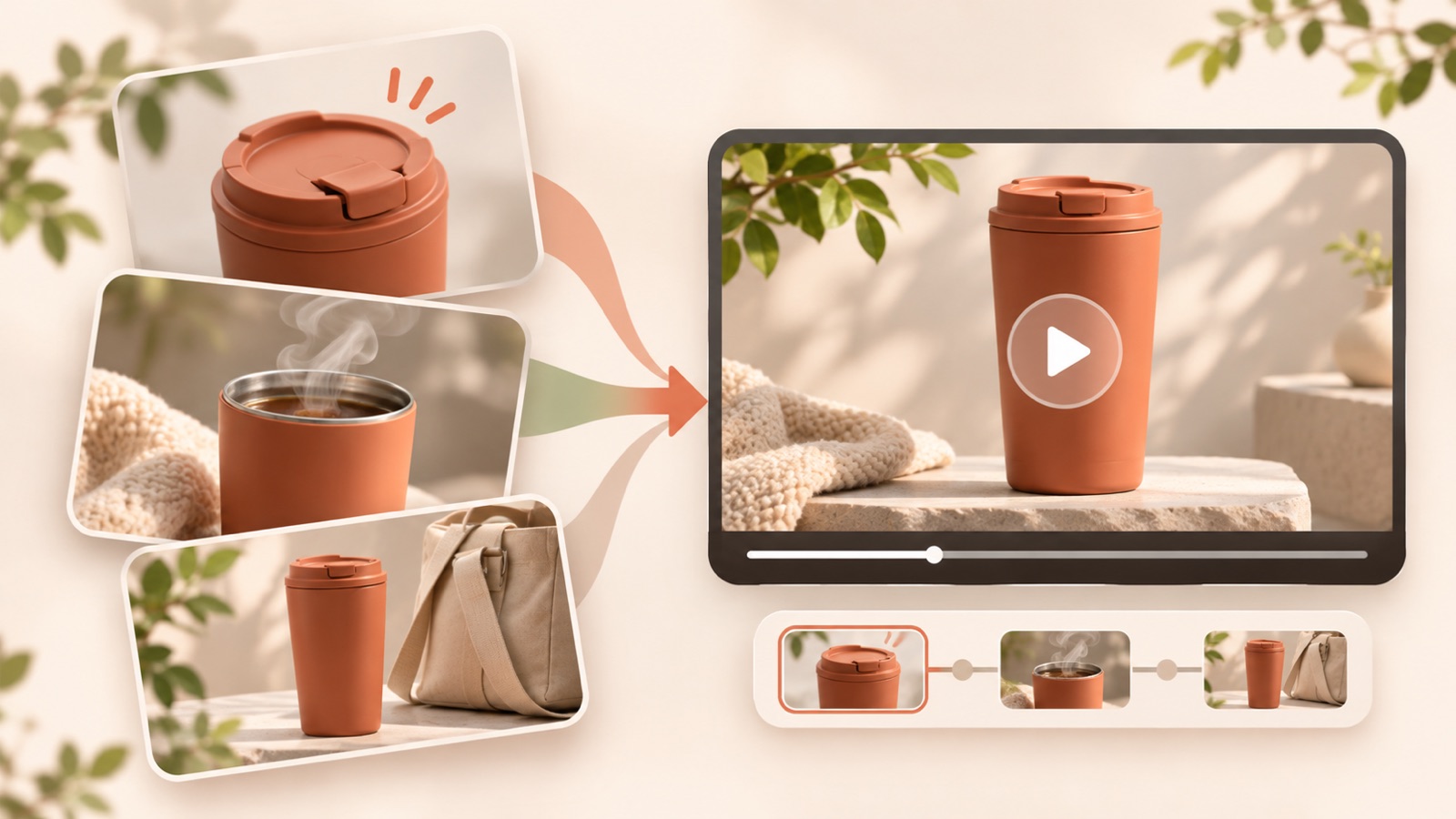
To make a video ad featuring three reasons to buy, start by matching each reason with a product asset that shows it. Without shooting new footage, you can use full product shots, detail photos, and short demonstration clips to build an opening, three reasons, and a call to action. Follow the steps below to create your first ad with English dialogue that matches the visuals, then decide which reason to change in your next test.
Choose Reasons That Answer Different Buying Questions
Start by writing down three questions a buyer would ask, rather than listing product features. Separate the areas they need to evaluate with questions such as “What does it make easier?”, “Is it easy to clean and maintain?”, and “How does it store?” “Simple,” “convenient,” and “easy to use” may all express the same reason in different words. Once you have a shortlist, check whether removing any one reason leaves the other two as independent explanations. Leave out any reason you cannot support with visuals in this video.
This article uses a hypothetical lunch box with a removable divider and empty containers that nest for storage. The reasons to buy are “separate food,” “take apart for cleaning,” and “nest for storage.” This example assumes a fictional product with those features; it is not a case study verifying an actual product’s performance. When applying it to your product, keep only reasons supported by its actual specifications and the assets you have. At this stage, keep the English wording simple and note only the key action for each reason.
Match the Reference Ad’s Structure with Your Assets
A “3 reasons why” ad can open by announcing the number of reasons, show three reasons connected to the product, and finish by asking viewers to take action.1 When reviewing references, focus on what prompts each scene change rather than the wording. Note whether the ad shows a number first, states a reason alongside a product action, and what it asks viewers to do at the end. Choose references based on whether your photos and videos can explain each scene, rather than whether they come from the same industry.
In AdForge’s ad search, search Meta and TikTok ads, then find and save ads that use numbers to list reasons. Review the saved videos’ hook, pacing, cuts, captions, voice, and music analysis to choose a structure to follow. You can also see how many days an ad has run, but a long run alone does not establish strong performance. For the lunch box example, match a full product photo to the opening, a photo of separated food to the first reason, a clip of the divider being removed to the second, and a photo of nested containers to the third.
Pair Each English Line with a Scene That Supports It
Divide the storyboard into an opening, three reason scenes, and a closing. Give each reason a short English line and an asset that supports what it says. Explaining a removal action over a full product photo makes the words get ahead of the visuals. If you do not have footage of the action, narrow the explanation to what a still image can show, such as a photo of the separated parts. TikTok’s official resources also recommend a hook, body, and close structure, along with text overlays, narration, and music.2
The hypothetical script could run as follows. Open with a full product photo and “Three reasons to choose this lunch box.” For the first reason, pair a photo of the food inside with “Keep your lunch neatly separated.” For the second, use a clip of the divider being removed with “Remove the divider for cleaning.” For the third, pair a photo of stacked containers with “Stack empty containers for storage.” End with a product photo and “See the product details.” Keep the on-screen emphasis text short, using “Separate,” “Remove,” and “Stack,” and match the narration captions to the spoken lines.
Add Your Product Assets in AdForge and Edit Each Reason’s Scene
AdForge is an ad remake app that creates new video and image ads from references and your product assets. On the product information screen, paste your product page address to populate the details, or enter the product information and selling points you have prepared. Check automatically populated information against the actual specifications as well. Next, upload full product photos, detail photos for each reason, and short demonstration clips. In the message, specify the three reasons to buy and which assets support each one.
When creating a video ad from your chosen reference, select English and review the AI-generated script and storyboard. Edit them if the reasons appear in a different order or repeat the same benefit. In the lunch box example, the key checks are whether the divider removal clip matches the cleaning reason and the photo of nested containers matches the storage reason. Use the reference as a guide for the opening hook, progression, visual layout, and call to action, then build the content from your own product information and uploaded assets.
The video includes AI narration, word-synced captions, and background music. On the results screen, check that the English lines accurately describe the product’s features and that the captions match the actual scenes. If only one scene feels awkward, you can regenerate that scene. Check your usage rights for the uploaded assets before downloading the finished ad. Video ad creation requires a paid plan, so distinguish it from the free image ad offering before you begin.
- Enter product information: Organize the actual specifications and three reasons to buy.
- Upload assets: Prepare photos or videos that can explain each reason.
- Review the script and storyboard: Edit the English lines and the scene for each reason.
- Review and download: Check the wording, visuals, captions, and usage rights for the assets.
Use the First Finished Ad to Test a Different Order
Watch the finished ad with the sound off first. Check whether the numbers and on-screen emphasis text alone distinguish the three reasons. Then turn the sound on and listen to whether each reason’s line finishes within its scene. If too much explanation is packed into one scene, shorten the sentence instead of increasing the speed. When reviewing wording for the US and other English-speaking markets, check both that it makes sense and that it matches the terminology on your product page. In particular, do not add claims such as “leakproof” unless your assets substantiate them.
For your first follow-up ad, try changing which reason comes first rather than replacing all three reasons. For example, compare a version that leads with food separation against one that leads with convenient storage, while keeping the opening line and closing the same to make the effect of the order easier to assess. Download the finished ad from AdForge, upload it directly to your ad account, and use your existing ad management tools to run it and review performance. Keeping a record of how each reason, asset, and line connects in the first video lets you plan the next ad using the same criteria.
Key takeaways
Break the three reasons to buy into answers to different customer questions, then connect each one with photos or videos that support it. Write an English script from the opening through the call to action, edit the script and storyboard in AdForge, and review the finished ad. For follow-up ads, start by changing which reason comes first and comparing the results.
FAQ
Can I make this with product photos alone, without short video clips?
You can create a video ad using product photos as your assets. However, do not add dialogue about actions or performance that the photos cannot clearly substantiate. It is easier to structure the ad when you choose reasons based on visible differences, such as the full product, separated parts, and how it looks in storage.
What order should the three reasons to buy appear in?
Lead with a reason customers want to check first that you can clearly show on screen. Then connect reasons that answer other questions, such as cleaning or storage. Instead of assuming there is a correct order, compare follow-up ads with a different first reason.
Do I have to include “3 reasons why” in the opening?
No. You can use it as a way to introduce the number of reasons.1 You can also name the product directly, as in this article’s hypothetical script, or start with the customer’s usage situation before presenting the three reasons.
Does AdForge also run ads and report performance?
There is no feature for automatically launching ads in your ad account yet. You need to download the finished ad and upload it directly to your ad account. Use your existing ad management tools for campaign setup, delivery, and performance review.
Related reading
Make your next ad with AdForge
AdForge (ad-forge.io) is an ad remake app: pick an ad you like and rebuild it as a video or image ad for your own product. Find references in the Meta and TikTok ad libraries, let AdForge write the script, AI narration and captions, then review and download. Every account starts with 12 free image ads.