How to Create Video Ads for Solar Installers: Turn Installation Photos into Japanese Consultation Ads
Create Japanese social media video ads using equipment and installation photos alongside verified service descriptions. Choose one reason to buy, then connect the opening scene, service explanation, and consultation call to action.
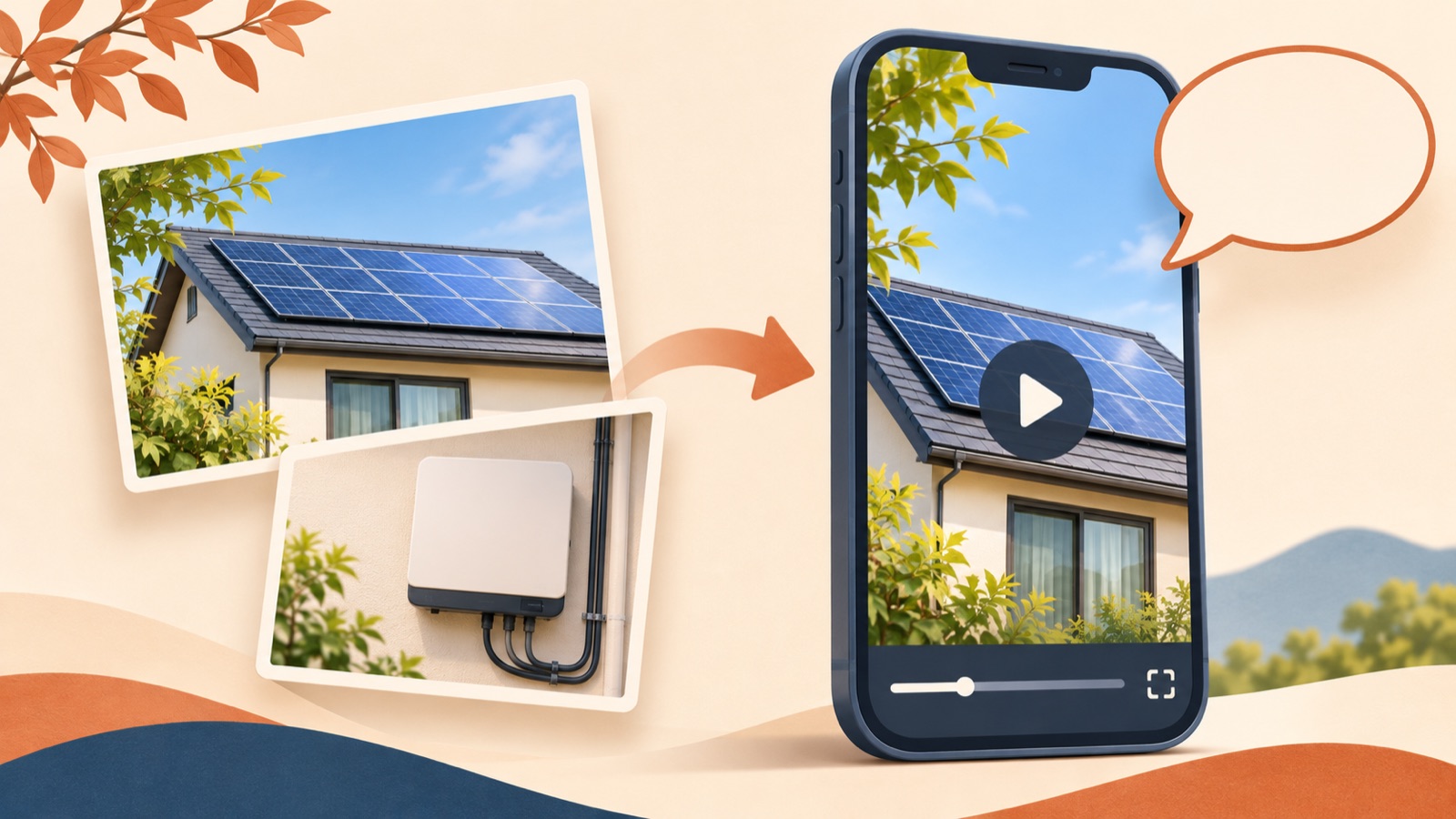
To create a video ad for a solar installation company, start by connecting your existing installation photos with one reason to buy and a consultation call to action. For a Japanese-language video, raise a customer question in the opening scene, answer it with actual equipment and services, then show what the customer can find out during a consultation. Organize your materials in the order below and remake the ad in AdForge to create a first version ready for review without a new shoot.
Choose one question the consultation will answer
If the ad's goal is to explain every benefit of solar power, the equipment introduction will run long. First, choose the one question someone considering a consultation is most likely to ask. Pick a question your company can actually answer, such as whether installation is possible at their home, what equipment you would propose, or what happens after the consultation. Public project listings in Japan also show demand for planning, structuring, and editing video ads that communicate the appeal of solar power systems. However, individual listings cannot be taken as evidence of a market-wide trend.1
This article uses a hypothetical example: finding out about an installation proposal suited to the roof's conditions during a consultation. Use this only if the company actually offers that consultation. In the brief, list the target customer, service area, consultation format, services you can verify, and final action. Leave out savings amounts and payback periods unless you have supporting data. For the first ad, choose a reason to buy that your existing information can support, such as being able to start assessing an installation through a consultation.
Give each equipment photo a role in the explanation
Choose photos in the order they answer the question, rather than the order that looks best. Use a wide shot showing both the roof and panels to illustrate the installation, a close-up of the panels to introduce the equipment, and installation process photos to explain the work. Next to each photo, note the site where it was taken, the actual equipment name, and the description you can use in the ad. Keep photos from different sites clearly separated so they do not appear to show consecutive work on a single home, and check usage rights for customer home photos and uploaded materials.
Document the scope of your services separately from the photos. Before including solar power, storage batteries, and consultation services in one video, confirm that you actually sell or provide each of them. Sharp's official video library provides separate ads for solar power, storage batteries, and online consultation events, as well as videos explaining features.2 You can use that organization as a reference, keeping this ad focused on a reason to start a consultation and saving detailed equipment explanations for follow-up creatives. Likewise, select the photos and descriptions that support this particular message before adding materials to AdForge.
Connect the Japanese script from the opening scene to the consultation call to action
In the hypothetical example, the opening scene places “わが家の屋根に、太陽光は設置できる?” over a photo of an actual residential roof. This asks, “Can solar panels be installed on my roof?” In the next scene, show panel and installation photos and explain a proposal tailored to the roof's conditions with wording such as “屋根の条件に合わせた設置プランをご提案,” but only if the company actually offers this service. When the answer follows the question, the equipment photos become more than a backdrop: they give viewers a reason to seek a consultation.
Use the final scene to direct viewers to an installation consultation with wording such as “設置のご相談はこちら.” Add details about whether it is free, includes a site visit, or provides a quote only when they match how the service actually operates. Keep one key sentence in the captions for each scene, and use narration only to add the explanation needed to understand it. Avoid mismatches such as discussing storage battery features while showing a roof photo. Checking that the video answers the opening question all the way through will help you cut unnecessary explanations that have crept into the middle.
Remake the ad in AdForge using references and your existing materials
Open the reference selection screen in AdForge and search for ads from the Meta and TikTok ad libraries. Instead of choosing an ad simply because it is from the same industry, assess whether it starts with a question, shows actual materials, and ends with a consultation. For saved ads, you can review analysis of the video's hook, pacing, cuts, captions, voice, and music. You can also see how many days it has been running, but do not infer strong performance from that duration alone. Focus on the opening scene and the order of the explanation.
At the product information step, enter your installation service description and selling points, then upload the equipment and installation photos you want to use. If you have a product page URL, paste it in to populate the information automatically, then check that it matches your actual service. Select Japanese as the language for video creation and review the AI-generated script and storyboard. Edit them yourself to follow the question, explanation, and consultation call to action you prepared earlier, then review the result with Japanese narration, word-level captions, and background music. Regenerate only the scenes that do not match the explanation, review them, and download the video.
Align the consultation screen, then try changing the opening scene
Watch the finished video both with the sound off and with it on. With the sound off, the roof photo, service explanation, and consultation action should connect through the captions alone. With the sound on, check the Japanese pronunciation of equipment and place names, and confirm that the captions and narration convey the same meaning. Next, review the consultation screen viewers will reach after seeing the ad. If the ad offers a consultation about installation feasibility, that screen should make it clear what information to enter and what answers to expect.
For the next creative, keep the same explanation and consultation call to action, and compare versions that change only the opening question. For example, “Can I install solar panels?” and “Where do I start assessing an installation?” are hypothetical directions that address different hesitations. Make this distinction explicit in the script when creating a new creative in AdForge, too. Upload downloaded creatives directly to your ad account, and use your existing ad management tools to configure campaigns, run ads, and check performance. Alongside the number of consultation requests, review whether actual inquiries match the question presented in the ad. This makes it easier to decide what explanation to add to the next video.
Key takeaways
Build a Japanese-language video ad for a solar installation company around one customer question, actual installation photos that help answer it, and a specific consultation call to action. Remake it in AdForge using the structure of a reference ad, review the Japanese wording and site materials, then download it and run it.
FAQ
Can I get started with photos if I have no installation footage?
Yes. You can create a video ad by adding your existing equipment and installation photos and service information to AdForge. Prepare materials with different explanatory roles, such as wide shots of the roof, equipment close-ups, and photos of the work, then review the generated result to ensure it accurately represents the actual site and services.
Do Japanese-language ads have to include electricity bill savings?
No. If you do not have a verifiable basis for calculating savings, use the installation assessment process or the actual consultation content as the reason to buy. Rather than attracting attention with hypothetical figures, explain specifically what customers can find out during a consultation.
Can I create Japanese video ads with a free account?
Video ads are available on paid plans. The free starter allowance provided to every account covers 12 image ads made with your own product photos. No card is required, and the allowance does not replenish.
Will the finished ad run automatically?
AdForge does not yet offer automatic ad deployment to ad accounts. Review and download the finished creative, then upload it directly to your ad account. Use your existing ad management tools to configure delivery and check performance.
Related reading
Make your next ad with AdForge
AdForge (ad-forge.io) is an ad remake app: pick an ad you like and rebuild it as a video or image ad for your own product. Find references in the Meta and TikTok ad libraries, let AdForge write the script, AI narration and captions, then review and download. Every account starts with 12 free image ads.