5 Meta Ad Creative Diversification Examples: Different Ways to Present the Same Product
Changing only the copy can leave your ads looking much the same. Explore five approaches that use the same cable management box assets while changing image layouts, opening video scenes, and how each video unfolds.
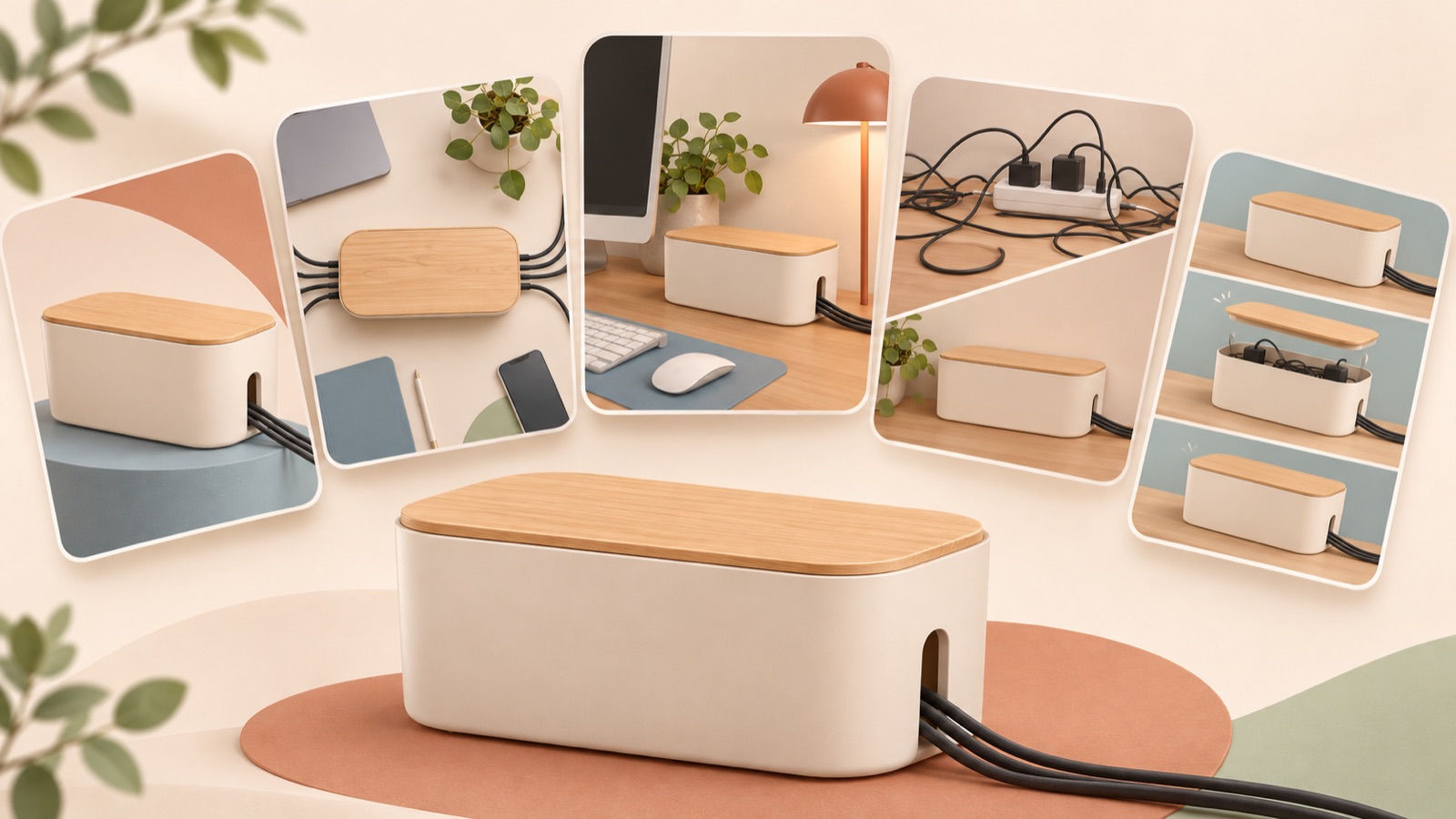
To create distinct ads for the same product, change the copy along with the first scene customers see, the order in which they read the information, and the image and video formats. Meta’s official training also treats concepts, purchase motivations, and formats as dimensions of creative diversification.1 The five Meta ad creative diversification examples below all use one fictional cable management box. Using front-view, interior, and desktop photos, plus a short video of the lid opening, we show how to plan distinct ads and produce them in AdForge.
1. Problem-solving image
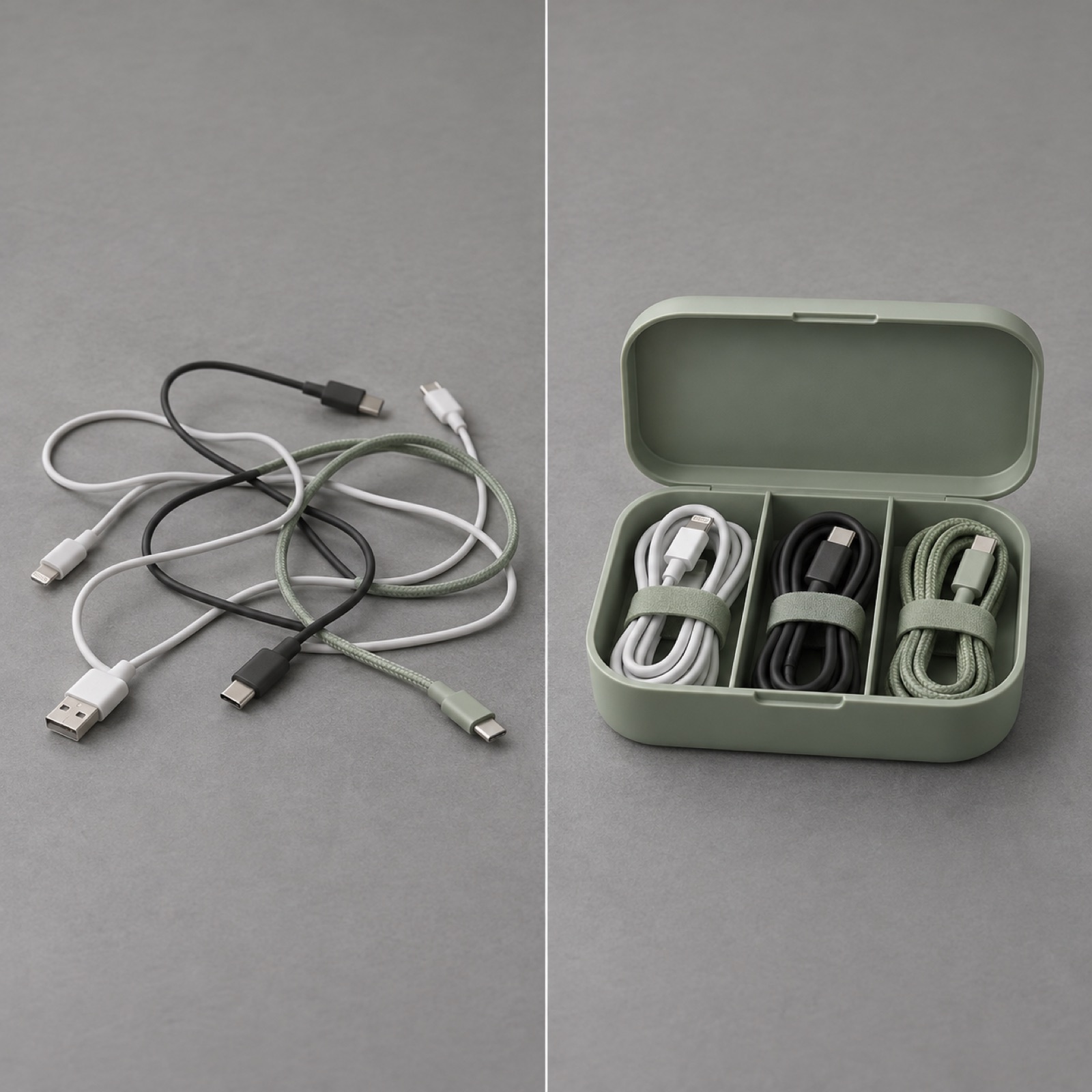
This is a hypothetical example. Place a photo of a desk with scattered cables on the left and a photo of the cables inside the box on the right. Add “Where should all those desk cables go?” at the top and “See the inside” at the bottom. Use a gray background and highlight just one product color. The purpose of this layout is to help viewers understand the problem being solved before focusing on the box’s appearance. Use the same desk and camera angle in both photos so the change is easy to spot.
To apply this to your product, choose one customer pain point and a real photo that shows it. In AdForge, select an image reference with a side-by-side comparison layout, then add your product photos and problem-and-solution messaging. AdForge creates three drafts based on the reference layout. Check the product’s shape and the context of the photos in the results. If you do not have a before photo, a layout that stacks a question and a real usage photo vertically is a better fit than fabricating a messy scene and presenting it as real.
2. Product-focused image
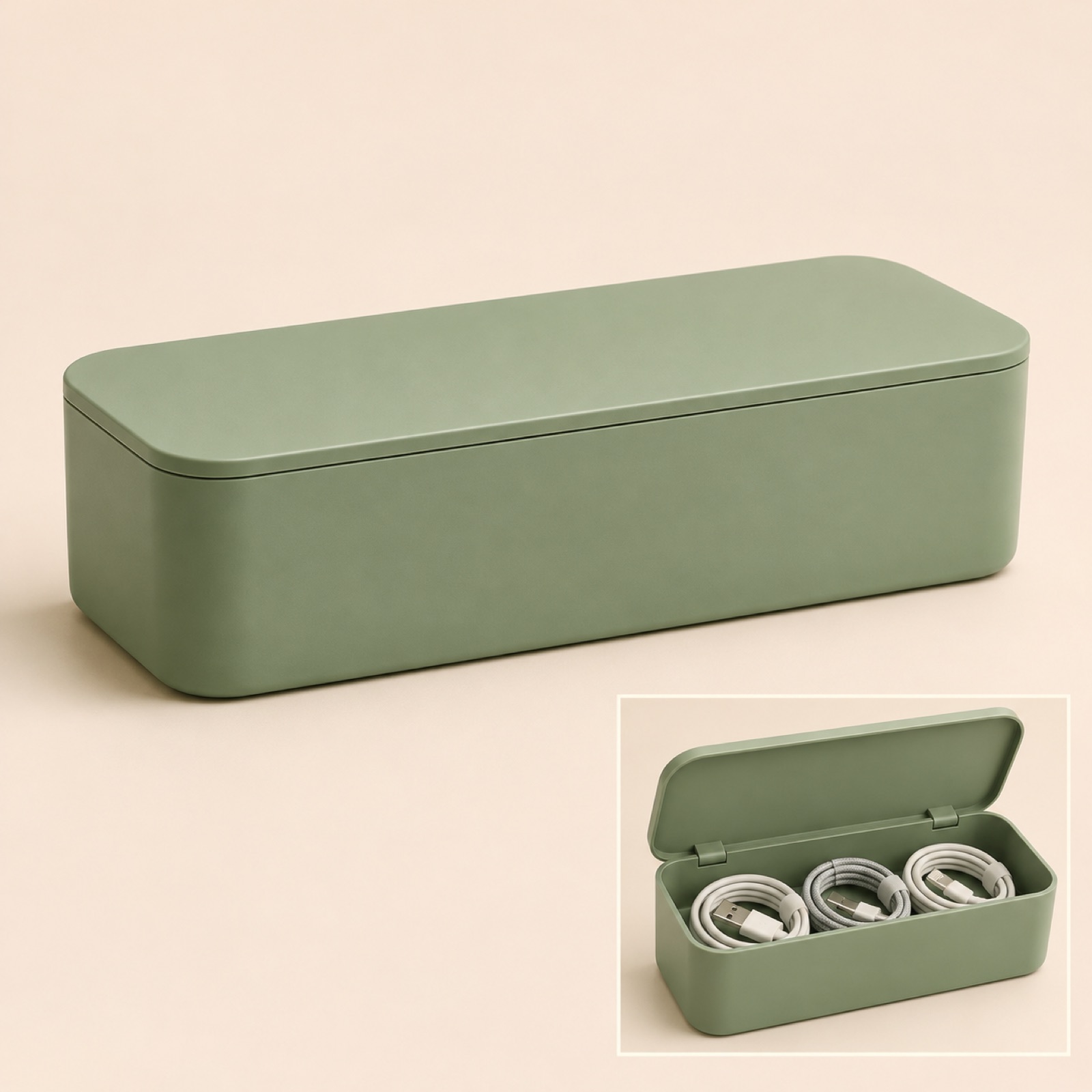
This is a hypothetical example. Place a large image of the box with its lid closed in the center of a cream background, with a smaller interior photo at the bottom right. Lead with its purpose in the copy: “A cable management box for your desk.” Place “Explore colors and configuration” below. While the previous example showed a problem around the product, this ad invites viewers to examine its shape and internal structure. It is a good layout to start with when shape or color matters to the purchase decision and you have clear product photos.
For another product, make the front-view photo the main image and choose one supporting detail photo that shoppers should see before buying. In AdForge, add real product photos and a short introduction to an image reference with plenty of white space and a large product image. When comparing the three generated drafts, look beyond background color differences and assess whether the sizes and positions of the product and supporting photo communicate the information effectively. Meta’s official training also explains diversification as changing visual elements and messaging alongside formats.2
3. Q&A image
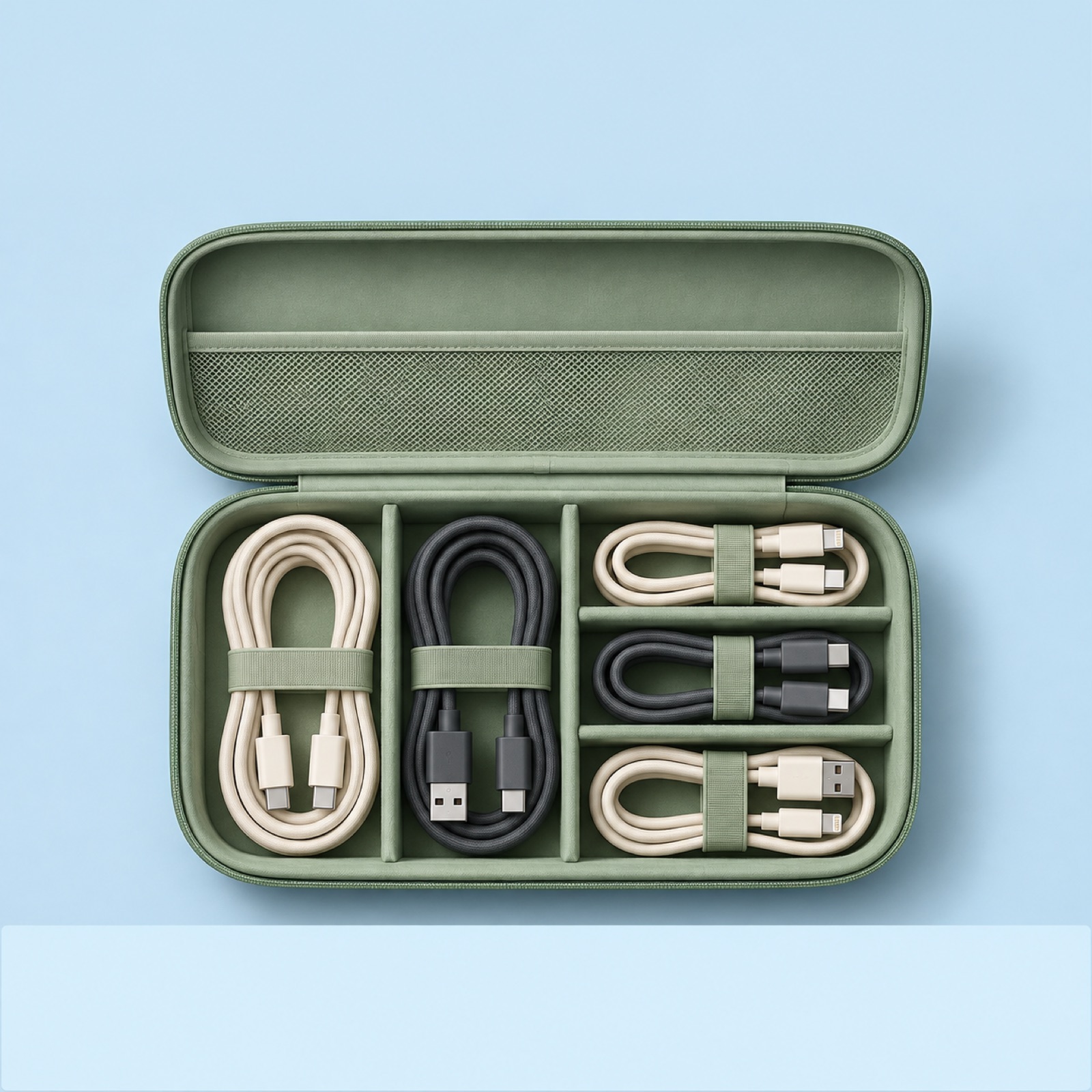
This is a hypothetical example. Place the question “What does it look like inside?” in large text at the top of a light blue background. Add a wide photo of the box with its lid open in the middle, followed by a brief description of the internal layout visible in the photo. End with “Take a closer look inside.” Leave out decorative icons and clusters of small photos. The purpose of this layout is to answer one pre-purchase question with a photo instead of introducing the entire product.
For your product, choose a question you can substantiate using specifications, the product detail page, or actual customer inquiries. If you have no inquiry records, present it as a question that helps people understand the product rather than calling it “the most frequently asked customer question.” In AdForge, choose an image reference with separate question and answer areas, then add a photo that shows the answer and a verified explanation. Review the finished ad to check whether the question alone makes the topic clear and whether the photo and answer address the same point. The criterion is whether it avoids repeating the same explanation as the product-focused ad.
4. Use-case video
This is a hypothetical example. Open on a desk with a closed laptop at the end of the workday. Follow the line “Work’s done. Time to tidy the desk.” with a photo of the cables gathered inside the box, then cut to a short video of the lid closing. End with a photo of the entire desk and “Picture it on your desk.” This approach brings to mind when and where someone would use the product rather than a list of features. If you have photos showing the product in use, you can introduce the same box through a moment in everyday life.
In AdForge, browse ads from the Meta and TikTok ad libraries and save video references that establish a situation before showing the product. Use the saved ads’ hook, pacing, and shot analyses to choose a reference to remake. Then add your own product photos and videos with the message “Tidy your desk before finishing work,” and check the scene order in the generated script and storyboard. Review the Korean narration, subtitles, and resulting video, regenerate only the scenes that feel awkward, then download it. Also check that you have the rights to use the input assets.
5. Explainer video
This is a hypothetical example. Start immediately with a video of the lid opening and the line “Here’s how to put everything inside.” Next, use an interior photo to show where the cables go, then end with a photo of the product with its lid closed and “Take a closer look at the design.” Unlike the previous video, which opened with a warm everyday scene, this ad leads with how the product works and how it is structured. Consider this approach when the product’s name or appearance alone does not make its use clear. The narration should also point out actions viewers can see on screen rather than offer impressions.
To apply this to your product, prepare assets that show the usage steps in order. In AdForge, choose a video reference focused on explaining actions, then edit the generated script and storyboard to match the interior photos and lid footage. If the script describes an action that your assets do not show, shorten the line or revisit that scene. When the five creatives are placed side by side, the differences in planning become clear if each leads with a problem, appearance, a question, a usage situation, or how the product works. Download the finished ads and upload them directly to your ad account, then use your existing ad management tools to run them and review performance.
Key takeaways
To diversify creatives for the same product, decide what each ad will show first: a problem, the product’s appearance, a question, a usage situation, or how it works. Choose approaches you can express with your available assets, then produce them in AdForge using different reference structures to make the differences between subsequent creatives more concrete.
FAQ
Does changing only the copy count as creative diversification?
Changing the message is one approach. But if you need distinct creatives like these, try changing the opening scene, photo layout, and information order as well. Meta’s official training describes diversification through different formats, visual elements, and messages.2
Do I need to make all five if I only have photos?
You do not need to make all of them. If you have a strong front-view product photo, start with a product-focused image. If you have an interior photo, start with a Q&A image. For video, choose an approach based on the scenes you can explain with your available assets.
How many creatives should I prepare for Andromeda?
The sources provided do not establish a required number of creatives. The five examples in this article are intended to compare creative approaches. Before trying to reach a target number, check whether each ad answers a different question.
Can I count AdForge’s three image drafts as three different concepts?
Judge by the finished results. If they share the same message and similar layouts, it is clearer in practice to group them as drafts of one concept. If you need a different concept, start by changing the question you want to address and the structure of the reference.
Related reading
- How to Improve Video Ad Pacing: Revise Scripts and Scenes Using Existing Product Assets
- 5 Bathroom Product Ad Creative Examples: Images and Reels Using Product Photos and Demo Videos
Make your next ad with AdForge
AdForge (ad-forge.io) is an ad remake app: pick an ad you like and rebuild it as a video or image ad for your own product. Find references in the Meta and TikTok ad libraries, let AdForge write the script, AI narration and captions, then review and download. Every account starts with 12 free image ads.