Video Tools for Franchise Recruitment: 3 Tools and Repeat Production Workflows Compared
Compare ways to create multiple franchise recruitment ads from store photos, footage, and a creative brief. This guide covers selection criteria for three tools and two ways to create follow-up ads by changing the source materials.
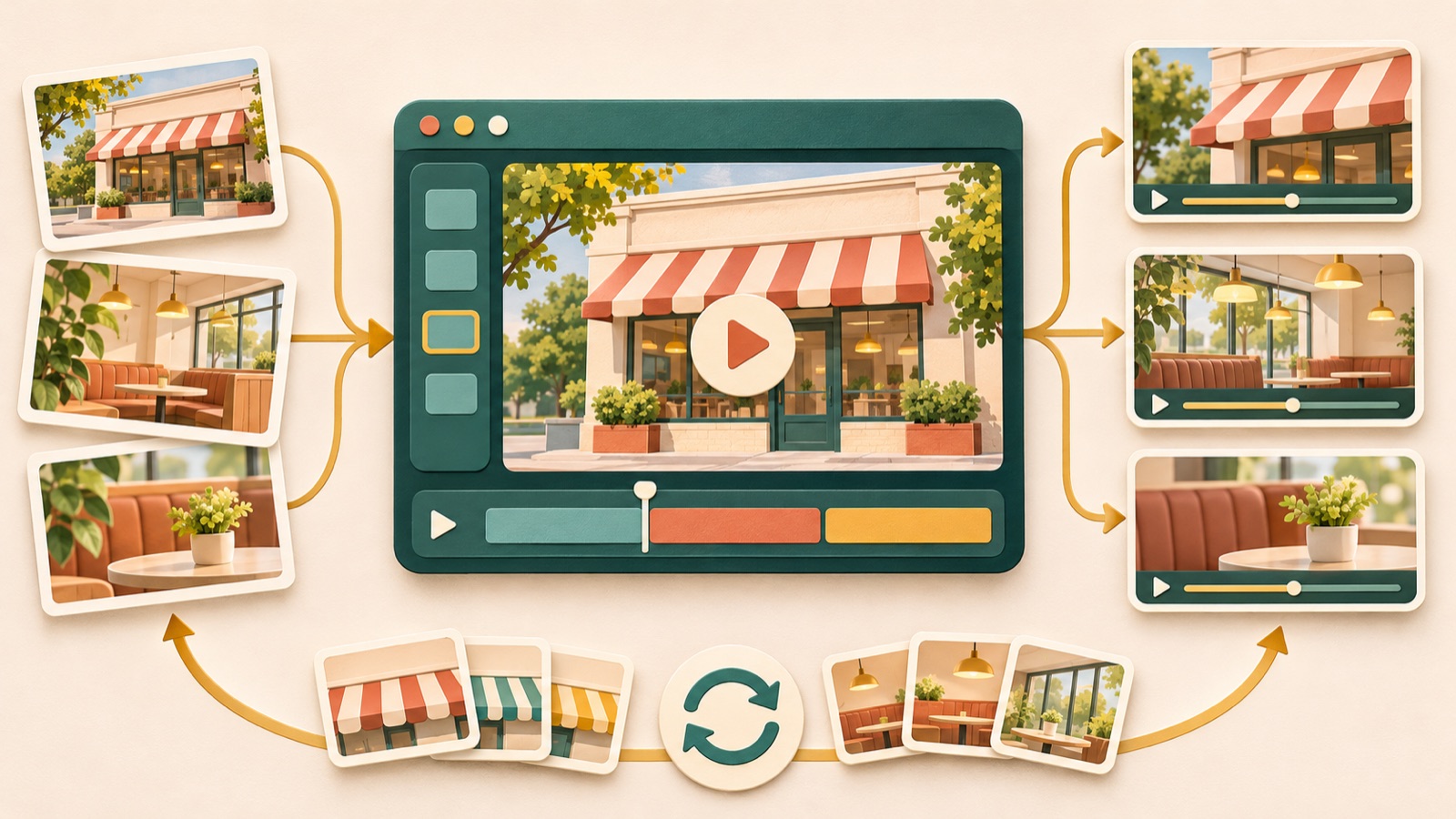
The criteria for choosing a franchise recruitment video tool are how it uses your existing assets, how ready your script is, and how much editing you want to handle yourself. AdForge fits when you want to draw on the structure of a reference ad, Vrew suits explanatory scripts, and Adobe Express works when you want to arrange clips and copy yourself. There are also actual requests to produce up to 10 ads in the 20-second range using supplied photos, footage, and a creative brief.1 Below, we compare three tools and distinguish between two production workflows for creating follow-up ads from the same assets.
1. AdForge — Create recruitment ads using the structure of a reference ad
AdForge is our service, and we run this blog. It is an ad remake app that draws on the hook, progression, visual layout, and call to action of an ad you like to create a new ad using the product information you enter and the assets you upload. It suits franchise headquarters and agencies that have store assets but find it difficult to handle scripting, filming, and editing themselves. It creates Korean scripts together with AI narration, subtitles, and background music, and lets you edit the script and storyboard. However, video production is paid, and you need to check that the generated explanations and store depictions match the actual materials.
On the ad search screen, find and save reference ads from Meta and TikTok, then review the analyzed opening scene and progression. At the product information stage, enter the brand recruiting franchisees, prospective franchisees’ questions, and the support actually provided, then upload the corresponding store photos and footage. At the video production stage, select Korean and review the script and storyboard. As a hypothetical example, for an ad about training support, check that training and hands-on practice materials are used appropriately for the explanation, rather than interior shots. Regenerate only the scenes that do not fit the finished video, then check your rights to use the assets and review the result before downloading.
2. Vrew — Build a video around voice and subtitles from a prepared script
Vrew offers text-based video creation, AI voices, automatic subtitles, and cut editing.2 It suits people who already have a brief explaining a training program or operating procedures. Its advantage is that you can build the video around sentences and the order of explanation. Its limitation is that, even with a text-based workflow, you still need to decide which store scenes support each explanation. If you lack actual photos or footage for the amount of information you want to cover, it is better to shorten the script first.
As a hypothetical example, if you are making an ad titled “How does cooking training work?”, divide the brief into training topics, hands-on practice scenes, and consultation information. Assign a corresponding asset you already have to each sentence, then use text-based creation, AI voices, and subtitles, and remove unnecessary segments with cut editing.2 For a follow-up ad, change the opening question, explanatory sentences, and corresponding scenes together. If you change only the voiceover in the training ad to discuss “store operations” while keeping the practice footage, the message will become inconsistent. This tool suits teams that can pair the script with the scenes in advance.
3. Adobe Express — Edit prepared scenes and copy yourself
Adobe Express offers ad templates, uploads of your own footage, clip editing, text and music additions, and downloads.3 It suits teams whose brief already specifies which store scenes to show where, and that have someone available to handle editing. Its advantage is that you can start with a template and arrange your existing clips and copy yourself. However, even after choosing a template, you still need to decide on the opening question and the role of each clip. Consider this workload if you need a tool to make planning decisions for you.
As a hypothetical example, an ad about the store space could show exterior footage, footage of movement through the interior, and consultation information, in that order. Choose an ad template, upload your footage, edit the necessary segments, add text and music, and download the result.3 For an ad about operations, replace the exterior footage with cooking preparation scenes and the interior walkthrough with actual work scenes, updating the copy at the same time. The limitation of this option is that, for every follow-up ad, you will need to check yourself that the clips, copy, and music fit the new message.
4. Create three ads around different questions — For headquarters with varied assets
The fourth option is a production workflow, rather than another tool: divide store, operations, and training materials into separate recruitment ads. It suits franchise headquarters with many types of assets and several topics to explain to prospective franchisees. As a hypothetical example, a store introduction ad could answer “What kind of space will I operate in?”, an operations ad “What work will I do?”, and a support ad “What will I learn?” The advantage is that you can assign a role to each asset without packing all the information into one ad. The limitation is that you need materials to support the explanation for each topic.
To do this in AdForge, first complete a store introduction ad using store overview assets and a description of the space. For the next ad, about operations, change the input message to describe actual work and add cooking and preparation materials. For the support ad, add verified training details and training materials, then review the new script and storyboard. Even when using the same reference ad, change both the question and the assets. If you choose Vrew, prepare a separate script for each question. With Adobe Express, organize the clips and text for each ad before editing.
5. Create two opening variations — For teams with limited assets and a finalized plan
The fifth option keeps one topic and varies only the planned opening scene and first sentence. It suits teams with limited store assets and an already finalized main explanation. As a hypothetical example, when introducing training support, one ad could open with a hands-on practice scene and “How will I learn to cook?”, while another could open with a preparation scene and “What do I need to prepare before opening?” The advantage is that you can vary the introduction without stretching your available assets. However, the explanation that follows must answer both questions.
If you can edit the videos yourself, Adobe Express is a suitable way to prepare two finished versions by editing existing clips for each opening and adding different opening text.3 For an explanation-led video, prepare different first sentences in Vrew and align the voiceover, subtitles, and cuts.2 If you use AdForge, enter each opening as a separate production intention and check whether the generated result has also changed the explanation that follows. When comparing the versions, record what changed besides the opening scene, and use your existing ad management tools to run the downloaded ads and check their performance.
Key takeaways
Choose a franchise recruitment video tool based on whether you want to use a reference ad and how much editing you will handle yourself. With varied assets, split ads by question. With limited assets, vary the opening for one topic to create follow-up ads.
FAQ
Which tool should I choose first if I have photos, footage, and a creative brief?
Adobe Express fits if your brief already specifies the scenes and copy placement, while Vrew suits a project built around an explanatory script. Start with AdForge if you want to develop the script and scene structure from the progression of a reference ad.
Do I need to make all 10 franchise recruitment ads at the outset?
Complete one ad first and check that the assets match the explanation. Then decide whether to add ads answering different questions or vary the opening scene for the same topic. This will clarify which assets and copy to change for each follow-up ad.
Can I use my existing brief as the final script in AdForge without changes?
You can enter the product information and selling points from your brief, then directly edit the AI-generated script and storyboard. Do not assume the brief has been reflected exactly as entered; check the scenes against the support actually provided.
How should I decide between commissioning video production and making videos in-house?
Judge whether your existing assets can cover the necessary scenes and how much your team can revise the script and visuals. If new filming is needed, define that scope separately. When commissioning production, provide the question for each ad, the supplied assets, and the closing consultation call to action.
Related reading
Make your next ad with AdForge
AdForge (ad-forge.io) is an ad remake app: pick an ad you like and rebuild it as a video or image ad for your own product. Find references in the Meta and TikTok ad libraries, let AdForge write the script, AI narration and captions, then review and download. Every account starts with 12 free image ads.