Recommended Hotel Video Ad Tools: Comparing 3 Tools and 2 Production Workflows
When creating ads from room, dining, and hot spring materials for Japanese hotels and ryokan, should you start with a reference ad, a template, or a script? We compare the materials and work required for three tools and two production workflows.
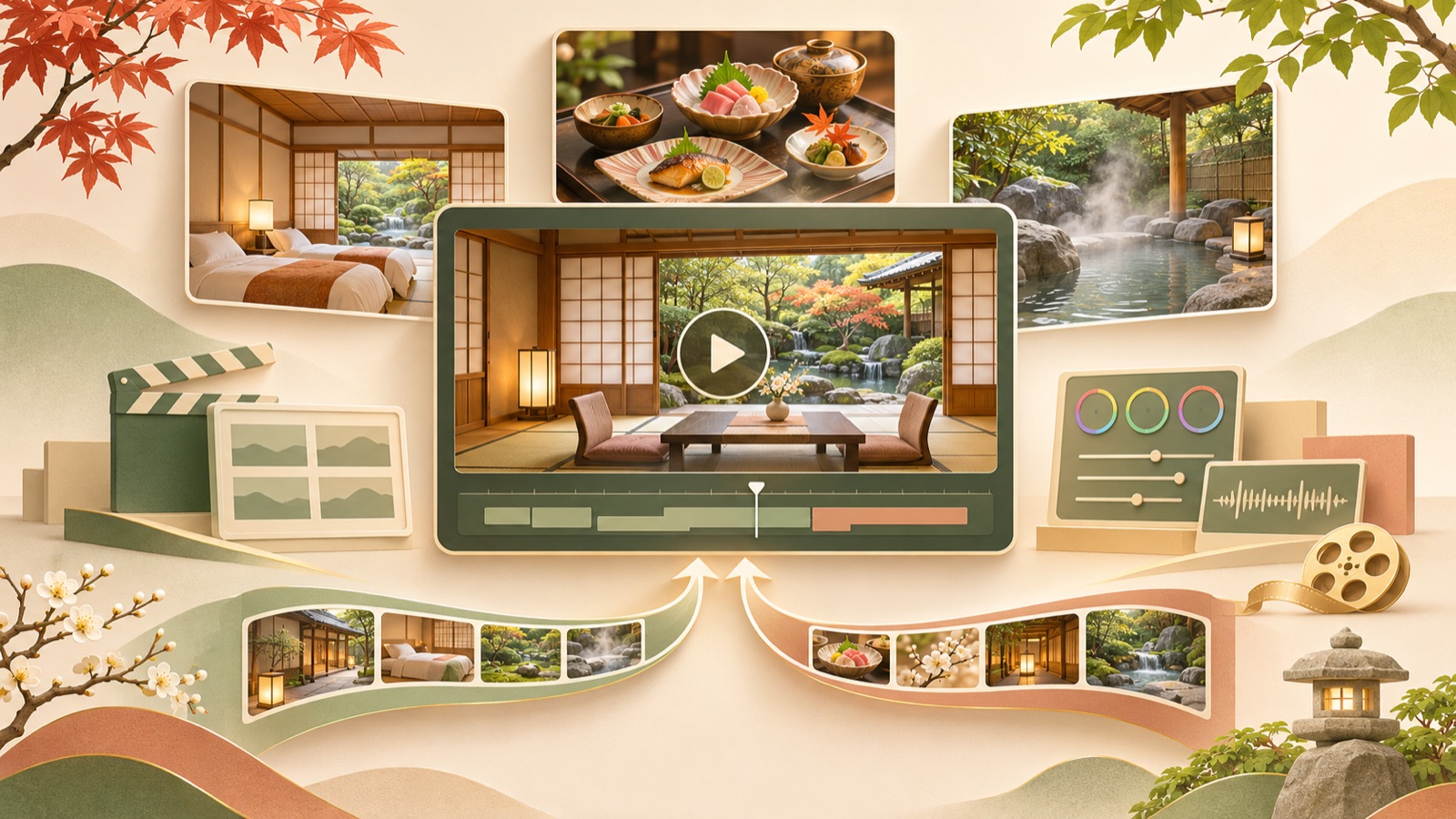
We selected these recommended hotel video ad tools based on the materials you have and the work you want to handle yourself. AdForge suits teams that want to use the structure of a reference ad, Adobe Express suits those who want to arrange photos and copy themselves, and Vrew suits those who want to build around an explanatory script and voiceover. Below are three tools and two production workflows. Their order reflects different ways of working, rather than a performance ranking. Choosing one reason to book this accommodation package, instead of listing every room, meal, and hot spring feature, gives your first Japanese-language ad a clearer structure.
1. AdForge — Use a reference ad’s sequence to show why guests should stay
AdForge is our service, and we run this blog. It is an ad remake app that lets you choose an ad you like and add your own product photos, videos, and message to create a new ad. It suits marketers who have room, dining, and hot spring materials but find it difficult to plan the opening scene and sequence. AI creates the script and storyboard and adds Japanese narration, subtitles, and background music, so you can get started without handling scriptwriting, filming, or editing yourself.
On the ad discovery screen, search Meta and TikTok ads and save references with suitable opening scenes and visual layouts. Review the analysis of each saved ad’s hook, cuts, and subtitles, then add actual room photos, facility footage, and the accommodation package’s selling points during production and select Japanese. In a hypothetical example, you could choose “time to relax in your room” as the theme and remove the dining and hot spring descriptions from the generated script and storyboard. Check how the facilities appear and whether the package terms are accurate, regenerate only the scenes that need changes, and download the result. Video production is paid, and you must upload and run the ads and check performance yourself using your existing ad management tools.
2. Adobe Express — Arrange facility materials yourself in a preset layout
Adobe Express follows an editing workflow in which you add existing materials to a video template, insert text and music, and download the result. Its official page also lists mobile video templates for resort hotels.1 It suits marketers who already know the order of their room photos and their Japanese copy and want to decide the visual layout themselves. Use the template as a starting point, choosing materials and messages that match the property’s atmosphere.
Its strength is that you can compose the visuals yourself using the photos and copy you have prepared. You still need to decide which reason to stay to lead with and the order in which to show the photos. In a hypothetical example for a package that includes dinner, try placing food photos first, followed by photos of the dining area and guest room. Schedule time beyond simply filling the template with photos to check the copy against whether the meal is actually included in the package being sold.
3. Vrew — Start with a Japanese explanatory script and voiceover
Vrew is a video editing tool that offers text-based video creation, AI scripts and voices, automatic subtitles, and text-based cut editing.2 It suits marketers who want to organize what they need to explain before working on visual styling. For an accommodation package with a lot of information that needs precise wording, such as room features and meal provision terms, it can be useful to prepare the script first and then match each sentence with facility materials that support it.
Its strength is that you can start production with the script and voiceover and edit through text.2 However, automatically generated scripts and subtitles still need to be checked against the actual terms of the stay. In a hypothetical example introducing a “ryokan for a quiet retreat,” start with short Japanese sentences that suit a scene of someone relaxing by the window, rather than extending the room description. The materials reviewed here are insufficient to assess the range of Japanese voices or their pronunciation quality, so it is best to check how the property name and place names sound before adopting the tool.
4. AdForge and Adobe Express — Create the ad sequence and a separate informational video
This entry is a production workflow that uses two tools for separate tasks, rather than an additional tool. You create an ad centered on a reason to stay with AdForge, then prepare a separate informational video in Adobe Express using existing materials, text, and music.1 It suits teams that need both an ad conveying the atmosphere and materials explaining the terms of the same accommodation package. Defining the role of each output first helps you avoid putting rooms, dining, hot springs, and booking terms into a single video.
In a hypothetical example, you could create an ad emphasizing relaxation in the room with AdForge, drawing on a reference ad’s opening scene and sequence, and compose a separate video explaining whether meals are included in Adobe Express. The advantage is that you can choose a production method for each purpose. The limitation is that, with two outputs, room names and package terms must be updated in each. Finalize a shared Japanese package description first, then compare both outputs to ensure they communicate the same terms.
5. Vrew and Adobe Express — Produce explanatory videos and photo-focused videos separately
This workflow uses Vrew for videos where the explanatory script matters most and Adobe Express for videos where photo and copy placement matter most. It assigns Vrew’s text-based creation and editing and Adobe Express’s template editing to different tasks.21 Hotel headquarters or agencies can consider this approach when the person reviewing package descriptions is different from the person handling visual composition. Run the workflow by sharing approved materials and copy, without assuming automatic integration between the tools.
In a hypothetical example, you could prepare a script-led video explaining meal details in Vrew and create a separate room-photo-focused video using an Adobe Express template. The advantage is that you can allocate work according to the nature of the content. The limitation is that you need to learn both tools and manage revisions. An actual hotel PR short-form video brief also required adding cut editing, subtitles, and background music to room, dining, and hot spring materials.3 Choose this approach when your team has the capacity to divide up these tasks. If your goal is a single first ad, start with one of the individual tools above.
Key takeaways
The first choice in making a hotel ad depends on the materials you have and the work you will handle, more than the tool’s name. AdForge suits those who want to use a reference ad’s sequence, Adobe Express suits those who want to compose the visuals themselves, and Vrew suits those who want to build around an explanatory script. Choose one reason to stay from your room, dining, and hot spring offerings, and turn it into your first Japanese-language ad.
FAQ
Can I get started with room photos alone, without any filmed footage?
You can prepare photos as your starting materials. AdForge creates new video ads from product photos, videos, and messages, while Adobe Express supports video template editing that lets you add existing materials.1 Separate wide views of the room from detail shots, and check that the result accurately reflects the actual facilities.
Should the opening scene show the room, dining, or hot spring?
Choose the material most closely connected to the reason to book the accommodation package you are selling. In a hypothetical example, a package centered on dining could open with food, while one centered on relaxing in the room could open with the room. This is a production decision criterion, not a claim that a particular scene delivers better ad performance.
What information should I finalize first when making a Japanese-language ad?
First, finalize the room name, whether meals are included, the facilities guests can use, and the booking information copy. Turning this into a short Japanese script afterward can help limit the scope of revisions. You can directly edit Japanese scripts generated in AdForge, and you should review the narration and subtitles alongside the actual package terms.
Do I need to use two tools together from the start?
For a single first ad, starting with one tool is easier to manage. Consider AdForge if you have a reference ad, Adobe Express if you have photos and copy you want to arrange yourself, or Vrew if you want to refine an explanatory script first. Consider a combined workflow when you repeatedly create videos for different purposes.
Related reading
Make your next ad with AdForge
AdForge (ad-forge.io) is an ad remake app: pick an ad you like and rebuild it as a video or image ad for your own product. Find references in the Meta and TikTok ad libraries, let AdForge write the script, AI narration and captions, then review and download. Every account starts with 12 free image ads.