Video Ad Creation Tools for Pressure Washing Businesses: 2 Tools and 3 Ways to Use Them
Which tool is right for creating English-language ads from job photos and short clips? Compare AdForge and Adobe Express, and learn how to work with driveway, exterior wall, and deck cleaning content.
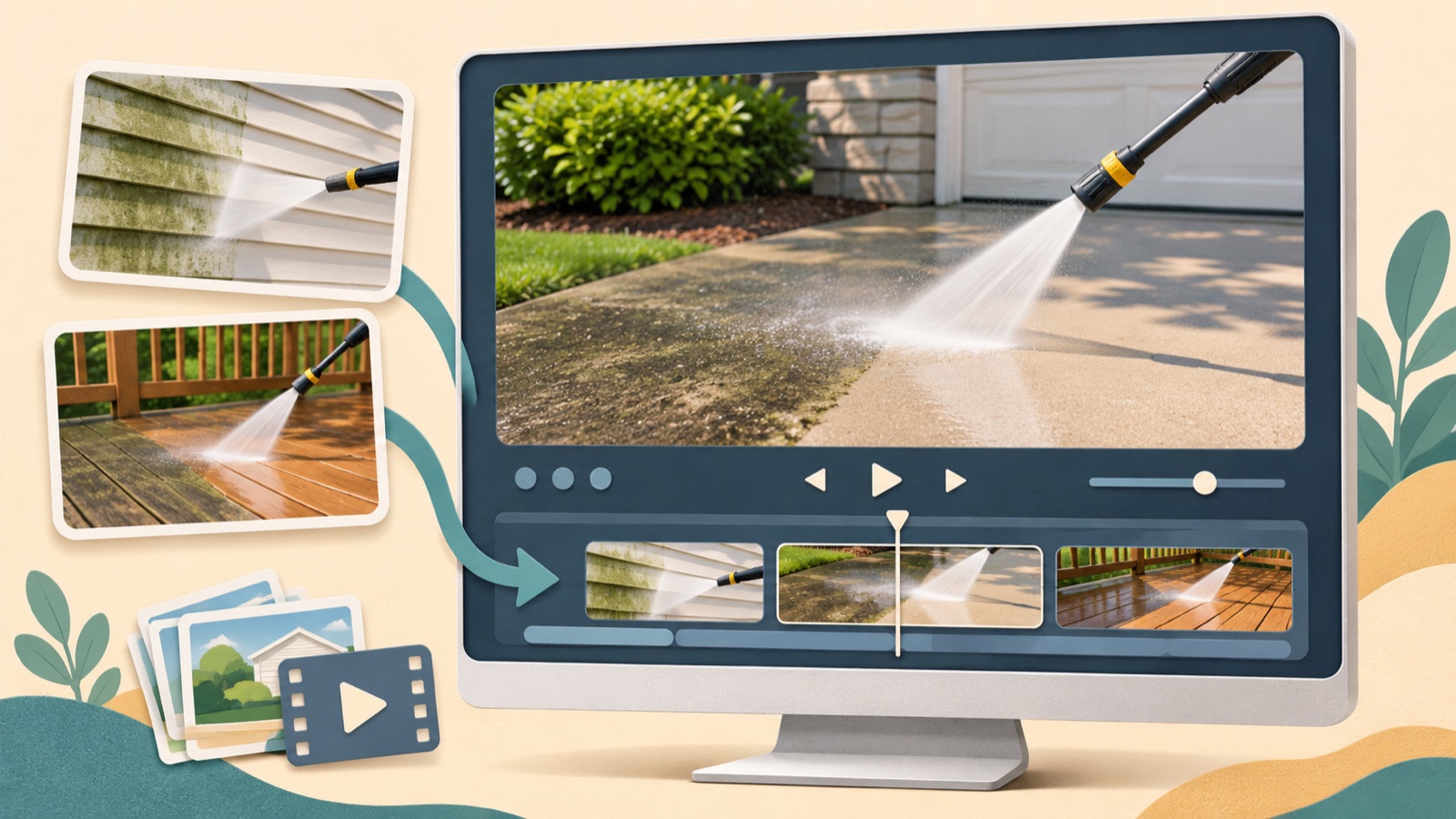
If you’re looking for video ad creation tools for a pressure washing business, choose based on the job content you have and how much editing you can handle yourself. AdForge is a fit if you want the script and scene planning handled for you. Adobe Express is a fit if you want to place your content in an ad template and edit it yourself. The list below separates two tools from three ways to use them. It focuses on choosing one service—driveway, exterior wall, or deck cleaning—and preparing an ad file with English-language copy.
1. AdForge — Create English-language videos based on reference ads
AdForge is our service, and we run this blog. It’s an ad remake app that lets you choose an ad you like, then add your own product photos, videos, and messaging to create a new ad. For a pressure washing business, that can mean uploading existing job photos and short clips, then entering your services and selling points. It suits owners who want to get started without writing scripts, filming, or editing themselves.
Its strength is that it uses the opening scene, progression, and visual layout of a reference ad to create an English script and storyboard, then adds AI narration, captions, and background music. You can edit the script and storyboard or regenerate a single scene. The limitations are that video ads are paid, and you need to check the generated output against the actual job. You must download the finished ad and manually upload it to your existing ad management tool.
2. Adobe Express — Place job-site content into templates yourself
Adobe Express lets you upload and edit videos, apply ad templates and brand assets, and download the result.2 It suits owners who have already decided on their copy and scene order and want to adjust the visuals themselves. For example, if you have a clear sequence showing the start of a job, cleaning in progress, and the finished site, you can begin by placing those assets into an ad template.
A reason to choose it is that you can use an ad template as a starting point while directly editing your uploaded videos and brand assets.2 However, the capabilities verified for this article are uploading, editing, templates, applying brand assets, and downloading. Compare it for arranging prepared English copy and job footage yourself, rather than choosing it to handle English scripts and narration. Another selection criterion is that someone needs to decide on the scenes and copy.
3. Driveway photo remake — Complete your first ad with AdForge
If you have plenty of driveway photos but struggle to decide how your ad should begin and end, a photo-based remake is a good fit. The following is a hypothetical example. Prepare a before photo, a short clip of the work in progress, and an after photo from the same job, then narrow the message to ‘Driveway pressure washing in your area’. The advantage is that you can focus your assets on explaining one service. The limitation is that linking photos from different sites as if they show the before and after of one job can mislead viewers about the actual work.
Open the reference selection screen in AdForge and choose an ad that clearly shows what is being cleaned in its opening scene. At the product information step, enter your driveway cleaning service, actual service area, and verifiable selling points, then upload your assets. Select English as the production language. Adjust the photo order and location names in the generated script and storyboard, check the narration, captions, and depiction of the job in the finished output, then download it. Review your rights to use the assets as well.
4. Edit exterior wall cleaning footage yourself — Choose this when the job sequence is clear
Adobe Express is a good fit if you have short clips of exterior wall cleaning and can decide on the viewing order yourself. The following is a hypothetical example. Start with a view of the entire exterior wall, show the area actually being cleaned, and finish with the completed site and an inquiry prompt. You can prepare English copy that identifies the service first, such as ‘Exterior wall cleaning’. The advantage is that the ad is built around the workflow shown in your existing footage.
In Adobe Express, you can upload footage to an ad template, apply your chosen brand assets, edit, and download the result.2 The limitation of this approach is that you must decide which segments to keep and what explanations to add. If the clips repeatedly show the same stream of water, write down what each clip explains before editing. If you struggle to decide on the progression, you can also compare the option of selecting a reference in AdForge to create a script and storyboard.
5. Divide responsibilities for deck ads — Agencies and on-site staff create together
If a small agency is handling ads for a deck cleaning business, it makes sense to pair tool selection with a process for handing over assets. Actual agency discussions have raised the difficulty of getting job-site photos and videos and the problem of repetitive creative.3 The following is a hypothetical example. The on-site contact supplies before, during, and after assets from the same deck, along with a service description. The person producing the ad then chooses one job from those materials and decides on the content of a single ad.
If you need a script and scene planning from the start, create an English-language video in AdForge. If the copy and sequence are finalized and you want to arrange the assets yourself, choose Adobe Express. Adobe Express supports video editing, applying brand assets, and downloading.2 The advantage is that responsibility for supplying assets and producing the ad becomes clear. The limitation is that adding a tool does not resolve the need to verify what actually happened on-site. End your first ad with one action, such as ‘Inquire about deck cleaning’, and use content from another real job for the next creative.
Key takeaways
AdForge is a fit if you need an English script and scene planning from the start. Adobe Express is a fit if you want to arrange predetermined copy and footage yourself. Choose driveway, exterior wall, or deck cleaning and complete your first ad file using content from actual jobs.
FAQ
Can I create pressure washing ads without video editing experience?
Yes. There is documented demand from owners with no editing experience asking about ad tools to promote driveway, exterior wall, and deck cleaning services.1 Choose AdForge if you need a script and structure, or Adobe Express if you want to edit prepared copy and assets yourself.
Can I get started with just job photos?
You can start creating a video ad by adding your existing photos and service information to AdForge. However, you need to check that the generated output accurately represents the actual job. If you do not have footage of the cleaning process, do not describe the result as though it shows footage of the actual process.
Can I also make videos with AdForge’s 12 free images?
The free starting offer includes 12 image ads made from your own product photos. No card is required, and the allowance does not replenish. Video ads are available on paid plans.
Can the finished ad run automatically on Facebook?
AdForge does not yet have a feature for automatically running ads through your ad account. Download the finished creative and upload it to your ad account yourself, then use your existing ad management tool to configure campaigns, run ads, and review performance.
Related reading
Make your next ad with AdForge
AdForge (ad-forge.io) is an ad remake app: pick an ad you like and rebuild it as a video or image ad for your own product. Find references in the Meta and TikTok ad libraries, let AdForge write the script, AI narration and captions, then review and download. Every account starts with 12 free image ads.