5 Facebook Ad Examples for Cleaning Businesses: Create English Ads with On-Site Photos
Your ad format depends on what you have: before-and-after photos, short cleaning videos, or team photos. Explore five English-language ad examples you can create with existing materials, along with the production steps in AdForge.
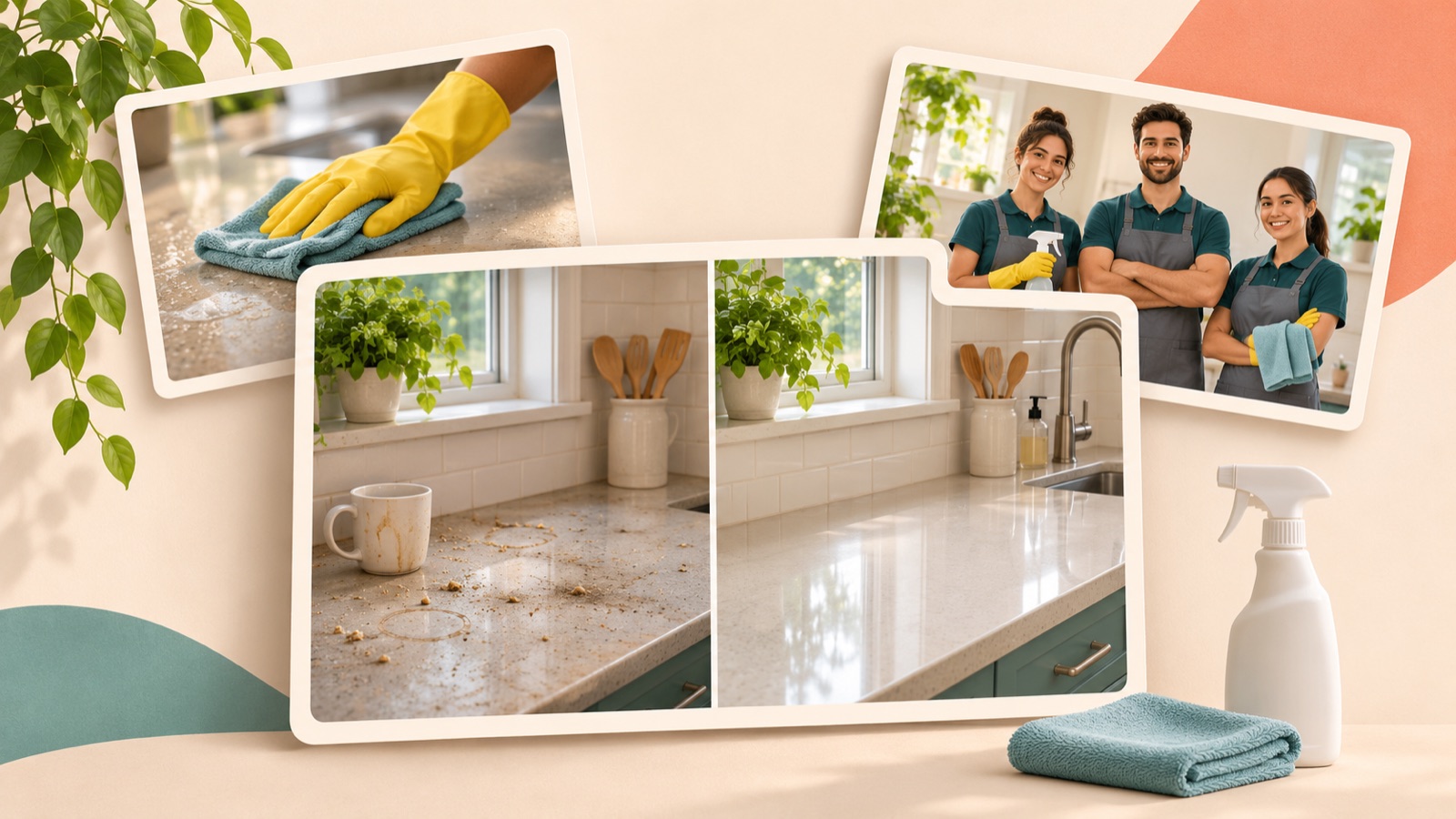
If you’re looking for Facebook ad examples for a cleaning business, start by choosing a format that fits the on-site materials you already have. Before-and-after photos of the same space work for a results comparison, short cleaning clips work for a process-focused ad, and detailed service information works for a what’s-included ad. The five examples below are hypothetical, based on formats identified in actual advertising materials. Use the English copy, layouts, and AdForge production steps, adapting them to your actual cleaning results and service scope.
1. Results Comparison: The Same Kitchen Before and After Cleaning
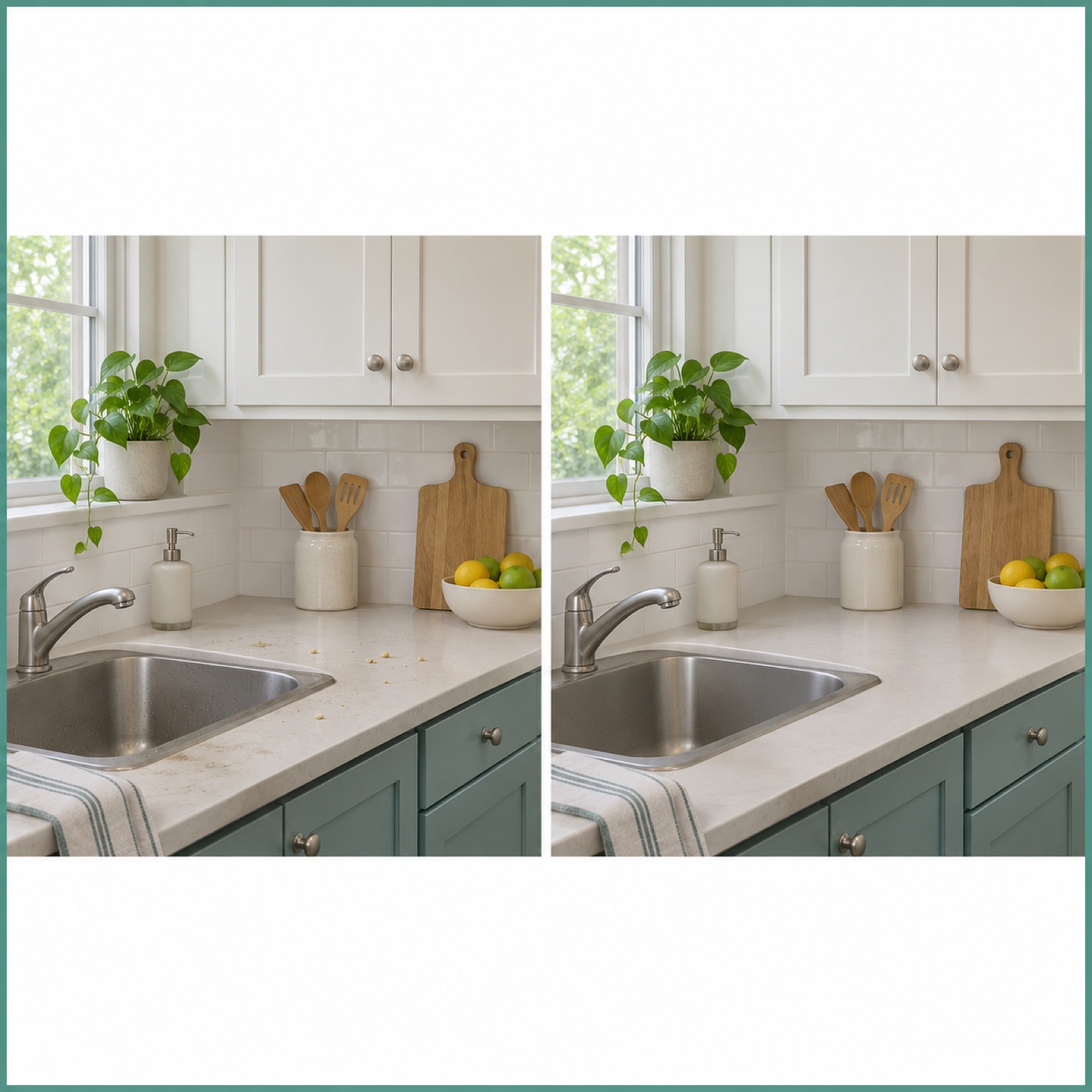
This is a hypothetical example. Split the opening image into left and right halves, placing before-and-after photos of the same kitchen side by side. Put “A cleaner kitchen starts here” at the top and “Request a cleaning quote” at the bottom. Cleaning ads published by Relevantly include before-and-after comparison formats.1 This example leads with a visible difference before offering an explanation. It works well when you have photos taken from the same position in similar lighting; if shooting conditions differ significantly, don’t force photos from different jobs into a before-and-after pair.
In AdForge, search the ad library for a before-and-after reference and save it, then check the opening scene and layout in the analysis results. Select that reference in image ad creation, then add actual before-and-after photos you have permission to use, your service description, and English copy. Review the three generated concepts to make sure the two photos correspond and the cleaning results match the originals, then download. If image generation changes stains or surface conditions, don’t use the output as a representation of actual results; check the input photos and layout again.
2. Cleaning Process: Show Each Area as It’s Cleaned
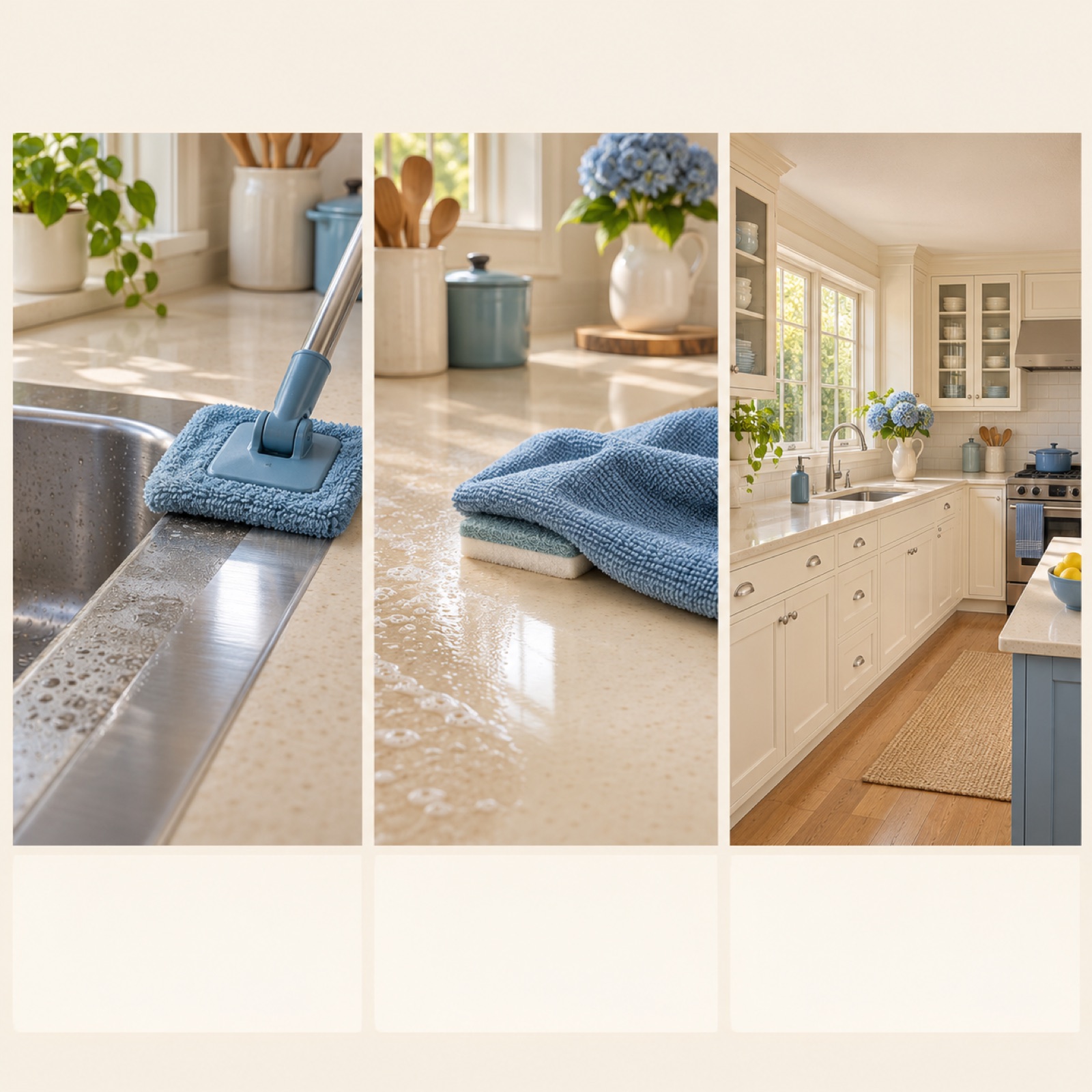
This is a hypothetical example. Open with a close-up of someone wiping the edge of a sink, followed by countertop cleaning, floor cleaning, and a wide shot of the finished kitchen. Use “See what goes into your clean” as the opening line and “Ask about our home cleaning service” at the end. Jobber presents work videos and before-and-after results as visual materials for cleaning ads.2 Because this format shows the actual work sequence, it helps viewers understand what they can hire you to do. However, repeating shots of just one area being wiped makes it difficult to understand the full service scope.
When adapting this for your business, first check that the work shown in the video is actually included in your services. If oven interiors or window cleaning are separate services, don’t write a script that makes them sound included in standard cleaning. Choose a process-focused video reference in AdForge, add your on-site footage and work description, then review the generated script and storyboard. Check that the English narration and subtitles accurately describe the work on screen, and regenerate only the scenes that don’t fit. Finish with a quote inquiry message customers can actually act on.
3. What’s Included: Show What Your Cleaning Service Covers
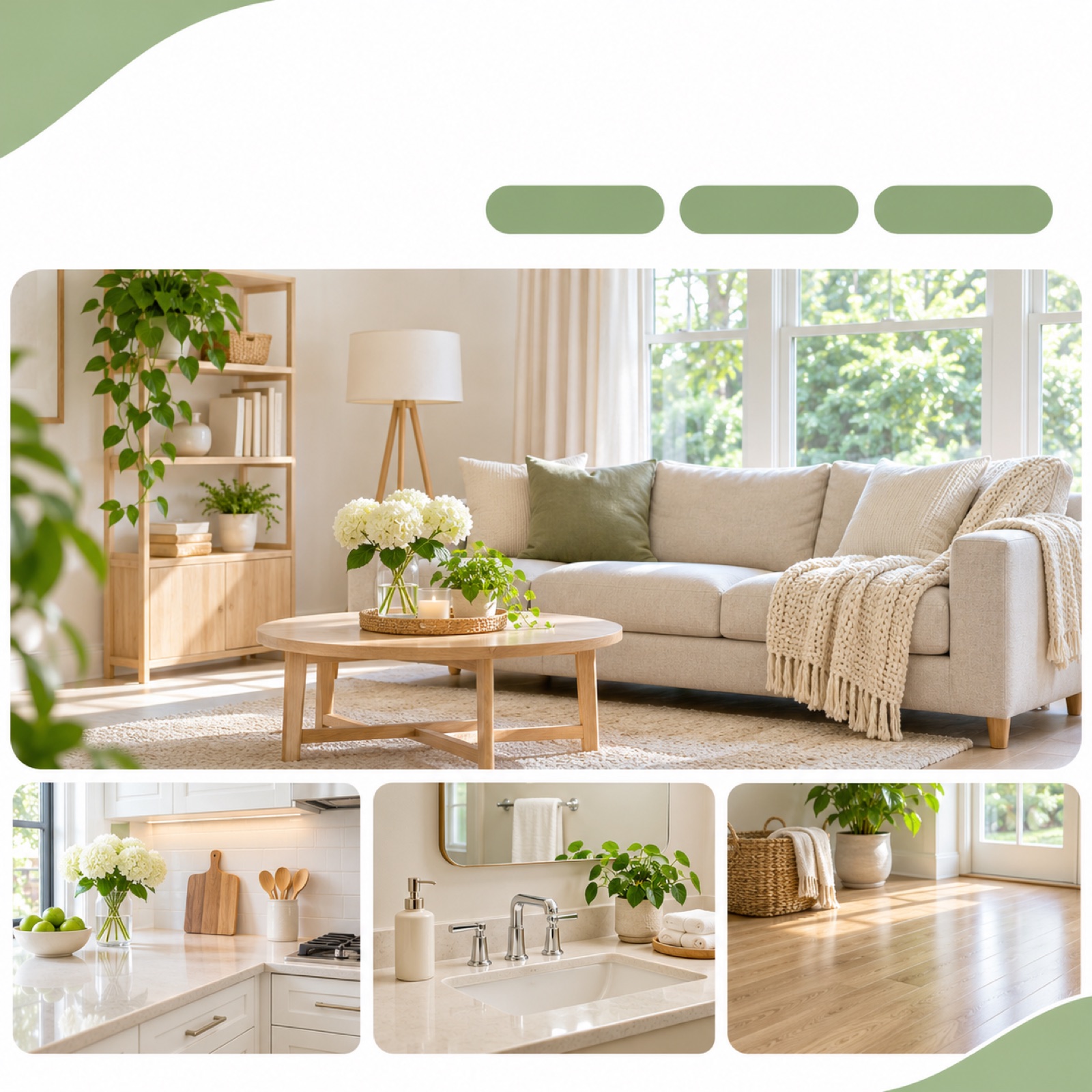
This is a hypothetical example. Place “What’s included in your home clean?” over a photo of a bright living room, with smaller card-style photos of kitchen surfaces, a bathroom, and floors below. Beside each photo, briefly name the area being cleaned with labels such as “Kitchen surfaces”, “Bathrooms”, and “Floors”. Use “Ask for your cleaning scope” as the closing line. You can create this example even without many before-and-after photos, as long as you have actual photos of the areas you clean and a confirmed service description. The format helps people picture exactly what they want cleaned before they inquire.
For your own ad, keep only a few key items, and don’t mix services with different scopes, such as recurring cleaning and move-in or move-out cleaning, on one screen. Choose an image reference in AdForge that combines several photos with short descriptions, then enter your actual on-site photos and included services. When comparing the three concepts, prioritize whether each photo is correctly matched to its description over decorative details. If extra-charge items look like part of the standard service, or viewers need to read small print to understand the scope, shorten the copy and rework the layout.
4. Team Introduction: Show Who Will Be Coming to the Customer’s Home
This is a hypothetical example. Start with a group photo of your actual team, followed by footage of them preparing cleaning tools and working. Open with “Meet the team behind your clean”, and finish with your actual service area and “Request a quote”. Relevantly also publishes examples of cleaning ads that introduce the team.1 This format suits businesses that want to give customers a preview of the people who will visit their homes and how they work. A group photo alone cannot prove experience or service quality, so focus your introduction on facts viewers can verify on screen.
To apply this to your business, confirm employees’ consent to appear in advertising and your permission to use the on-site materials, and remove or obscure any visible customer home addresses or family photos. Save a team introduction reference in AdForge, then add actual team photos, work footage, and the facts you want to introduce. Include verified service areas and services in the English script, and remove unsupported claims about experience or certifications. Check the generated storyboard and output to make sure the real people’s appearances match the input materials. If you have no usable team materials, it’s better to start with a process-focused ad.
5. Real Customer Reviews: Connect Customer Feedback with the Relevant Photos
This is a hypothetical example. The format pairs one real review you have permission to use with photos from the corresponding job. Place a large photo of the cleaned space on the left and a short excerpt of what the customer actually said on the right. Do not invent a customer review or star rating for illustrative purposes here. Jobber presents examples of using customer reviews in cleaning ads.2 A review-focused format works well when you want to communicate what customers appreciated. However, don’t attach a photo from another job in a way that makes it appear to show the results described in that review.
For your business, select content from real reviews that you can use in advertising, and check that shortening the original does not change its meaning. When translating, don’t strengthen “satisfied” to “perfect” either. Choose an image reference with a review-focused layout in AdForge, then add usable on-site photos and the English copy you have checked. Review the quotation, name attribution, and relationship to the photos in the three generated concepts, then download. Upload the finished creative directly to your ad account, and use your existing ad management tools to configure campaigns and review performance.
Key takeaways
Choose your first ad based on the materials you already have. Before-and-after photos from the same job suit a results comparison, short work videos suit a process-focused ad, and service descriptions suit a what’s-included ad. If you have actual team materials and reviews you can use, you can also show who will visit and why customers choose your service. Add real materials and English messaging to your chosen format in AdForge, review the output, then upload it to your ad account.
FAQ
Which example should I start with if I only have a few on-site photos?
Choose a results comparison if you have before-and-after photos of the same space. If you only have photos of finished work, a what’s-included ad is a good fit. Don’t connect photos from different homes as though they show a single before-and-after result.
Do I need to film in English or record the narration myself?
AdForge can create English scripts, AI narration, and subtitles. Add actual work materials and your service description, then check that the generated script accurately states your service area and included services. Video ads are available on paid plans.
Can I use AI to create before-and-after photos if I don’t have any?
If your ad shows actual cleaning performance, don’t present generated before-and-after scenes as on-site results. You can create a process-focused ad with existing work footage or a what’s-included ad with actual photos of the areas you service.
Which format should I test first?
Start with the format that communicates the facts most clearly using your existing materials. Then, keeping the service and inquiry message the same, you can compare creative that opens with a results photo against creative that opens with a work scene. Check performance in your ad management tools, and also examine whether inquiries led to actual quotes or bookings.
Related reading
Make your next ad with AdForge
AdForge (ad-forge.io) is an ad remake app: pick an ad you like and rebuild it as a video or image ad for your own product. Find references in the Meta and TikTok ad libraries, let AdForge write the script, AI narration and captions, then review and download. Every account starts with 12 free image ads.