Best Tools for Car Detailing Image Ads: 3 Options and How to Choose or Split the Work
When creating English Facebook ads from your detailing photos, choose based on how you want to use reference ads and how much manual editing you need. Compare AdForge, Canva, and Adobe Express, and learn how to choose using the same assets.
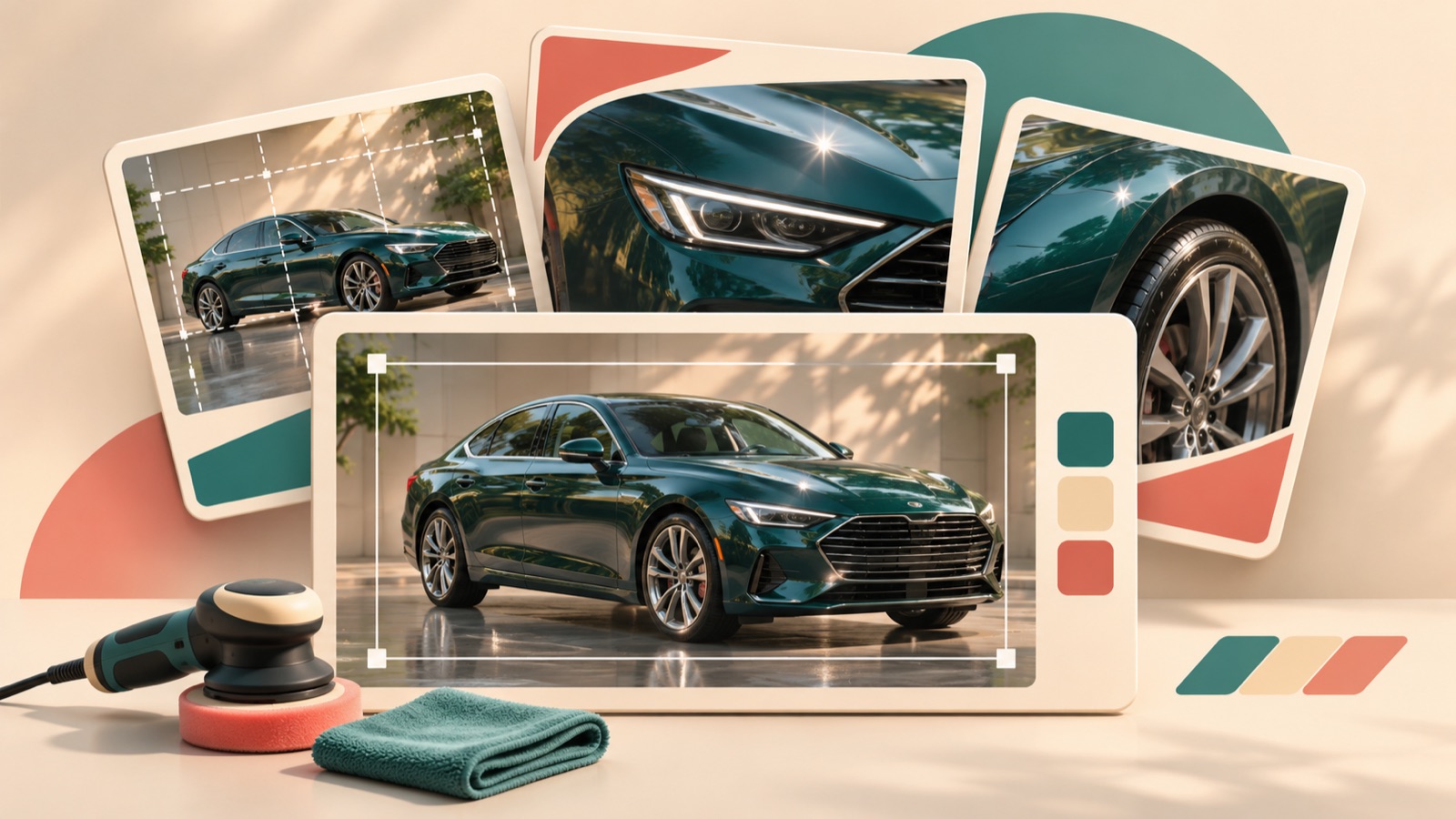
Our criteria for recommending car detailing image ad tools are how they use actual detailing photos, handle English copy placement, require manual editing, and support follow-up variations. AdForge is an option for developing layouts from reference ads, while Canva and Adobe Express are options for arranging photos and copy yourself. The available evidence does not establish that either editor is better. Below, we compare three tools, explain how to choose an editor using the same assets, and cover cases where splitting the work makes sense. AdForge appears first as an editorial decision by this blog, not as a performance ranking.
1. AdForge — Create Three Initial Image Ad Concepts from a Reference Ad
AdForge is our service, and we run this blog. It is a remake app that lets you use the layout of an ad you like as a reference to create a new ad with your own photos and message. For image ads, it follows the reference layout to generate three concepts at once using actual product photos. It suits marketers who have their photos ready but find it difficult to decide on an ad composition. Its advantage is that you start with a layout to reference. When using detailing photos, however, you need to check that the vehicle and the results of the work are represented accurately.
Search for and save a reference ad in the ad library, then review the layout and colors of the analyzed image. Choose based on the relative prominence of the photo and headline, and the space available for copy, rather than the vehicle model. When creating the image ad, upload the detailing photos you want to use and enter your service information and selling points. As a hypothetical example, you could use “Interior Detailing” with an interior cleaning photo, or enter “We Come to You” if you actually offer a mobile service.
Before downloading the three generated concepts, check that the English copy matches the work shown in the photos and that no wording goes beyond the services you provide. You also need to confirm that you have the rights to use the uploaded materials. Treat the three images generated together as layout concepts for review, rather than assuming they are comparison variants that differ only in the headline. Every account starts with 12 free image ads without requiring a credit card, and this allowance does not replenish.
2. Canva — Decide Where Photos and Copy Go Yourself
Canva supports ad templates, photo uploads, drag-and-drop editing, and text placement.3 It suits projects where you already have a layout in mind or the client has specified exactly where the photo and headline should go. Its advantage is that the person responsible can put layout decisions directly into practice through editing. Its limitation is that you still need to decide how large the photo should be and where the headline should sit. Count both the time spent choosing a template and the time spent making changes.
As a hypothetical example, try making a photo of exterior polishing the main image, placing “Exterior Detailing” in the open space and “Request a Quote” below it. This is a layout you can build using Canva’s photo upload and text placement features.3 Prepare follow-up ads by changing the headline while keeping the same original photo and layout. If text placed over the photo obscures the shine or surface condition, you need to make an editing decision to secure space for the copy first.
3. Adobe Express — Add Detailing Photos and Approved Copy to a Template
Adobe Express provides a workflow in which you choose an ad template, upload your own photos, edit the copy and fonts, and download the result.4 It suits marketers who have already decided on their photos and English copy and want to finish the ad using a suitable template. Its advantage is that it is easy to establish a production sequence from starting assets to download. Its limitation is that someone still needs to check whether the chosen template fits the actual photo and copy length.
As a hypothetical example, add “Mobile Car Detailing” to a photo of an on-site job, then briefly list the areas you actually serve underneath. Photo uploads and copy and font editing are features confirmed in the official guidance.4 However, using a template alone does not establish that Adobe Express requires less editing than Canva. Canva also offers templates.3 A more useful way to choose between the two tools is to see how much editing remains after you add your own photos.
4. Compare Canva and Adobe Express with the Same Assets — Choose Based on Manual Editing
If you need to choose between the two editors, create one ad in each using the same photo, English headline, service area, and call to action. Canva supports photo uploads and text placement, while Adobe Express supports photo uploads and copy and font editing, so you can give both the same production task.34 This approach suits business owners who find it difficult to choose from tool descriptions alone. Its advantage is that you can identify differences in your own work; its limitation is that it requires an additional initial comparison task.
Compare the time it takes to finish the first ad, the number of adjustments needed to avoid obscuring key parts of the photo, and the amount of readjustment required when the headline gets longer. As a hypothetical example, change “Interior Detailing” to “A Cleaner Cabin” and record how much you need to adjust the other elements. This is a practical selection exercise, not a claim about which tool has better features. Choose the tool that lets you finish follow-up copy variations with fewer changes, rather than the one that produces the prettiest first ad.
- Finalize the same photo and English copy for both tools before comparing them.
- Record the time spent browsing templates as well as making edits.
- Change the headline once to check how much editing a follow-up variation requires.
5. AdForge and a Template Editor — Split Direction Review and Final Production
This combination suits small agencies where one person reviews different messages and another edits the final ad. The workflow is to review reference-based concepts in AdForge, then create a separate final ad in Canva or Adobe Express using the approved original photo and copy. Both editors can be used to add photos and copy.34 The advantage is that agreeing on the message and arranging the final layout can be handled separately. The limitation is that rebuilding takes time, and the content may change during the handoff.
As a hypothetical example, if you have not decided whether to lead with interior cleaning or the convenience of a mobile service, review AdForge concepts using photos and messages suited to each. Once the direction is set, give the final editor the original photo, approved English copy, service area, and layout to reference. If the AdForge output already fits its intended use, there is no need to add a separate editing step. Download the finished creative and upload it directly to your ad account, then handle campaign setup and performance checks in your existing ad management tool.
Key takeaways
If you need to decide on a composition first, review reference-based concepts in AdForge. If you plan to arrange the elements yourself, add the same photos and English copy to Canva and Adobe Express and compare how much editing follow-up variations require. Choose based on how easily you can finish an ad that accurately conveys your detailing photos and message.
FAQ
Can I start advertising my car detailing service without professionally shot video?
You can create image ads using the detailing photos you already have. There are also questions from detailing business owners who have photos but no professional video about how to compose their image ads.1 Start by choosing one service that is clearly visible in the photo, such as interior cleaning or exterior polishing.
Should I use AI-generated vehicle images or actual detailing photos?
If the ad shows the results of your work, use actual detailing photos as the source material. Do not present an imaginary vehicle image as an actual result of your service. When creating concepts in AdForge, compare the output with the uploaded photo to check that the vehicle’s shape and the state of its cleaning or polish have not changed.
How should I prepare follow-up variations with different English messages?
First, decide on one question to compare. For an interior cleaning ad, you could compare leading with the service name against leading with the benefit of a cleaner cabin. Keep the photo and layout the same and start by changing the headline. There are also questions in the detailing industry about workflows for repeatedly producing image ads with different hooks and selling points.2
Do I have to recreate AdForge output in Canva or Adobe Express?
No. If the AdForge output accurately conveys the photos and service information, you can review and download it. Consider combining tools when you need a separately specified final layout or have a dedicated editor. Include the time needed to recreate the ad when making your choice.
Related reading
Make your next ad with AdForge
AdForge (ad-forge.io) is an ad remake app: pick an ad you like and rebuild it as a video or image ad for your own product. Find references in the Meta and TikTok ad libraries, let AdForge write the script, AI narration and captions, then review and download. Every account starts with 12 free image ads.