Restaurant Video Ad Creation Tools: 3 Tools and 2 Production Approaches Compared
When creating Japanese-language ads from menu photos and restaurant footage, compare the work that remains before focusing on filming. Here is how AdForge, TRYL, and Adobe Express compare, along with a combined filming-and-editing workflow and outsourcing.
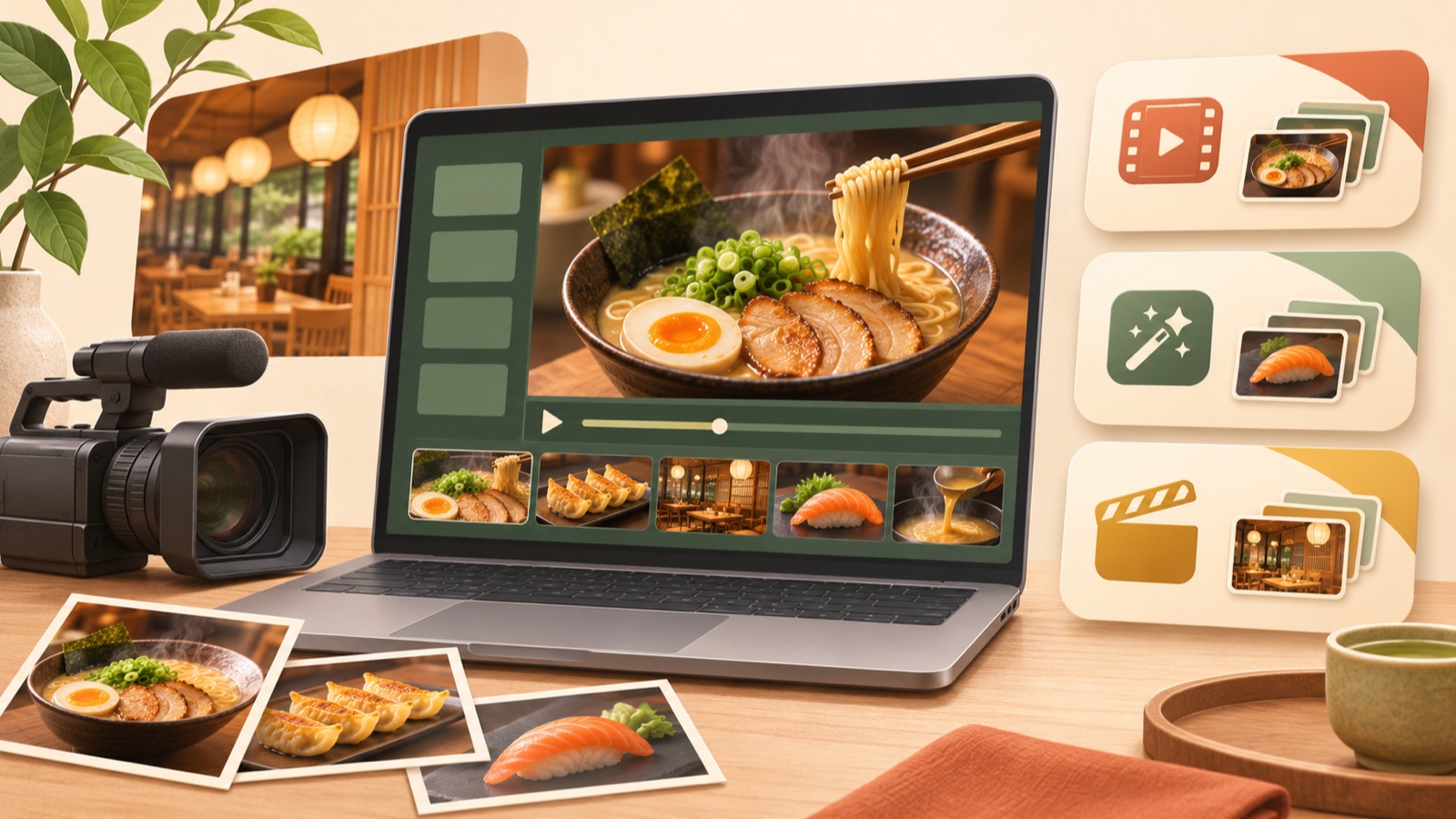
Choose a restaurant video ad creation tool based on how it uses your existing assets, whether additional filming is needed, and how much scripting, Japanese voiceover, and subtitle work you want to handle yourself. Using these criteria, we selected 3 tools and 2 production approaches. AdForge is an option for adding an ad structure, Japanese script, and voiceover to your menu assets; TRYL for creating videos with filming guidance; and Adobe Express for arranging visuals and copy yourself. Compare these with splitting filming and editing into separate steps or outsourcing production to decide how to make your first ad.
1. AdForge — Create Japanese-Language Ads from Menu Assets and Reference Ads
AdForge is our service, and we run this blog. It is an ad remake app that uses the opening hook, progression, visual layout, and call to action of an ad you like as a reference, then creates a new ad from the product information and assets you provide. It suits teams that have menu photos and restaurant footage but find it difficult to handle scripting, filming, and editing themselves. You can put together Japanese scripts, AI narration, subtitles, and background music, and edit the script and storyboard yourself.
Choose and save a reference ad from the ad library, then review its analyzed hook and progression. When entering product information, upload menu photos and existing restaurant footage, and describe your signature dish and a reason to visit. As a hypothetical example, a lunch restaurant could enter “grilled fish set meal” and the actual hours it is served. Select Japanese as the production language, then check and edit the script and storyboard to make sure the menu names and scene order match your intentions.
When reviewing the result, check the appearance of the food, Japanese pronunciation, and the menu names, prices, and times in the subtitles. You can also regenerate just one scene that needs changes. The limitations are that video production is paid, and you must check the usage rights for both the output and the assets you upload. Download the finished video and upload it to your ad account yourself. Campaign setup, delivery, and performance review must be handled in your existing ad management tools.
2. TRYL — An App with Filming Guidance, Video Outlines, and Text-to-Speech
TRYL is an app for creating restaurant and food videos. Its official description lists shot-order and composition guides, importing existing videos, entering subtitles, and saving vertical videos. Its official version history also lists AI-generated video outlines, narration generation and text-to-speech, and automatic adjustment of shot duration to match audio length. This makes it a candidate for reviewing both filming guidance and voice-related tasks; comparing it as an app that only assists with filming would overlook part of its feature set.1
It suits restaurants with someone available to film additional footage and teams that want to add scenes as they build the video. As a hypothetical example, a ramen restaurant could add a shot of noodles being lifted to existing footage of its exterior. However, generating an AI outline, automatically writing a complete script, and reading entered text aloud are different tasks. The verified information alone does not establish that everything from a Japanese script to voiceover is completed automatically. Check the scope of Japanese voice support and its terms of use before production, and review the text-to-speech output using a sentence containing a menu name you need.
3. Adobe Express — Edit by Arranging Photos, Videos, and Copy Yourself
Adobe Express can be compared as a hands-on editing tool for creating videos by combining photos, footage, and text. It suits teams that want to decide which photo appears first and which scenes contain copy. The basis for comparison confirmed on its official video creation page is its asset-based production approach and editing features. This article does not extend that assessment beyond the verified information to include automatic Japanese scriptwriting or narration generation.2
As a hypothetical example, a dessert shop could arrange a photo of a cake cross-section, display-case footage, and a packaging photo in sequence, with separate messages about flavor, selection, and packaging. The advantage is that you decide how to arrange the assets and copy. The limitation is that someone needs to prepare the scene order and Japanese wording. Before choosing, write a one-line description of each scene’s role beside the asset you plan to use. If the copy and sequence are already set, the scope of hands-on editing becomes clearer.
4. TRYL + Adobe Express — Capture Missing Footage, Then Edit
This is a production workflow that separates filming and editing into sequential steps, rather than a separate service. Use TRYL’s shot-order and composition guidance to capture additional assets, then combine photos, footage, and text in Adobe Express. It is worth considering when you have existing restaurant footage but lack shots of your signature dish, and different people handle filming and editing. The basis for using each tool is its filming guidance or hands-on editing features; this recommendation does not assume automatic integration.12
As a hypothetical example, at an izakaya, the editor could first define a filming request: “We have a photo of the finished dish, but need a shot of it grilling.” The person filming captures the missing scene, and the editor receives the selected files and Japanese copy to assemble the video. The advantage is that you can specify the shots you need before filming. The limitation is the additional work involved in transferring and selecting files. Before filming everything, save and import one short file to check that it can be used across the two tools.
5. Outsourcing to a Video Production Company — Define What You Want to Hand Over
Outsourcing means assigning production work to someone else instead of operating the tools yourself. A past public question asks how much it costs to commission a production company to make an approximately one-minute promotional video for a restaurant or business. However, that question and its old answers cannot establish current production costs for restaurant videos in Japan.3 If you have no staff available for filming at the restaurant, or cannot prepare the desired scenes in-house, obtaining quotes and comparing them with in-house production can help you decide.
The advantage is that you can outsource production tasks within the agreed scope; the limitation is that you still need to communicate the desired scenes and revision criteria. In your quote request, specify your existing photos and videos, locations for additional filming, the intended use of the finished video, whether Japanese scripting, voiceover, and subtitles are needed, and the deliverables and revision scope. If you have enough assets but need an ad structure, another option is to create a review version with AdForge. If footage of the actual restaurant is lacking, decide who will film those scenes before choosing a tool.
Key takeaways
Consider AdForge for putting together Japanese scripts, voiceover, and subtitles from existing assets; TRYL for filming guidance, video outlines, and text-to-speech; and Adobe Express for arranging visuals and copy yourself. If you lack assets, choose a combined filming-and-editing workflow or outsourcing, and start by defining which tasks to hand over for your first menu ad.
FAQ
Can I start creating a Japanese-language ad using only menu photos and existing restaurant footage?
With AdForge, you can upload those assets and enter menu information and selling points to start creating a Japanese-language video ad. First, choose one signature dish and one reason to visit. Review the finished video to make sure it appropriately represents the actual food and restaurant.
Are TRYL’s AI outlines and narration the same as automatic scriptwriting?
These should be assessed separately. The official version history lists AI-generated outlines, narration generation and text-to-speech, and automatic adjustment of shot duration to match audio length.1 This alone does not confirm automatic writing of complete scripts or the full scope and terms of Japanese voice support. Enter the Japanese menu names and sentences you plan to use and check the results.
How much does it currently cost to outsource a restaurant promotional video?
The available evidence does not support a current price range. There is a past question about outsourcing costs for an approximately one-minute restaurant or business promotional video, but it has limitations as a basis for current quotes.3 Compare quotes using the same requirements for filming, Japanese scripting, voiceover, subtitles, and revisions.
What should I include in my first Japanese-language ad?
As a hypothetical example, a restaurant serving lunch set meals could show a complete meal, the main items included, the actual serving hours, and information on visiting, in that order. Focus the first ad on one menu item. For the next ad, you can use the same assets and change either the opening scene or the reason to visit for comparison. Review performance in the ad management tool you use.
Related reading
Make your next ad with AdForge
AdForge (ad-forge.io) is an ad remake app: pick an ad you like and rebuild it as a video or image ad for your own product. Find references in the Meta and TikTok ad libraries, let AdForge write the script, AI narration and captions, then review and download. Every account starts with 12 free image ads.