Best Tools for Creating LINE Video Ads: 2 Tools and 3 Editing Methods Compared
When creating video ads for LINE in Japan from product photos, decide what work to delegate before you start editing. Compare AdForge and LINEヤフー Creative Lab by their support for scripts, Japanese voiceovers, and template editing.
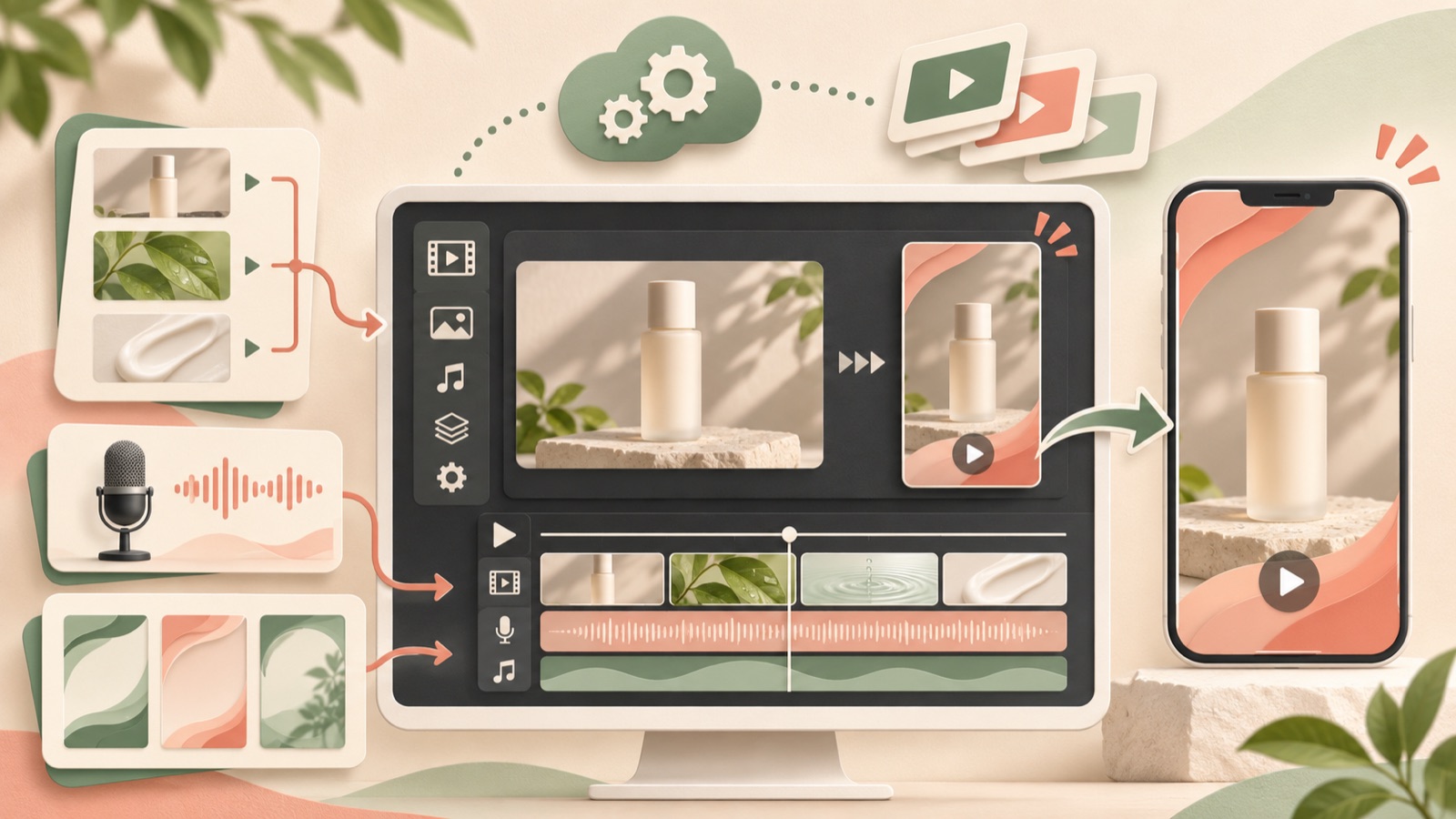
When choosing a tool for creating LINE video ads, consider whether you can start with the photos you have, whether you want to delegate ad structure and Japanese scripts and voiceovers, and how much editing you plan to do yourself. AdForge suits teams that need help starting with the ad structure, while LINEヤフー Creative Lab suits teams that want to edit ads themselves using free advertising templates. Creative Lab is a free ad creation tool.1 Below, we compare two tools and distinguish between three creation methods within Creative Lab. This is not a list of five separate services.
1. AdForge — Build a Japanese Video Ad Structure from a Reference Ad
AdForge is our service, and we operate this blog. It is an ad remake app that uses the opening hook, progression, visual layout, and call to action of an ad you like as a reference to create a new ad with your own product assets. It suits teams that have product photos but lack staff for scriptwriting, filming, and editing. One advantage is its ability to create Japanese scripts, AI narration, and subtitles. However, video creation is paid, and you should not choose it expecting guaranteed output that meets LINE-specific specifications.
Start by searching for and saving Meta and TikTok reference ads in the ad library. Review the analysis of the saved ad’s hook, pacing, cuts, and subtitles, then enter your product page address in the product information step and review the populated information. Add your product photos and selling points, and set the video language to Japanese. Edit the product name, wording, and scene order in the AI-generated script and storyboard, then check the narration and subtitles in the finished video. If a scene needs changes, you can regenerate that scene alone. After downloading the result, check the specifications of the intended placement and upload it directly to your ad account.
2. LINEヤフー Creative Lab — A Starting Point for Teams Creating Ads Themselves for Free
LINEヤフー Creative Lab is a free ad creative production tool provided by LINEヤフー. With templates for advertising, it is an option for marketers who want to create their own assets using prepared product photos and copy.1 If you have already decided on your Japanese ad copy and photos, the remaining work is closer to layout and editing than ad planning. For these teams, it makes sense to first check whether a free tool can produce the structure they want.
Its advantage is that you can start for free and use advertising templates.1 Its limitation is that, regardless of which tool you choose, you still need to decide the order in which to explain your product. The provided sources do not confirm that it generates Japanese scripts, narration, and subtitles, so do not include all of those tasks in the comparison. Teams that need Japanese copy and voiceovers should assign someone to prepare them or compare it with AdForge, which explicitly includes that production scope.
3. Creative Lab Template Creation — When Your Copy and Photos Are Ready
Template creation is one of the video creation methods available in Creative Lab. The official product guide describes template creation, simple creation, and creation from a blank canvas.2 This is an option within the same tool, not a separate service. It suits marketers who have product photos and Japanese copy ready but lack the capacity to design a visual layout from scratch. Before choosing a template, organize your photos by landscape or portrait orientation and check the length of your copy.
The advantage is that starting with a predefined structure can narrow the scope of editing. However, you need to judge for yourself whether the template’s layout works with your photos. As a hypothetical example, if you have photos showing the lid and inner containers of an insulated lunch box, check whether you need a space for the whole product and another for explaining its internal structure. Rather than inserting a long product description as it is, assign one piece of information that helps the purchase decision to each scene. If you are stuck on the ad’s progression itself, starting with a reference ad’s structure in AdForge is a suitable option.
4. Creative Lab Simple Creation — Combine Multiple Product Photos into a Slideshow
Creative Lab’s official product guide confirms a feature for creating slideshows with multiple images and effects.2 This method suits teams that have no video footage but do have photos showing the product as a whole, its detailed structure, and how it is used. The deciding factor is whether each photo communicates different information, rather than how many photos you have. Instead of repeating similar front-facing shots, first arrange the photos to answer what viewers are likely to wonder about next.
The advantage is that you can connect existing images to create a sequence for explaining the product. The limitation is that still photos alone make it difficult to fully show how something actually works or how hands move. As a hypothetical example, you could show a folding storage box unfolded, folded, and put away, in that order. However, you should not assume that this sequence also demonstrates the folding motion. Write the Japanese copy to match the facts visible in the photos. If you need a new video structure that includes narration, also review AdForge’s script and storyboard creation scope.
5. Creative Lab Blank Canvas Creation — Design the Layout and Progression Yourself
Creation from a blank canvas is also a video creation method described in Creative Lab’s official product guide.2 It suits teams that have a clear idea of where to place the product and copy they want to show first, beyond what existing templates offer, or that have an internally approved layout. You can start freely, but you will have more decisions to make. Before you begin, briefly write down the reason to buy in the opening scene, the product evidence in the middle scenes, and the call to action in the final scene to guide what goes on screen.
The advantage is that you can build the structure yourself based on your prepared plan; the limitation is that someone needs to handle editing and review. Related tool comparisons also use asset preparation, the scope of manual editing, and the availability of text-to-speech as selection criteria.3 Teams without an editor that also need Japanese copy should therefore consider AdForge first, while teams with copy and a structure ready that want to edit themselves should consider Creative Lab first. Create your first asset using the same product and the same reason to buy. Comparing the work left before completion will make it clearer which option fits your team.
Key takeaways
Consider AdForge first if you need Japanese scripts, narration, subtitles, and an ad structure; consider LINEヤフー Creative Lab first if you want to edit prepared photos and copy yourself for free. Creating an initial asset for the same product and comparing the remaining work will make the choice easier.
FAQ
Can I create video ads for LINE using only product photos?
You can use photos as a starting point. Creative Lab offers a feature for creating slideshows with multiple images and effects.2 In AdForge, you add product information and messaging to your product photos to create a new video ad. Separately check whether the finished video meets the specifications of the intended placement.
What is the difference between free template editing and AdForge?
Creative Lab is a free ad creation tool that provides advertising templates.1 AdForge creates a new script and storyboard based on the structure of a reference ad and can add Japanese narration and subtitles. Video creation is paid. Choose based on whether you want to edit yourself or delegate the structure and language production as well.
Can I also create videos with AdForge’s 12 free images?
The free starter offer includes 12 image ads made with your own product photos. No card is required, and the allowance does not replenish. Video ads are created on paid plans.
What should I review in a Japanese video?
Check the pronunciation of the product name, whether the narration and subtitles convey the same meaning, and whether the photos match the descriptions. If you include prices or shipping terms, compare them with the actual sales terms. You also need to check your rights to use the uploaded materials. Review and download AdForge’s output, then use your existing ad management tools to run the ads and check performance.
Related reading
Make your next ad with AdForge
AdForge (ad-forge.io) is an ad remake app: pick an ad you like and rebuild it as a video or image ad for your own product. Find references in the Meta and TikTok ad libraries, let AdForge write the script, AI narration and captions, then review and download. Every account starts with 12 free image ads.