YouTube Ad Captions: How to Communicate Reasons to Buy Without Sound
Structure your YouTube ad captions so viewers can connect the product name, reasons to buy, and next step through visuals alone. Follow the steps to create a new video ad with Korean captions from product photos and review it on mute.
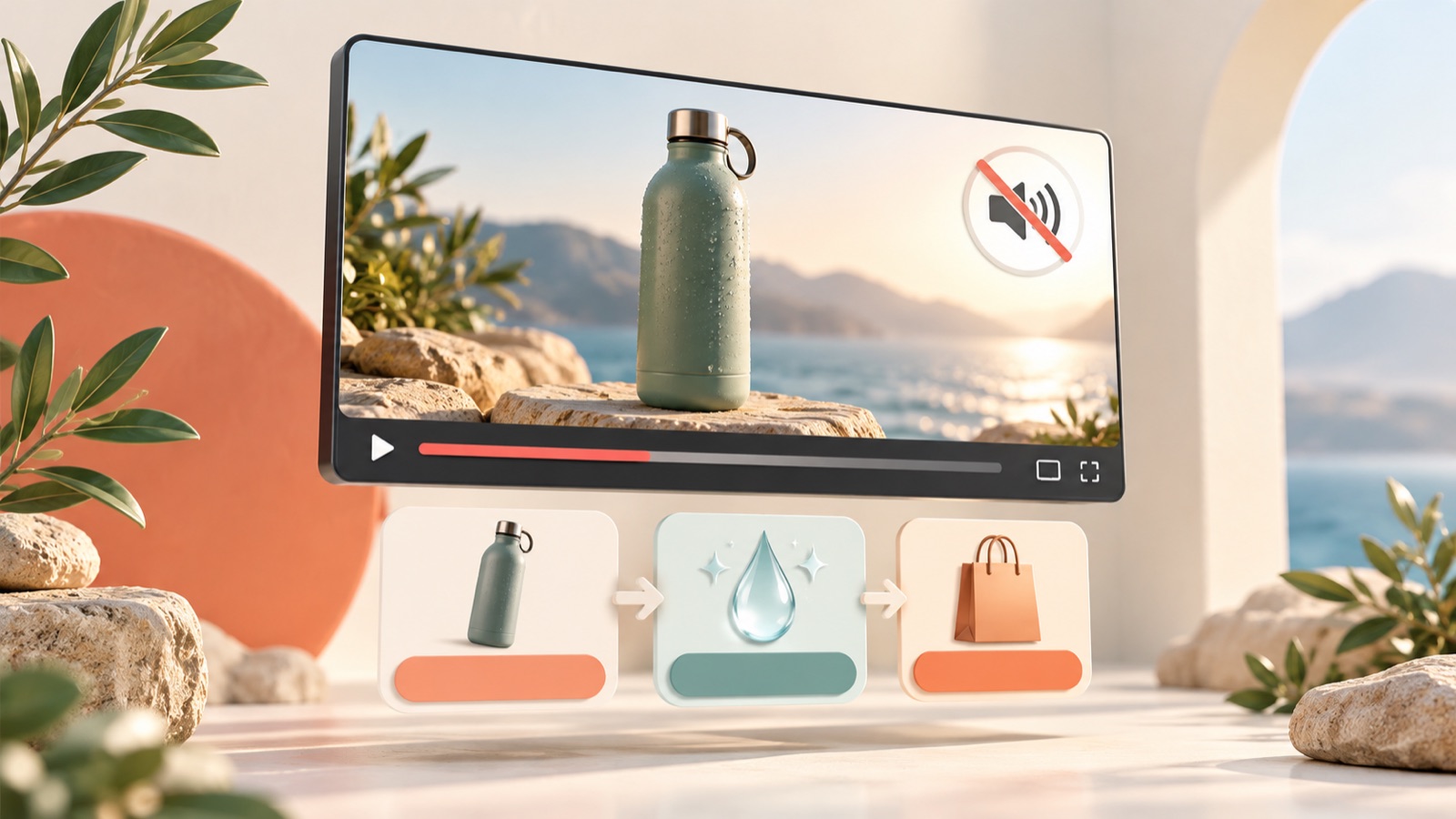
If you are deciding whether to add captions to a YouTube ad, plan to include them so viewers can understand the product and reasons to buy without sound. The key is to keep the product name, reasons to choose it, and next step on screen, rather than transcribing every line of dialogue. Organize your message and create a new ad from product photos using the steps below, then review the result, including its Korean captions, on mute.
Define what your captions need to do
First, decide what your captions need to accomplish. Captions that follow the narration convey what is being said, while key messages placed separately on screen highlight the product name or reasons to buy. Distinguish these two roles in your production plan. Rather than repeating every line as large on-screen text, identify what information is lost when the sound is off. If the product photos alone do not make its purpose clear, the opening text needs to explain it.
You do not need to assume that every YouTube ad starts without sound. Google's official documentation describes muted autoplay for Masthead ads, but this should not be generalized as the default behavior for all formats, including in-stream and bumper ads.2 Regardless of how the ad format works, set the goal for this production as creative that viewers can understand on mute. When sound is on, the narration adds explanation; when it is off, the visuals and captions convey the core message.
Give the product name, reason to buy, and call to action their own scenes
Before writing the script, write one sentence each for the product name, the main reason to buy, and the call to action. Then place each sentence in the scene where it is needed. Use the opening scene to show what the product is or when it is used, the next scene to explain why viewers should choose it, and the final scene to tell them what to check next. Instead of crowding all three sentences onto one screen, connect each one to a product photo or video that shows the relevant information. The priority is to make sure the visuals and captions communicate the same thing.
As a hypothetical example, suppose you are advertising a portable water bottle that can be taken apart for cleaning. You could open with a photo of the complete product and 'A portable water bottle for everyday carry,' follow with a photo of the separated parts and 'Remove the lid for cleaning,' and close with a product photo and 'Check what's included and available colors.' This wording can only be used if the actual product comes apart. When adapting the example to your own product, choose a reason to buy that you can demonstrate with the assets you have, rather than an abstract phrase such as 'lightweight and convenient.'
Keep captions readable and position them clear of the product
Keep each block of captions focused on one idea. Instead of using the full sentence 'This water bottle has a removable lid so you can clean every corner,' consider whether the scene and 'Remove the lid for cleaning' can convey the message together. However, do not shorten the text so much that it changes the conditions or meaning. Also check expressions that need to be read together, such as numbers and units or product names. Even when words appear in sync with speech, viewers should be able to understand the meaning of the whole sentence before the scene changes.
Choose caption placement by first keeping clear of the product's key features. In a scene showing how the parts come apart, captions should not cover the connection points. Combinations that are hard to distinguish, such as light text over a bright product photo, also need checking. TikTok's official creative guide recommends using captions and on-screen text to communicate the story even when sound is off.3 Use this as a reference principle for visual composition, rather than interpreting it as a YouTube feature or policy requirement.
Create an ad with Korean captions from product photos in AdForge
AdForge is an ad remake app that creates new video and image ads using references and your own product assets. On the reference selection screen, choose an ad that introduces the product early and has a clear message flow. When entering product information, upload product photos and any videos you have, then add the reasons to buy and messages you defined earlier. You can also autofill the information using a product page address. Use the opening hook, progression, and basic visual structure as references, while creating new content from your own product information and assets.
When creating the video, select Korean as the language and review the AI-generated script and storyboard. You can edit the script directly, so first refine it to make the product name and reasons to buy clear. AdForge adds AI narration, word-level synchronized captions, and background music. When reviewing the generated result, check that the product name and wording in the captions match the facts you entered. If the product looks awkward in a particular scene, you can regenerate just that scene. Download the result once your review is complete.
- Choose a reference: Check whether you can support its progression with your own product assets.
- Add assets and information: Enter product photos, videos, and verified selling points.
- Review the script: Shorten the Korean sentences and check the product name, reasons to buy, and call to action.
- Check the result: Turn off the sound, review the captions alongside the product scenes, and download.
Check comprehension on mute and decide what to revise
Watch the finished video from the beginning with sound off, without adding any explanation. If possible, show it to someone who was not involved in production and ask, 'What is the product?', 'Why is it worth buying?', and 'What should you do next?' If their answers differ from your intended message, revise the scene containing that information. If they could not identify the product, first review the opening photo and product description. If they could not remember the reason to buy, start with the text and visuals in the middle scenes.
Keep comprehension checks separate from ad performance testing. To compare whether 'Remove the lid for cleaning' or 'See how the parts come apart' communicates more clearly in the hypothetical water bottle ad, you could narrow the scope by keeping the photos and progression the same and changing only the wording for review. Once the creative is finished and you have checked your rights to use the uploaded assets, download it and upload it directly to your ad account. AdForge does not automatically run ads through ad accounts, so use your existing ad management tools to set up campaigns, run ads, and check performance.
Key takeaways
Build your YouTube ad captions by connecting the product name, reasons to buy, and next step to the relevant scenes. Create an ad with Korean captions in AdForge using your product assets, check that the message comes across on mute, then download it and run it yourself.
FAQ
Should I always add captions to YouTube ads?
For the purpose described in this article, plan to include them. This does not mean captions are mandatory for every YouTube ad format. Make your decision based on whether the product name, reasons to buy, and call to action come across with sound off.
Do many people watch YouTube ads on mute?
The materials provided do not establish a percentage. There are questions about captions from practitioners in Korea, but these do not provide evidence of viewing proportions.1 Rather than estimating a percentage, check directly whether your creative can be understood on mute.
Can I just caption the entire narration word for word?
Even after transcribing it word for word, you still need to check reading speed and scene transitions. If the meaning is hard to grasp within one screen, shorten the script first. Keeping the product name and main reasons to buy from being conveyed only through audio better serves this article's goal.
Can I create an ad with captions using only product photos?
In AdForge, you can create a new video ad by adding product photos and messages to a reference. It can generate a Korean script, narration, and word-level captions, and you can edit the script directly. Video ads are available on paid plans.
Make your next ad with AdForge
AdForge (ad-forge.io) is an ad remake app: pick an ad you like and rebuild it as a video or image ad for your own product. Find references in the Meta and TikTok ad libraries, let AdForge write the script, AI narration and captions, then review and download. Every account starts with 12 free image ads.