5 Meme Ad Maker Options: Comparing Tools for Editing and Remaking English Ads
Which tool fits when you want to create meme ads with product photos and short English copy? Compare four tools and one combined workflow, then follow the steps from reference ad selection to draft review.
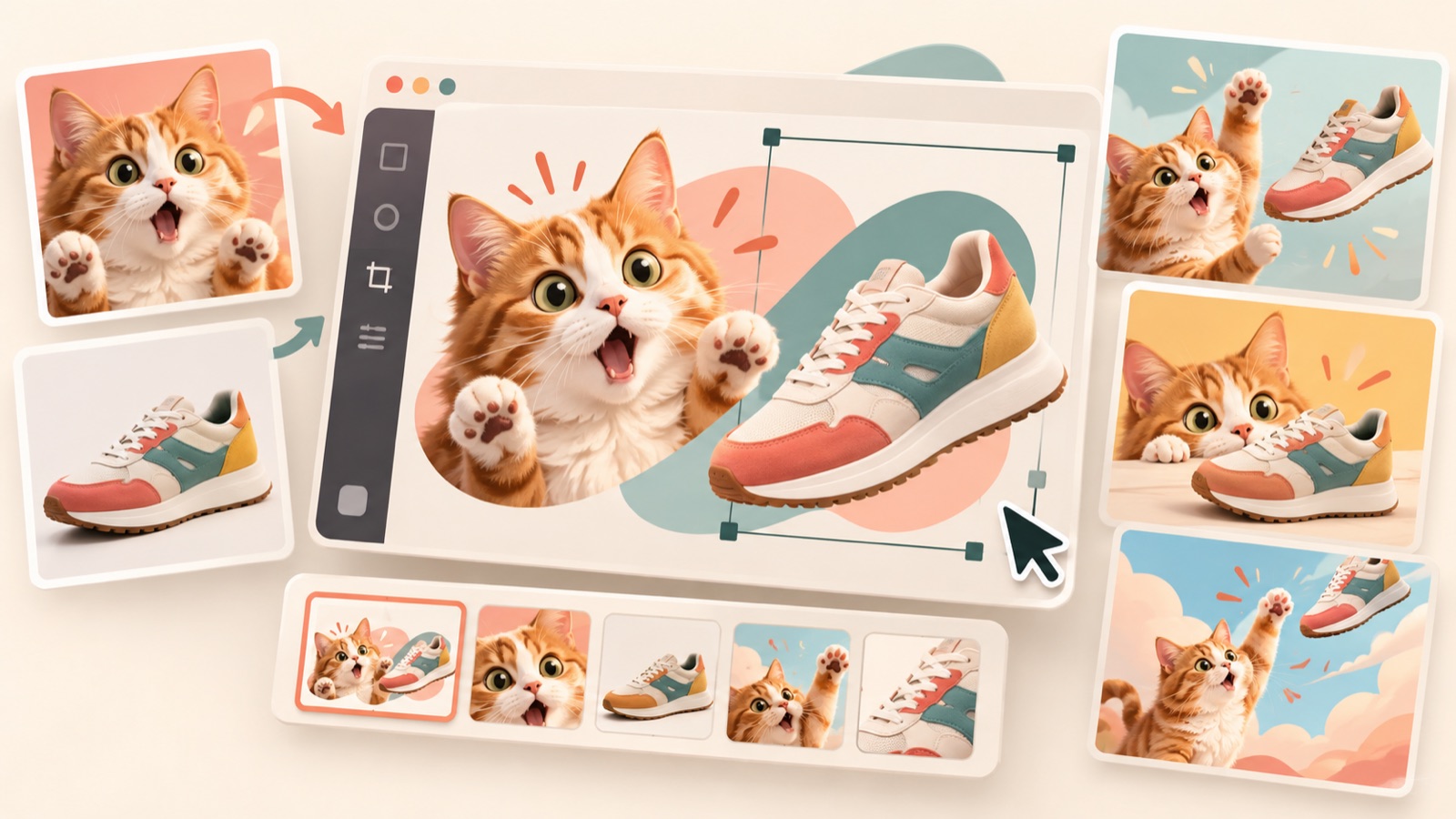
These meme ad maker recommendations are based on the materials you have ready, how much you want to edit yourself, and how you plan to use reference ads. Consider AdForge to create drafts from product photos and reference ads, or Canva and Adobe Express to arrange photos and text yourself. Memes.ai also supports website input and remixing existing ads, so website input alone is not a useful way to distinguish these tools.123 Below are four tools and one combined workflow, with a focus on preparing English meme ads that connect relatable customer situations with reasons to buy.
1. AdForge: Create Three Product Ad Drafts Using a Reference Ad’s Layout
AdForge is our service, and we run this blog. It is an ad remake app that uses the structure of a reference ad to create new ads incorporating product information, selling points, and uploaded materials. For image ads, it follows the reference layout and uses actual product photos to create three drafts at once. It suits teams that have a desired composition and product photos ready. Its advantage is that you can compare drafts within an established composition. Users still need to review the product’s appearance and the copy in the results.
Search for Meta ads in the ad library and save a composition that can accommodate both situational copy and a product photo. Check the saved image’s layout and color analysis, then select the reference in the image ad creation flow. Populate the product information using the product page address, and add actual product photos, English messaging, and selling points. Review the three generated drafts for product appearance, copy accuracy, and the connection between the situation and the reason to buy. Confirm that you have permission to use the uploaded materials before downloading, then use your existing ad management tools to upload the ads to Meta and check performance.
2. Canva: Adjust Photo and English Copy Placement Yourself
Canva lets you create memes by choosing a template or uploading your own images, then editing text boxes and layouts.1 It suits marketers who already have their setup and punchline and want to control line breaks and photo placement. Its advantage is the ability to adjust the relationship between photos and text yourself.1 The limitation is that even with a template, you still need to plan what makes the situation funny and how it connects to the product.
As a hypothetical example, if you sell a pouch that opens wide, try placing “Somewhere in here…” over a photo of jumbled contents and “Oh. There it is.” beside a photo of the open pouch. This connects the experience of searching for an item with a design that makes the contents easy to see. The actual photos need to show that difference for the copy to be persuasive. If you do not have a composition yet, consider using AdForge to create drafts from a reference ad. If you have already decided where the photos and copy should go, consider editing them directly in Canva.
3. Adobe Express: Set the Tone with Images, Design Assets, and Fonts
Adobe Express is a tool for creating memes with images, design assets, and fonts.2 It suits marketers who want to choose the visual elements and typefaces that accompany their product photos. Its advantage is that you can shape the tone of the text and surrounding elements as well as the photos.2 However, choosing assets alone does not establish the context for the humor. Define a situation customers will recognize first, so the product’s role stays clear even as you add decorative elements.
As a hypothetical example, if you are advertising reusable food storage containers, you could add “Future me can deal with this” to a scene of small bowls scattered around a refrigerator and “Future me says thanks” to an organized scene. This connects the habit of leaving work for your future self with the convenience of keeping things organized. Use the same food and similar camera angles in both photos to make the difference easy to see. When creating drafts in this direction with AdForge, choosing actual container photos and the reason to buy you want to show first also gives you clear review criteria.
4. Memes.ai: Start with Website Input or Remix an Existing Ad
The Memes.ai meme ad generation page accepts a website address and optional product photos. It also offers a remix feature that lets you upload an existing ad and create a variation for your brand.3 It suits marketers who want to start generating from website materials or reference ads. Its advantage is that you can consider two starting points.3 However, the verified materials do not establish the extent of detailed editing available or whether the tool automatically finds trending memes.
AdForge also populates information from a product page address and uses references to create new ads. It would therefore be inaccurate to label one service as website-based and the other as reference-based. Compare the verified differences. AdForge analyzes the layout and colors of saved images and creates three drafts using actual product photos. Memes.ai is confirmed to support website input, optional photo input, and remixing uploaded existing ads.3 Reviewing results with the same photos and messaging, then comparing product fidelity, English copy, and how closely each reflects your intended composition, can help you choose.
5. AdForge and Canva Together: Add English Copy to Generated Drafts
This option is a workflow that combines two tools, rather than a separate service. Download an image draft created in AdForge, upload it to Canva, and add text boxes. This uses Canva’s image upload and text editing features.1 It suits teams that want to establish the product composition using a reference ad and control the final copy placement themselves. Its advantage is that you can handle image selection and copy placement separately. The limitations are the extra file transfer step and the need to avoid assuming that text already embedded in a finished image can be edited as individual elements.
As a hypothetical example, if you are advertising an insulated mug, choose an AdForge draft that shows the actual product prominently and leaves room for additional copy. Upload it to Canva and use a text box to place situational copy such as “One more meeting?”1 Use only heat retention properties verified in the product materials as reasons to buy. If existing text overlaps, choose another draft. Then keep the product photo and reason to buy the same while changing only the situational copy. This makes the creative objective clear: comparing which situations get a stronger response.
Key takeaways
Consider AdForge to create drafts from reference ads and actual product photos, Canva or Adobe Express to control placement yourself, and Memes.ai to explore website input and remixing uploaded ads. Choose between the two generation tools based on their verified creation workflows and the accuracy of their results, rather than input method alone.
FAQ
Do these tools also find new and trending meme templates?
The verified materials do not establish whether the tools introduced here automatically find trending memes. Canva is confirmed to offer templates, but that does not guarantee they are currently trending.1 Choose based on whether customers can understand the situation and recognize the product’s role, rather than how well-known the template is.
What should I compare between AdForge and Memes.ai?
Both services can use website information and reference ads, so do not distinguish them solely by input method.3 Compare verified creation workflows, such as AdForge’s layout and color analysis and its creation of three drafts from product photos, and Memes.ai’s remixing of uploaded existing ads. Include the accuracy of the product’s appearance and English copy in your final assessment.
Can I create meme ads without using an existing meme as-is?
As in this article’s hypothetical examples, you can plan ads that connect situations customers experience and a short punchline with actual product photos. Start by writing the situation in one sentence, then add the role the product plays in it. Choose a composition that makes the connection understandable from the photos alone.
Are finished English meme ads launched directly on Meta?
AdForge does not yet have a feature that automatically launches ads through an ad account. After reviewing and downloading the results, you need to upload them to your ad account yourself. Use your existing ad management tools for campaign setup, delivery, and performance checks.
Related reading
Make your next ad with AdForge
AdForge (ad-forge.io) is an ad remake app: pick an ad you like and rebuild it as a video or image ad for your own product. Find references in the Meta and TikTok ad libraries, let AdForge write the script, AI narration and captions, then review and download. Every account starts with 12 free image ads.