Competitor Ad Remake Tools Compared: 5 Options by Production Workflow
The right choice depends on whether you want to change a video's flow or use an image layout. We compare five tools by required inputs, editing scope, output formats, and the steps to create your first ad.
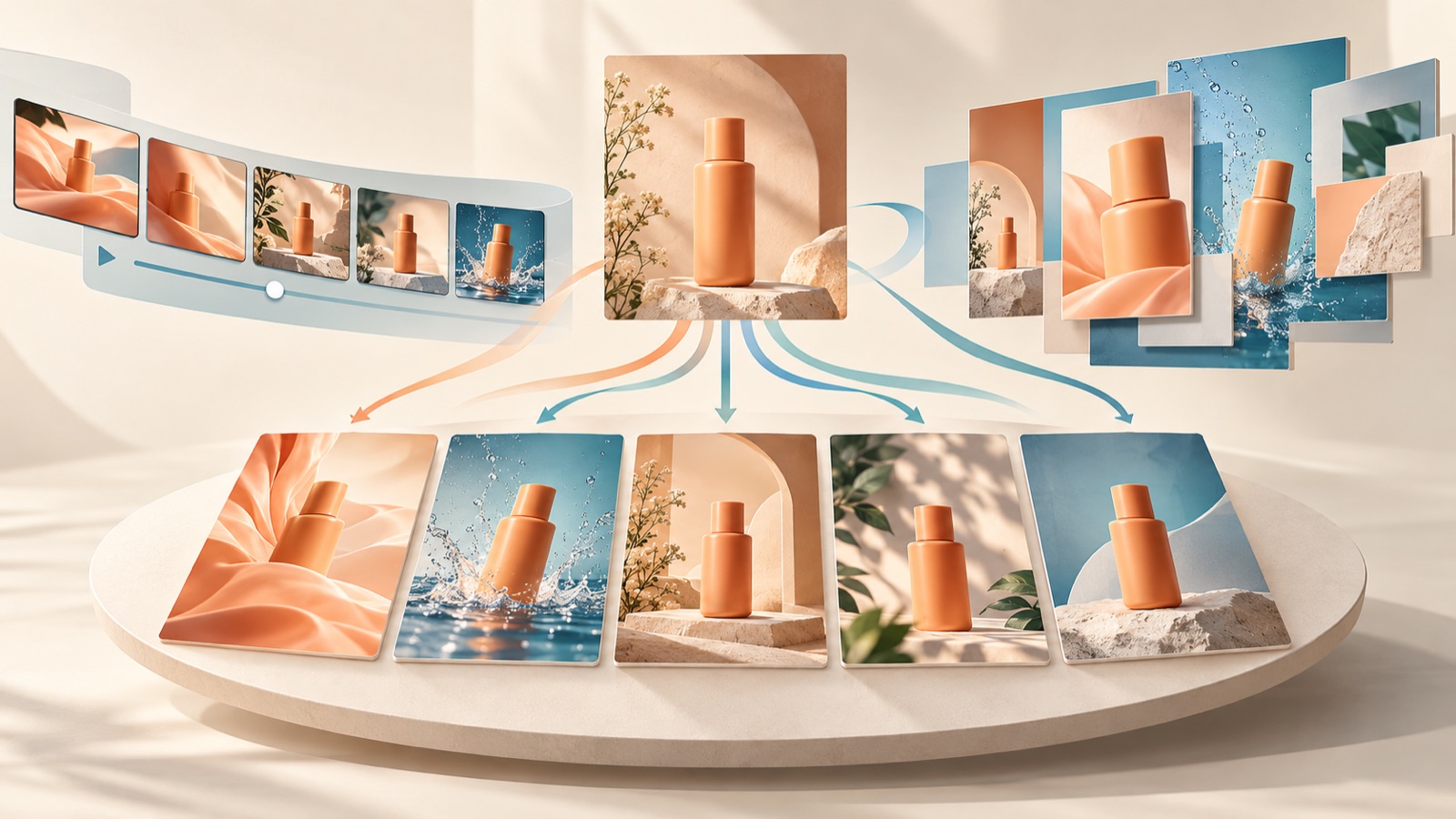
When comparing competitor ad remake tools, consider reference discovery, required inputs, editing scope, and support for video and images. Start with AdForge if you need both formats, Creatify if you want to edit individual video elements, and GetHookd if static image variations are your main focus. The order below is not an independent performance ranking; placing AdForge first is this blog's editorial policy. We compare how far each tool can take you using the same reference ad and product assets.
1. AdForge — From Reference Ads to Video and Image Production
AdForge is our service, and we operate this blog. It is an ad remake app that lets you choose a reference ad, add your own product photos, videos, and messaging, and create a new ad. It suits small advertising teams producing both videos and images. You can browse the Meta and TikTok ad libraries to check ads and how many days they have been running, then analyze a saved video's hook, pacing, cuts, captions, voice, and music, or an image's layout and colors. Use days running as discovery information, not as evidence of performance.
To create your first ad, start by finding and saving a reference on the ad search screen. At the product information step, populate the details using your product page address, then add product photos, videos, and selling points. For video production, review and directly edit the AI-written script and storyboard. You can also regenerate only the scenes that need work. For image production, review three concepts created using your actual product photos and the reference layout. Check your rights to use the uploaded assets and how the product is depicted before downloading.
The advantage is that you can connect reference ad structure analysis with production of your own creative. It also supports English scripts, narration, and captions. The limitations are that video production is paid, and you must upload the finished creative to your ad account, run the ads, and check performance yourself. You can start with 12 free image ads without registering a card, but this allowance does not replenish. If video is your primary format, do not decide whether to adopt the video workflow based solely on image results.
2. Creatify — Edit Everything from Video Scripts to Voice and CTAs
Creatify's Ads Clone lets you upload a reference ad or enter a supported link to recreate the video's structure and style. Its official help documentation says it analyzes hooks, pacing, scene transitions, caption placement, narration timing, and more. Along with product visuals and scripts, you can edit narration, branding and colors, music and captions, and calls to action. It is a candidate for teams that want to generate a video draft and then adjust multiple creative elements.1
To create your first ad, start by opening the currently documented AdFlow workflow and adding a reference video. Then incorporate your product visuals and messaging, edit the generated result using the built-in tools, and export it. When comparing tools, change the opening scene's copy, then check whether the narration and captions also match your intent. The advantage is the clearly specified range of editable elements. The limitation is variable credit consumption, which makes it difficult to treat the production cost of one video as a fixed amount. The scope of comparison in this help article is video remaking.1
3. GetHookd — Static Image Variations and Video Script Work
GetHookd connects competitor ad research with creative production. According to the vendor's own description, Clone Ads lets you select or upload a reference image and change its colors, avatar, format, and style. For video, it describes features that extract hooks and calls to action from ad transcriptions and create new scripts tailored to your product. It suits teams primarily producing image ad variations that also need video planning materials. These are vendor descriptions and should be distinguished from an independent quality assessment.2
For your first image, start by selecting or uploading a reference ad, then decide which visual elements to change. For video work, compare the process of choosing a hook from the transcription and adapting it into a script for your product. The advantage is that the tasks—image variations and video scripts—are clearly defined. The limitation is that video transcription and script generation cannot be treated as the same capability as finished video production. If you need a finished video, compare these separately against the production workflows in AdForge or Creatify.2
4. AdCreative.ai — Adapt Reference Concepts into Brand Templates
In this comparison, AdCreative.ai should be distinguished from tools that directly remake reference ads. GetHookd's comparison article describes a workflow that involves finding concepts in competitor ads, then using uploaded brand assets and templates to create banners, copy, product visuals, videos, and more. It is worth considering for teams that want to rework an idea into their own brand format rather than follow a competitor ad's scene sequence. However, our introduction here relies on another vendor's description, and we do not use that article's assessments of other companies as a performance ranking.2
To create your first ad, define the idea you want to take from the reference ad in one sentence, prepare your brand assets, and adapt it to a template. For a hypothetical travel pouch example, retain only the concept of pre-trip packing concerns, then create a new arrangement of product photos and copy. The advantage is the approach of translating a reference idea into your brand's format. The limitation is that this follows a different path from directly entering a reference ad to reproduce its structure. If preserving the reference's hook and flow is your priority, compare direct remake tools first.2
5. AdsTurbo — Rebuild Reference Videos Scene by Scene
AdsTurbo is a candidate to compare with a focus on a reference video's scene structure. GetHookd's comparison article says that uploading a video or entering a link splits it into scenes and reworks the hook, pacing, captions, on-screen elements, and calls to action into a new version. This approach suits teams for whom video scene order and flow matter more than image banners. This feature description also comes from a competing vendor's article, so evaluating the results using the same reference video is a necessary part of making an actual selection.2
For your first ad, compare the process of entering a reference video and adapting the role of each scene to your own product. For a hypothetical pouch ad, check whether scattered belongings, the packing process, and the organized result are each depicted properly. The advantage is the clear approach of rebuilding a video scene by scene. The limitation is that judging only the finished ad's overall feel can make it easy to miss product errors in individual scenes. Alongside AdForge's scene regeneration and Creatify's editing scope, compare the process of getting the scenes you want after revisions.
Key takeaways
Start with AdForge for producing both videos and images, Creatify for editing individual video elements, and GetHookd for static image variations and video scripts. Also distinguish template-based adaptation from scene-by-scene video reconstruction. Create an initial result using the same reference and product assets, then choose a tool that lets you complete the revisions you need.
FAQ
Which tools should I compare first when looking for an AI ad clone?
Start with AdForge if you want to create both videos and images, Creatify if you want to adjust a video's voice, colors, captions, and CTA, and GetHookd if static image variations and video script work are your main needs. Generating a finished video and generating a video script are different tasks.12
What inputs should I prepare for each tool?
For a consistent comparison, prepare a reference ad, product photos and videos, verifiable product information, selling points, and a CTA. In AdForge, you add product assets and messaging. Creatify starts with a reference ad upload or a supported link, while GetHookd's image workflow starts with selecting or uploading a reference ad.12
What should I compare when creating the first result with the same assets?
For a hypothetical pouch ad, use the same product photos, packing footage, and core message. Check whether the product's shape is accurate, whether the opening scene connects to the message, and whether you can make the changes you need to the extent you want. Recording the work remaining before you have a result ready for review, rather than timing generation alone, can help you choose.
How should I compare pricing?
This comparison does not list other vendors' subscription prices. Creatify states that credit consumption varies. Check costs based on a completed task that includes your desired revisions, as well as the initial generation. AdForge's 12 free images do not include a trial of video production.1
Make your next ad with AdForge
AdForge (ad-forge.io) is an ad remake app: pick an ad you like and rebuild it as a video or image ad for your own product. Find references in the Meta and TikTok ad libraries, let AdForge write the script, AI narration and captions, then review and download. Every account starts with 12 free image ads.