3 Gym Video Ad Makers Compared: What You Need to Create English Ads
When creating English ads from facility photos and existing class footage, start by deciding which tasks you will handle yourself. Compare AdForge, Canva, and CapCut based on whether your script is ready and how much time you have for editing.
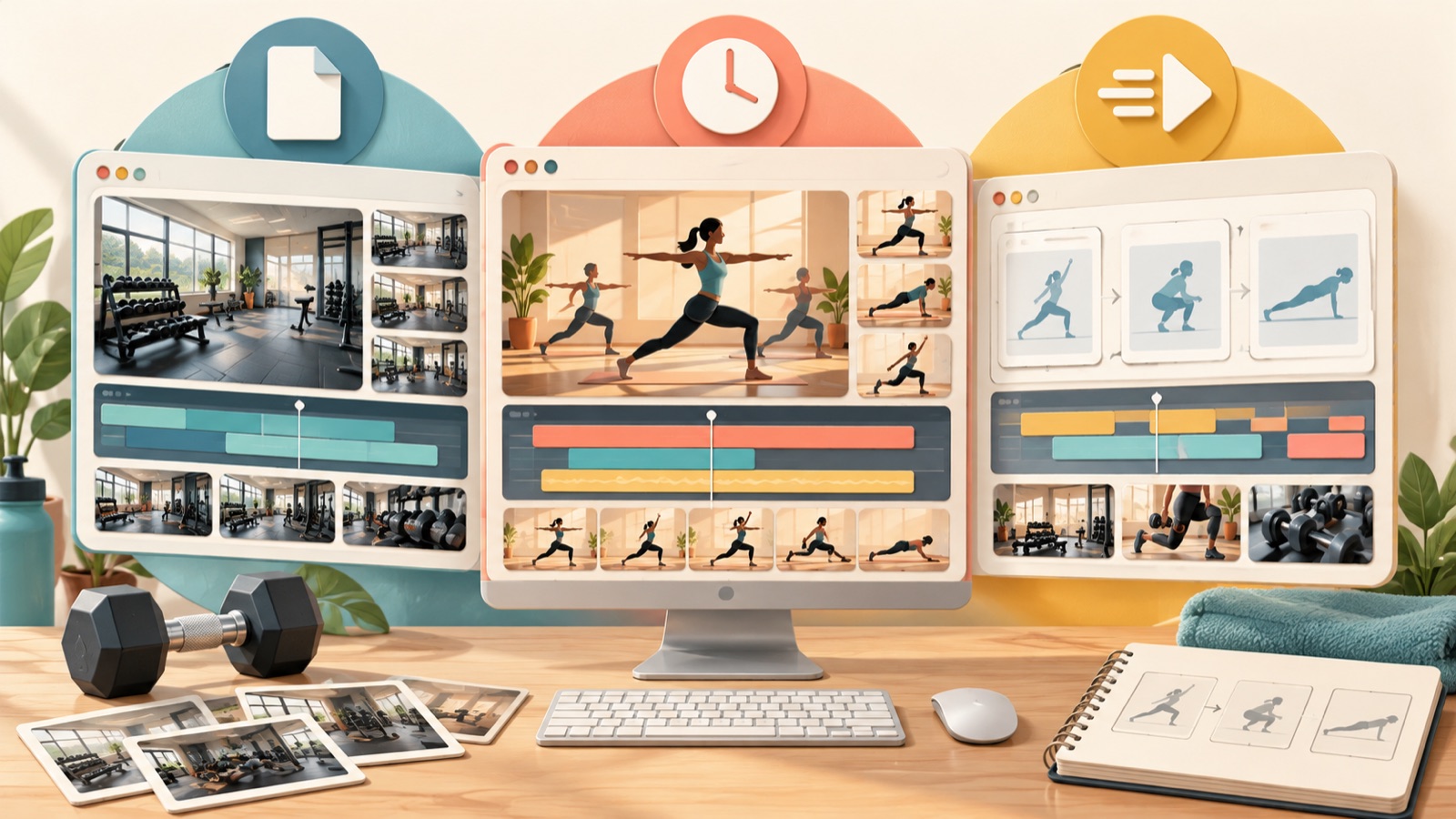
To create English ads from gym facility photos and existing class footage, first decide whether you need help with the script and scene structure. For this comparison of gym video ad makers, we selected three tools based on the materials you have, whether your English copy is ready, and how much time you have to edit. Consider AdForge if you need a script and storyboard, Canva if you want to place prepared copy into a template yourself, or CapCut if you are looking for templates to introduce classes and facilities. Here is a detailed comparison of what to prepare and what you will need to do yourself in each tool.
1. AdForge — Create an English Script and Scene Structure from a Reference Ad
AdForge is our service, and we run this blog. It is a remake app that lets you choose an ad you like and add your own product photos, videos, and message to create a new ad. It suits gym operators who have facility photos and class footage but struggle with the opening line and scene order. It uses the reference ad’s hook, progression, visual structure, and call to action as a framework, then creates new content from the information and materials you provide. AI writes the script and storyboard, so you can start production without going through the process of writing, filming, and editing them yourself.
First, use the ad search screen to find and save ads on Meta and TikTok that introduce facilities and classes. You can see how many days each ad has been running, but do not treat its run time as proof of performance. Review the analysis of each saved ad’s hook, pacing, cuts, and captions, then choose a structure you can support with your own materials. If you only have wide shots of your facility but choose an ad built around someone demonstrating movements, you may have more scenes to review, so it is best to assess whether your materials fit the reference structure first.
After selecting a reference to remake, upload photos of your actual facility and class footage you have permission to use. In the product information, include who the class is for, what it covers, and the trial terms, and narrow the selling point to one. Select English as the language, then review and revise the scene order and information in the generated script and storyboard. As a hypothetical example, for an introductory boxing class, enter only confirmed details such as “for adult beginners, instruction in basic stance and movements, trial bookings available.” Include pricing or a free trial only when those terms actually apply.
Review the result, which includes English narration, word-by-word captions, and background music, to check that the facility visuals, class description, and trial information are accurate. You can also regenerate just one scene that needs changes. The advantage is that you can prepare everything from the English script to the video structure in one workflow; the limitation is that you must check the accuracy of the generated result and your rights to use the materials yourself. Video ad creation is paid. Download the finished ad and upload it to your ad account yourself, then manage delivery and review performance in your existing ad management tools.
2. Canva — Set Your Copy and Scene Order, Then Edit a Template Yourself
Canva is an option for choosing fitness and sports video templates and editing them yourself. Its official page shows templates in these categories and the user editing workflow. It suits gym operators who already have their English copy, photos, and videos ready and want to make changes themselves while checking the layout. Its advantage is that a template gives you a starting point for the structure. However, with the template editing approach reviewed here, users need to decide on the ad message and how to arrange their materials.2
Before starting, divide your materials into “photos that show the space,” “videos that show what the class involves,” and “closing information.” As a hypothetical example, a personal training studio could prepare a photo of the consultation area, footage of a coach teaching a movement, and actual trial booking information. Write the English copy in advance to match each piece of material. For example, if your opening line is “New to strength training?”, the next scene could use actual footage showing how you coach beginners.
When choosing a template, check whether it has room for the number of assets you have and the information you want to explain. If you have two facility photos and one short class video, first consider a structure that can take those materials through an opening, an explanation, and booking information. Instead of adding unrelated copy or scenes to fit a template, plan the edit so that each scene answers one question someone may have before visiting. This is a practical suggestion for deciding what to include in your first ad, rather than a description of the tool’s features.
The limitation is that even after choosing a template, you still need to decide on the English opening line and scene order. Editing it yourself works well if you already have both ready, but if you keep getting stuck on empty copy fields, you may need script generation. In that case, consider using AdForge to create a script and storyboard from a reference ad and information about your actual classes. Rather than using both tools for your first ad, we recommend starting with the one that solves the task currently holding you back the most.
3. CapCut — Use Gym Ad Templates to Present Classes, Facilities, and Special Offers
CapCut provides gym ad templates, and its official page describes using them to introduce classes, facilities, and special offers. It is worth considering for gym operators who have existing class footage and want to build an ad themselves around a template suited to what they want to introduce. Its advantage is that you can browse options specifically intended for gym advertising. However, the use cases described on the official page do not, by themselves, establish the usage terms for the music and assets in each template.3
As a hypothetical example, if you are introducing a beginner class at a martial arts gym, prepare footage of a coach explaining basic movements, students practicing, and wide shots of the facility. Adding a short note about what each clip shows makes selection easier. If you are recruiting beginners, we recommend prioritizing scenes that explain the actual basics class rather than compiling only advanced movements. Before uploading, also check whether the people filmed may appear in the ad and whether you have the rights to use the materials in advertising.
Choose template candidates based on the ad’s central message. To show the class atmosphere, focus on practice footage; to introduce the space, focus on facility materials. For an ad announcing a special offer, first finalize the terms you actually provide and the booking information. In a hypothetical example, the closing copy could focus on a single action, such as “Book an introductory class.” Check that important terms, including whether the trial is paid and which class people are booking, are consistent between the ad and the booking information.
The limitation is that even with gym templates available, you still need to choose the footage and English copy that explain your classes. Consider CapCut if your class footage and message are already organized, or Canva if you want to edit the ad yourself using a fitness or sports template as a starting point.23 AdForge is an option if you need help starting with the script and progression. When using both approaches, prepare the same actual facility and class materials and confirmed trial terms for both, then check that every finished ad communicates the same information.
4. Materials to Prepare — Organize the Information for One Ad First
Before choosing a tool, gather your facility photos, class footage, and trial information in one place. For your first ad, it is easier to explain one class to one type of visitor than to try to introduce every part of the facility. As a hypothetical example, if you are recruiting for an adult beginner class, first choose materials showing the instruction a newcomer will receive rather than the size of the space. Labeling each asset with the filming location and class name can help prevent scenes from different branches or programs from getting mixed together.
Even if you have not finished the English copy, you can first finalize the audience, what you offer, the trial terms, and the booking action. These four details form the basis for the copy you add when editing a template yourself and the information you enter when creating a script in AdForge. An actual personal training ad production request also discussed preparation materials, such as gym footage and app screen recordings, alongside the ad structure.1 Once you have organized this information, choose a tool based on whether the remaining task is scripting or editing the ad yourself.
5. Your First Ad — Start with One Message and Review the Finished Video
For your first production, create a finished ad for one confirmed class instead of developing multiple directions for the copy and video structure at the same time. In a hypothetical example, the message could be “basic boxing classes for adult beginners,” with instruction in basic movements in the opening scene, practice and facilities in the middle, and trial booking information at the end. In AdForge, enter this information and review the generated script and scenes; when editing a template, arrange your materials and copy yourself around the same information.
Review the finished video both with and without sound: check whether the class and booking action are clear with the sound off, and whether the English information matches your actual service with the sound on. Also check whether the facility and class scenes could be mistaken for a different program. After creating your first ad, record whether you spent more time revising the script or selecting and arranging materials. This gives you a basis for deciding which tasks to assign to a tool and which additional materials to prepare for the next production.
Key takeaways
Consider AdForge if you need to start with an English script and scene structure, or Canva or CapCut if you want to place prepared copy and materials into a template yourself. Organize your actual facility and class materials and trial terms first, then use the task that takes the most time while completing your first ad as the basis for your next tool choice.
FAQ
Which tool should I start with if I have no video editing experience?
Consider AdForge if you are stuck on the English script and scene order. AI writes the script and storyboard and adds English narration, captions, and music. If your copy and structure are already ready, you can also compare editing templates yourself in Canva or CapCut.23
How do the materials needed for template editing and ad remaking differ?
Template editing is easier when you organize your photos, videos, English copy, and scene order in advance. With AdForge’s remake workflow, you provide a reference ad, your own materials, product information, and a selling point, then review the generated script and storyboard. Both approaches require accurate information about your actual classes and trial terms.
Is there an option if I only have facility photos?
You can consider AdForge’s workflow for creating video ads from photos. First, assess whether the photos you have can adequately explain the class. If actual instruction footage is central to the message, it is better to prepare additional class materials you have permission to use. You also need to compare the generated result against your actual facility and services.
Can I try creating English videos with AdForge’s free image ad offer?
The free starting offer includes 12 image ads created from your own product photos. No card is required, and the allowance does not replenish. Video ad creation is part of the paid plans, so assess it separately from the image ad offer.
Make your next ad with AdForge
AdForge (ad-forge.io) is an ad remake app: pick an ad you like and rebuild it as a video or image ad for your own product. Find references in the Meta and TikTok ad libraries, let AdForge write the script, AI narration and captions, then review and download. Every account starts with 12 free image ads.