Competitor Banner Ad Analysis: Turning Insights into Japanese B2B Image Ads
Learn how to analyze competitor banners by copy, layout, color, and calls to action, then select the structural elements to use in your own image ads.
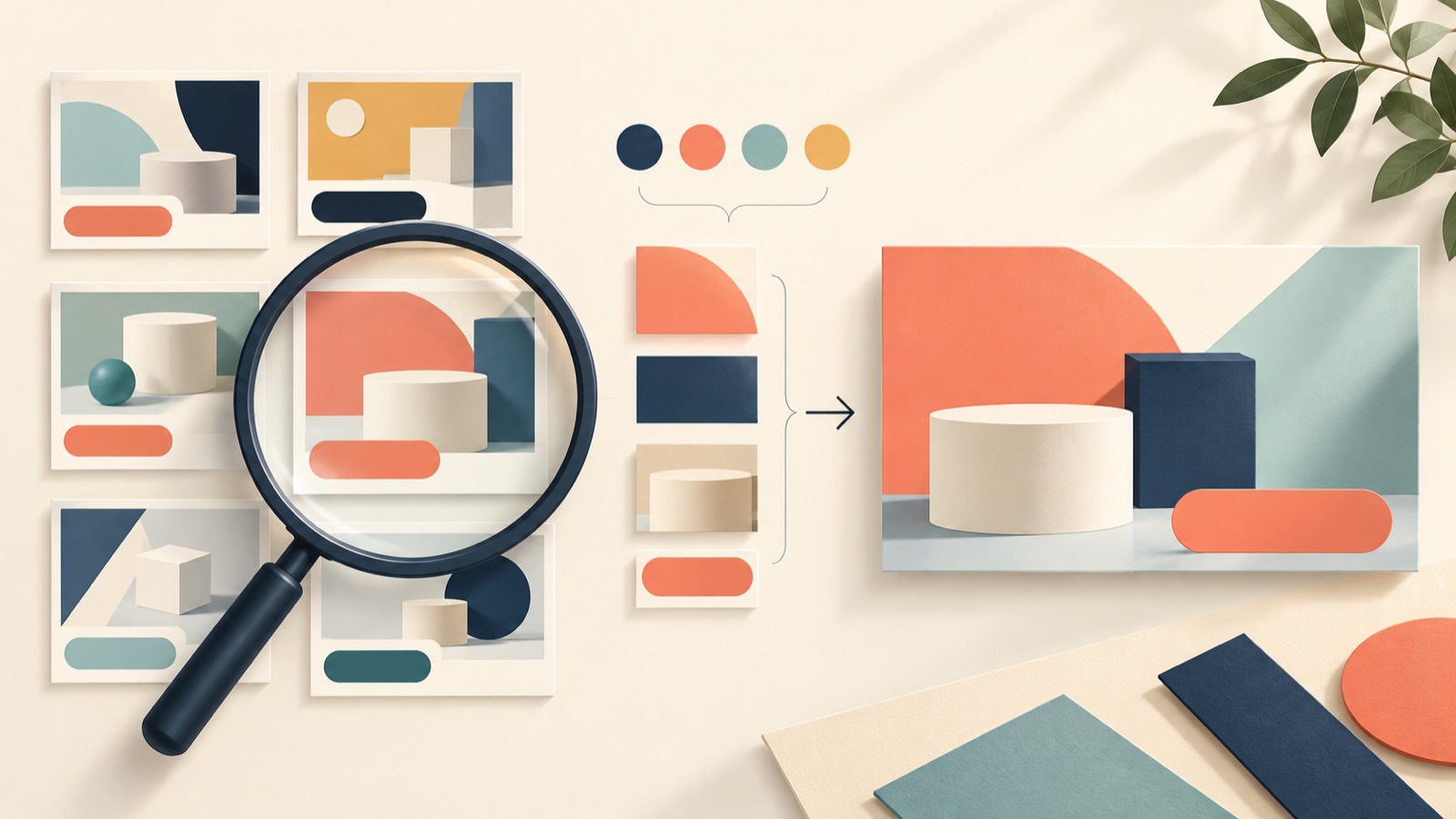
Competitor banner ad analysis should go beyond collecting copy: use it to choose one structure to bring into your own ads. Compare copy, layout, color, and calls to action using consistent criteria, then write fresh content based on your own company’s information. Using a hypothetical seminar ad for a Japanese B2B service, this article explains how to turn your analysis into three image ad concepts in AdForge.
Set your comparison questions before collecting ads
First, choose a single target action for this ad. Downloading a service brochure and registering for a seminar require different decisions from the reader. If you plan to create a seminar banner, start by collecting ads that promote similar topics to people in the same roles. Record the service name, target role, offer, and intended action for each ad to define the scope of your comparison. Start by avoiding grouping banners with different objectives simply because they come from competitors.
Meta has explained the basic process of viewing active ads from regular Pages in the Ad Library and searching by Page or keyword.2 When browsing, try searching for work-related problems or seminar topics alongside competitor names. In a published example, a Japanese B2B marketer also collected competitor banners and compared their messaging, calls to action, colors, and composition.1 This article uses those four categories as its recording criteria, without assuming that an eye-catching design necessarily means strong performance.
- Target action: choose one, such as downloading materials or registering for a seminar
- Comparison set: ads addressing similar roles and work-related problems
- Items to record: copy, layout, color, and calls to action
- Separate notes: distinguish observed facts from your team’s interpretations
Read the copy and call to action as a pair
Break the copy down into audience, problem, offer, and supporting evidence. For example, in a hypothetical seminar banner for a work management service, ‘営業企画の方へ’, ‘案件会議の準備を見直す’, and ‘運用設計セミナー’ identify the target role, work-related problem, and offering, respectively. Instead of noting an impression such as ‘It’s good because it’s concise,’ record an observable structure, such as ‘It addresses the target role first, then narrows the topic to preparation work.’ This makes it easier to write new copy.
Read the call to action in terms of what the recipient of the offer does next. In the same hypothetical example, if clicking ‘セミナーに申し込む’ leads to a registration page, check whether the banner’s topic connects with that page’s title. When adapting the structure for your own ad, go beyond rephrasing the competitor’s wording: write it again based on the seminar content you will actually present and the registration process. Include only confirmed details for the event date, time, and participation requirements.
Choose the layout and color functions to draw on
Record the layout in terms of element positions and relative sizes. As a hypothetical example, imagine a banner with the target role in the upper left, a large headline in the center, a service screenshot on the right, and registration copy at the bottom. ‘The headline is the largest element’ and ‘The service screenshot and registration area are separate’ are observations. ‘It seems designed to make people read the headline first’ is an interpretation. Distinguishing the two helps reduce unsupported assumptions about the competitor’s design intent or results.
For colors, focus on their functions rather than their names. Separate the background, body text, and accent colors, and note which information receives contrast. For your own banner, draw on useful relationships, such as the distinction between headline and background or the way the registration area is emphasized, rather than the competitor’s entire color scheme. For the final reference, choose a structure that accommodates your headline length and available assets. If a banner centers on a person’s photo but you have no suitable images of people, another structure built around screenshots or product photos will be more appropriate.
- Identify the largest element and the information it conveys
- Record the positions of the headline, product image, and call-to-action area
- Distinguish the functions of background, text, and accent colors
- Assess whether your copy length and available photos will fit
Turn your analysis into new image ad concepts in AdForge
Search for competitor ads in AdForge’s Meta Ad Library and save image ads that match the objective you defined earlier. You can see how many days each ad has been running, but do not judge performance by that duration alone. Review the layout and color analysis of your saved image ads, then select one as a reference that will accommodate your headline and actual product photos. Use the analysis to inform your selection, and evaluate the copy and call to action alongside the notes you recorded earlier.
At the product information step, populate the information using the product page address, review it, and add the product photos and Japanese messaging you want to use. For the hypothetical seminar ad, prepare a headline that reflects the actual offering, confirmed event details, and registration copy. In image ad creation, use the selected reference’s layout to create three concepts with actual product photos. When reviewing the results, check that the copy and photos appear as intended. Also confirm that you have permission to use the uploaded assets before downloading your selected result.
Record the differences between the three concepts to guide future creative
When you receive the three concepts, first compare them side by side using the same criteria. Check whether the Japanese headline breaks at the intended points, whether the product photos show what you want to explain, and whether the registration copy gets lost among other information. For the hypothetical seminar example, you could choose a concept that clearly communicates both the topic ‘案件会議の準備を見直す’ and the registration action. Record the reason for your choice in terms you can use in future creative, such as ‘The headline and registration area are separate, so each can be read clearly,’ rather than simply ‘It looks clean.’
Upload the downloaded creative directly to your ad account, and use your existing ad management tools for campaign setup, delivery, and performance tracking. When creating follow-up assets, first decide which element you want to compare. For example, you could keep the layout and shift the headline’s focus from ‘meeting preparation’ to another problem the actual seminar addresses. Keeping your own concepts and selection reasons alongside your competitor analysis notes helps you decide which messages or structures to investigate next, instead of collecting new banners without a clear direction.
Key takeaways
Compare competitor banners by copy, layout, color, and calls to action. Choose one structure that fits your assets, add actual product photos and Japanese messaging to AdForge to create three concepts, then record the reason for your selection.
FAQ
How many competitor banners should I collect?
The purpose of the comparison matters more than a fixed number. Start with banners aimed at the same audience and target action, and move into production once you can explain the differences in copy, layout, color, and calls to action.
Can I simply use a long-running banner as my reference?
Do not judge performance by run duration alone. Keep it as a reference candidate, then separately check whether its structure fits your offer, copy length, and the photos you will use.
How should I prepare Japanese copy for a seminar banner?
First define the target role, work-related problem, seminar content, and registration action. Write those details in Japanese, then check that the confirmed event information and wording on the registration page are consistent.
Does creating an image ad in AdForge launch it immediately?
Automatic ad delivery is not available yet. Review and download the result, then upload it directly to your ad account. Use your existing ad management tools for delivery and performance tracking.
Make your next ad with AdForge
AdForge (ad-forge.io) is an ad remake app: pick an ad you like and rebuild it as a video or image ad for your own product. Find references in the Meta and TikTok ad libraries, let AdForge write the script, AI narration and captions, then review and download. Every account starts with 12 free image ads.