Product demo videos: a shot list for creator-led demonstrations
A creator saying a product works is different from showing how it works. Use this shot list to make the action, outcome, and limits visible.
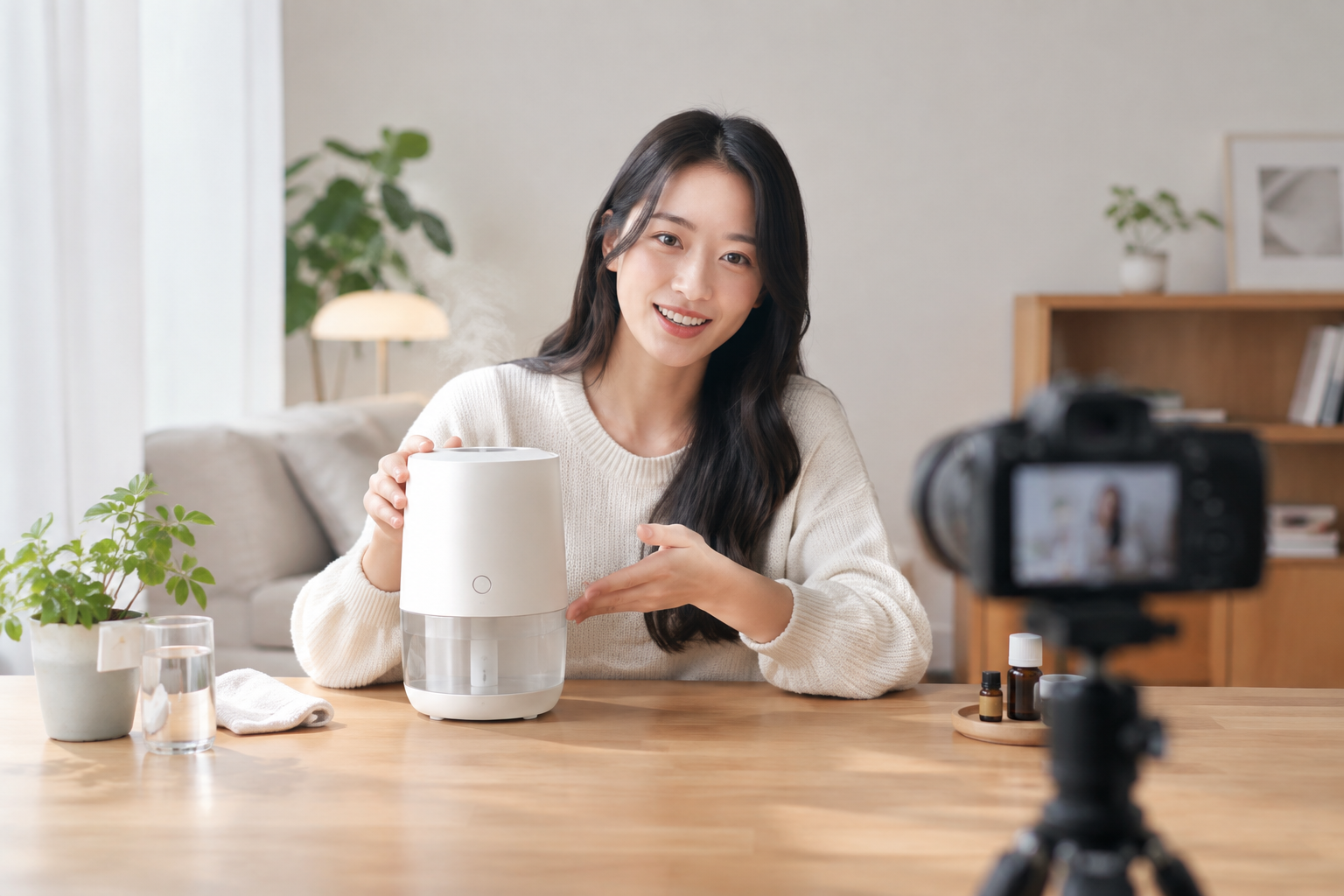
Product demo videos made with creators should answer a practical question: what happens when someone actually uses the product? A demo is more than an explanation of why a product matters; it shows how it works. That distinction is useful when planning footage, not just writing a voiceover. 2
Product demo videos: four shots to plan before filming
- The starting state. Show the situation the product is meant for. Choose a detail the viewer can recognize on screen rather than relying entirely on the creator’s description.
- The action. Keep the product and the relevant hand movement in frame. If setup is necessary, show it instead of cutting straight to the payoff.
- The observable result. Return to the task after the action. Let the footage establish what changed; do not use captions to claim an effect the shot cannot verify.
- The conditions. Capture details that affect use, such as size, required parts, or preparation, when they matter to the demonstration.
Consider a fictional desk cable holder. A workable sequence would show the cable’s starting position, the hand placing it in the holder, the resulting position, and how the cable is removed. This is a proposed storyboard, not a published ad or a claim about a real product. Its value is that every spoken line can be checked against a shot.
What published demos illustrate—and what they do not
In a Vivint example described by Consensus, actual customers use the company’s home systems. For a creator-led ad, the transferable lesson is to make the user and the act of using the product visible—not to assume that a person on camera is automatically an authentic customer. Synthesia describes a Claude Cowork demo that shows a user requesting a meeting-transcript summary and the application accessing files. It is a software example, not a template for filming a physical product, but it pairs a stated capability with the steps shown on screen. These are identifiable product-demo examples; neither source establishes that they are UGC ads. 1 2
Brief the creator, then audit the edit
Give the creator one viewer question, the action that must remain visible, the result to capture, and any claims that have not been verified. Leave room for their own manner of speaking without scripting a personal experience they have not had.
Before publishing, watch with sound off: can you follow the action? Check that cuts have not reversed the sequence or hidden a necessary step. Finally, compare every caption, number, and first-person statement with the original footage and verified product information. For creator ads and UGC-style formats alike, credibility depends on keeping the claim no bigger than the demonstration.