Improve Carpet and Tile Cleaning Video Ads: Create New English Ads from Existing Footage
If your ad simply strings together cleaning clips, try changing the order of the information. This guide walks you through turning existing job footage into an English ad that explains your service scope and quote conditions.
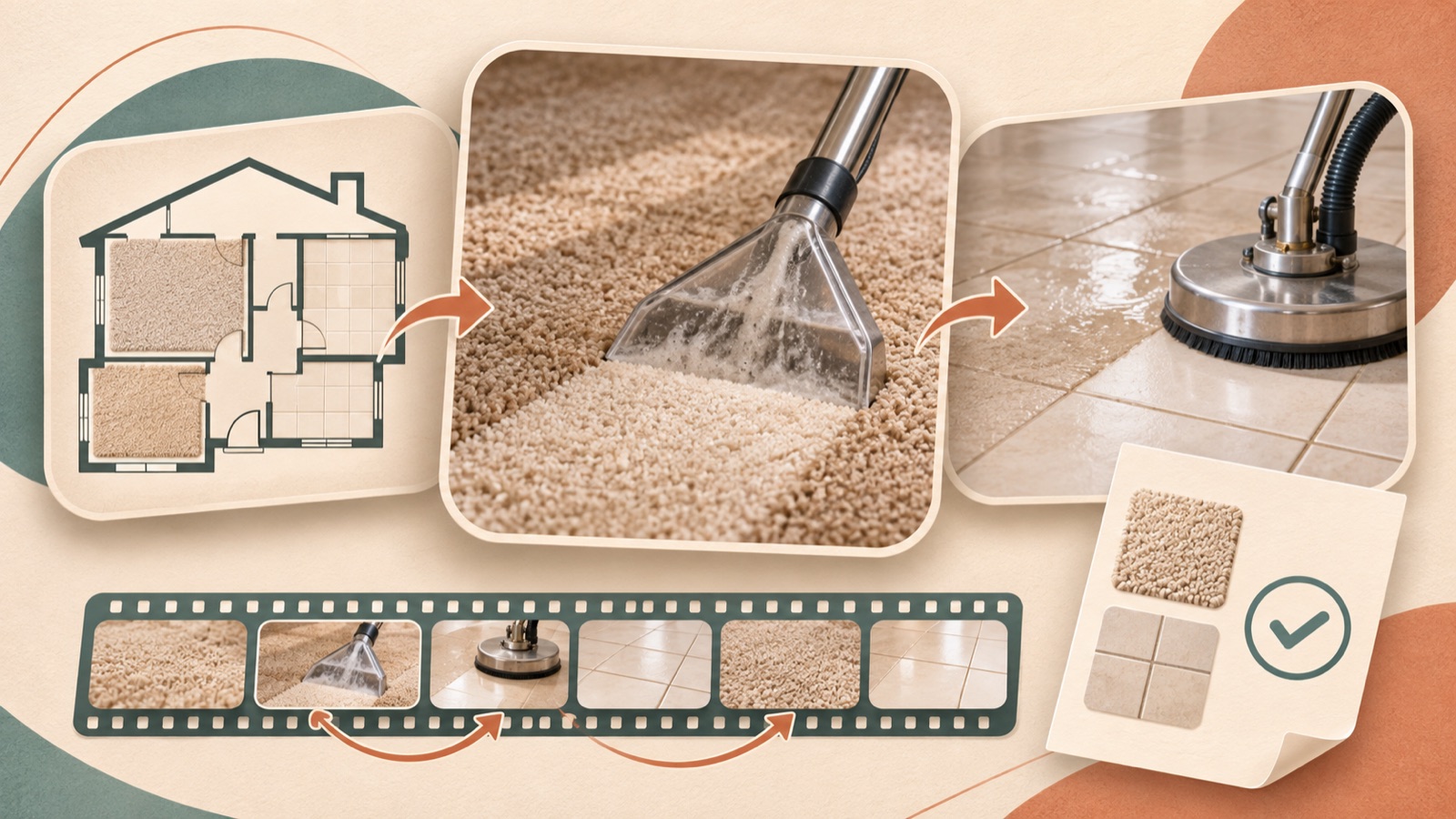
If your Facebook and Instagram ads feel flat because they only show cleaning in progress, reorganize your existing footage around this sequence: what you clean → what work you do → what customers need to know before inquiring. Improving carpet and tile cleaning video ads comes down to giving customers the information they need to make a decision, more than adding new effects. This guide covers selecting footage of the surfaces you service and actual results, writing an English script, then remaking and downloading the ad in AdForge.
Start by changing the question your new ad will answer
First, watch your existing ad and list the information customers cannot get from it. They may see equipment moving without being able to tell whether the service is carpet cleaning, tile grout cleaning, or stone cleaning. One cleaning business owner described their ads, which focused on footage of the work, as dull and said the new ads looked similar to the previous ones. In a follow-up comment, they clarified that the service being promoted was tile and stone cleaning. That is a reason to start by checking whether the service name matches what appears on screen.1
Choose one question for this ad to answer. For example, if your goal is to generate tile cleaning inquiries, build it around the question, “Can I ask about cleaning the tiles in my home?” Open with a shot where the tiles and grout are clearly identifiable, explain the work you offer in the middle, and finish with the information needed to make an inquiry. Mixing in carpet footage just because it looks better can make the service being advertised less clear. Separate scripts for different services are easier to review.
Sort your footage into surfaces, process, and results
Give your existing footage one of three roles: showing the surface being cleaned, the cleaning process, or the actual result. Surface shots show the flooring material and where the dirt is; process shots show what the work involves; result shots let viewers see the condition after cleaning. Instead of showing the same equipment movement several times, make each shot answer a different question. If you do not have result shots, focus your explanation on the process, and do not use the script to fill in results you cannot show.
When connecting before-and-after shots, check that they show the same location and look for differences in lighting and camera angle. Do not use the visible change alone to claim complete stain removal, disinfection, or floor restoration. Explain what sets the service apart through a verifiable scope of work. For example, if grout cleaning is a service you actually offer, pair footage of that work with the corresponding copy. Selecting your AdForge materials by these roles also makes it easier to review scene placement in the generated storyboard.
- Choose shots that make the surface being cleaned immediately identifiable.
- Choose process shots that directly relate to the service you want to explain.
- Check the location and filming conditions of shots showing actual results.
- Confirm that you have permission to use footage of customer spaces and the materials you upload.
Include service scope and inquiry conditions in the English script
Divide the script into an opening question, an explanation of the work, and guidance on making an inquiry. TikTok’s official materials also recommend a hook, body, and close structure, along with text and narration. Here, that structure serves as a reference for organizing the information in Facebook and Instagram ads. Applying TikTok’s principles does not establish that a Meta ad will perform better. Start by noting which shot in your actual footage connects to each sentence.2
The following is a hypothetical example for a tile cleaning company. Use “Tile and grout need attention?” for the opening shot, “See our tile and grout cleaning process.” during the process, and “Ask about service availability and a quote.” at the end. Make the service’s distinguishing features specific to what you actually offer. If you include a price, document the confirmed amount, the area it covers, minimum job requirements, and whether additional charges apply. If the conditions have not been finalized, finish by inviting a quote request instead of promising a price.
Choose a reference in AdForge and remake it as an English video
Search Meta and TikTok ads in AdForge’s ad library, and save references that show the surface being cleaned in the opening shot before explaining the process. Review the analysis of each saved video’s hook, pacing, cuts, captions, voice, and music, then choose the elements to draw from. You can also see how many days each ad has been running, but do not judge performance on that alone. Look beyond whether the reference comes from the same industry and consider whether you can recreate its order of explanation with the footage you have prepared.
On the screen for creating a video ad from your selected reference, upload your actual job footage and enter the surfaces serviced, service scope, and inquiry conditions under service information and selling points. Select English as the language. Check that each scene in the generated script and storyboard matches the uploaded materials, and revise the copy. After reviewing the result, which includes AI narration, word-aligned captions, and background music, you can regenerate only the scenes that need changes. Compare any parts that need to show actual work and results against your existing footage.
- Search for and save reference videos in the ad library.
- Use the analysis to decide which hook and order of explanation to draw from.
- Add job footage and verified service information on the creation screen, and select English.
- Revise the script and storyboard, then review the generated result.
- Regenerate any scenes that need changes, then download the finished video.
Compare two ads with different explanation structures
Watch the finished video once with the sound off and once with it on. With the sound off, check whether the captions alone make the surfaces serviced and inquiry conditions clear. With the sound on, check that the service names in the English narration match the captions. Revise any tile footage paired with a carpet cleaning explanation, or any quote invitation that sounds like a confirmed price. Also check whether shortening the ad has removed the service area or conditions attached to a price.
For follow-up creatives, change where the explanation begins instead of simply changing the music over the same scenes. In a hypothetical example, version A could open by showing the condition of the grout, while version B could begin by explaining the work offered. Keep the inquiry conditions the same in both versions so the order of explanation is easier to compare. Download each finished video created in AdForge and upload it directly to your ad account. Run the ads and check performance in your existing ad management tools, and review the inquiries alongside the results to choose the question your next script should answer.
Key takeaways
Sort existing cleaning footage into the surfaces serviced, the process, and actual results, then connect it with an English script that explains your service scope and inquiry conditions. Create the ads in AdForge using a reference’s explanation structure, then compare two ads that open with different questions to refine your next creative.
FAQ
Can I start with existing job footage without filming anything new?
Yes, if you have footage that clearly shows the surface being cleaned and the process. If you do not have footage of actual results, build the ad around the process and service scope. Do not create results you do not have and present them as examples of real work.
Can I include carpet, tile, and stone cleaning services in one video?
You can if the goal is to introduce all your services. If you want inquiries for a specific service, separating videos by the surfaces serviced makes the message easier to review. For a tile cleaning ad, connect tile cleaning footage with the conditions for that service.
How should I word prices in English?
State the verified price together with the conditions that apply. If it varies by area, minimum job requirements, or additional charges, reflect those details in the copy. If you have not finalized them, use wording that invites a quote request.
Can I create an English video in AdForge for free and run it right away?
Video ads are available on paid plans. They are separate from the 12 free image ads initially provided to every account. Automatic campaign launch through an ad account is not yet available, so you need to download the finished video and upload it yourself.
Make your next ad with AdForge
AdForge (ad-forge.io) is an ad remake app: pick an ad you like and rebuild it as a video or image ad for your own product. Find references in the Meta and TikTok ad libraries, let AdForge write the script, AI narration and captions, then review and download. Every account starts with 12 free image ads.