5 Testimonial Video Ad Makers: Comparing Options for Customer Footage and Product Photos
If you have customer footage, start by editing what customers say. If you only have written reviews and product photos, start by planning a new ad. We compare four tools and one tool combination by the assets you need and the work you do yourself.
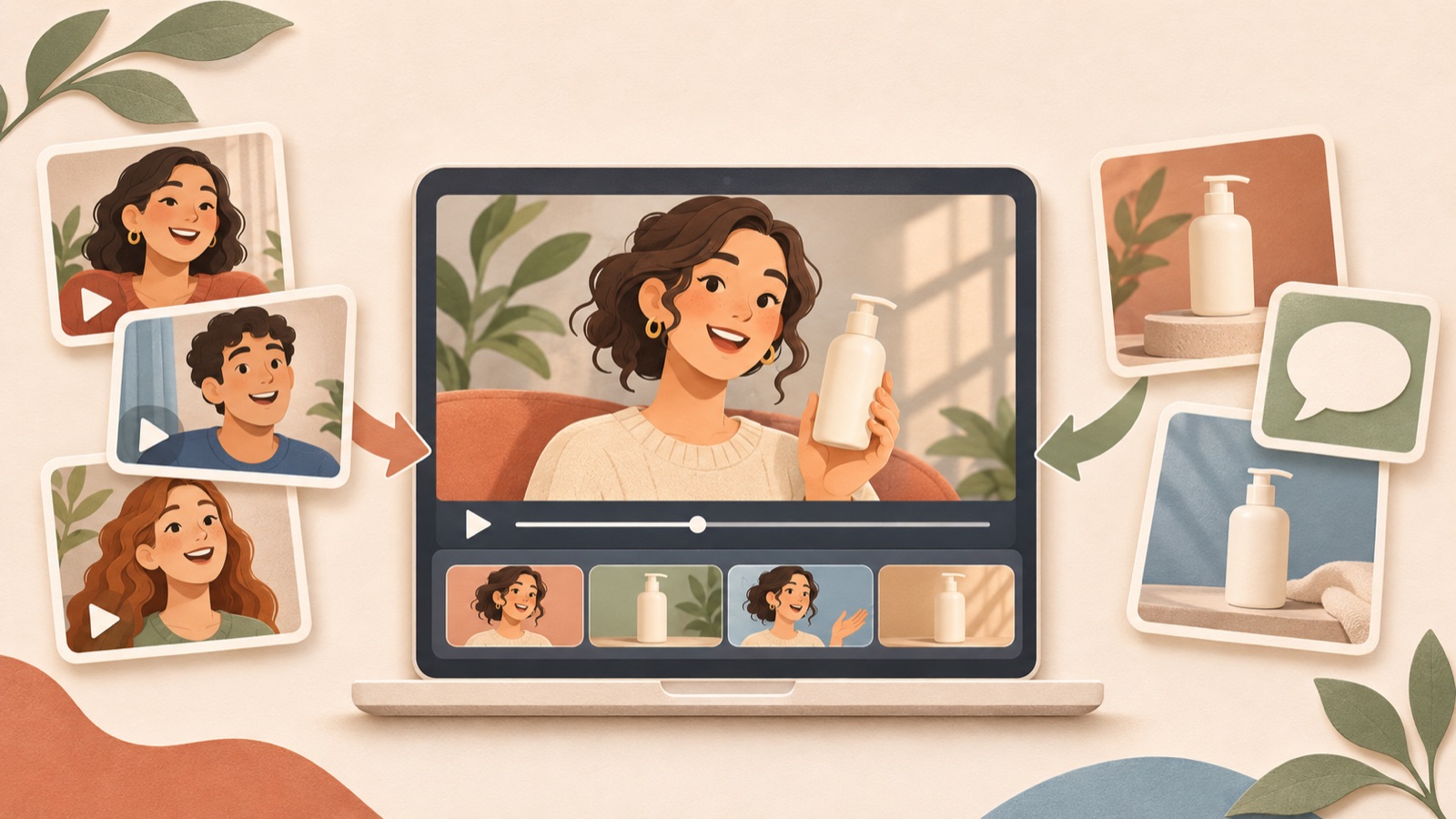
For this selection of testimonial video ad makers, we chose four tools and one tool combination based on the assets you have, the editing approach, and how much work you need to do yourself. Choose footage editing to preserve real customers’ faces and voices, or product-focused ad creation if you only have written reviews and product photos. EchoWave can help you trim customer footage, Descript supports text-based editing, and Canva lets you customize templates.123 With AdForge, you can turn reasons for buying identified in reviews into new English ads. The order below is not a ranking based on performance scores; we introduce AdForge, the service behind this blog, first.
1. AdForge — Turn Reasons for Buying from Reviews into Product-Focused English Ads
AdForge is our service, and we run this blog. It is an ad remake app that creates new ads by combining the structure of a reference ad with your product photos, footage, and messaging. It suits teams that have written reviews and product assets but find it difficult to shoot new footage. Its advantage is that you do not have to write scripts, shoot footage, or edit videos yourself. However, you should review the wording and visuals to ensure AI narration is not presented in a way that could be mistaken for a recording of a real customer.
At the product information step, paste in your product page address to populate the details, then upload the product photos and footage you want to use. In the messaging, include reasons for buying identified in real reviews and any conditions that must be preserved. Next, when choosing a reference, examine the opening hook, the order in which the product is shown, and the call to action. Choosing a structure your product assets can support also gives you clear criteria for reviewing the result.
At the video creation step, select English and review the AI-generated script and storyboard. Manually correct any effects or lengths of use that were not in the original review. Review the result with AI narration, subtitles, and background music, regenerate any scenes that need changes, and download it. You also need to check that you have the rights to use the uploaded assets. Video ads require a paid plan, and you upload the finished ad, run campaigns, and review performance in your existing ad management tools.
2. Descript — Edit Generated Videos Yourself Through Text
Descript’s official testimonial video maker page describes prompt-based video generation and text-based editing.1 It suits marketers who want to decide for themselves which statements to keep in an ad and refine the wording. The deciding factor is the editing approach, rather than whether it generates video. If you are comfortable revising content by reading through text, it is worth considering. Before you start, place the original review alongside the messaging you want to use in the ad to make the direction of your edits easier to establish.
Its advantage is that you can directly edit the generated result through text.1 Its limitation is that editing features cannot determine for you whether the review’s meaning has been preserved. As you shorten sentences, check that you have not removed usage conditions or points the customer found inconvenient. Keep it on your shortlist if you have time to edit yourself. If your goal is to create a new ad using product assets and the structure of a reference ad, compare it with AdForge’s creation workflow before choosing.
3. EchoWave — Edit Real Customer Footage to Preserve Their Words and Expressions
EchoWave describes customer video uploads, recording links, clip trimming, subtitles and name labels, and exporting.2 It suits teams that already have footage of real customers speaking or plan to collect customer videos. If your goal is to preserve their tone and expressions as well as their product feedback, start by considering footage editing. Unlike turning a written review into a new script, the starting point is selecting segments the customer actually recorded.
Its advantage is a clear workflow for receiving customer videos and organizing the segments and on-screen elements you need.2 Its limitation is that it cannot supply product explanations missing from the footage. Before editing, mark segments that connect concerns before purchase with feedback after use, and check the scope of the customer’s consent for advertising use. If you need to show more of the product’s construction or how to use it, you can also consider creating a separate product-focused explainer ad with AdForge.
4. Canva — Start Your Layout with a Testimonial Video Template
Canva’s official product video catalog includes the templates “Beige and Red Minimalist Beauty Product Review Testimonial YouTube Video” and “Yellow and Green Minimalist Product Review Testimonial YouTube Video.”3 It suits marketers who need a starting point for the visual layout and want to edit photos and copy themselves. However, check the layout and readability in the intended placement rather than assuming that a template will work as-is for Facebook or Instagram ads based on its name alone.
Its advantage is that you can begin production by selecting and customizing a review-based video template.3 Its limitation is that the marketer must select the reviews, refine the English wording, and decide how much information each scene should contain. As a hypothetical example, an ad for a travel pouch could place a photo showing its compartments beside a product photo, accompanied by a review sentence about how easy it is to stay organized. For actual production, replace these with the reviews and product photos you have.
5. EchoWave and AdForge Together — Create Customer Testimonial and Product Explainer Ads Separately
If you have plenty of both customer footage and product photos, using two tools to create two separate types of ads may be a good fit. In EchoWave, you can trim real customer footage, add subtitles and name labels, and export it.2 In AdForge, enter reasons for buying identified in the same reviews as selling points to create product-focused English ads. This suits brands and agencies that need both creative featuring customer feedback and creative showing the product.
Its advantage is that you can review real customer statements and newly written ad scripts separately. Its limitation is that you need to manage work and outputs across two tools. Organize the original reviews, the scope of consent for use, and the product assets into a shared brief. If you compare the two creatives, keep the reasons for buying and offer terms consistent while varying how they are presented. For your first production, finish one ad based on whether you need more explanation from a real customer or more scenes showing the product.
Key takeaways
Consider footage editing to preserve real customers’ faces and voices, or AdForge to create new English ads from written reviews and product photos. Descript is an option for refining wording yourself, and Canva for customizing templates. Complete your first creative around one reason for buying from the reviews you have.
FAQ
Can I make an English video ad with only written reviews and product photos?
In AdForge, you can enter reasons for buying from reviews as product information and selling points, then create a new video using product photos and the structure of a reference ad. After generating an English script, AI narration, and subtitles, compare the meaning with the original review. Video creation requires a paid plan.
Which tool suits footage of customers speaking for themselves?
EchoWave is an option, with support described for customer video uploads, clip trimming, subtitles, and name labels.2 If customers’ expressions and tone are important to the material, start by selecting the statements to use from the actual footage.
What should I preserve when turning Korean reviews into English ad copy?
Preserve the usage context, what is being evaluated, and any conditions. As a hypothetical example, changing “It was easy to fit into my work bag” to “Perfect for every trip” broadens the scope of the assessment. Compare the English script with the original and correct any added claims or missing conditions.
What should I focus on in my first ad?
Choose one reason for buying from one real review. If the customer’s explanation itself is central, edit the footage first. If the reason only becomes clear when you show the product, start with a product-focused ad. As a hypothetical outline, you could draft the sequence as “a concern before purchase, a product scene that addresses it, and an action to take to check it out.”
Make your next ad with AdForge
AdForge (ad-forge.io) is an ad remake app: pick an ad you like and rebuild it as a video or image ad for your own product. Find references in the Meta and TikTok ad libraries, let AdForge write the script, AI narration and captions, then review and download. Every account starts with 12 free image ads.