5 Instagram Ad Examples for Tattoo Studios: Showcasing Work, Pricing, and Bookings
Five English-language ad examples you can create with photos of your work and existing tattooing footage. Choose whether to lead with style, artist, process, pricing, or bookings, then see how to build the ad in AdForge.
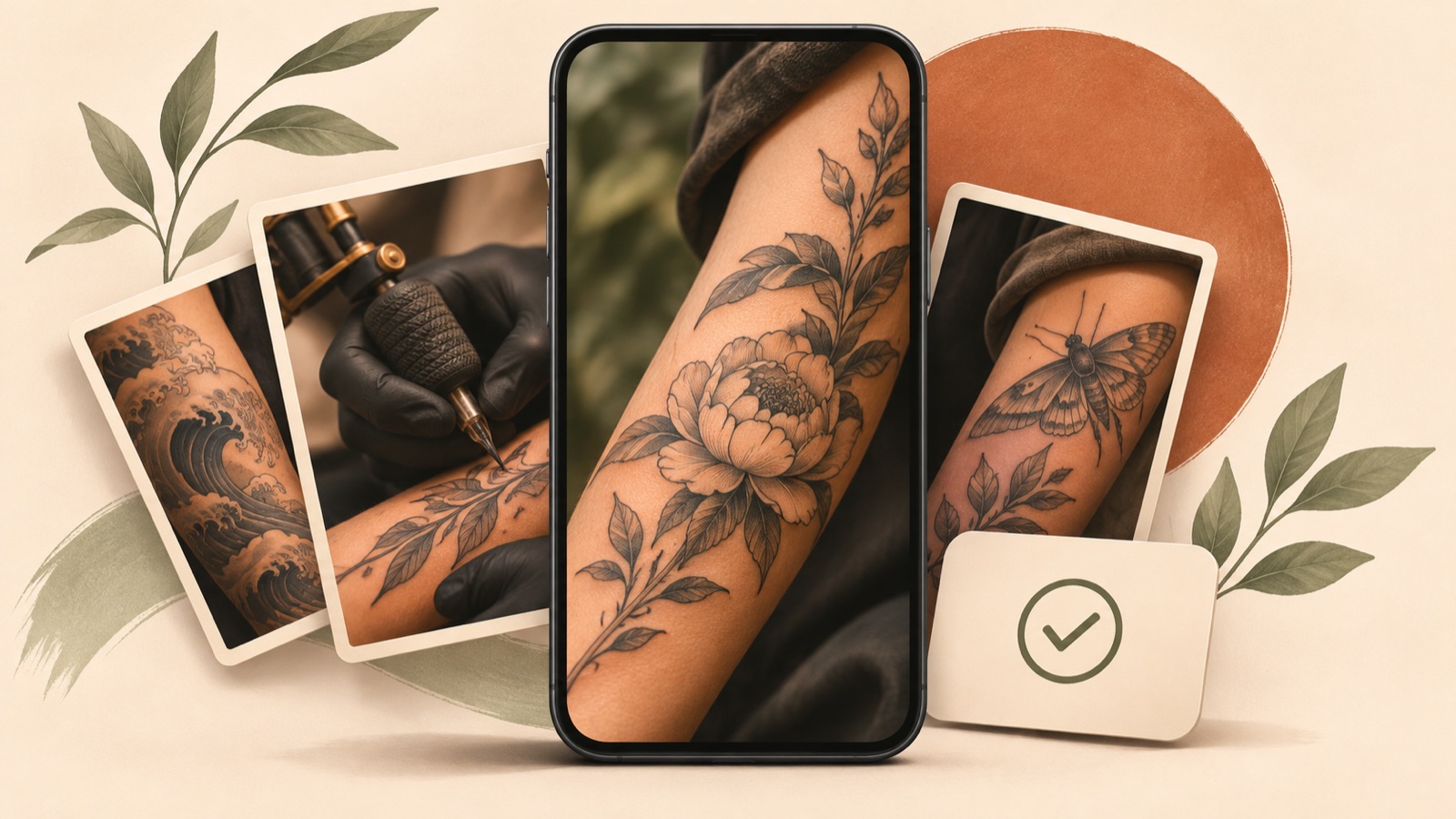
If you’re looking for Instagram ad examples for tattoo studios, start with a finished piece in the style you’re currently taking bookings for. Then add one piece of information that helps people decide. If the artist is your strength, connect the artist with their signature work. If you get lots of pricing questions, show the scope of the tattoo and how quotes are determined. If you want bookings, share availability and how to arrange a consultation. All five examples below are hypothetical. Choose a structure that fits your existing photos and footage, then follow the steps to turn it into an English-language ad.
1. Focus on One Style
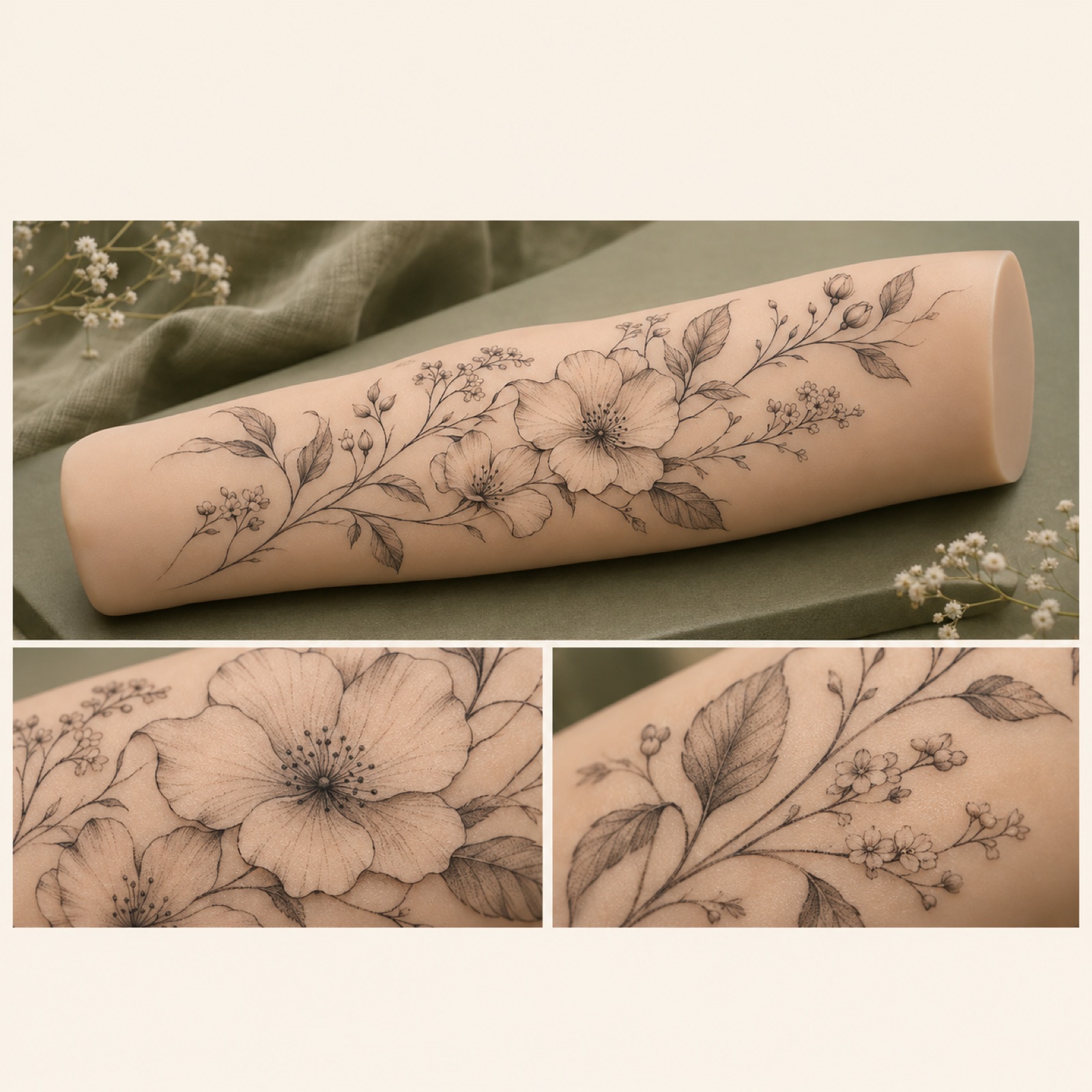
This is a hypothetical example. Place a large photo of a finished fine-line floral tattoo in the center and add “Fine-line floral tattoos.” Follow it with other pieces in the same style, close-ups of the linework, then your location and consultation details. For the first photo, choose a shot that shows the overall design and placement, rather than only a close-up of the lines. In a discussion among ad creators, the opening composition and choice of tattoo work were also raised as points for revision.2
This structure is a suggestion for quickly communicating your approach to people looking for a particular style. When adapting it for your studio, choose assets with consistent line weight, shading, and tattoo size, rather than simply choosing floral designs. Find and save a reference in AdForge’s ad library, then review its hook, shot, and caption analysis. At the video creation stage, add your tattoo assets and messaging about style, location, and consultations, and select English. Edit the generated script and storyboard into a sequence of signature work, details, and consultation information, then check that the result matches the actual tattoos before downloading.
2. Introduce the Artist
This is a hypothetical example. Add “Meet your next tattoo artist” to existing footage of the artist reviewing a design. Follow it with that artist’s signature work, keeping their name and main style in the same position at the bottom of the screen. Use “Ask about a custom design” as the closing line. A production agency’s published work also includes a team introduction format. Here, that approach is adapted to connect one artist with their work.1
This structure works when you want to explain who clients will be trusting with their tattoo, as well as show the work itself. Placing signature pieces after the introduction can give viewers a cue to remember the artist’s name and style together. When adapting it with your own assets, replace the artist’s name, specialty, and examples with work they actually created. Choose an introduction-style reference in AdForge and add that person’s assets and messaging. Read the English script to check that it hasn’t added experience or awards you didn’t provide, and check the pronunciation of the name in the narration and its spelling in the captions.
3. Show the Studio and Tattooing Process
This is a hypothetical example. Open with a tidy workspace and add “A look inside the studio.” Follow with a scene of checking the design placement together, a prepared workstation, existing tattooing footage, and the finished piece, in that order. Close with your location and “Discuss your next piece.” A production agency’s published examples also feature formats built around the studio and tattooing process. This example adapts that approach to help people understand the space and workflow before visiting.1
Choose this structure when you have footage of the space, consultations, and tattooing. Its role is to show the experience of visiting, which finished tattoo photos alone can be difficult to convey. Reflect your studio’s actual consultation approach and work sequence, and keep each scene focused on one piece of information. Choose a process-style reference in AdForge, then add photos of your actual space and footage of your work. Review whether the generated storyboard fits your available assets, and regenerate only the scenes that don’t fit. Remove definitive claims about safety or pain levels that photos alone cannot establish.
4. Explain Pricing
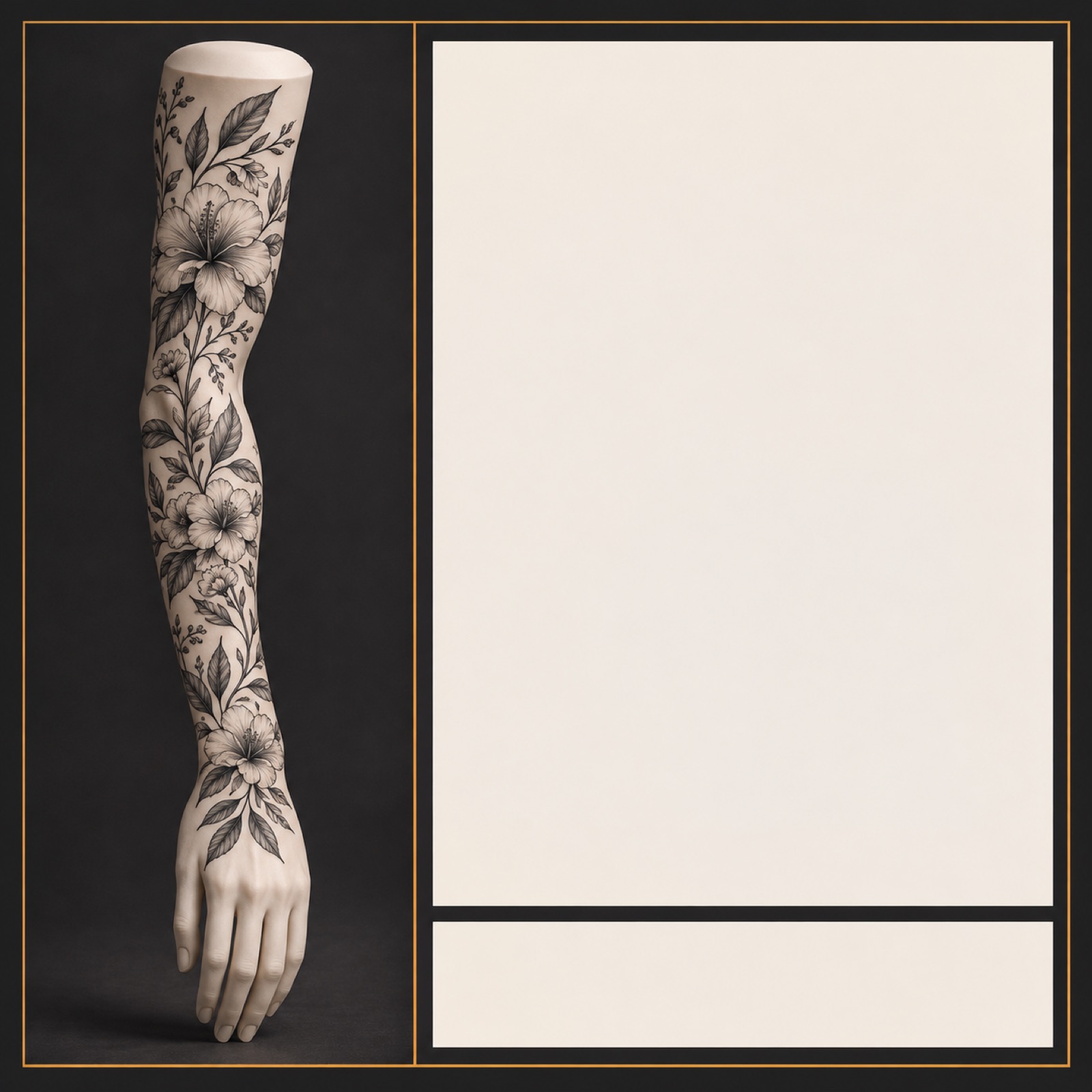
This is a hypothetical example. Place “Custom sleeve project” beside a finished custom sleeve, then show “Quote based on design and size” on the next screen. Close by explaining what ideas and preferred placement to send for a consultation. In a community question from an actual advertiser, the issue was that people stopped responding after receiving pricing information. In a follow-up, the advertiser said they had created a new ad that included pricing early in the video. This is a reference case for the hypothesis that changing when pricing appears may be worth testing.3
As a creative approach, show the scope of the tattoo covered by the price alongside the work. Using a photo of a single small flower to present a sleeve quote could make it unclear what the price covers. For fixed pricing, use the actual amount and what it covers; for individual quotes, use your actual quoting criteria. Choose an image reference with a clearly defined pricing area in AdForge, then add photos of your actual work and finalized copy to create three versions. Select the version in which the price, conditions, and tattoo work can be understood together. You cannot assume that publishing prices will increase bookings.
5. Invite Bookings

This is a hypothetical example. Feature a large signature floral tattoo in the style you’re currently taking bookings for, and open with “Books open for custom floral work.” Next, show your actual booking availability and location. Close with “Send your idea, placement and preferred dates.” This structure assumes a hypothetical studio that handles consultations through messages. If you use a booking form, adjust the instructions to match that route, and don’t include unverified claims about remaining slots or deadlines.
This structure aims to make it easier for someone interested in your work to decide what to do next. When applying it to your studio, first confirm the style you’re taking bookings for, your available dates, and the consultation channel. Choose a booking announcement reference in AdForge, then add the relevant tattoo assets and English messaging. Check that the dates, location, and call to action match in the generated script and finished ad, then download it. Uploading and running the ad, and checking its performance, are handled directly in your existing ad management tools. For follow-up creative, you can keep the booking conditions the same while changing the first tattoo shown, then compare the inquiries you receive.
Key takeaways
To communicate a style, lead with finished work. To introduce the artist, connect them with their signature pieces. To explain the visit, show the space and process. For pricing, show the scope of the tattoo and quoting criteria; for bookings, show availability and how to arrange a consultation. First, finish one ad structure using your strongest available assets. Then create the next version by changing the opening scene while keeping the booking conditions the same.
FAQ
Can I make an English-language video ad with only photos of my tattoo work?
You can create a video ad by adding photos of your work, studio information, and messaging to AdForge. You can edit the AI-generated script and storyboard, and English narration and captions are supported. Check that the lines, colors, and tattoo placement in the finished video match the actual work.
Should pricing appear in the opening shot?
If price is a key factor in inquiries, try showing it early alongside the scope of the tattoo. If you provide individual quotes, you can explain your actual quoting criteria. The community case offers a reason to test when pricing appears; it does not prove that any placement always works better.3
What should I look for when choosing a tattoo video ad creation tool?
Check whether you can use assets of your actual work, edit English scripts and captions, and correct scenes that are depicted inaccurately. AdForge suits a workflow that uses the structure of reference ads to create new creative. Video ads require a paid plan, and there is no feature for automatically running ads through your ad account.
Can I use an Instagram ad structure for Facebook ads too?
You can use the message sequence of tattoo work, tattooing information, and booking details as a starting point. Check the actual ad placement to make sure the work isn’t cropped and the information isn’t obscured. You also need to check that you have permission to use the photos and videos you upload.
Make your next ad with AdForge
AdForge (ad-forge.io) is an ad remake app: pick an ad you like and rebuild it as a video or image ad for your own product. Find references in the Meta and TikTok ad libraries, let AdForge write the script, AI narration and captions, then review and download. Every account starts with 12 free image ads.