5 Shampoo Image Ad Examples: Japanese Banners for Fragrance, Packaging, Price, and Usage
The same shampoo photo can become a different ad depending on the fragrance, bottle design, price, or usage scene you highlight. Compare Japanese copy and photo layouts, then learn how to create three image ad drafts for your own product.
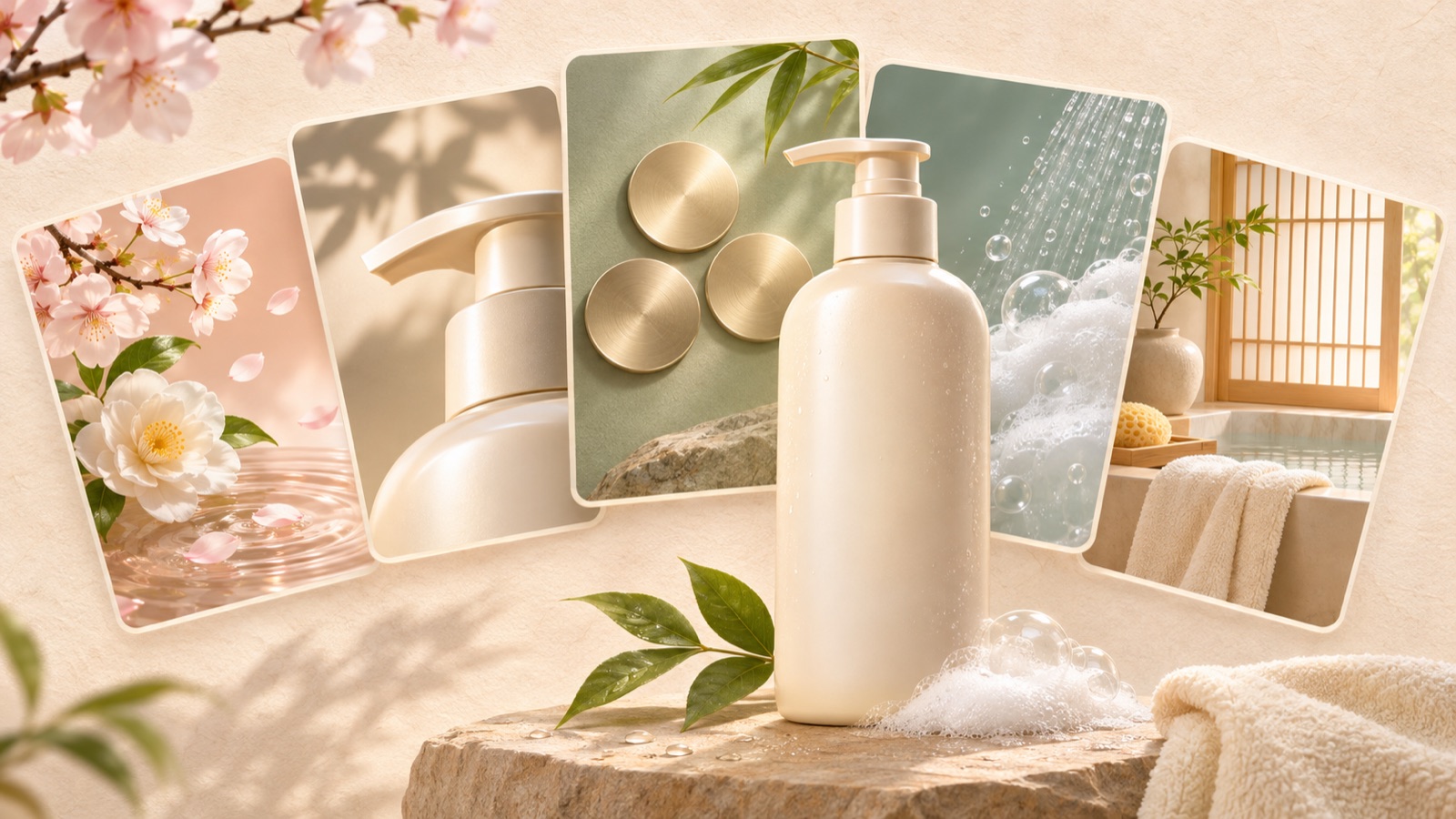
If you are looking for shampoo image ad examples, start by choosing one reason customers would buy your product. You can convey fragrance through evocative imagery and the fragrance name, packaging through a layout that features the bottle prominently, price alongside the terms of sale, and usage through a bathroom scene. All five examples below are hypothetical. They explain what to borrow from Japanese banner designs and how to incorporate your own product photos and message.
1. Fragrance Focus: Create a First Impression with Flowers and a Fragrance Name
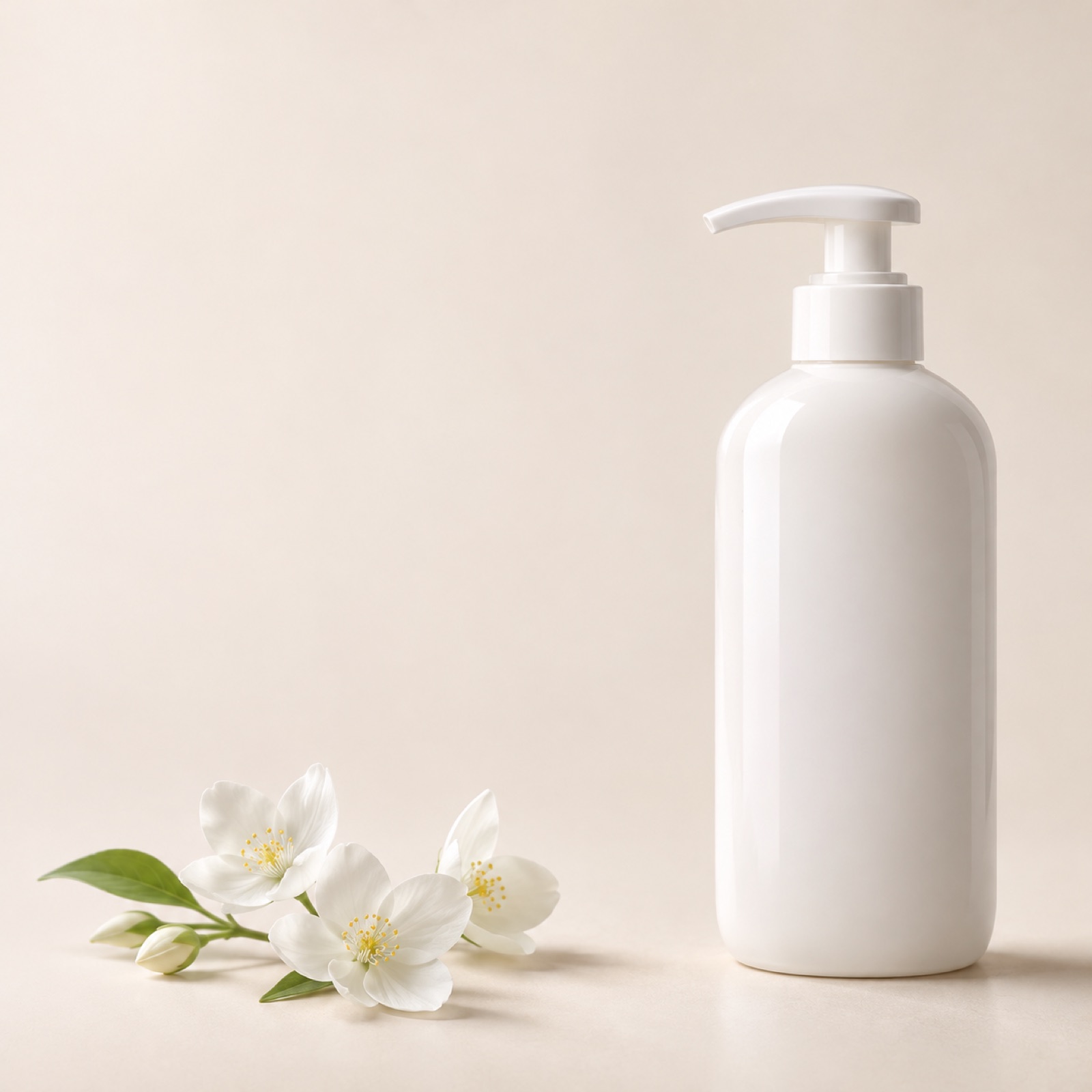
This is a hypothetical example. Place a large white shampoo bottle on the right, with smaller images of flowers or fruit that represent the product’s actual fragrance on the left. Use a pale cream background and Japanese copy that matches the verified fragrance, such as 「ホワイトフローラルの香り」. Reviews of shampoo banner design exercises also offer comparisons of backgrounds that evoke fragrance. These are not performance case studies of ads that actually ran.4
The purpose of this layout is to provide both a fragrance name and visual cues, rather than leaving viewers to guess the scent from the photo alone. Before applying it to your product, check the fragrance description. Also check whether the floral imagery could appear to imply that the product contains that ingredient. In AdForge, choose a reference with space for the fragrance message, then add your actual bottle photo and verified fragrance information to create three image ad drafts. Compare the results to see whether the product and fragrance name stand out before the decorative elements.
2. Bottle Focus: Present the Packaging Itself as a Reason to Choose
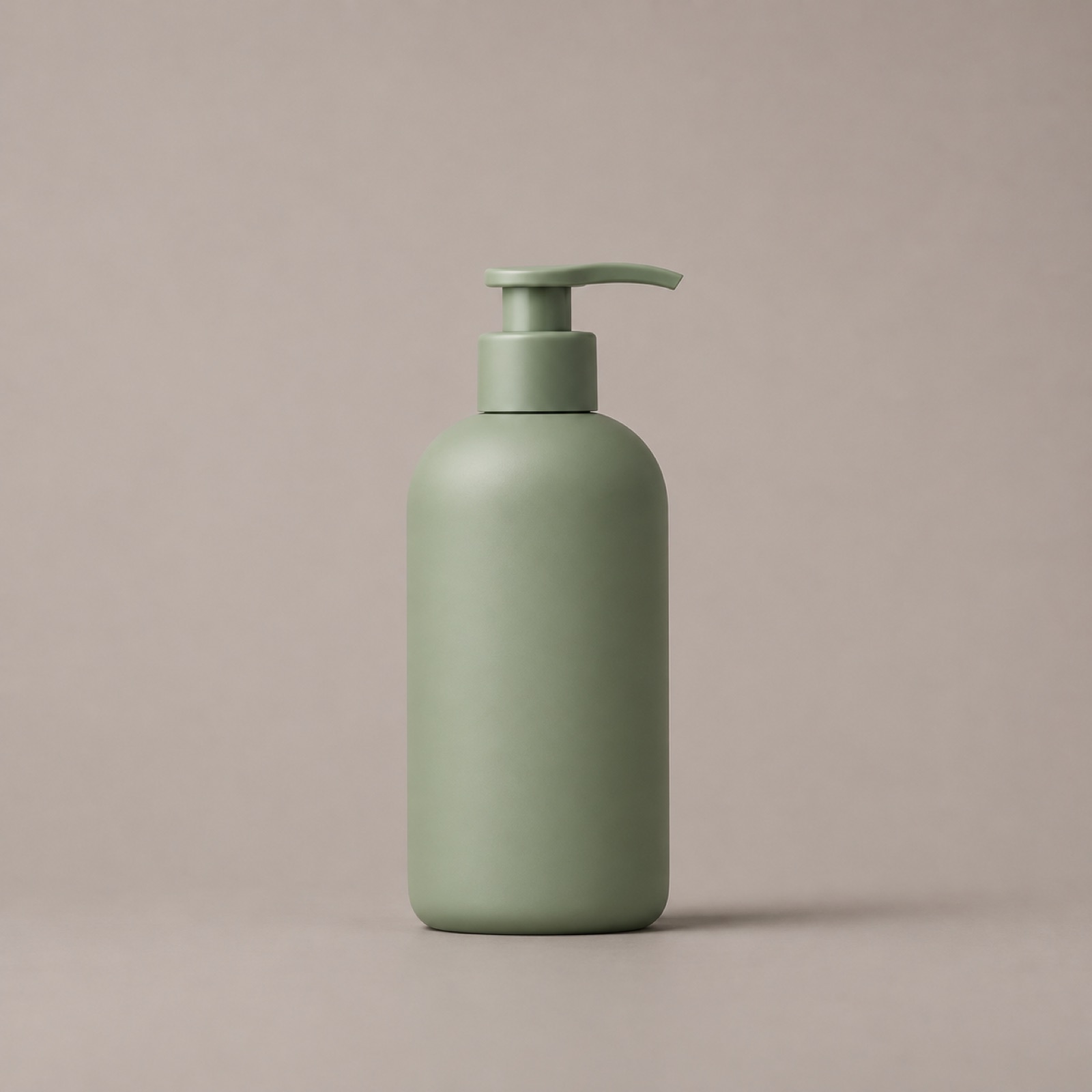
This is a hypothetical example. Place a large shampoo bottle in the center of a muted gray background and keep surrounding decoration to a minimum. At the top, use the preference-led line 「バスルームに、好きな一本を。」, with the actual fragrance name and volume at the bottom. MEDULLA creatives in LINE’s official case study collection also show different approaches, including bottle-centered visuals and copy highlighting fragrance and personalization benefits.2
This example works when you believe the packaging’s color and shape can help customers choose the product. When adapting it to your product, first check that the label and pump are clear in the front-facing photo. Add a bottle-focused reference and your actual product photo to AdForge, and keep the message to a short preference-led suggestion and verified product information. Check the generated results against the original for bottle proportions, cap shape, and label text. Small changes can be noticeable in such a simple layout.
3. Price Focus: Keep the Purchase Price and Conditions Together
This is a hypothetical example. Place the bottle photo on the left and the actual selling price in large type on the right. Verify and add the applicable volume, tax, and shipping conditions below the price, and use 「商品詳細を見る」 as the call to action. A shampoo banner production company’s portfolio can provide references for layouts with different selling points, such as fragrance, brand, and price. However, it includes samples, so not every example can be treated as an ad that actually ran.3
This layout aims to help customers quickly understand which product they are buying and for how much. Displaying only the price prominently while placing the relevant product or conditions elsewhere can change how the offer is understood. In AdForge, choose a reference with a clearly defined price area, then enter your product photo and current terms of sale. Among the three results, prioritize the version that clearly connects price and volume over the one with the largest numbers. Do not add a discount percentage or comparison price without a basis for the discount.
4. Usage Scene: Place the Product in an Evening Bathroom Setting
This is a hypothetical example. Place the shampoo on a warmly lit bathroom shelf, with folded towels and dry tiles in the background. Make the bottle sufficiently large near the bottom of the image, and place 「一日の終わりに、好きな香りを。」 in the open space above. Here, the evening setting suggests an occasion for use. Do not add copy implying unverified benefits such as better sleep or relief from fatigue.
This example is designed to help viewers imagine when they might use the product in everyday life. If your actual customers talk more often about morning showers, switch to a bright bathroom photo and copy suited to the morning. In AdForge, choose a reference centered on a usage scene, then add a photo of the product in a bathroom that you have permission to use, along with your message. Review the results for the background atmosphere, whether the bottle is sufficiently visible, and whether the copy has introduced any usage benefits absent from the original.
5. Refill Information: Explain the Bottle–Refill Relationship at a Glance
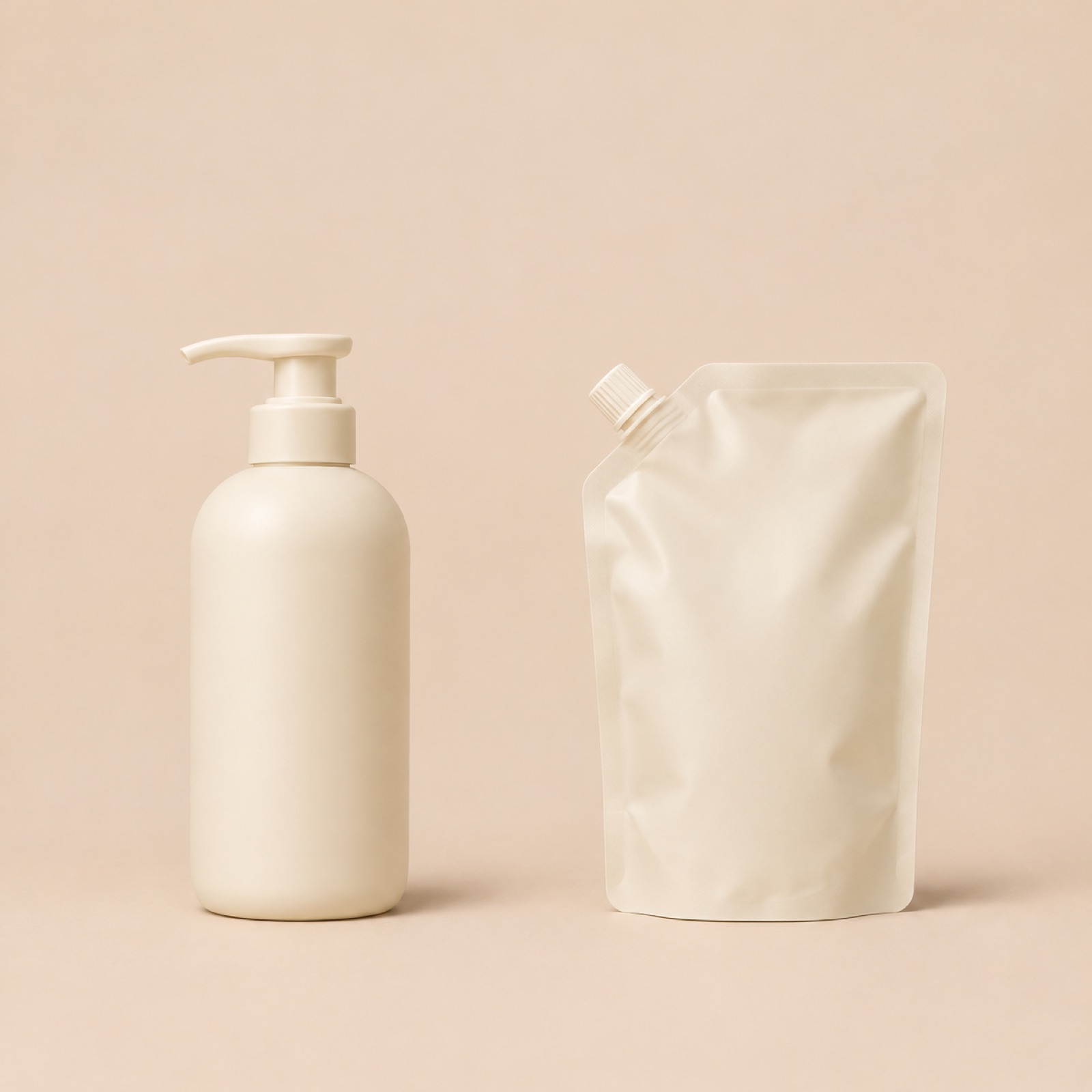
This is a hypothetical example. It assumes the shampoo actually has a refill available for sale. Place the bottle on the left and the refill pouch on the right, side by side, and label the photos 「ボトル」 and 「詰め替え用」 respectively. Use 「いつもの一本に、詰め替えを。」 as the top line. This layout is suited to explaining that a refill is available and which product it is for. If the items are sold separately, make that clear so they do not appear to be a set, and do not claim the refill is cheaper without evidence supporting the price comparison.
The process in AdForge is as follows. On the reference selection screen, choose an image ad that clearly distinguishes the two products. At the product information step, add your product and refill photos, their respective volumes, and the Japanese copy above. Cross-check any information automatically populated from the product page address against the actual sales details. When you proceed with image ad creation, three drafts are generated using your actual product photos and the reference layout. On the results screen, check the Japanese text, volumes, shapes of both products, and how they are sold before downloading.
Key takeaways
Present fragrance through its name and evocative imagery, packaging through a large bottle photo, and price alongside the terms of sale. Usage scenes and refill information can also provide distinct reasons to buy. Choose one layout suited to your product, then add actual photos and verified Japanese information to AdForge to create three image ad drafts for review.
FAQ
Which of the five ads should I create first?
Start with a layout that matches both the photos you have and a verified reason to buy. If you only have a front-facing product photo, begin with the bottle-focused layout. If you have fragrance information and related imagery, start with the fragrance-focused layout. The usage-scene layout is a good choice when you have a photo of the actual product in a bathroom.
Can I translate a Korean ad directly into Japanese?
First, align the fragrance name, product name, volume, and wording with the Japanese sales page. Then choose one question the ad will answer and keep the copy short. The Japanese copy in this article is hypothetical, so review it against the actual product information and your brand’s tone of voice.
What should I look for when choosing a reference banner?
Look at where the necessary information goes, rather than just attractive colors. Consider the space for the fragrance name, the size available for the bottle, and room for pricing conditions. There is also a learning journal documenting how a designer, after receiving shampoo photos, searched for references while considering ways to present fragrance, price, and packaging.1
Does creating three drafts complete the ad testing process?
The drafts are candidates for review. First, choose versions with accurate product visuals and copy. If you want to compare responses to different reasons to buy, record the photos, copy, and conditions used in each layout. After downloading the finished creative from AdForge, upload it directly to your ad account. Run the ads and check performance in your existing ad management tools.
Make your next ad with AdForge
AdForge (ad-forge.io) is an ad remake app: pick an ad you like and rebuild it as a video or image ad for your own product. Find references in the Meta and TikTok ad libraries, let AdForge write the script, AI narration and captions, then review and download. Every account starts with 12 free image ads.