5 Facebook Ad Examples for Pest Control Companies: Using Job Photos and On-Site Video
Use job photos to show your services and service area at a glance, and on-site video to explain the inspection process. Here are five English-language ad formats you can create with the assets you already have.
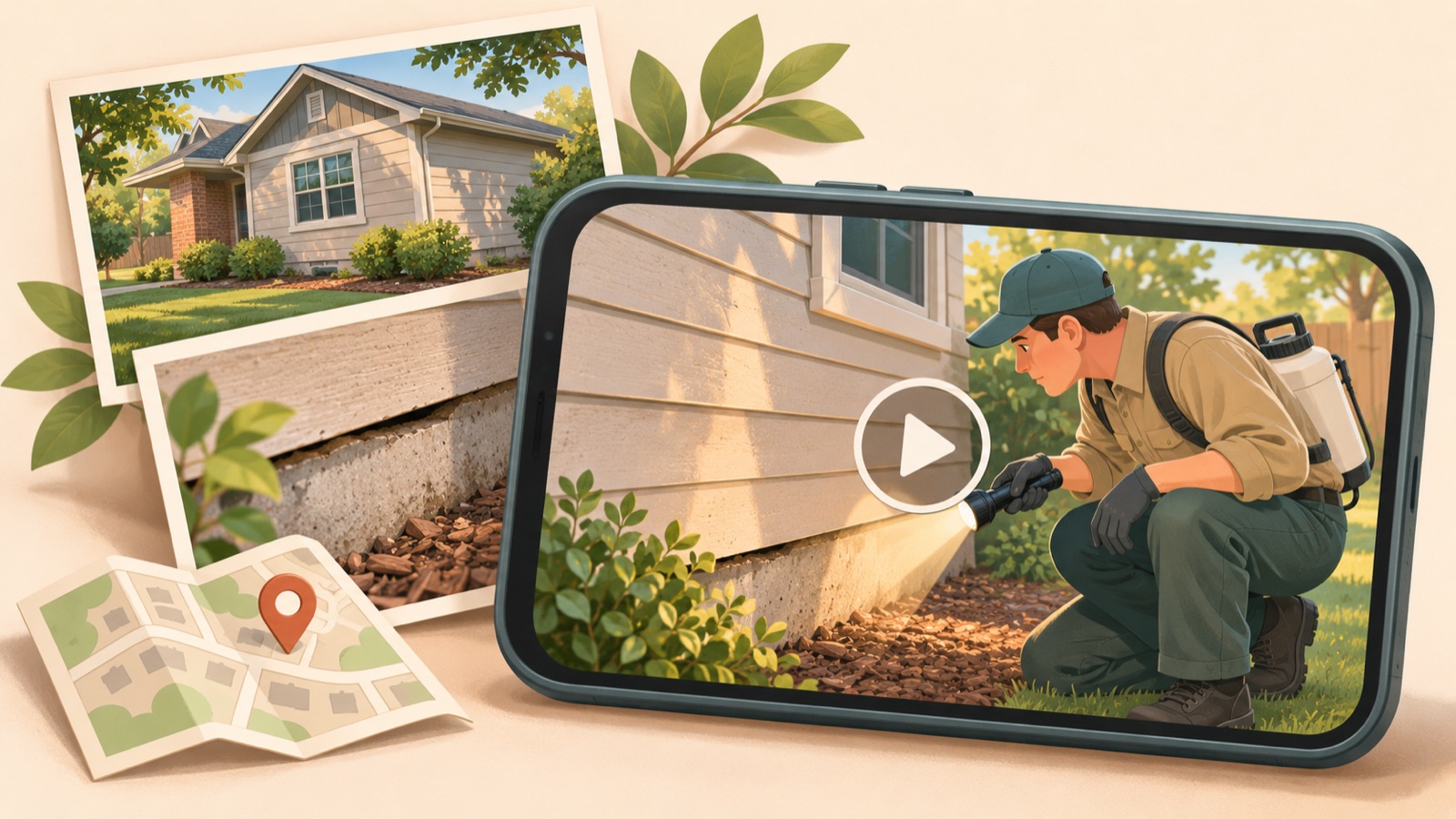
Choose images or video for your pest control company's Facebook ads based on the assets you have. If you have a clear job photo and a short service description, start with an image. If you have on-site clips showing the inspection sequence, start with video. Practitioners have asked which format to use, but experiences shared in comments alone cannot establish that one is more effective than the other.1 All five examples below are hypothetical. Choose a format and English copy that suit your company's assets.
1. Introduce Your On-Site Work
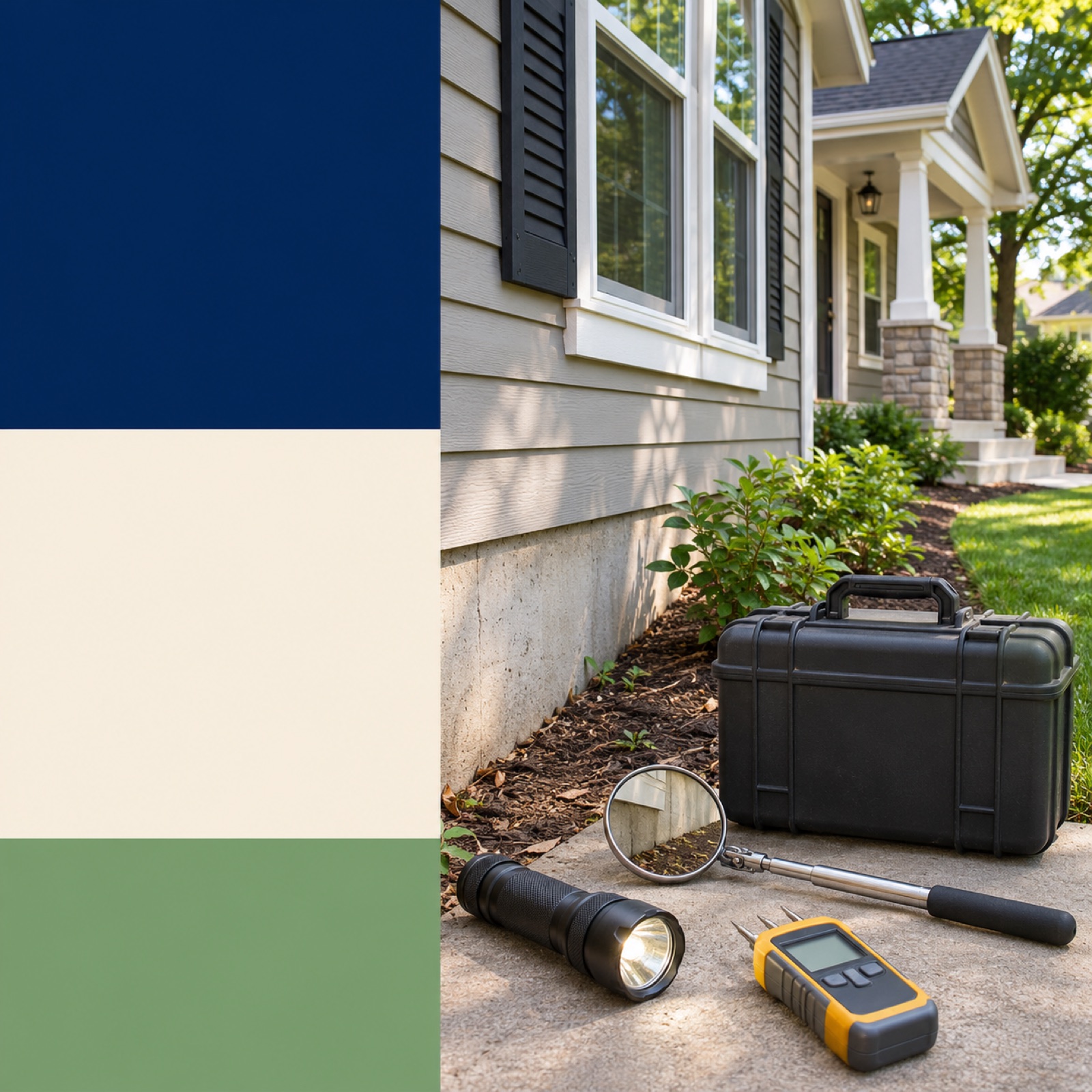
This is a hypothetical example. Make a photo of a home exterior inspection the main visual, with “Local Pest Control” at the top and your actual service area and “Request a Visit” at the bottom. Choose a photo that shows where the work is taking place, rather than just a close-up of equipment. This layout explains what your company does and where you travel to customers in a single view. The combination of a service introduction and an inquiry prompt also appears in collections of real pest control ads.2 When adapting this for your company, replace the location, services, and inquiry prompt with details that reflect your actual operations.
In AdForge, find and save Meta ads for reference on the ad search screen, then review the image layout and color analysis. When creating an image ad, choose a reference centered on a photo and short copy, then add an actual photo you have permission to use and your service description. Review the three generated concepts to check that the work shown is accurate and that the location and inquiry prompt are easy to see, then download. For services such as pest control, where on-site photos are central to the ad, pay particular attention to whether the work depicted in the original has been distorted. Upload the finished creative directly to your existing ad management tool.
2. Walk Through the Inspection Process
This is a hypothetical example. Show a flashlight illuminating a gap in a doorframe, someone checking around an exterior wall, and someone explaining the inspection findings, in that order. Open with “What Happens During a Pest Inspection?” and close with “Ask About an Inspection”. The video shows the process customers may want to understand before a visit, rather than using sensational close-ups of pests. It works when a single image cannot easily explain the full procedure. The footage must match the procedure you actually provide, and you should not describe work you did not film as though it had been performed.
Choose a video reference in AdForge, add your on-site clips and actual inspection sequence, then review the English script and storyboard. Edit them so the opening scene shows the inspection location, the middle shows the checking process, and the ending explains how to inquire. Check that the AI narration and subtitles accurately describe the actions on screen. If a scene does not fit, you can regenerate that scene alone. Review the finished video for visible customer addresses or vehicle license plates, then download it. Even if your assets do not show a clear before-and-after change, you can use this format if they clearly show the sequence of work.
3. Focus on a Specific Pest Service
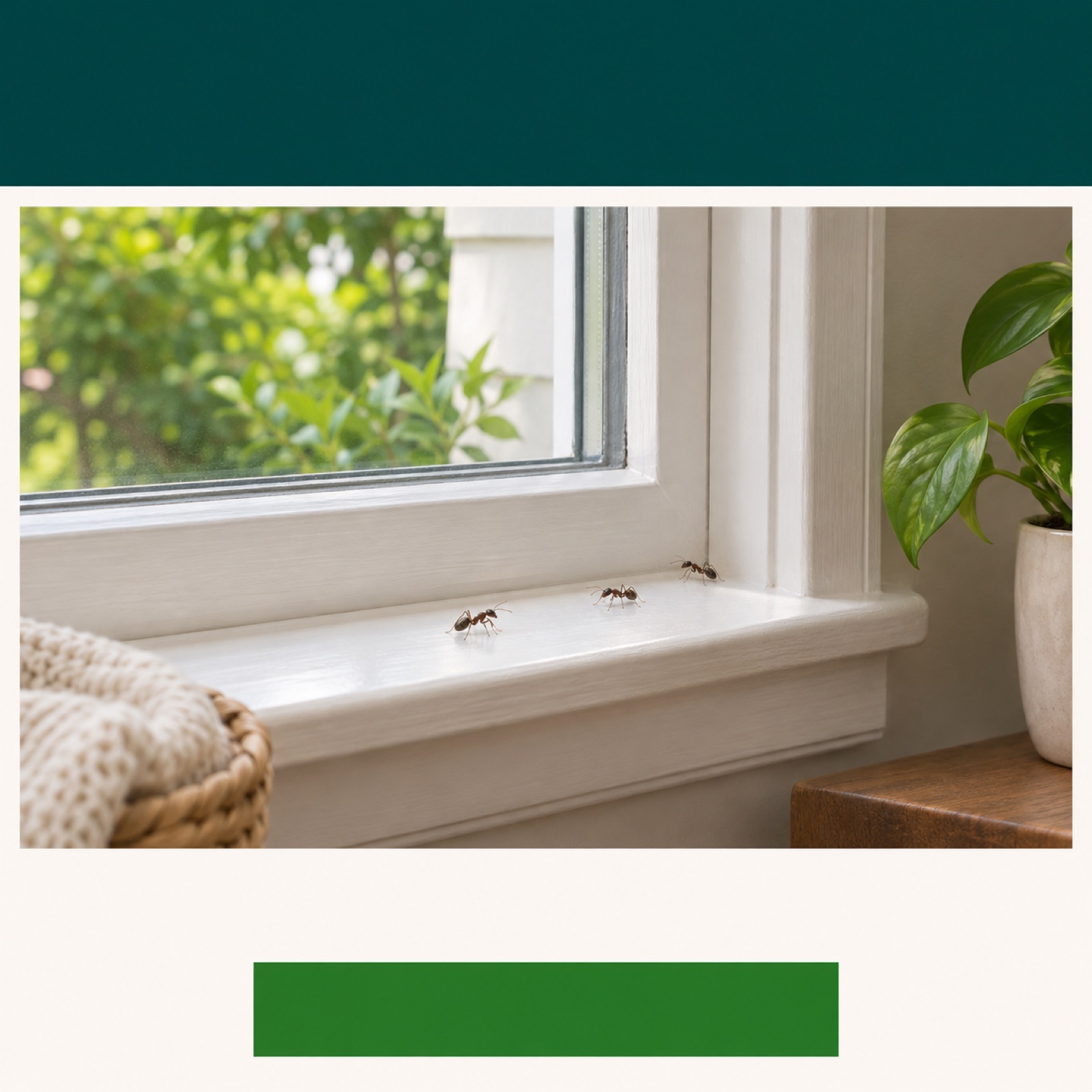
This is a hypothetical example. To generate inquiries about ants, use a photo of a window frame or entrance leading indoors as the main visual and add “Ants Around Your Windows?” Below it, include the ant inspection and control services you actually offer, along with “Tell Us What You’re Seeing”. This format connects one problem the customer has noticed with a service, instead of listing several pests at once. Using pest information and service introductions in ad creative is also documented in collections of real examples.2 If the photo is not enough to identify the species, describe the observed situation instead of naming a specific species.
When adapting this for your company, first choose one pest you want inquiries about, an existing photo related to that problem, and the scope of service you actually provide. In AdForge, choose an image reference that gives the photo plenty of space, then add the service description and English copy to generate concepts. If you do not have a pest photo, it is better to use an existing photo of the inspection location and explain the topic in the copy. Check the result for any changes to the pest's appearance or work tools compared with the original. Even when creating separate assets for different pests, keep each ad focused on a single message.
4. Address a Seasonal Concern
This is a hypothetical example. Combine short clips of someone checking a gap under a door and the area around pipes on an exterior wall, opening with “Checking Your Home for the Colder Months?” Follow with “Start With Doors and Entry Points”, then close with “Ask About a Home Inspection”. This format helps viewers picture specific places to check in their homes. However, do not assume that colder weather causes the same pest problems in every region. Use this approach when the inquiries you actually receive locally and the services you offer fit the topic.
In AdForge, choose a video reference that opens with a question, then add your existing entrance and exterior wall inspection clips and a service description suited to the season. Try editing the English script so it introduces the inspection locations before the company. Keep only information about what you actually check or provide in the narration and subtitles. When the season changes, update both the opening question and inspection locations instead of just changing the background music. If you have no material supporting the seasonal concern in your area, an inspection process video is a more suitable choice.
5. Promote a First-Visit Offer
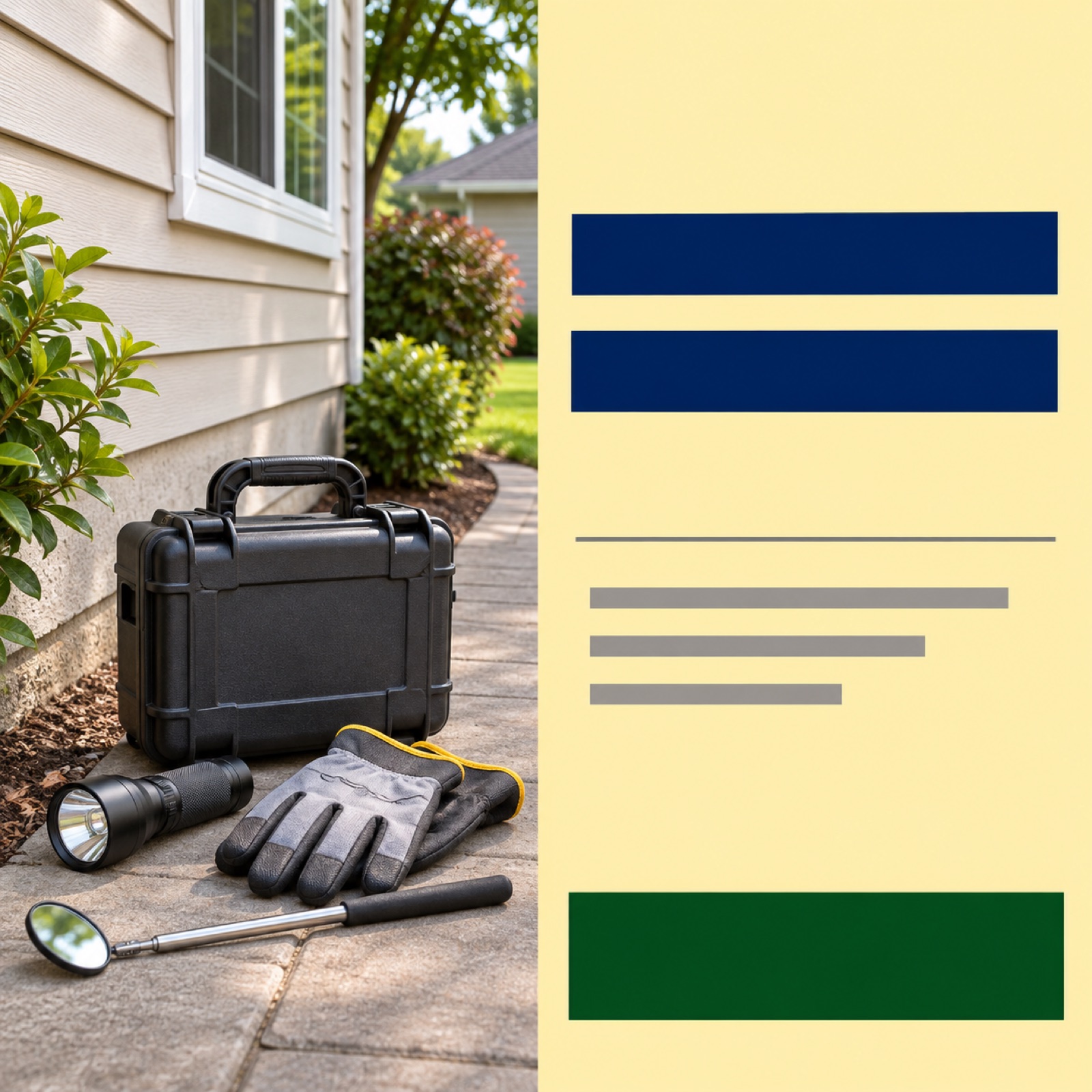
This is a hypothetical example. Use photos you have of your equipment and a home's exterior as the background, and place “First Visit Offer” in a large solid-color area. Underneath, add the actual offer and its terms, with “Ask About Eligibility” at the bottom. Agency materials covering ads for U.S. Pestmaster locations also provide examples of combining on-site photos, service features, and first-visit discount copy.3 This example suits companies with an offer currently available. Do not invent a discount amount or write copy that could confuse the first-visit cost with the total service cost.
In AdForge, choose an image reference with separate areas for the offer copy and photo, then enter your actual photos and confirmed offer details. Compare the three generated concepts based on whether the terms are readable, as well as the size of the discount copy. If there are eligibility requirements, excluded services, or a validity period, include those in the source text you will review. If your company has no offer, there is no need to force this format. Choose an ad that introduces your on-site work to communicate your location and services first, or an inspection process ad that answers questions customers have before a visit.
Key takeaways
Use job photos to communicate your services, service area, and offers in a single view, and on-site clips to explain the inspection sequence. Choose one of the five formats that fits your existing assets and actual services, then create an English-language draft.
FAQ
If I can create only one format first, should I choose an image or a video?
Start with an image if you only have a clear job photo and a description of your services and service area. Video is suitable if you have clips showing inspection locations and the sequence of work. Instead of deciding in advance that one format will perform better, choose based on the questions your current assets can answer.
Can I create an ad without photos showing pests?
Yes. Use actual assets showing inspections of window frames, entrances, and areas around exterior walls to show where and how you inspect. Avoid claiming you found pests that are not in the photos or presenting inspection footage as proof that pest control work has been completed.
What should stay consistent when creating both image and video ads from the same on-site assets?
Use the same service, service area, and inquiry prompt. Structure the image to show the job photo and key explanation at a glance, and the video to explain the sequence of that work. After launching the ads, review inquiry details and performance in your existing ad management tool.
What should I check after creating English-language creative in AdForge?
Check service and location names in the script, narration, and subtitles, the accuracy of the work shown in photos and video, and your rights to use the uploaded assets. For offer ads, also check the applicable terms. After reviewing, download the creative and upload it directly to your ad account.
Make your next ad with AdForge
AdForge (ad-forge.io) is an ad remake app: pick an ad you like and rebuild it as a video or image ad for your own product. Find references in the Meta and TikTok ad libraries, let AdForge write the script, AI narration and captions, then review and download. Every account starts with 12 free image ads.