How to Create Dog Training Facebook Video Ads Using Your Class Materials
Use your existing class photos and training videos to create an English-language ad that explains your classes and how to sign up. This guide also explains how to review generated content separately from actual training records.
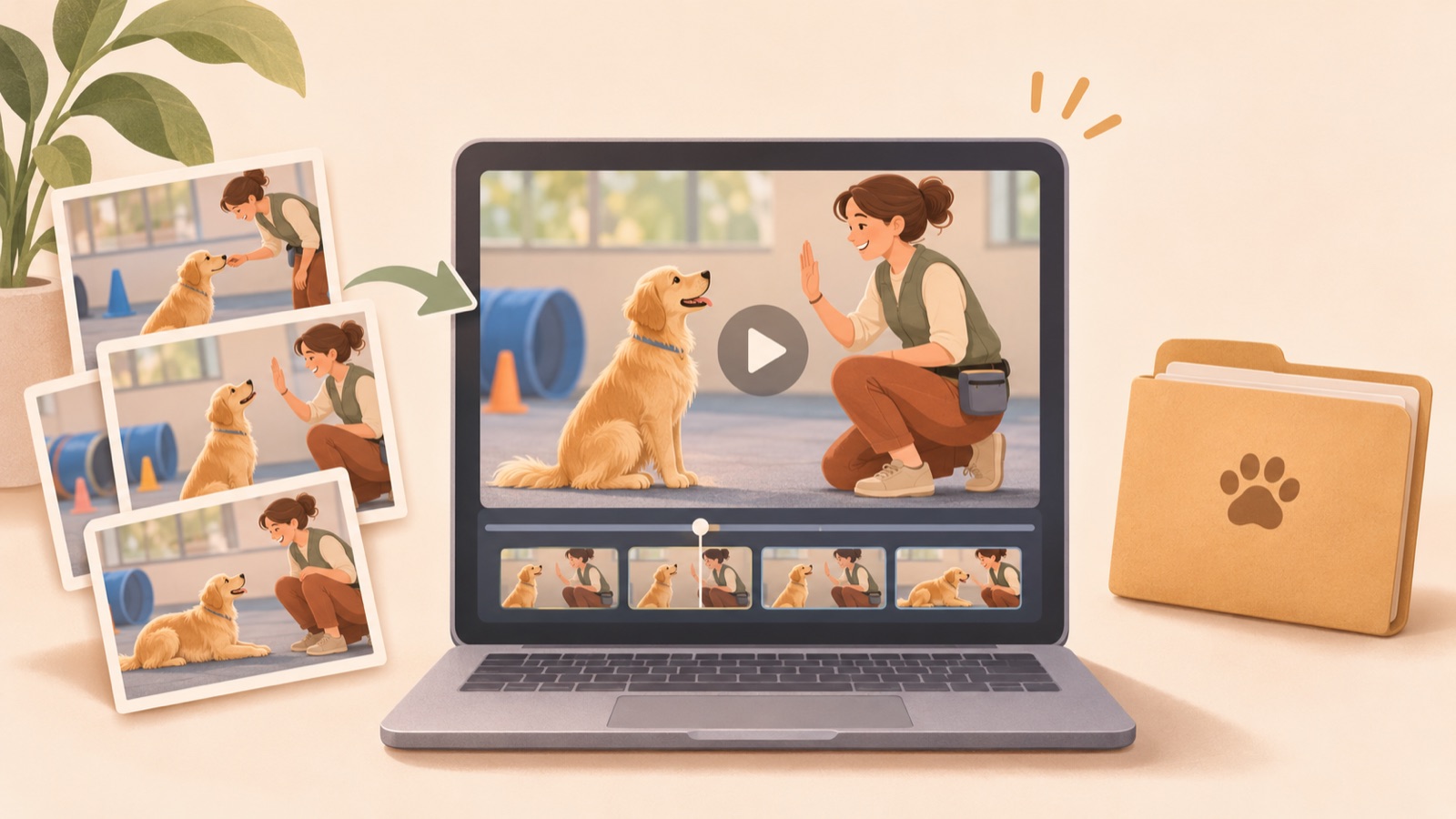
To create a dog training video ad, start by choosing one class to advertise and preparing your existing photos, videos, and class information. In AdForge, you can select a reference ad, add your materials and message, and create a new ad with an English script, narration, and subtitles. However, do not assume that the original movements or temporal continuity of your uploaded training footage will be preserved. Follow the steps below to create an ad that explains your class, and review any wording that could lead viewers to mistake it for footage of an actual class.
Decide which program to advertise and how people will sign up
Choose one program to promote in this ad. Including puppy basics, leash-walking classes, and private sessions with owners all at once makes it harder to understand who the class is for. Put the program name, service area, intended participants, class format, and sign-up process in one document. Base your selling point on a feature you actually offer, such as classes where owners practice alongside their dogs. This information will guide your choice of materials and your review of the English script.
Match your call to action to the actual next step. If people request a consultation before receiving class details, you could use “Request a training consultation.” This is hypothetical copy for a class that takes consultation requests. Describe what someone will actually do after clicking, without making the service sound as though classes can be booked immediately. Match the location and program names to those on the sign-up screen so people can find the class they saw in the ad.
Prepare class materials alongside the facts they illustrate
Review your existing photos and videos and note what each one explains. A photo of a trainer speaking with an owner can provide context on the teaching approach, while a video of them practicing together can show the activities covered in class. Some members of trainer communities suggest showing the actual training process and interactions as well as results. These are practitioner opinions, however, rather than official guidelines backed by verified advertising performance.1
A commercial blog covering advertising ideas by industry describes an approach that uses before-and-after training videos.2 However, you must not describe newly AI-generated scenes as actual before-and-after records of a particular dog. Add class photos and videos to AdForge as production materials, but do not assume that original segments will be inserted directly or that the sequence of movements will be preserved. Confirm that you have permission to use the input materials in advertising, and also prepare written information needed to explain the actual class.
Structure the English copy around concerns, the class format, and sign-up
The following is a hypothetical example for a leash-walking class in which owners participate with their dogs. The opening line, “Need guidance on everyday walks?”, addresses an owner’s concern. Next, “Practice leash skills with a trainer.” explains what the class involves, and “Sessions include practice with your dog.” adds how participants take part. Finish with your actual service area and consultation request copy. These lines may only be used for classes that actually offer what they describe.
Plan the visuals to help viewers understand the copy. You can request an opening that establishes the topic of dog walking, followed by scenes that explain the teaching approach and owner participation. However, do not write the script on the assumption that generated visuals recreate specific moments from an actual class. Remove statements that use the visuals as proof of change, such as “This dog changed after just one class,” and focus on class details and sign-up information that the operator can verify.
Choose a reference in AdForge and generate an English-language ad
AdForge is our service, and we run this blog. On the ad discovery screen, search active ads in the Meta Ad Library and choose a reference that opens with a question, then moves into a service explanation and sign-up instructions. Review the analysis of your saved video’s hook, pacing, cuts, subtitles, voice, and music to decide on a structure to use as a reference. Rather than borrowing the original ad’s training results or copy, assess whether its progression works with information about your own class.
On the video creation screen, upload class photos and videos as your service materials, then enter the program description, selling points, service area, and call to action. Select English as the language for the script, narration, and subtitles. Review the AI-written script and storyboard, correcting exaggerated outcome claims and class details you do not actually offer. Review the result, which includes AI narration, word-aligned subtitles, and background music, and regenerate scenes as needed. Video creation requires a paid plan.
- In ad discovery, choose a reference opening scene and order of explanation.
- Enter class photos and videos along with verified service information.
- Select English and edit the script and storyboard.
- Review the generated scenes together with the English voiceover and subtitles.
Download and upload the finished ad with an accurate class description
First, check whether the finished ad makes it clear what the class is, where it takes place, and how to sign up. Then examine whether the generated dog movements, training tools, and interactions between trainers and owners are consistent with your actual class format. Even results created from your input materials are not guaranteed to be accurate records of actual training. Regenerate inaccurate behavior or misleading scenes, and revise copy that presents them as examples of real customer progress.
Listen to the pronunciation of location and program names in the English narration, and check that the subtitles match the meaning of the audio. Once your review is complete, download the file and upload it directly to your Facebook ad account. AdForge does not automatically run ads through ad accounts; campaign setup, delivery, and performance reporting take place in your existing ad management tools. If you need follow-up creative, you could, as a hypothetical example, prepare separate openings about walking concerns and owner participation, connect both to the same class explanation, and compare them.
Key takeaways
Choose one class and one sign-up action, then create an English-language ad using your existing materials and verified service information. Do not assume that AdForge’s generated results preserve the original training records exactly. Review the accuracy of the class description and visuals before downloading and uploading the ad.
FAQ
Will my uploaded training footage appear in the ad exactly as it is?
The available feature information does not confirm direct insertion of original segments or preservation of movement and chronological order. Treat the process as creating a new ad from photo and video inputs, and review the result separately from actual class records.
Can I create an ad without before-and-after training scenes?
Yes. You can build the ad around who the class is for, the teaching approach, owner participation, and how to sign up. Do not present generated scenes as evidence of an actual dog’s behavioral change.
Do I have to write the English script myself from scratch?
AdForge writes an English script and storyboard that you can edit yourself. The operator should verify that the program details, location, participation requirements, and sign-up instructions are accurate.
Can I also check the finished ad’s performance in AdForge?
Ad delivery and performance reporting take place in your existing ad management tools. Download the creative you reviewed in AdForge, then upload it directly to your ad account.
Make your next ad with AdForge
AdForge (ad-forge.io) is an ad remake app: pick an ad you like and rebuild it as a video or image ad for your own product. Find references in the Meta and TikTok ad libraries, let AdForge write the script, AI narration and captions, then review and download. Every account starts with 12 free image ads.