How to Create TikTok Carousel Ad Images: Product Photos and Japanese Copy
You can prepare TikTok carousel ads with product photos even if you have no video footage. This guide covers everything from the reason to buy on the first card and supporting details on later cards to creating images in AdForge and uploading your ads.
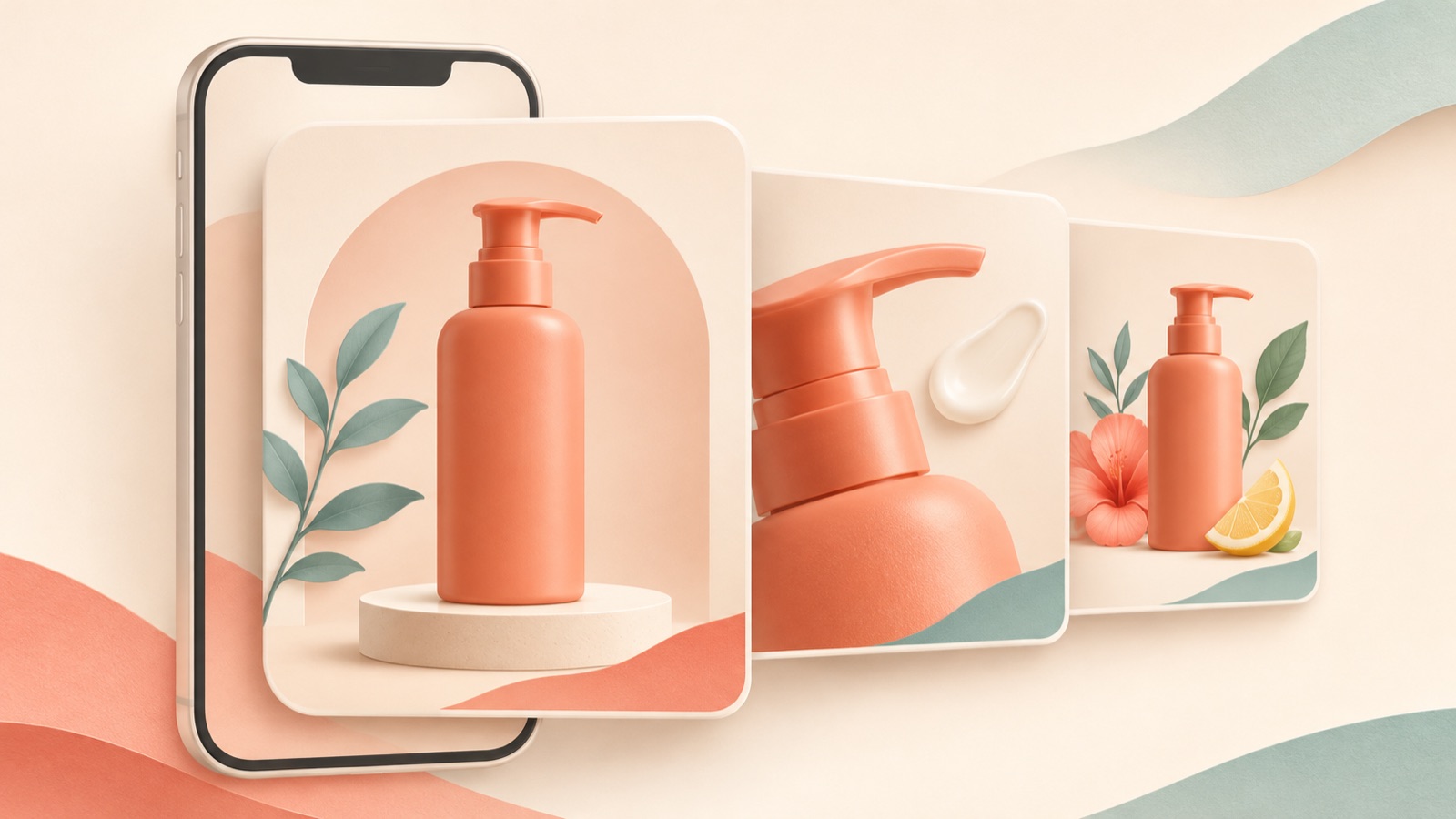
To create TikTok carousel ad images, start by assigning your existing product photos to three purposes: presenting a reason to buy, explaining features, and showing usage situations. If you are starting TikTok advertising in Japan without any video footage, you can use a carousel to repurpose existing images.1 Show the product and a reason to choose it on the first card, then use photos on subsequent cards to support that reason. Follow the steps below to prepare your Japanese copy, create a design for each card in AdForge, and set the order and music in TikTok Ads Manager.
Assign product photos to each card’s role
First, gather full product shots, close-ups of features, and photos showing the product in use. Assigning one question to each photo makes it easier to decide where it belongs. Choose a full product shot to answer “What is it?”, a detail shot to answer “What makes it different?”, and a usage photo to answer “How would I use it in my life?” These three roles are planning examples for production, rather than a required card structure set by the platform. Look for ways to provide new information on the next card instead of repeating the same photo.
This article uses a hypothetical travel pouch as an example. Assume you have a full shot of the closed pouch, a photo with the opening spread to show the contents, and a photo of it inside a bag. Use the first card to introduce the product and its purpose, the next to show the interior, and the last to show how it is carried. Use only photos you have the rights to use, and do not add copy about waterproofing or storage capacity that the photos cannot establish. If you have limited material, narrow the story to features you can verify.
Present one reason to buy in Japanese on the first card
Design the first card as a starting point that shows who the product is for and when they would use it, rather than simply displaying the product name in large type. For the hypothetical pouch, you could place a large product image in the center and add “旅の小物を、ひとまとめに” in the space above it, conveying the idea of keeping travel essentials together. This is a hypothetical example. Establish a visual hierarchy so the product and reason to buy stand out first, rather than giving the logo, feature descriptions, and multiple benefits equal prominence.
Subsequent cards should explain the first card’s message in concrete terms. For the interior photo, you could add “中身が見える、開いた状態をチェック” to invite viewers to look at the pouch opened up. For the photo inside a bag, you could use “バッグに入れたサイズ感を見る” to direct attention to its size when carried. These are all hypothetical copy examples, so check that they match the actual photos. Japanese production examples also offer a reference for assigning roles to each card, from the opening card through the call to action, and preparing product images.3
Create an image design for each card in AdForge
AdForge is an ad remake app that uses the structure of ads you like as a reference to create new ads with your own product materials and messaging. Start by finding and saving image ads from the Meta and TikTok ad libraries, then review the layout and color analysis. For the pouch’s first card, for example, choose a reference that displays the product prominently while leaving space for a short line of copy. Base your choice on where your product photo and prepared Japanese message will fit, rather than borrowing the reference ad’s brand copy.
On the image ad creation screen, use the selected reference and enter your actual product photo, product information, and the Japanese message for that card. If you automatically filled in product information using a product page address, check the details first. From the three generated designs, select a result with an accurate product appearance and suitable copy placement, then review and download it. Create the next card with the photo and message suited to its role. The three designs generated at once are alternatives to choose from; they do not represent three automatically connected carousel cards.
Review the sequence and Japanese copy with the cards side by side
Once each card is ready, place them side by side in order and read through them. If the first card proposes organizing travel essentials, the following cards should continue that story by showing the interior and how the pouch is carried. If a different product or a new benefit appears midway through, revisit the cards’ roles first. When choosing designs for each card in AdForge, compare the background colors, product image sizes, and copy positions to see whether they work together. Judge the sequence by how well it explains one product, rather than by how striking each individual card looks.
Check both the meaning of the Japanese copy and whether the photos support it. Adding expressions such as “大容量” or “防水” based solely on photos of the hypothetical pouch introduces claims that require product evidence. If you have no verified features, change the copy to something visible in the photos, such as an invitation to check the interior or size. Also check whether the text is readable on a small screen and whether the product’s zipper and shape match the actual photos. If the copy is too long, keeping only the core message and generating a new design makes review easier than repeatedly shrinking the text.
Set the order and music in TikTok, then compare first cards
Download the finished images and upload them directly to TikTok Ads Manager. This article covers standard carousels, which are distinct from catalog-based VSA. The official specifications include requirements for image formats, minimum image counts, music, and shared ad text, call-to-action buttons, and destination addresses, so check these items before uploading.2 Do not assume that following the card roles proposed here is enough to meet the upload requirements. Set the card order and music in TikTok Ads Manager, then check the final preview.
For your first creative comparison, keep the subsequent cards the same and change only the reason to buy on the first card. For the hypothetical pouch, try one first card with copy about “organizing travel essentials” and another with copy about “how it fits inside a bag,” making sure the same subsequent photos support both messages. You can create and download image designs for each message in AdForge. Use your existing ads manager to upload and run the ads and review performance. Treat the first version as your baseline, then use the response to decide which copy or photo to change next.
Key takeaways
Assign product photos to a reason to buy, feature explanations, and usage situations, then prepare a short Japanese message for each card. Create, review, and download each card’s image design in AdForge, then set the order and music in TikTok Ads Manager to prepare your first ad.
FAQ
Can I create TikTok ad creative without any video footage?
You can use a carousel to repurpose existing images.1 Alongside preparing the images, you also need to check the upload requirements for standard carousels, including music.2
Can I use the three designs AdForge creates directly as a carousel?
The three designs are alternatives generated from the same creation request. First define each card’s role and create the cards individually, then choose results that communicate different information and arrange them in order.
Can I use a literal translation for the Japanese copy?
Use it as a draft, then check whether the wording matches the product photos. In practice, it is easier to express one point per card in concise Japanese than to translate a long Korean explanation as it stands.
Can I upload TikTok ads and check performance in AdForge?
There is currently no feature for automatically running ads through your ad account. Download the finished images and upload them directly to TikTok Ads Manager, where you also configure campaigns, run ads, and review performance.
Make your next ad with AdForge
AdForge (ad-forge.io) is an ad remake app: pick an ad you like and rebuild it as a video or image ad for your own product. Find references in the Meta and TikTok ad libraries, let AdForge write the script, AI narration and captions, then review and download. Every account starts with 12 free image ads.