5 Bedding Facebook Image Ad Examples: Layouts That Communicate Fabric, Feel, and Price
If premium bedding looks like ordinary sheets, focus on making the reasons to buy visible before adding more styling. Explore five layouts using bedroom, fabric, and product photos, along with English ad copy and the steps to create them in AdForge.
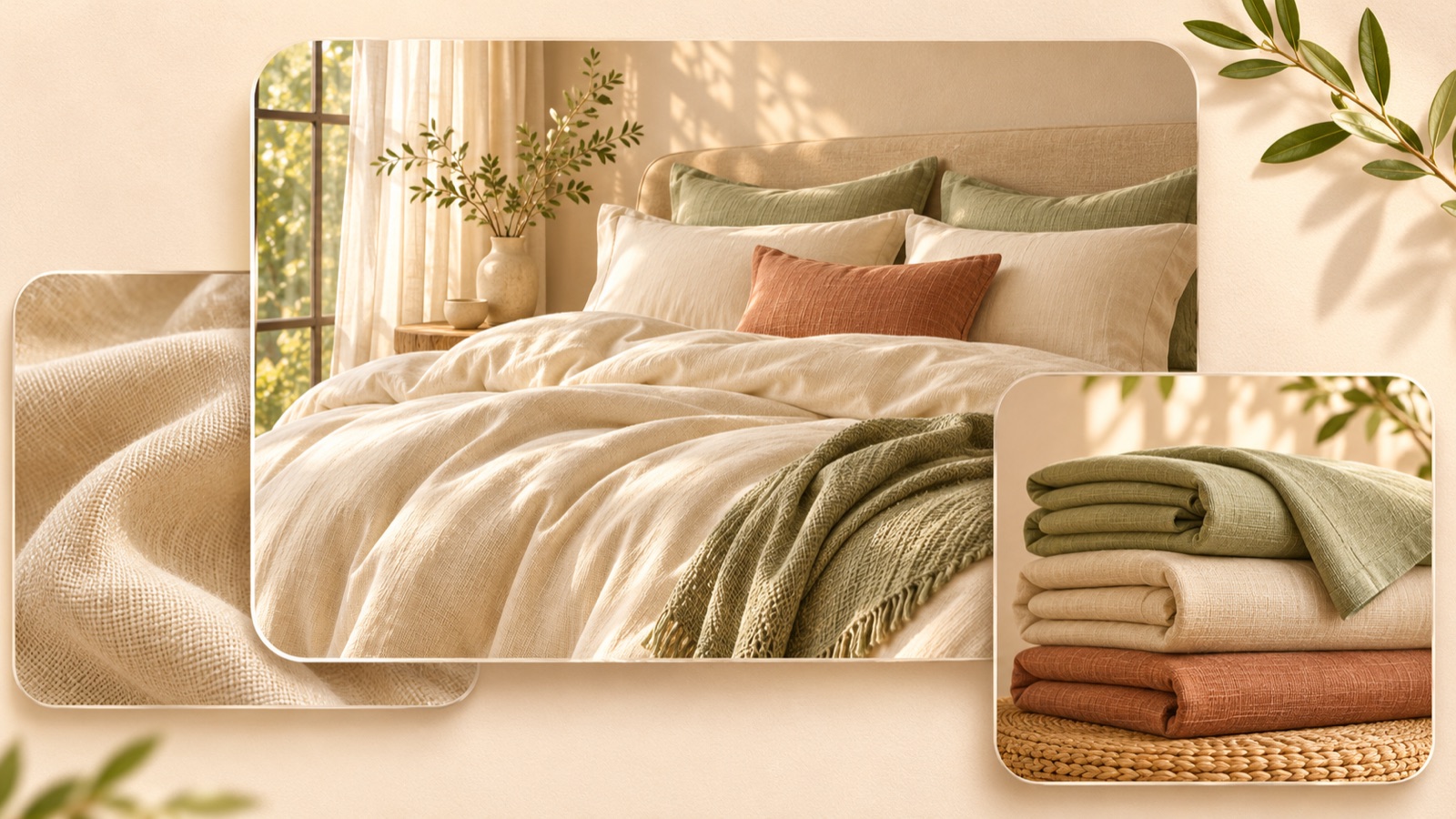
If you are looking for bedding Facebook image ad examples, start by considering what your existing photos can demonstrate. Bedroom photos work well for showing color and atmosphere, fabric photos for surface texture, and product photos for finishing details and set contents. Instead of simply making the word “premium” bigger, add a reason to buy that viewers can verify in each photo. Choose one of the five layouts below that suits your photos, then use English copy to create your first three drafts. The examples distinguish between past ads from real brands and hypothetical examples for production.
1. Full Bedroom Photo Layout
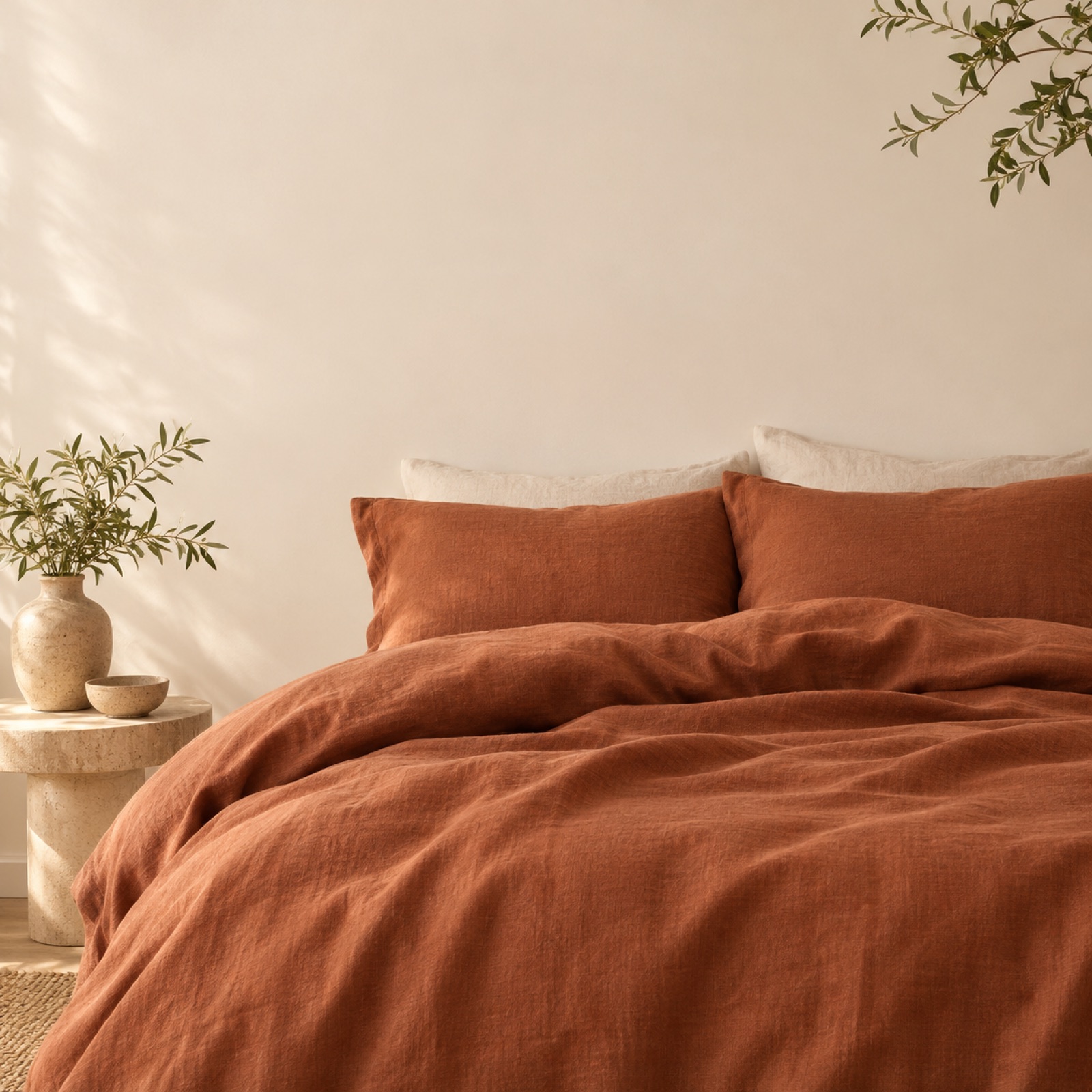
If you have a bedroom photo, arrange the ad so the bedding’s color combination stands out first. The Bed Threads example featured by Shopify shows a layout combining color contrast in a bedroom photo with a media endorsement. Use it as a reference for photo and copy placement, rather than as evidence of current ad activity or performance.1 The useful takeaway is the approach of showing bedding in a room and placing the explanation in a separate area, rather than borrowing another brand’s endorsement.
In this hypothetical example, a large photo shows a terracotta duvet spread out in front of a cream wall, with “Make room for warmer tones” placed in the empty wall space. The actual color name sold appears in small text underneath. This layout helps shoppers assess the color as part of a bedroom’s atmosphere rather than as an isolated swatch. When adapting it for your product, change the color copy to match the photo. In AdForge, choose a reference with a large photo and short copy, add your actual bedroom photo and message, then check the bedding color and copy readability in the result.
2. Fabric Close-Up Paired with a Bedroom Photo
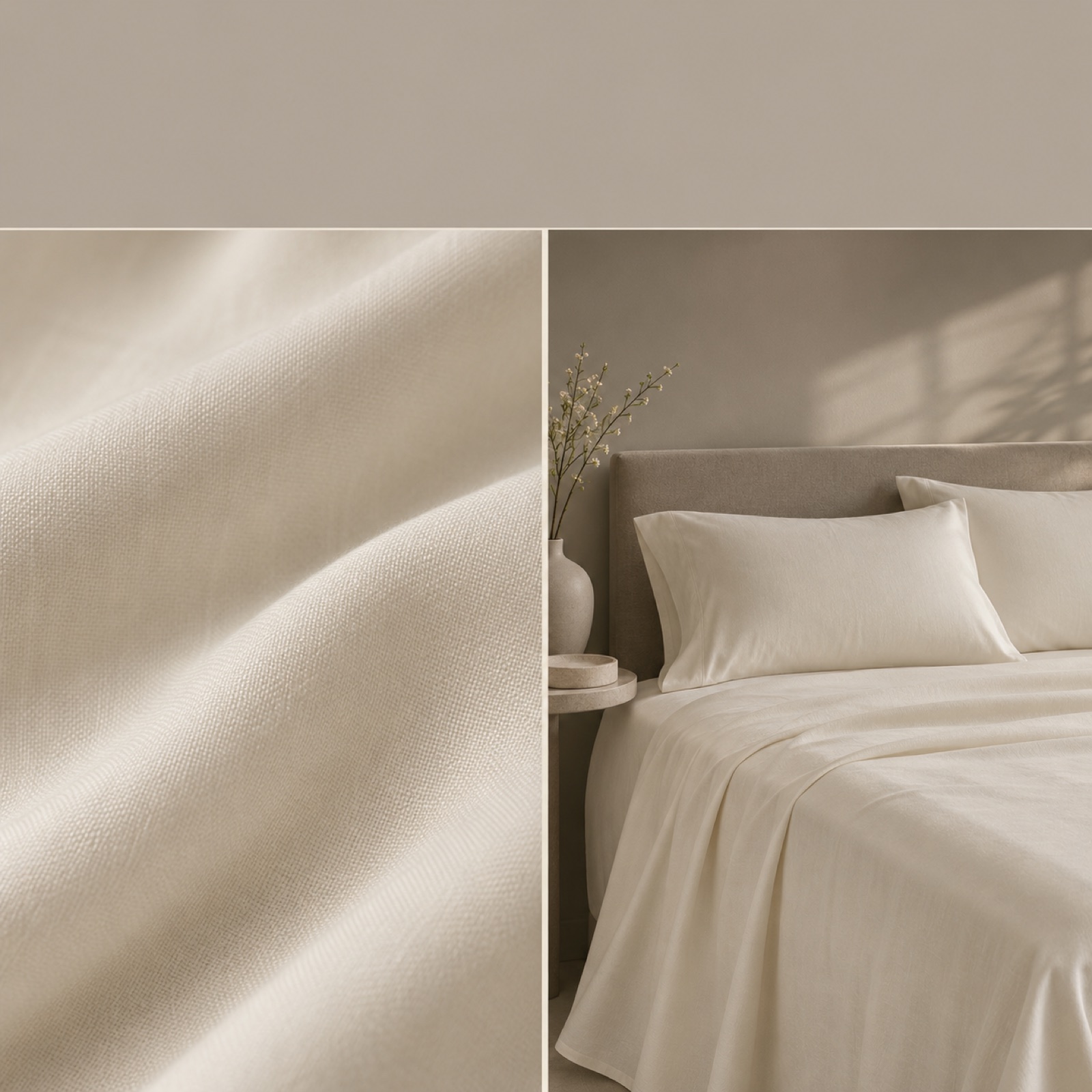
This is a hypothetical example. Place a close-up showing the fabric’s texture on the left and a photo of a bed dressed in the same product on the right. Add “A closer look at your next layer” against a warm, off-white background, with the verified fiber composition as supporting copy. A close-up alone can leave viewers unsure what is being sold, so use the bed photo to establish its purpose. An image cannot fully convey how a fabric feels, but it can give viewers clues about its surface texture or sheen.
When adapting this layout for your product, pair photos of the same product in the same color. Visible texture does not establish softness or breathability, so any related descriptions need to match the product evidence you have. In AdForge, choose a split-layout reference and add your actual fabric and bedroom photos along with verified material information. Compare the three generated drafts to check whether the close-up has become smoother than the original or the weave pattern has changed, then choose the version closest to the actual texture.
3. Finishing Detail Callouts
Adding annotations to a product photo is an approach worth considering when differences are hard to identify from appearance alone. The 2022 Ethical Bedding example featured by Shogun uses arrows and feature descriptions on a product photo. Treat it as a past reference, and replace claims about materials, reviews, and guarantees with your own verified information.2 The arrows should point precisely to the parts being described, rather than serve as decoration. If those parts are not visible in the product photo, choose another photo.
In this hypothetical example, add two short lines to a photo showing a pillowcase opening and seam. Use “Envelope closure” and “Piped edge” only for a product that actually has those features. This layout gives shoppers specific finishing details to examine instead of a vague impression of quality. In AdForge, choose a reference with feature callouts and add your finishing detail photo and English descriptions. Review the result to ensure the lines point to the correct locations and match the product’s actual construction. If the descriptions become too long, choose a version that removes one feature and gives the photo more space.
4. Set Contents Beside the Price
This is a hypothetical example. Arrange folded sheets and pillowcases so each is clearly distinguishable, then place the included quantities and selling price below. Use a headline such as “Know what comes with your set” to focus attention on the contents. The aim is to help shoppers understand which product configuration the price covers, rather than styling it to look expensive. Do not mix separately sold items into the photo. Even if a styled bed photo shows both a duvet and sheets, it needs to be clear if the set being sold includes only the sheets.
When adapting this layout for your product, first establish how the contents vary by size and which option the price applies to. If materials or finishing details help explain the price, add just one verified piece of information as supporting copy. In AdForge, choose a reference with separate product and price areas, then enter actual photos of the set contents along with the included items, quantities, and price. Compare the three drafts to see whether only the price stands out or whether shoppers can also read what they will receive. If you use the lowest price, clearly identify the size or configuration it applies to in the final creative.
5. Bedroom Photo with a Fabric Detail Card
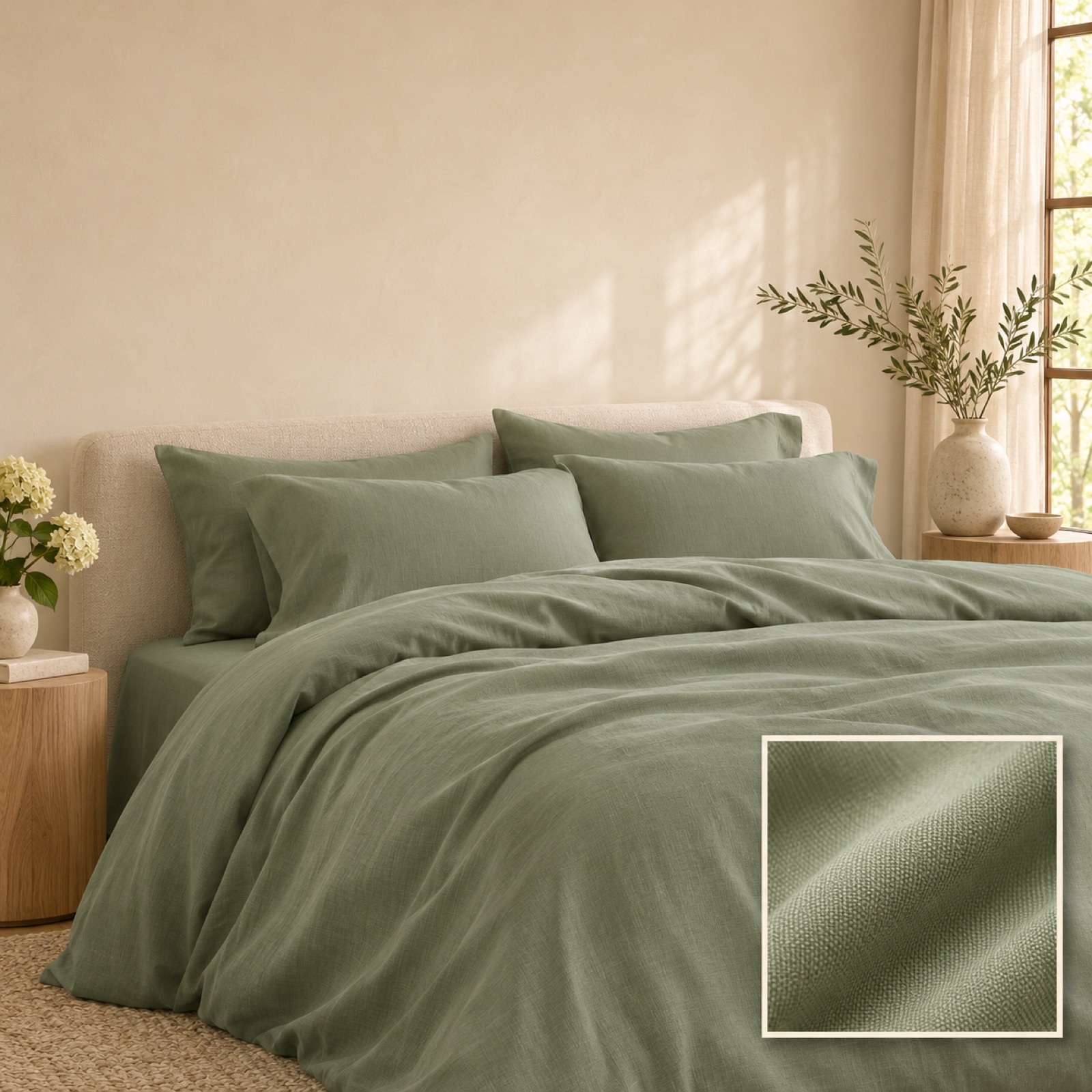
This is a hypothetical example. Use a large bedroom photo and overlay a small card containing a close-up of the same bedding’s fabric in one corner. Start the copy with “See the weave. Picture your room.” and add the verified material name underneath. This layout connects the atmosphere of the room with the appearance of the fabric in one image. It is also a suitable starting point for a brand with just two photos. If the small fabric card covers a key part of the bed or the colors differ between the photos, the connection becomes weaker, so adjust the card’s position and photo pairing first.
In AdForge, first search the Meta Ad Library for bedding ads and choose a reference that combines a photo with a small card. Review the layout and color analysis of the saved image ad, then add your actual bedroom and fabric photos, verified material information, and English message in the image ad creation screen. Compare the three drafts generated from the reference layout on the results screen. Check the fabric texture, product color, English spelling, and photo usage rights, then download your chosen version. Uploading and running the ad, as well as checking its performance, are handled directly in your existing ad management tool.
Key takeaways
Use bedroom photos to communicate atmosphere, fabric photos to show surface texture, and product photos to explain finishing details and set contents. Choose one reason to buy that your existing photos support and add English copy. Start your first test with the AdForge draft that shows the actual product and message most clearly out of the three.
FAQ
Which layout works best if I only have one bedroom photo?
Start with the full bedroom photo layout. Use the copy to connect the visible colors with the room’s atmosphere, and limit descriptions of feel that cannot be verified. If you do not have a fabric close-up, do not invent a weave pattern and use it as evidence about the product.
Is it enough to feature “luxury” or “soft” prominently in an English ad?
Those words alone do little to explain the materials or price. Pair them with a visible finishing detail, verified material information, or the set contents. Write descriptions of feel to match the product evidence you have.
If a reference ad has been running for a long time, can I copy it as it is?
An ad’s run time alone does not reveal its sales or profitability. Use the photo placement and copy hierarchy as references, but do not borrow another brand’s endorsements, guarantees, or material descriptions. Replace them with your actual product information, then check the response in your own ad account.
How should I compare the three drafts AdForge creates?
First, shortlist the versions whose product colors and fabric textures match the actual photos. Then choose the layout that makes the same English message easiest to read. To test photo placement, keep the copy and product terms the same, download the chosen creative, and upload it to your existing ad management tool.
Make your next ad with AdForge
AdForge (ad-forge.io) is an ad remake app: pick an ad you like and rebuild it as a video or image ad for your own product. Find references in the Meta and TikTok ad libraries, let AdForge write the script, AI narration and captions, then review and download. Every account starts with 12 free image ads.