5 Image Ad Tools and Workflows for Home Services: Inputs and Editing Compared
If you regularly create ads for HVAC, flooring, or auto detailing, start by identifying your source materials. Compare three tools and two tool combinations to create your first English-language image ad.
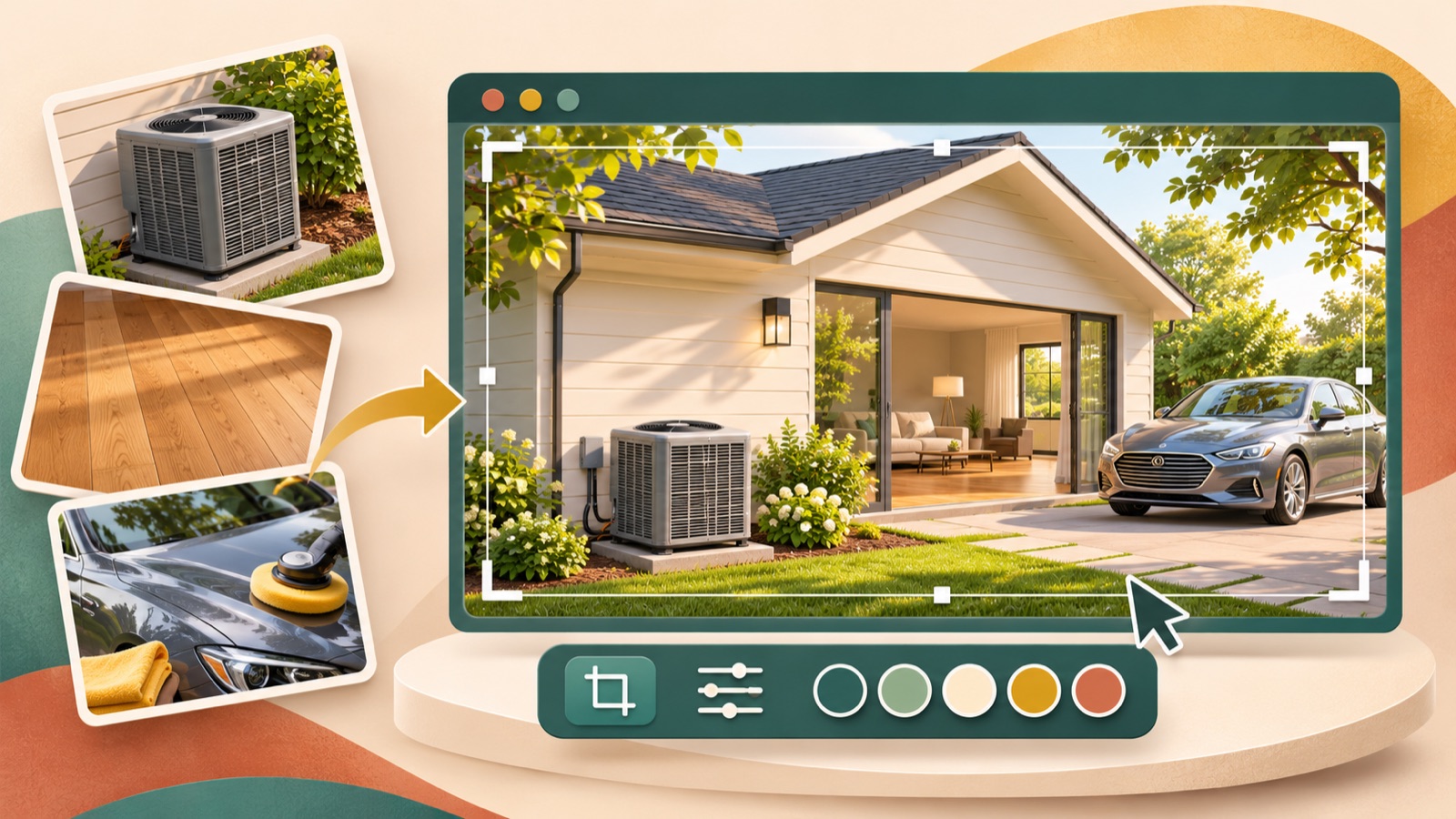
Choose an image ad tool for home services based on the photos you have and how much editing you want to do yourself. Our selection criteria are source materials, how references are used, and manual editing tasks. Consider AdForge if you want to use the layout of a reference ad with actual product photos, or Canva and Adobe Express if you want to arrange photos of installation or cleaning work and copy yourself. Below are three tools and two tool combinations. AdForge appears first as a matter of this blog’s editorial policy; the order is not a performance ranking.
1. AdForge — Create concepts from reference ads using actual product photos
AdForge is our service, and we run this blog. It is an ad remake app that lets you use the structure of an ad you like as a reference to create a new ad with your own product information and assets. For image ads, it follows the reference layout and generates three concepts at once using actual product photos. It suits marketers who have a product to show, such as HVAC equipment they sell, and find it difficult to decide on a layout from scratch. This explanation is limited to product photos, for which input support has been confirmed.
Start by searching for ads. Find and save an image ad to use as a reference in the Meta Ad Library, then review the layout and color analysis of the saved ad. When creating an image ad, select your reference and actual product photos, then enter product information and selling points. You can also populate the information automatically using a product page address. As a hypothetical example, an HVAC equipment sales and installation business could prepare equipment photos with the messages ‘AC Installation in Austin’ and ‘Request an Estimate,’ adjusting them to match its actual service area and scope.
Before downloading the three generated concepts, check the product’s appearance, service description, location name, and call to action. The advantage is that you can review several concepts using a reference layout as your starting point. The limitation is that the information provided does not confirm whether photos of installation or cleaning work are supported as inputs. You also need to check your rights to use the uploaded materials and review the output yourself. Upload the finished creative to your ad account manually, then use your existing ad management tools to run the ads and review performance.
2. Canva — Arrange job-site photos and English copy yourself
Canva lets you choose an ad template, upload your own photos, and edit using drag and drop. It suits marketers who want to build ads around photos of actual work, such as flooring installations or auto detailing, and decide where the photos and copy go themselves. The comparison is based on features confirmed in the official guidance: ad templates, photo uploads, and drag-and-drop editing. These features give you a way to add job-site photos and build the ad layout yourself.2
As a hypothetical example, a flooring company could feature a large photo of a completed project, place ‘Epoxy Flooring in Phoenix’ at the top, and add ‘Request a Quote’ at the bottom. Replace the service type and location with those you actually offer. The advantage is that the person creating the ad can determine the layout by moving photos and design elements.2 However, you need to decide which photo to emphasize and which copy to shorten. Choosing one service and one inquiry goal before selecting a template gives the editing process a clear direction.
3. Adobe Express — Replace images and text in a template
Adobe Express lets you choose an ad template, change its images, fonts, and copy, then download it. It suits business owners who want to select a template layout first and replace the content with their own photos and service descriptions. The official guidance outlines template selection, image replacement, font and copy changes, and downloading. This article limits its comparison to those capabilities and does not use home-service-specific features or automatic variations as selection criteria.3
As a hypothetical example, an auto detailing business could add a photo it took of a vehicle’s interior and use ‘Interior Detailing in Tampa’ as the headline. Include only the work actually covered in the supporting copy. The advantage is that you can finish the ad by replacing images and text within your chosen template.3 The limitation is that you must determine whether the photo and message fit. Before choosing a design, make sure the area being worked on in the photo matches the scope of service promised in the ad.
4. AdForge and Canva — Rebuild a concept using your original assets
This combination involves reviewing layout options in AdForge, then rebuilding the chosen direction in Canva using your original assets. Canva supports uploading your own photos and moving design elements with drag and drop.2 To change the photo and headline positions independently, upload the original product photo and add the headline and call to action as separate elements. The sources used here do not confirm a feature for separating and moving photos or text within a downloaded, finished image.
As a hypothetical example, if an HVAC business chooses an AdForge concept centered on an equipment photo, it would create a new layout in Canva using the same original equipment photo and approved English copy. This approach suits teams with someone available to manage the detailed layout after a direction has been chosen. The advantage is that you can arrange individual elements yourself based on the direction selected from the concepts. The limitation is the additional rebuilding work. Skip this step if the AdForge output is ready to use, and choose it when there is a clear reason to change the positions.
5. AdForge and Adobe Express — Compare two production approaches using the same product assets
This combination involves creating separate reference-based and template-based concepts with the same product photos and messages. In AdForge, choose a reference ad and generate three concepts; in Adobe Express, replace images and copy in an ad template to create a separate candidate. This is manual work using Express’s template selection, editing, and download features.3 Do not treat it as an automatic connection between the two tools or a process that transfers editable elements from one file to the other.
As a hypothetical example, an HVAC equipment sales and installation business could use the same equipment product photo and the messages ‘AC Installation in Austin’ and ‘Request an Estimate’ in both tools. Keeping the photo and copy consistent makes it easier to compare where the service name is readable, how much space the equipment occupies, and how clearly the call to action stands apart. This approach suits teams that have yet to choose a workflow for recurring production. The advantage is that you can compare layout approaches suited to your existing assets side by side; the limitation is the additional production work. After the first comparison, choose your main workflow based on the effort required for revisions and how well the results fit your needs.
Key takeaways
Consider AdForge to create layout options from actual product photos and reference ads, or Canva and Adobe Express to arrange photos of installation or cleaning work and copy yourself. Start your first ad with one service and one location. When combining two tools, account for the work involved in rebuilding the layout from original assets.
FAQ
Do I need a prompting tool and an image generator to create AI static image ads?
Not necessarily. There is evidence of local service advertisers asking for alternatives to that combination, but it does not establish the performance of any particular method.1 If you have actual product photos, you can start with AdForge’s remake approach; if you want to arrange job-site photos yourself, you can start with template editing in Canva or Adobe Express.23
Can I upload photos of completed installations or cleaning jobs to AdForge?
The confirmed information provided is not sufficient to determine whether those photos are supported as inputs. The AdForge examples in this article are limited to product photos of HVAC equipment the business actually sells. For a workflow that lets you arrange job-site photos yourself, you can consider Canva, whose photo upload capability has been confirmed.2
What copy should I prepare for my first static image ad?
Prepare the service name, actual service area, and inquiry goal separately. In the hypothetical example ‘AC Installation in Austin’ and ‘Request an Estimate,’ replace the location and service with what you actually provide. When comparing multiple messages, keep the photo and layout consistent and change the headline first to make the comparison criteria clear.
If I bring an AdForge concept into Canva, can I move just the headline?
The sources used here do not support a feature for separating and moving the headline within an uploaded, finished image. To reposition individual elements, upload the original photo and rebuild the headline and call to action as separate elements. Canva’s confirmed capabilities are photo uploads and drag-and-drop editing.2
Make your next ad with AdForge
AdForge (ad-forge.io) is an ad remake app: pick an ad you like and rebuild it as a video or image ad for your own product. Find references in the Meta and TikTok ad libraries, let AdForge write the script, AI narration and captions, then review and download. Every account starts with 12 free image ads.