How to Create Founder Story Ads: Make an English Video Without Appearing on Camera
You can communicate why you created a product in an ad without the founder appearing on camera. This guide walks through connecting your actual founding story with product photos and videos, then reviewing the English script and scenes in AdForge to finish the video.
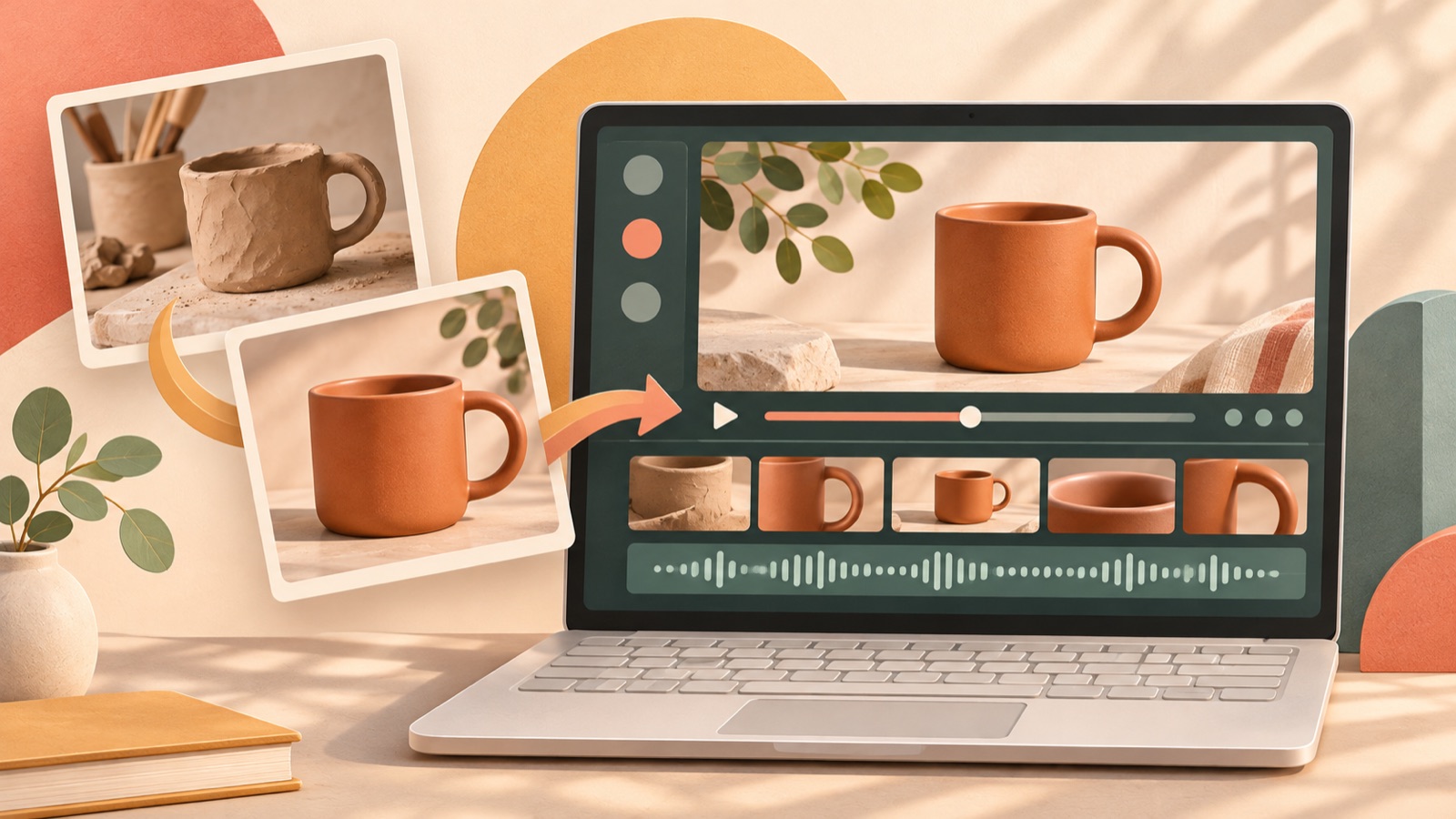
Creating founder story ads does not require appearing on camera or memorizing lines. Organize your actual founding story into “customer problem → why you created the product → what makes it different → next action,” and pair each sentence with product photos or videos. AdForge can use these materials to create an English script and storyboard, which you can edit for factual accuracy before adding AI narration and captions. Below, we use a hypothetical bag brand to explain the process from preparing materials to downloading the finished video.
Start with one frustration that led to the product, rather than a company timeline
First, write down the founding story as factual notes, rather than lines for a shoot. Start with the situation in which you experienced a frustration and what you wanted to change by creating the product, rather than when you established the company. One individual’s question also describes struggling with appearing on camera and memorizing a script while trying founder ads.1 If you face the same concerns, start by gathering materials that show why you created the product before preparing talking-head footage.
As a hypothetical example, let’s assume you created a bag with a dedicated pocket because you kept searching for your keys inside your bag on your commute. In your notes, separately record the frustration you experienced, why you decided to create the product, and the design features incorporated into the finished product. For an actual production, use only information the founder has confirmed. The guiding principle is to avoid expanding a personal experience of struggling to find keys into a problem every customer faces or a proven time-saving benefit.
Choose reference ads you can explain through product visuals instead of a face on screen
When reviewing reference ads, look at how the opening scene introduces the problem, when the product appears, and the final call to action. A comment in a related discussion shares one person’s experience of using a montage of building the business alongside on-screen text explaining why they started it.1 A practical article on founder ads without the founder on camera also introduces a production approach that tells the brand story through the founder’s voice.2 Both sources serve as structural references, rather than evidence of how well ads without on-camera appearances perform.
Search for and save reference ads in AdForge’s Meta and TikTok ad library. Review the analysis of each saved video’s hook, pacing, cuts, captions, voice, and music to assess whether your materials can serve the same roles. For a bag, a sequence using interior storage photos, footage of the pocket in use, and a full product photo can work well. If an ad relies entirely on the founder speaking on camera to explain the product, first decide which product materials will replace that footage. Do not infer performance from the number of days an ad has been running alone.
Pair every sentence in the English script with a visual
Write the script so it moves from the customer problem to the founding reason, the product’s difference, and the next action. Asking “Do I have a photo or video that supports this statement?” for each sentence makes it easier to decide what to keep. If you only have current product materials, focus the explanation on the current design and how it is used. Including the past production process without photos from early development creates more scenes you have no materials to substantiate. We recommend showing one specific decision reflected in the product rather than recounting the founder’s long history.
The English script for the hypothetical example could be: “I kept losing my keys in my work bag.”, “So I made a bag with a dedicated key pocket.”, “Now they have their own spot.”, and “Explore the bag.” Show the bag’s interior, the location of the key pocket, someone putting keys into it, and the full product, in that order. When applying this to a real brand, replace the frustration and reason for creating the product with your own experience, and use product features that can be verified in the materials you have. Do not describe a reenactment filmed today as a record from when the business was founded.
Review the English script and storyboard in AdForge, then produce the video
Choose the reference you want to use in AdForge, then paste the product page address at the product information step. Check the automatically populated information, then add the actual founding story, the product features to highlight, and your preferred call to action. Next, upload your product photos and videos. For the bag example, include a photo showing the pocket’s location and footage of someone putting keys into it. In the input message, clearly state the facts and selling points, such as “The reason for starting the business was the frustration of searching for keys, and the product’s difference is its dedicated pocket.”
Select English for video creation and review the AI-generated script and storyboard. Check whether each scene matches the sentences and materials you prepared, and manually correct any newly introduced experiences or unverified benefits. AdForge creates the video with AI narration, word-aligned captions, and background music. If the scene explaining the pocket does not match your materials, you can regenerate just that scene. Video ads are a paid-plan feature, so prepare the photos, videos, and founding notes you will use in advance.
- Select a reference and check the information populated from the product page.
- Enter the actual founding story and product features, then upload photos and videos.
- Edit the English script and storyboard to align the facts, sentences, and scenes.
- Review the finished video, regenerate any scenes that need changes, and download it.
Check the facts and English wording, then compare openings
Watch the finished video once with the sound on and once with it off. With the sound on, check the pronunciation of the product name and the meaning of the narration. With it off, check whether the captions and visuals alone communicate why the business was started. In particular, sentences beginning with “I” must describe experiences the founder has personally confirmed. Do not present AdForge’s AI narration as an actual recording of the founder. Also check that you have the rights to use the uploaded photos and videos, and that the product’s physical form is accurately represented in the output.
For the first test, keep the main body the same and prepare different openings. In the bag example, you could compare a version that first shows the frustration of searching for keys with one that first shows the dedicated pocket in use. Upload the downloaded creative directly to your ad account, and use your existing ad management tools for campaign setup, delivery, and performance review. Configure the test so the versions can be compared under the same conditions, and review purchase results alongside them. For the next video, start with a scene that helped customers understand the product, rather than making the founding story longer.
Key takeaways
Build founder story ads by connecting a frustration you actually experienced with a decision reflected in the product. Pair each sentence with photos or videos you have, then edit the English script and storyboard in AdForge for factual accuracy to produce the video without appearing on camera. Download the finished creative and test it in your ad account.
FAQ
Can I make one without showing the founder’s face or using their actual voice?
Yes. You can show the actual founding story through product photos and videos, and explain it with English AI narration and captions. However, do not present the AI narration as the founder’s actual voice.
What should I show if I only have product photos and no materials from when the business was founded?
Show the parts of the current product that reflect why you started the business. For a bag, you could use photos of the pocket’s location and storage layout. If you have no historical materials, explain these as features of the current product rather than making them look like records from the founding period.
What should I check when turning a founding story written in Korean into English?
Check that the connection between the frustration the founder experienced and the reason for creating the product remains intact. Read the English script for any added experiences, numbers, or claims about effectiveness, and review the pronunciation of the product name and the meaning of the captions.
Can I launch the finished ad directly from AdForge?
There is currently no feature for automatically launching ads in an ad account. Download the finished creative and upload it directly to your ad account, then use your existing ad management tools for campaign setup, delivery, and performance review.
Make your next ad with AdForge
AdForge (ad-forge.io) is an ad remake app: pick an ad you like and rebuild it as a video or image ad for your own product. Find references in the Meta and TikTok ad libraries, let AdForge write the script, AI narration and captions, then review and download. Every account starts with 12 free image ads.