Video Ad Tools for Hair Salons: 2 Tools and 3 Production Workflows
The right choice depends on whether you need a Japanese script first or want to edit existing footage yourself. Compare two tools and three production workflows, then prepare your first ad featuring one service.
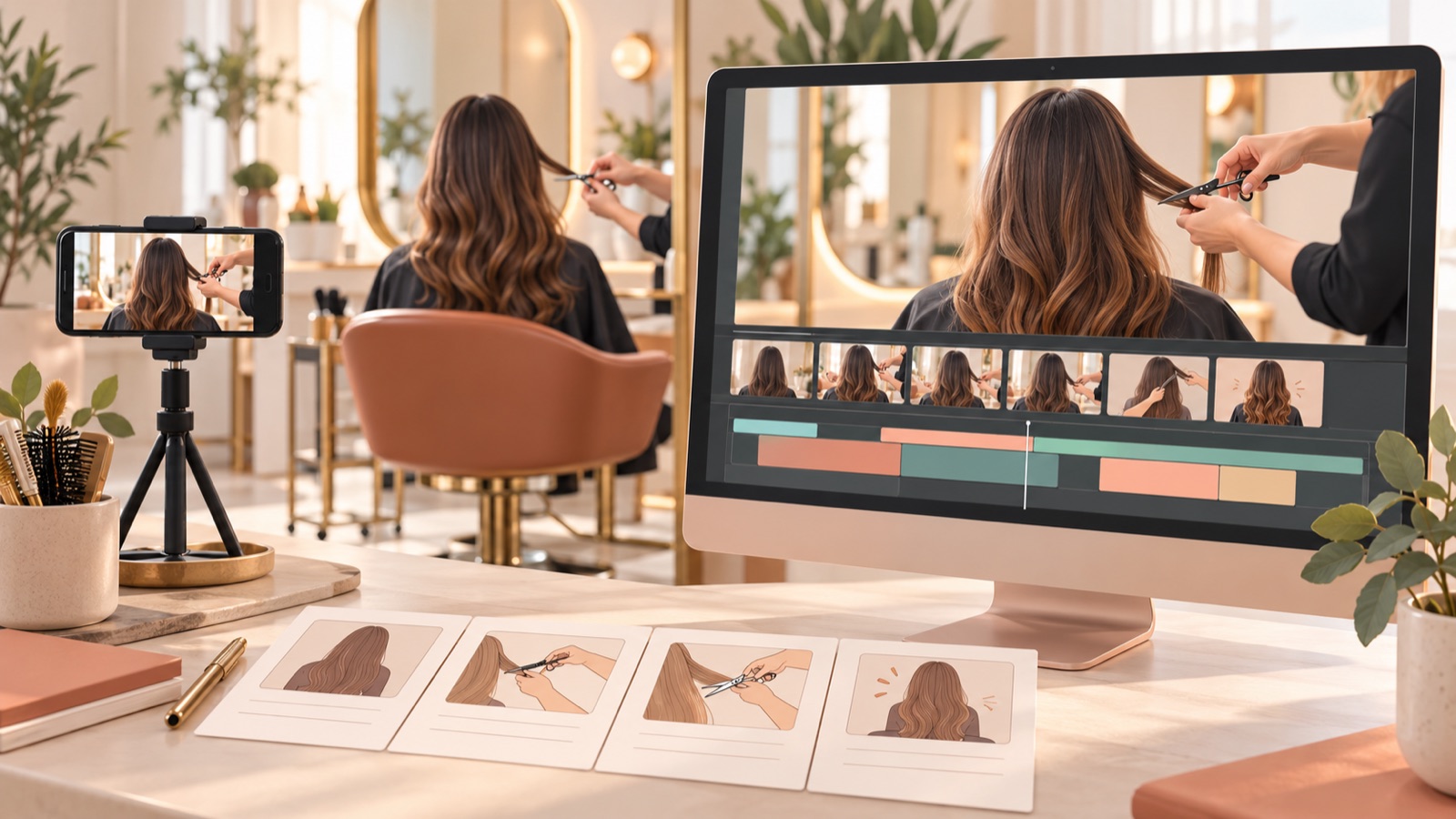
Our recommendations for hair salon video ad tools are based on the photos and footage you already have, the time you can spend editing, and whether you need a Japanese script and voiceover. AdForge is a fit if you need help with the opening scene and the order of your message; Adobe Express suits you if you have already decided which scenes and copy to use. Below are two tools and three production workflows for different working situations. Japan’s hair and beauty industry has also covered video use and beginner-friendly editing apps, but we excluded features and prices mentioned in older articles from the basis for choosing tools today.1
1. AdForge: Build the Structure of a Japanese Ad from a Reference
AdForge is our service, and we run this blog. It is an ad remake app that combines an ad you like with your own product photos, footage, and messaging to create new video and image ads. It suits salon owners who have salon and treatment assets but struggle to decide on an opening scene, the order of their message, or a Japanese script. It uses the reference ad’s hook, progression, visual layout, and call to action as a guide, so you do not have to write the script, shoot footage, or edit the ad yourself. However, you need to review whether the result accurately represents your actual treatment results and services.
Search for and save reference ads in the ad library. Review the analysis of each saved ad’s hook, pacing, cuts, and captions, then choose a structure you can support with your own assets. During production, upload photos and footage you have confirmed you have permission to use, enter the service you want to feature and its selling points, and select Japanese. Adjust the order of information and booking copy in the script and storyboard, then check the resulting narration, captions, and hairstyles. Regenerate only the scenes that need changes, then download the ad. Video ads are paid, and you handle ad uploads, campaign delivery, and performance checks yourself in your existing ad management tools.
2. Adobe Express: Edit Your Prepared Scenes and Copy Yourself
Adobe Express provides video ad templates and tools for editing uploaded footage. Its official guidance explains how to change template colors and assets and download videos.2 It suits marketers who have prepared the treatment segments and Japanese copy they want to show and want to decide the visual layout themselves. Its advantage is that you can refine the presentation while reviewing your prepared assets. Its limitation is that the sources reviewed for this article do not provide enough basis to choose it for automatic Japanese script and narration production.
As a hypothetical example, for a bob haircut ad, first decide the order in which to show the finished side profile, the stylist’s hands during the cut, and the salon interior. Prepare a short piece of Japanese copy for each scene that describes what it shows. Then choose a video ad template, edit your existing footage, change the template’s colors and assets, and download the result.2 This approach fits if you have time to make decisions about scenes and copy. If you have assets but need help starting with the order of your ad’s message, consider beginning with AdForge.
3. Use AdForge and Adobe Express Separately: Create Service and Visit Information Ads
This workflow uses the two tools to create separate ads with different purposes. It suits marketers who want to explain treatment features separately from information about visiting the salon. As a hypothetical example, use actual hair coloring assets and service information in AdForge to create an introductory video in Japanese. In Adobe Express, prepare a separate salon information video using a video ad template and uploaded-footage editing.2 The advantage is that you can narrow down the question each ad answers. The limitation is that you must manage the salon name and booking copy in each output separately.
For the service introduction, include scenes customers need to choose a service. For coloring, select assets that show the actual color; for a haircut, choose the finished silhouette. For visit information, use your own assets, such as the salon exterior and interior. Defining the role of each ad first can reduce repeated explanations. If you only need one initial ad, you can start with a single tool. Choose this combination when you have a reason to create separate treatment and visit information ads.
4. Pre-edit in Adobe Express, Produce in AdForge: Sort Through Long Treatment Footage First
This workflow starts by selecting the parts of a long treatment recording to use in an ad. Adobe Express provides guidance on editing uploaded videos, so it can be used to organize the source footage.2 As a hypothetical example, select segments from a long haircut recording that clearly show the stylist’s hand movements and the finished side profile. Then upload the selected assets to AdForge and create a Japanese ad. The advantage is that you can define which assets to use first. The limitation is the additional time spent editing manually before ad production.
Decide which segments to keep based on their relevance to the service explanation. Exclude segments where the hairstyle is obscured or that are unrelated to the treatment being featured, and briefly note what each asset shows. Add those assets and the service’s selling points to AdForge, then check that the script and storyboard align with what the assets convey. If you already have short, clear treatment clips, you can start production without pre-editing. Deciding first whether the long source footage needs organizing can reduce unnecessary switching between tools.
5. Produce in AdForge, Post-edit in Adobe Express: Trim Unnecessary Parts from the Finished Video
In this workflow, you create an ad in AdForge, then upload the downloaded video to Adobe Express to trim unnecessary segments. It suits marketers who have the ad structure and Japanese voiceover ready and know which parts to remove from the final video. This approach uses Adobe Express’s editing tools for uploaded videos.2 The advantage is that you can review the finished video and decide for yourself which segments to keep. The limitation is that it adds export and re-editing steps, and you need to review the edited result again.
As a hypothetical example, if a hair coloring ad repeats segments showing the same hairstyle, consider using this workflow to trim those segments from the downloaded video. Do not interpret features for changing template colors, icons, and graphics as features for individually replacing elements inside a finished video. If the treatment name is wrong, revise the script in AdForge; if a scene differs from the actual result, regenerate that scene. After post-editing, check that the Japanese explanation and visuals flow naturally together, then download the final file.
Key takeaways
AdForge is a fit if you need help with the structure, script, and voiceover of a Japanese ad; Adobe Express suits you if you want to edit scenes and copy you have already chosen. Complete your first ad around one service for which you have enough real assets, and combine the two tools when you need to organize source footage or trim segments from a finished video.
FAQ
Do I need to write a Japanese script before creating an ad?
In AdForge, you can enter service information and selling points, then revise the AI-generated Japanese script and storyboard. In the finished output, check that the pronunciation of the salon and treatment names, captions, and booking copy match your actual customer information.
Can I start with just salon and hairstyle photos?
AdForge creates new ads from photos, footage, and messaging, so you can start with photos. However, you need to review whether the result accurately represents your actual salon and treatment results. Also confirm usage permissions for any assets featuring customers.
Can I also make videos with AdForge’s free image ads?
The free starter offer includes 12 image ads made with your own product photos. No card registration is required, and the allowance does not replenish. Video ads require a paid plan.
Can I expect good performance if I choose an ad that has been running for a long time?
AdForge shows how many days each ad has been running. However, running time alone does not establish performance. Use it as a reference when choosing an opening scene and message order to apply to your own service.
What should I change when testing variations of my first ad?
As a hypothetical example, prepare two opening scenes for a bob haircut ad: one showing the finished side profile and another showing the treatment in progress. Keeping the rest of the message and booking information the same makes the purpose of the comparison clear. Download the creatives, upload them to your ad account yourself, and check performance in your existing ad management tools.
Make your next ad with AdForge
AdForge (ad-forge.io) is an ad remake app: pick an ad you like and rebuild it as a video or image ad for your own product. Find references in the Meta and TikTok ad libraries, let AdForge write the script, AI narration and captions, then review and download. Every account starts with 12 free image ads.